Integrations
The homepage names Stripe, GetYourGuide, Booking.com, Agoda and RVshare as trusted partners, but does not describe how these connect inside the product.
AI trip planner that builds day-by-day itineraries and keeps the whole group aligned

Travelscape turns a plain-language trip description into a day-by-day itinerary with hotels, dining and activities, then adds group voting, shared budgets, live destination updates and a traveler community around it.
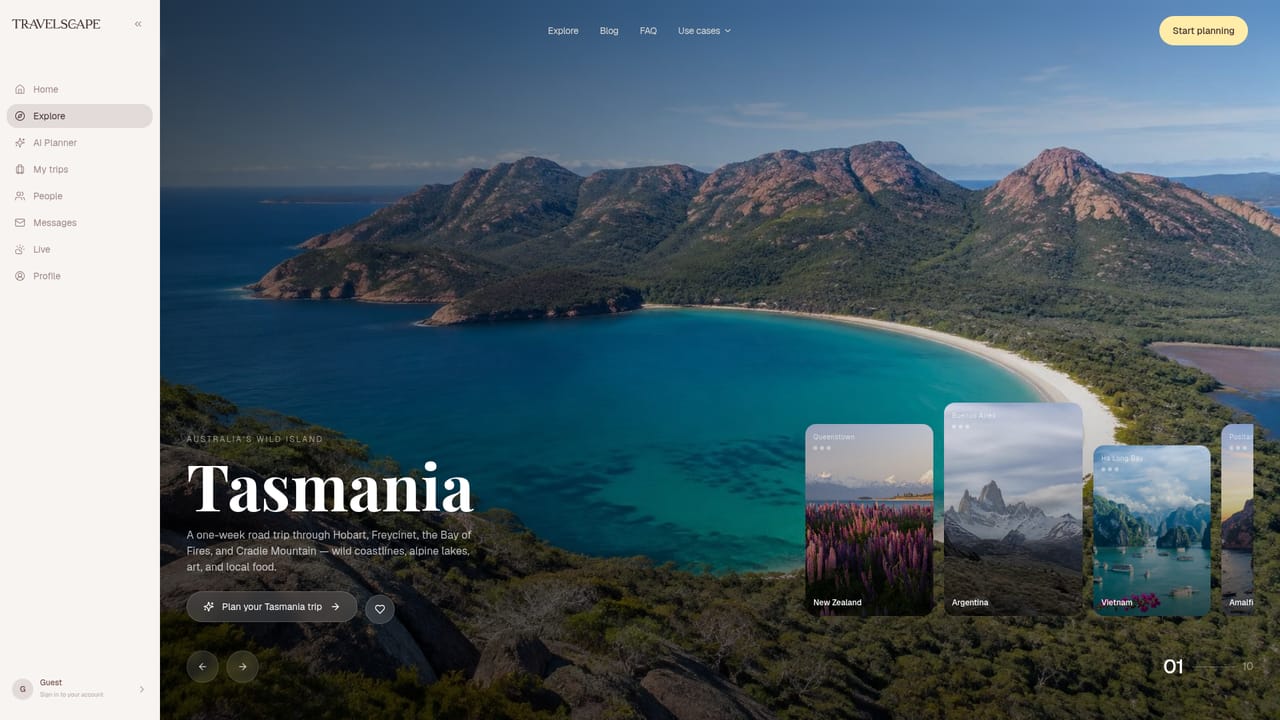
Travelscape is an AI trip planner built around a simple observation: most people burn ten or more hours researching a destination before they book a single thing. The product compresses that research phase into a conversation. You describe where you want to go, the kind of experience you are after, and what you want to spend, or you start with nothing at all and let the assistant ask questions. What comes back is a day-by-day itinerary with hotels, restaurants, landmarks and activities organized around your budget and travel style. The itinerary is not a fixed document. Every stop can be swapped, saved or removed, and a running total tracks what the trip costs as you edit. That editing layer is where Travelscape separates itself from a generic chat assistant: recommendations are grouped by day, mapped, and priced rather than dumped as prose. Group travel gets equal weight. You can invite friends into a trip, vote on hotels and activities, chat in a single thread, and split a shared budget automatically. Live destination intelligence feeds weather, local events and nearby discoveries into the same screen, and the plan stays usable offline once you are on the road. A community layer lets travelers publish itineraries, browse trips others have taken, and find people heading to the same place. Travelscape suits casual planners who want a first draft fast, friend groups coordinating a shared trip, and solo travelers who value the social and in-destination side as much as the planning itself. It overlaps with itinerary builders and trip-spreadsheet templates, but bundles AI drafting, group voting and community discovery into one product. Travelers who want deep price comparison or direct booking flows should treat it as a planning layer and book elsewhere.
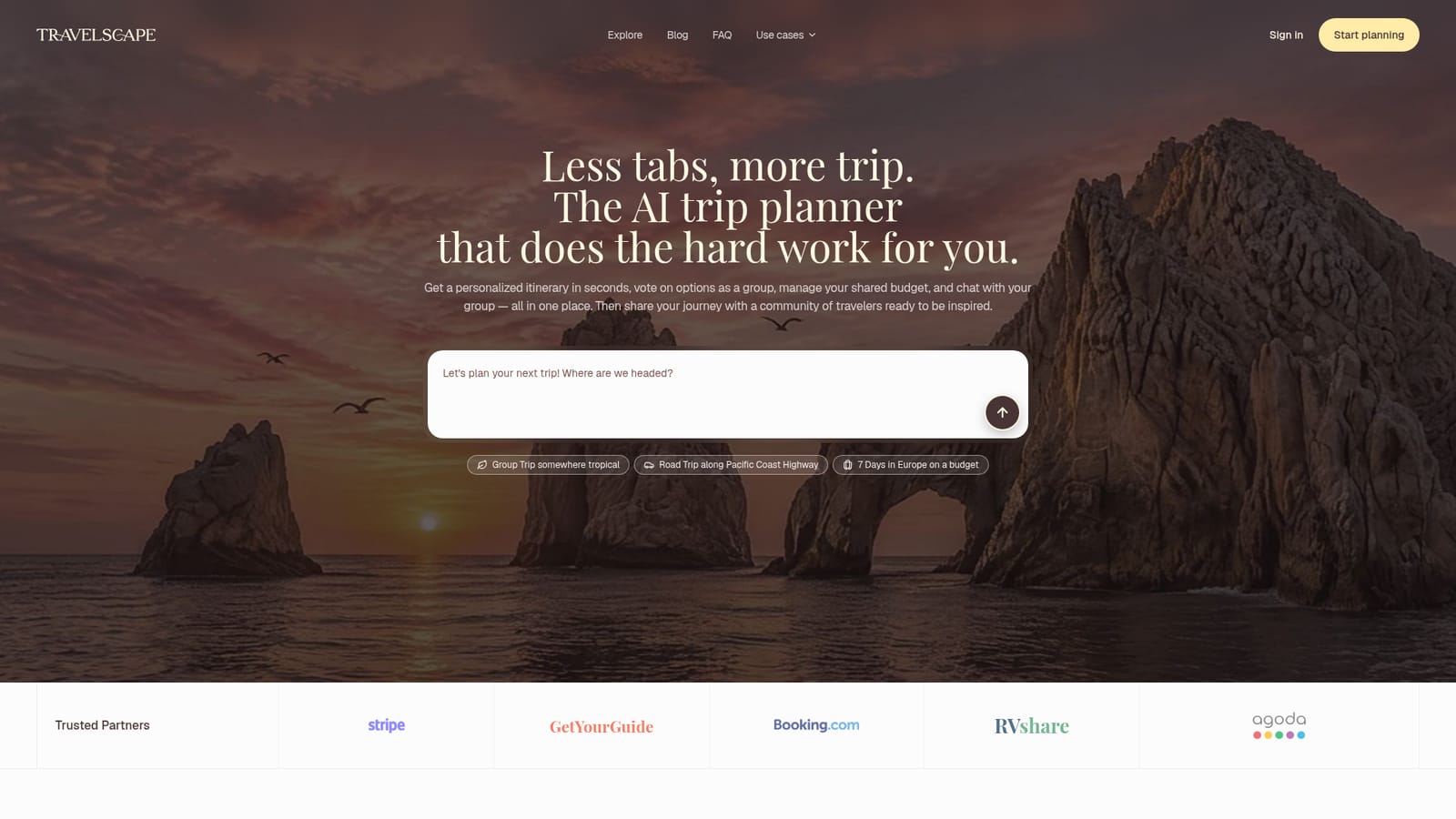
The homepage names Stripe, GetYourGuide, Booking.com, Agoda and RVshare as trusted partners, but does not describe how these connect inside the product.
AI itineraries built from a natural conversation, organized by day with hotels, dining and experiences you can edit stop by stop. Group planning adds real-time collaboration, voting on options, one shared chat and a split budget. Live destination intelligence covers weather, events, restaurants and nightlife. A community layer lets travelers publish itineraries, explore trips by style and length, and find people near them or at their destination.
 AI Angels400+ customizable AI girlfriends for NSFW chat, voice calls, and roleplay
 Candy AIExperience the future of companionship with AI friends who chat, role-play, and connect with you on a human level.
 ourdream.aiA vast AI roleplay platform with millions of characters for chat, images, video and voiceAI Angels400+ customizable AI girlfriends for NSFW chat, voice calls, and roleplayCandy AIExperience the future of companionship with AI friends who chat, role-play, and connect with you on a human level.ourdream.aiA vast AI roleplay platform with millions of characters for chat, images, video and voice