Trellus

Power and parallel dialing with live AI coaching inside your CRM

Beginner API
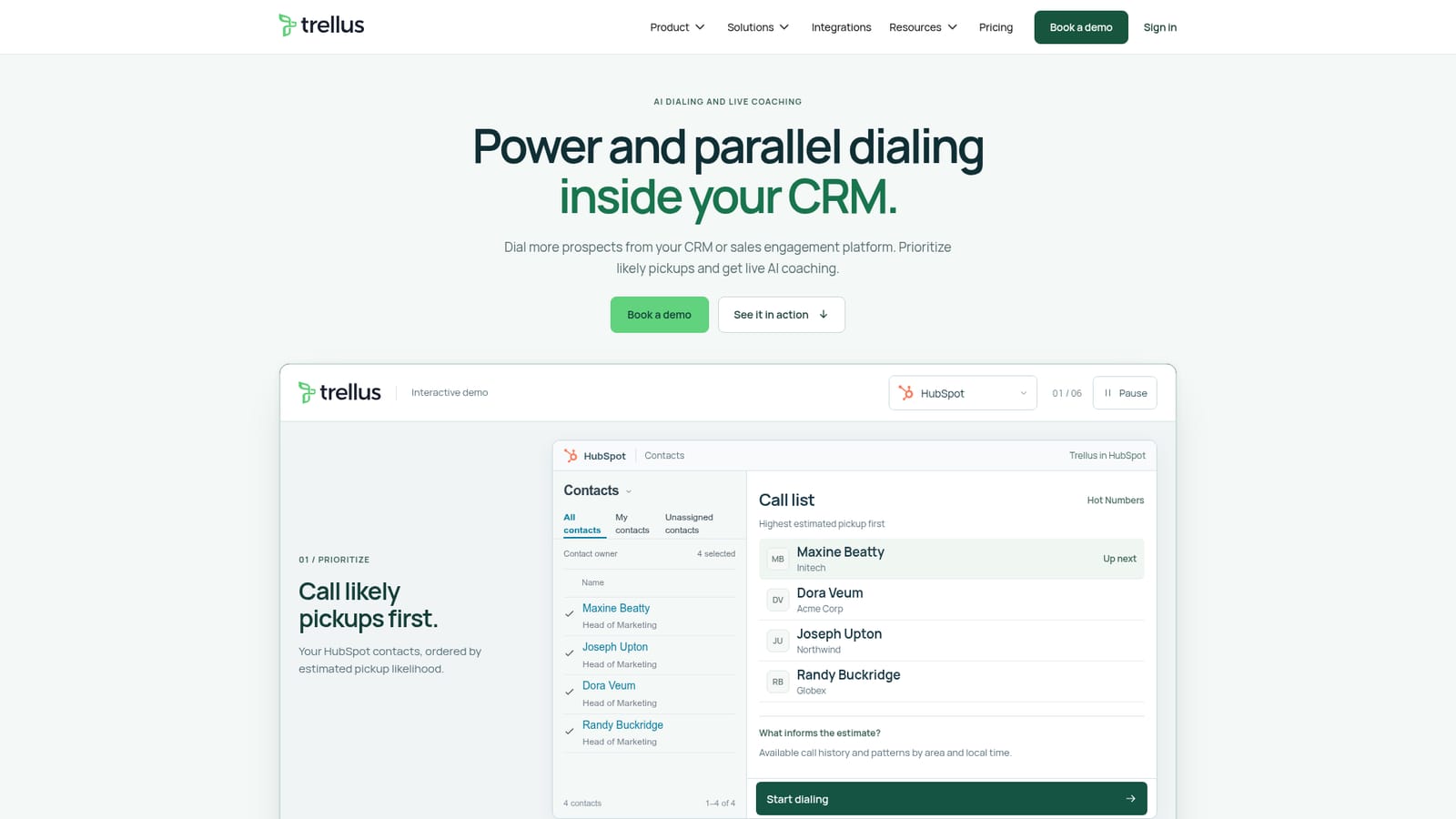
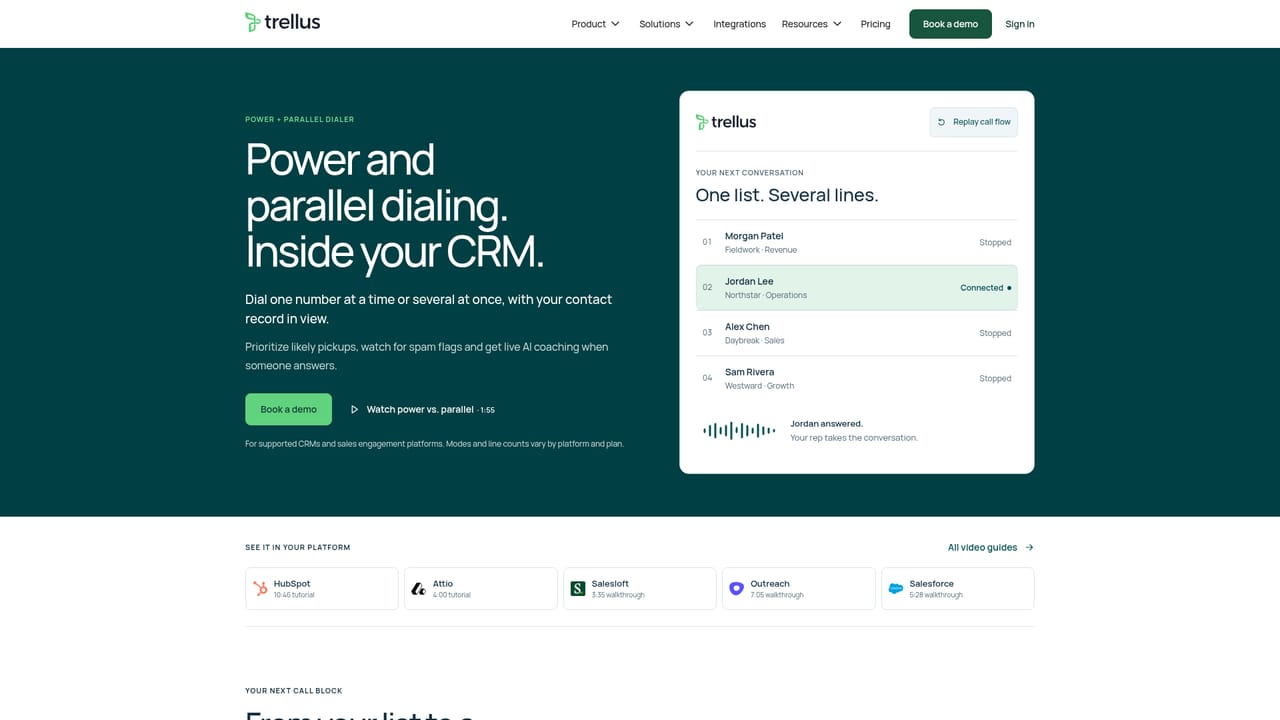
Screenshot of Trellus, Power and parallel dialing with live AI coaching inside your CRM

What is Trellus?

Trellus is an AI calls tool. Trellus adds power and parallel dialing, pickup prediction, live AI coaching, practice bots, a shared Salesfloor and call analytics to supported CRMs and sales engagement platforms, with workflows for B2B SaaS, insurance and real estate teams.

Trellus is a calling layer that sits on top of a sales team's existing CRM or sales engagement platform. Rather than replacing the system of record, it adds power and parallel dialing, pickup prediction, live AI guidance and call review to the place reps already work. A rep opens a contact list in HubSpot or another supported platform, Trellus orders the list and works through it, and each outcome lands back in the CRM. The dialer comes in two modes. Power dialing walks contacts one at a time, while parallel dialing places up to several calls at once and hands the rep the first live answer. Hot Numbers ranks eligible contacts by estimated pickup likelihood, drawing on available call history and patterns by area and local time. Around that core sit number-health tools: smart caller ID picks the best available number, local matching targets the prospect's area code, and auto-rotate cycles through an eligible number pool. Teams can also drop saved voicemail recordings on eligible parallel calls and play recorded introductions to supported phone screeners. Coaching runs before, during and after the conversation. Live coaching surfaces suggested replies to objections and questions while the call is in progress, and transcripts are available for review afterward. Practice bots let reps rehearse openers and objections against a configured buyer persona and receive specific feedback. The Salesfloor puts a team in a shared room where managers see who is connected, listen live and coach through room chat. Managers can compare call volume, outcomes and rep performance, then open a recording, transcript and notes. Trellus is built for outbound sales teams, with dedicated workflows for B2B SaaS prospecting and handoffs, insurance quotes and renewals, and real estate inquiry follow-up. It also exposes call data through MCP so an AI assistant can answer questions about call counts, talk time and rep breakdowns. That places it closer to dialer add-ons like Nooks or Orum than to full sales engagement suites; the depth of dialing modes and saved results varies by platform, so checking the integration page first matters.

How do you use Trellus?

  1. 1Check platform support in the integrations directory
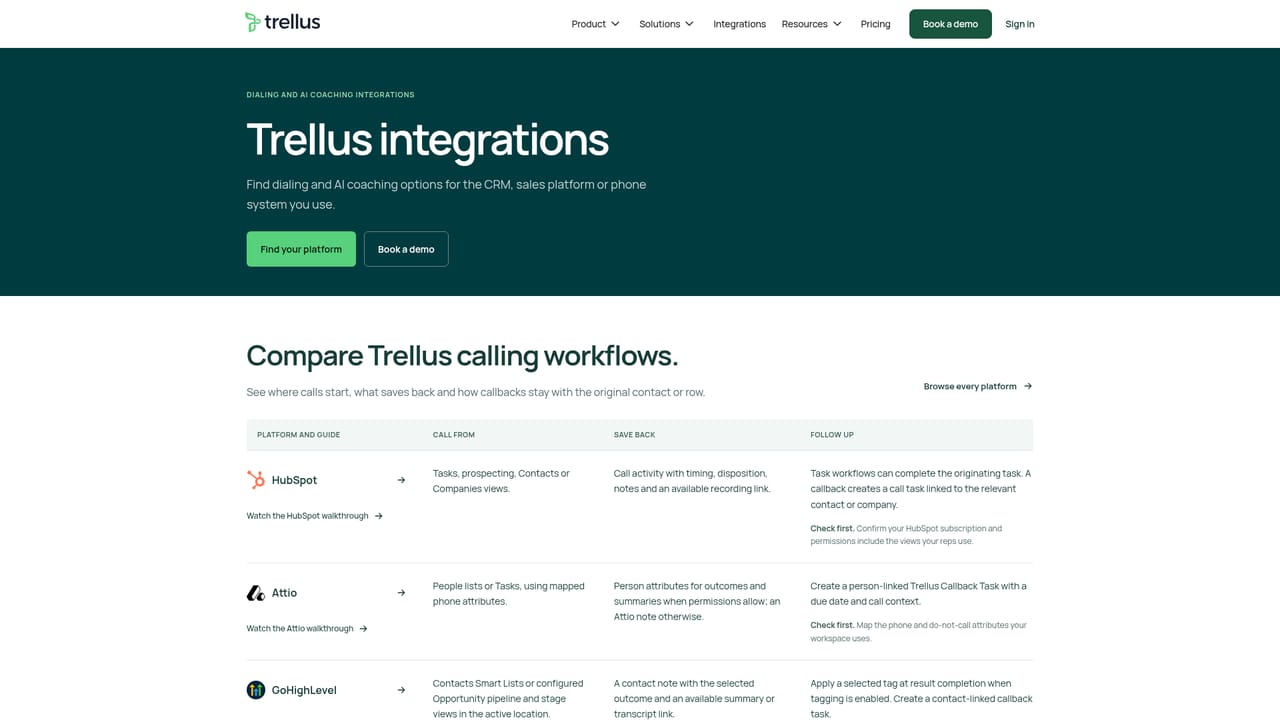
    Confirm your CRM or sales engagement tool appears in the integrations list and note which calling surfaces and dialing modes it supports before you commit time to setup.
    Trellus — Check platform support in the integrations directory
  2. 2Install the Chrome extension and sign in
    Trellus runs as a Chrome extension. Install it, sign in to your Trellus account and follow the setup guide for your specific platform.
    Trellus — Install the Chrome extension and sign in
  3. 3Explore the product tour with sample data
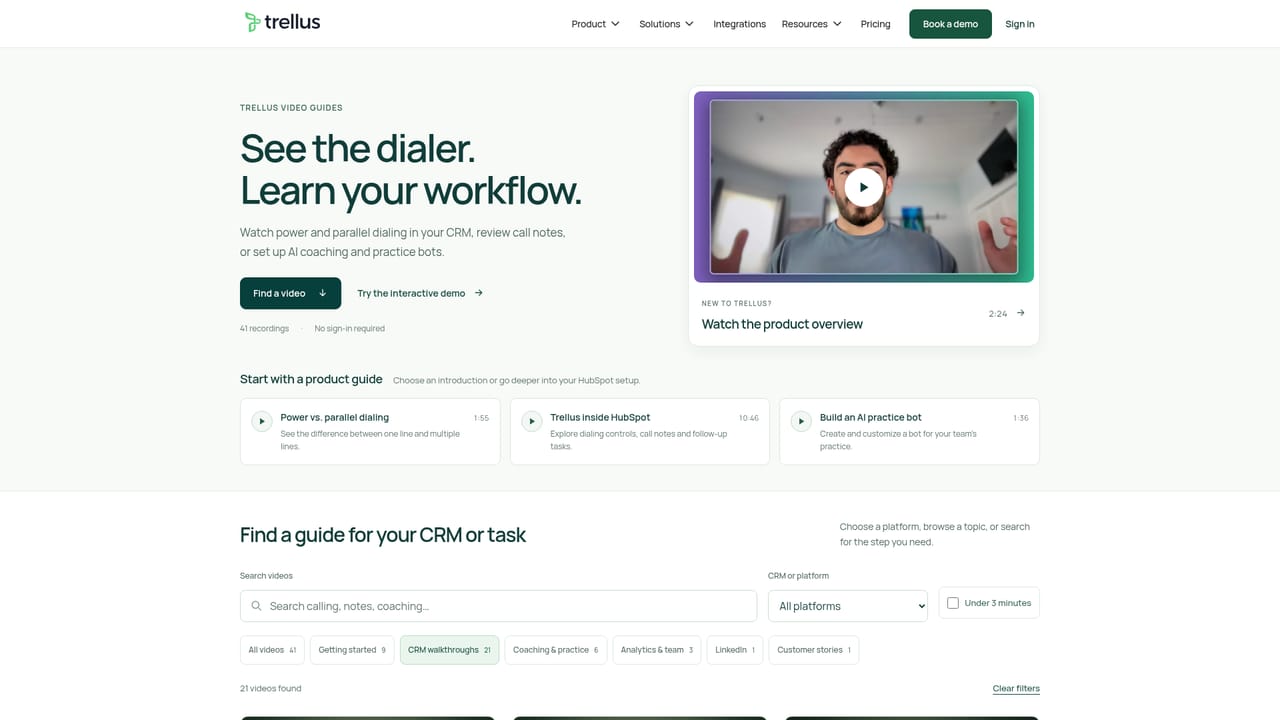
    The interactive tour walks through dialing, coaching, call notes, Salesfloor, practice bots and team insights without placing real calls or changing your CRM.
    Trellus — Explore the product tour with sample data
  4. 4Test your audio before the first call block
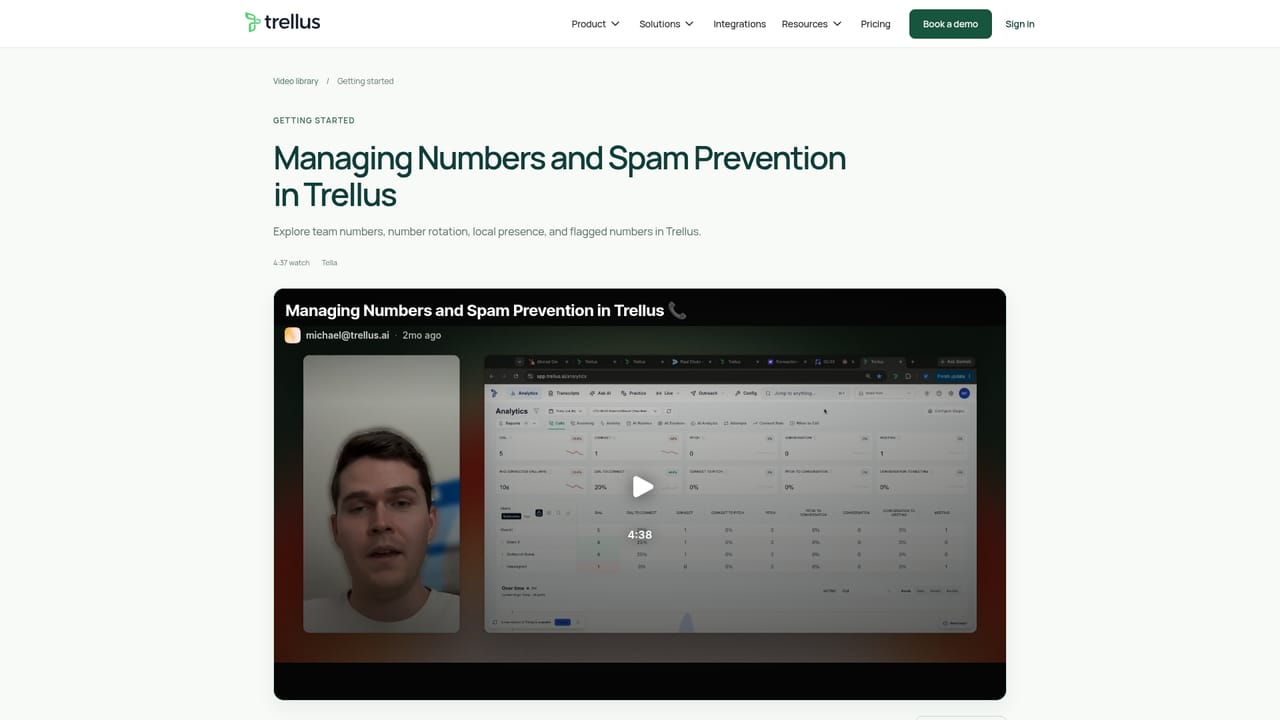
    Check your microphone and headset and make a test call to confirm the setup works, then review caller ID options and number health in Number Management.
    Trellus — Test your audio before the first call block
  5. 5Choose a dialing mode and work the call list
    Sort contacts by estimated pickup with Hot Numbers, then pick power dialing for one line at a time or parallel dialing to reach a live answer faster.
    Trellus — Choose a dialing mode and work the call list
  6. 6Coach the team and query call data
    Run calls together in the Salesfloor for live coaching, then connect your AI assistant through MCP to pull call counts, talk time and rep breakdowns.

Pros and cons

Pros

  • Supplements the CRM rather than replacing it, so contacts, notes and outcomes stay in one systemAI
  • Parallel dialing with saved voicemail drops and screener introductions cuts time spent on unanswered callsAI
  • Live coaching during the call plus transcript review afterward covers both in-the-moment and post-call learningAI
  • Practice bots and the Salesfloor give managers tools for onboarding and coaching without extra toolingAI
  • Call data is reachable through MCP, letting an AI assistant answer simple performance questionsAI

Cons

  • Feature depth is uneven across platforms: dialing modes and how results save can differ by integrationAI
  • Parallel dialing raises compliance questions around consent and call abandonment that the site does not addressAI
  • Saved voicemail and screener playback depend on eligible calls placed through Trellus numbersAI
  • The tool is aimed squarely at outbound sales, with little value for inbound-heavy or non-selling teamsAI
  • No public pricing figures on the homepage, so cost has to be established through a sales conversationAI

How much does Trellus cost?

Integrations

The demo form lists Salesloft, Outreach, Apollo, HubSpot, Salesforce, Google Sheets, GoHighLevel, Amplemarket, Zoho, Gong engage, Openphone, Clay, Unify, Close, Lemlist and Attio. Calling surfaces and saved results differ by platform.

Learn more

Features

Power and parallel dialing, Hot Numbers pickup prediction, smart caller ID with local matching and rotation, saved voicemail drops, screener introductions, live AI coaching with suggested replies, transcripts and call review, AI practice bots, a shared Salesfloor with live listening and room chat, team call analytics, and MCP access to call data.

Learn more

Frequently asked questions about Trellus

  • Does Trellus have an API?
    Yes, Trellus offers an API.
  • How do you use Trellus?
    The walkthrough on this page covers 6 steps: 1. Check platform support in the integrations directory 2. Install the Chrome extension and sign in 3. Explore the product tour with sample data 4. Test your audio before the first call block 5. Choose a dialing mode and work the call list 6. Coach the team and query call data.
  • What platforms does Trellus support?
    Trellus is available on Browser extension and Web App.
  • What does Trellus integrate with?
    The demo form lists Salesloft, Outreach, Apollo, HubSpot, Salesforce, Google Sheets, GoHighLevel, Amplemarket, Zoho, Gong engage, Openphone, Clay, Unify, Close, Lemlist and Attio. Calling surfaces and saved results differ by platform.
  • What are the limitations of Trellus?
    Feature depth is uneven across platforms: dialing modes and how results save can differ by integration. Parallel dialing raises compliance questions around consent and call abandonment that the site does not address. Saved voicemail and screener playback depend on eligible calls placed through Trellus numbers.

Status

StatusActive
Views0
Outbound clicks0
Added10/21/2026

Platforms

Browser extensionWeb App

Pricing

PaidSubscription