Free trial
No time-limited trial is described. Instead, signing in with Google grants 20 free credits and a daily check-in adds further free credits, which is enough to test the editor before paying.
Learn morePrompt-based photo editing in the browser, no watermark
Own Try AI Editor? Verify ownership to get a dofollow link

Try AI Editor is an AI image upscaler tool. A browser-only AI photo editor that applies edits from plain-English prompts. Handles background removal, object removal, style transfer, restoration and upscaling across a catalog of selectable models, with free sign-in credits and watermark-free downloads.
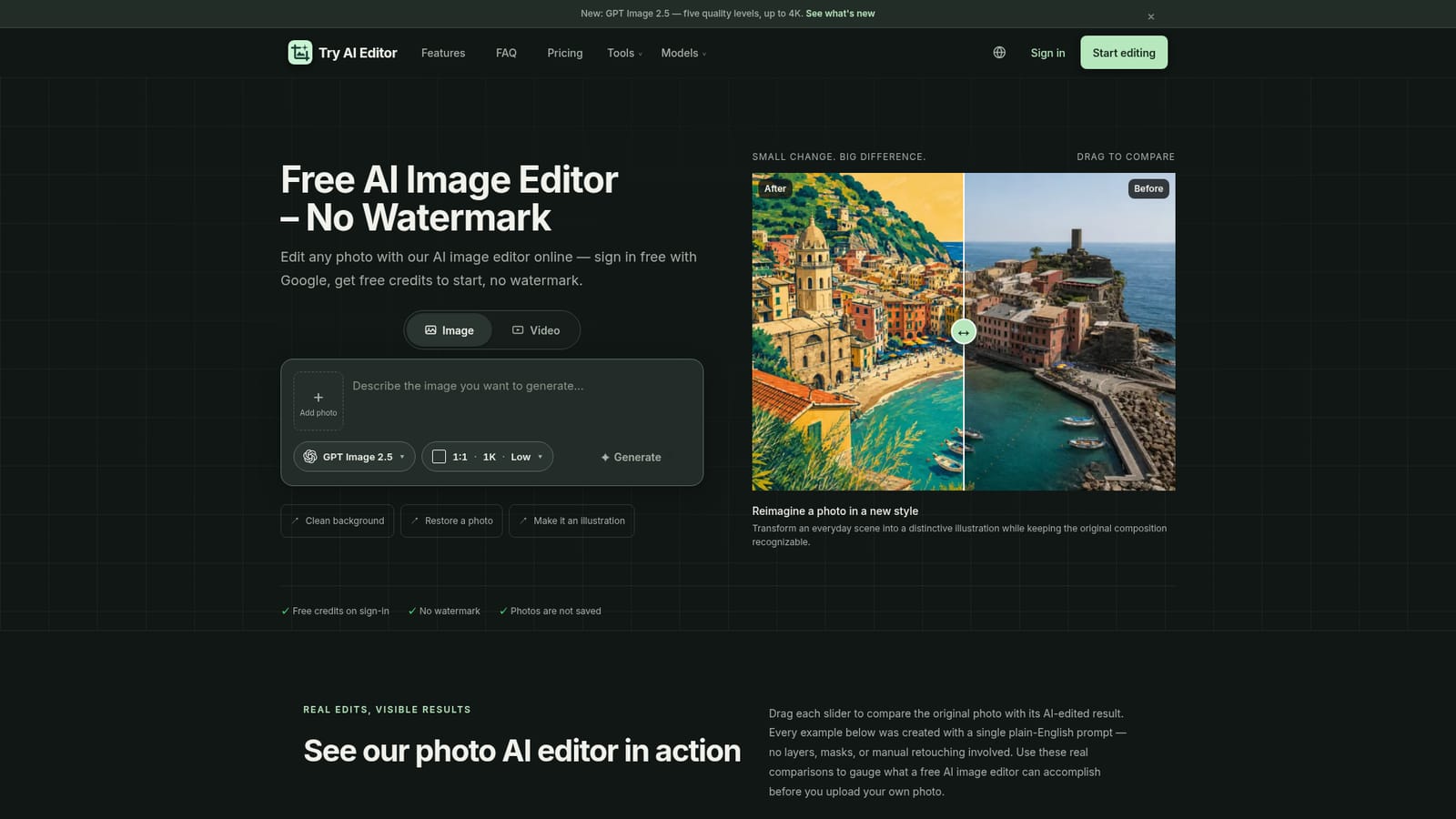
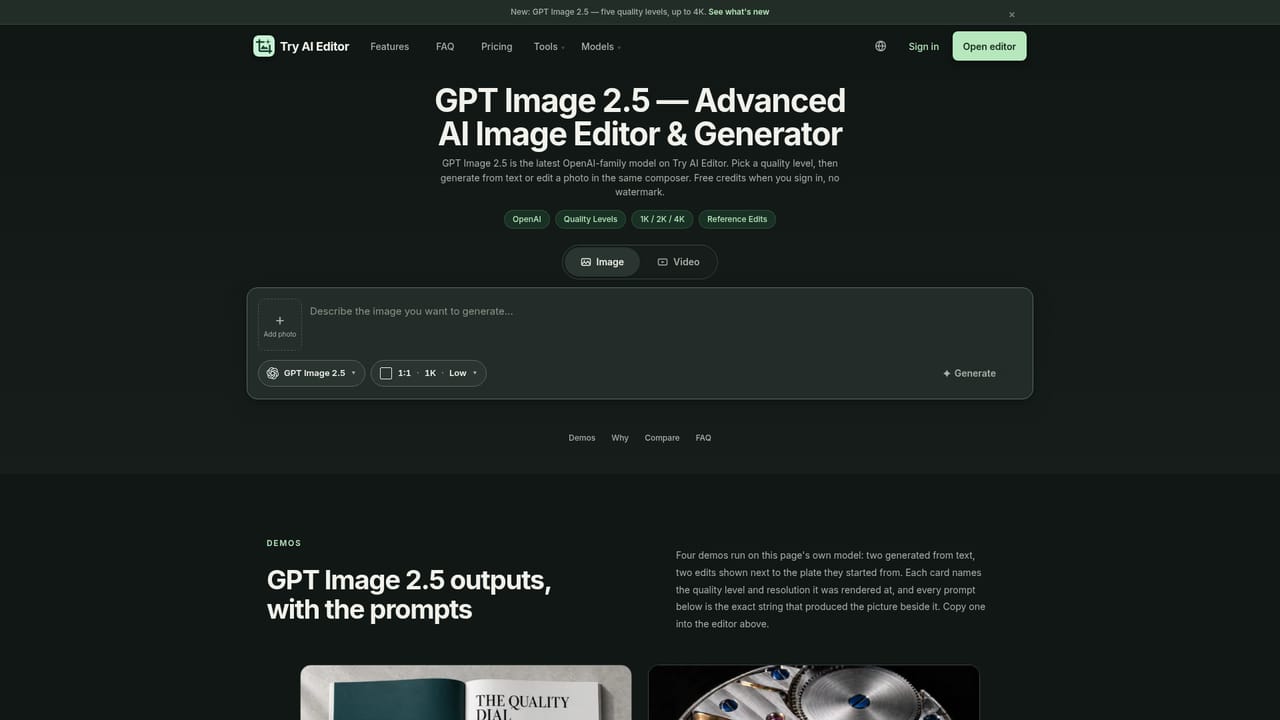
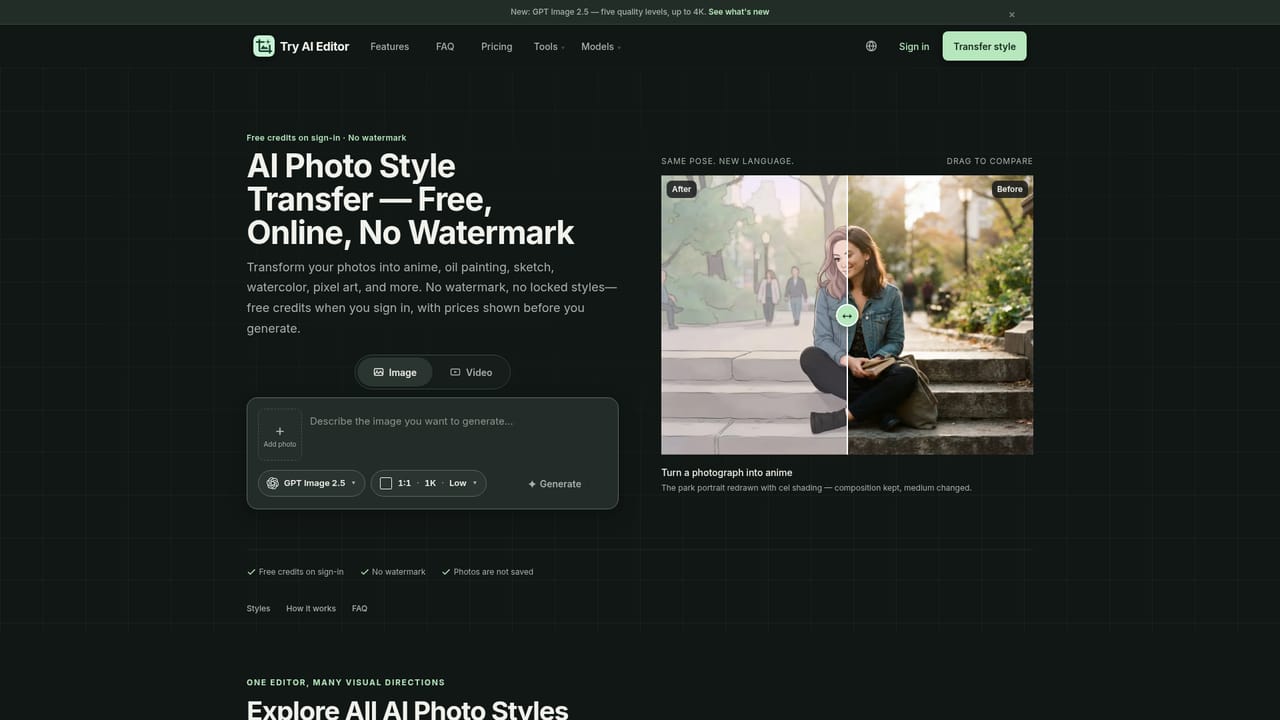
Try AI Editor is a browser-based image editor that replaces layers, masks and manual retouching with a single written instruction. A photo is uploaded, the desired change is described in plain English, and the underlying image model returns an edited result. The workflow covers practical jobs such as background removal, object erasure, upscaling and old photo restoration, plus creative work like style transfer and reimagining a scene. Accepts JPG, PNG and WebP files up to 10MB, and returns a clean PNG without a watermark. The tool is aimed at people who need a usable image quickly and do not want to learn a creative suite: marketplace sellers cleaning up product shots, families repairing damaged photographs, social media users producing stylized visuals, and small teams making ad or catalog stills. It runs entirely in the browser on phone, tablet or desktop, so no install is required. Behind the composer sits a catalog of third-party image models rather than a single engine. GPT Image 2, GPT Image 2.5 (five quality levels at 1K, 2K or 4K), several Nano Banana tiers, Seedream 5 Lite, 5 Pro and 4.5 are exposed as separate pages, each opening the same editor with that model preselected. Every row lists its credit cost and rough generation time before a job is run. Video families (Kling, MiniMax, Seedance, Veo, Gemini Omni) share the same composer. Access is credit-based. Signing in with Google grants 20 free credits and a daily check-in adds more; paid monthly or yearly refills and one-time packs are optional. Uploads are not saved or archived by the service, though a third-party image provider processes them temporarily to complete the edit. Compared with single-purpose tools such as remove.bg, Try AI Editor bundles many edit types and model choices into one interface, at the cost of a credit system the user has to monitor.
No time-limited trial is described. Instead, signing in with Google grants 20 free credits and a daily check-in adds further free credits, which is enough to test the editor before paying.
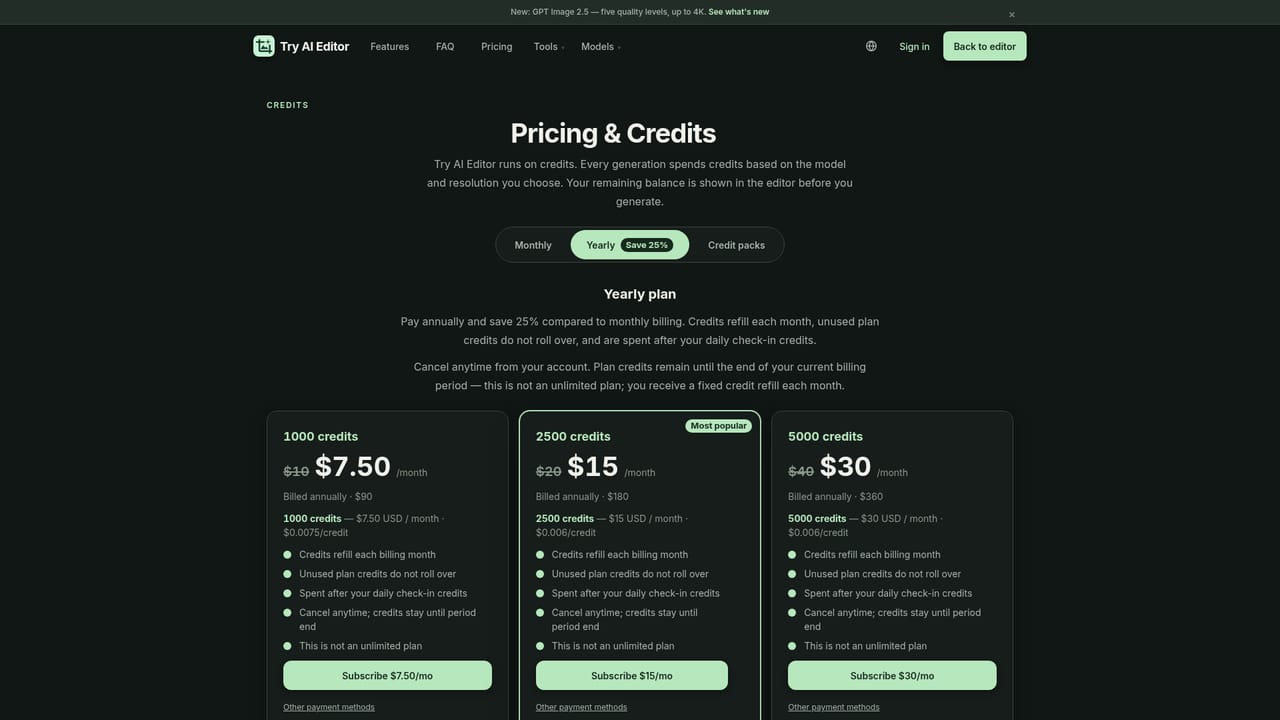
Learn moreCredit-based with 20 free credits on sign-in and daily check-in credits. Monthly plans: 1000 credits $10, 2500 credits $20, 5000 credits $40. Yearly billing saves 25 percent ($7.50, $15, $30 per month equivalent). One-time packs start at $5 for 200 credits and expire after 6 months; unused plan credits do not roll over.
Learn morePrompt-driven editing of uploaded photos: background and object removal, photo restoration, style transfer, upscaling and creative reimagining. Users pick among GPT Image 2 and 2.5, Nano Banana tiers, Seedream 5 Lite, 5 Pro and 4.5, with resolution and quality options up to 4K, and the same composer also runs Kling, MiniMax, Seedance, Veo and Gemini Omni video models.
 AI Angels400+ customizable AI girlfriends for NSFW chat, voice calls, and roleplay
 Candy AIExperience the future of companionship with AI friends who chat, role-play, and connect with you on a human level.
 ourdream.aiA vast AI roleplay platform with millions of characters for chat, images, video and voiceAI Angels400+ customizable AI girlfriends for NSFW chat, voice calls, and roleplayCandy AIExperience the future of companionship with AI friends who chat, role-play, and connect with you on a human level.ourdream.aiA vast AI roleplay platform with millions of characters for chat, images, video and voice