Free trial
A free plan is available with no credit card required, limited to standard 1k resolution images carrying a Visoid watermark. Device and browser access happens through the web app.
Learn moreAI rendering for architects that keeps your model geometry intact

Visoid is a building elevation tool. Architect focused AI renderer that turns SketchUp, Revit, Rhino, Archicad and Miro models into 2k to 4k stills and video in minutes, without altering the underlying geometry. Plugin based workflow, free watermarked tier, team and enterprise plans.
Visoid is a browser based rendering tool built specifically for architects. It takes an existing 3D model, or a plain viewport capture, and returns a finished architectural visual in minutes rather than days. The company's core promise is that the geometry stays yours: Visoid does not reinterpret or redraw the building, so massing, proportions and openings survive the render unchanged. That distinction matters to practices that have been burned by general purpose image generators inventing windows or softening a facade. The workflow is deliberately narrow. Models come in from SketchUp, Revit, Rhino, Archicad or Miro through dedicated plugins, and the render comes back without texture libraries, model libraries or a lighting rig to configure. The site positions this as rendering inside the design process rather than after it: massing studies, volume checks, material comparisons and site context tests done while there is still room to change direction. Moodboard references and Google Maps placement push the output toward a specific atmosphere or a real location, and video export turns the same scene into motion for presentations. Users are architects and design teams, from students and sole practitioners up to large practices. Sweco Architects, Nordic Office of Architecture, OMA, Saraiva + Associados and others appear as references, and the team states the product was developed by architects. The freemium ladder scales with resolution and volume: 1k watermarked output on the free tier, 2k plus video on Pro, 4k and the 3D suite on Premium, shared credit pools for teams, and SSO with custom models at enterprise level. Where Visoid sits among alternatives is the interesting part. General AI image tools are cheaper and broader but tend to drift from the model. Traditional visualization studios deliver more polish but on a slow cycle and a per image budget. Visoid occupies the middle: faster than a studio, more faithful than a generic generator, and aimed at the early and mid stage decisions where speed beats final frame quality.

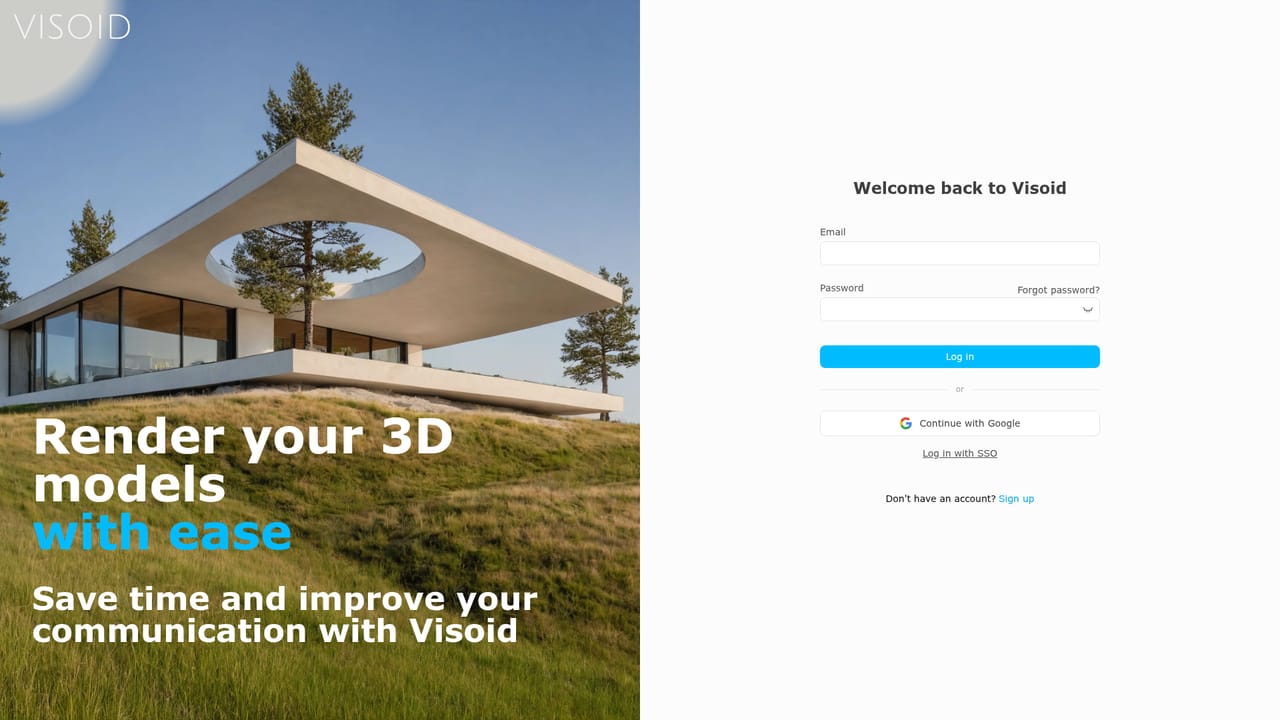
A free plan is available with no credit card required, limited to standard 1k resolution images carrying a Visoid watermark. Device and browser access happens through the web app.
Learn moreFree tier at $0 with watermarked 1k renders. Pro at $29 monthly or $15 monthly billed annually for 500 credits, 2k output and video. Premium at $79 or $39 annual for 2000 credits, 4k and the 3D suite. Team from $59 per user per month annually with shared credits, and enterprise by quote. Educational license at $19 monthly or $10 annual.
Learn morePriority support and dedicated onboarding and training are listed as enterprise features. Public self serve documentation is not described on the homepage.
Plugins for SketchUp, Revit, Rhino, Archicad and Miro send models directly to the renderer. Google Maps supplies real site context. No other integrations are described on the homepage.
Plugin driven rendering for SketchUp, Revit, Rhino, Archicad and Miro. Produces stills up to 4k and video export, with moodboard references, material comparisons and Google Maps site context. The company claims cuts of up to 90 percent in visualization time. 3D suite access and the newest features arrive on Premium, while shared credit pools and centralized management come with Team.
 AI Angels400+ customizable AI girlfriends for NSFW chat, voice calls, and roleplay
 Candy AIExperience the future of companionship with AI friends who chat, role-play, and connect with you on a human level.
 ourdream.aiA vast AI roleplay platform with millions of characters for chat, images, video and voiceAI Angels400+ customizable AI girlfriends for NSFW chat, voice calls, and roleplayCandy AIExperience the future of companionship with AI friends who chat, role-play, and connect with you on a human level.ourdream.aiA vast AI roleplay platform with millions of characters for chat, images, video and voice


