Support
Support runs through support@tunk.ai and a contact page, with a docs area, a blog and a security and trust center also published on the site.
Learn moreVoice AI agents you describe in plain English, deployed on real phone lines

Tunk is an AI calls tool. Tunk (ANCHOR) builds voice AI agents from plain English and runs them on real phone lines, with inbound and outbound calls, a Twilio or Plivo cloud dialer, mid-call API and CRM actions, post-call scoring and real-time speech to text.
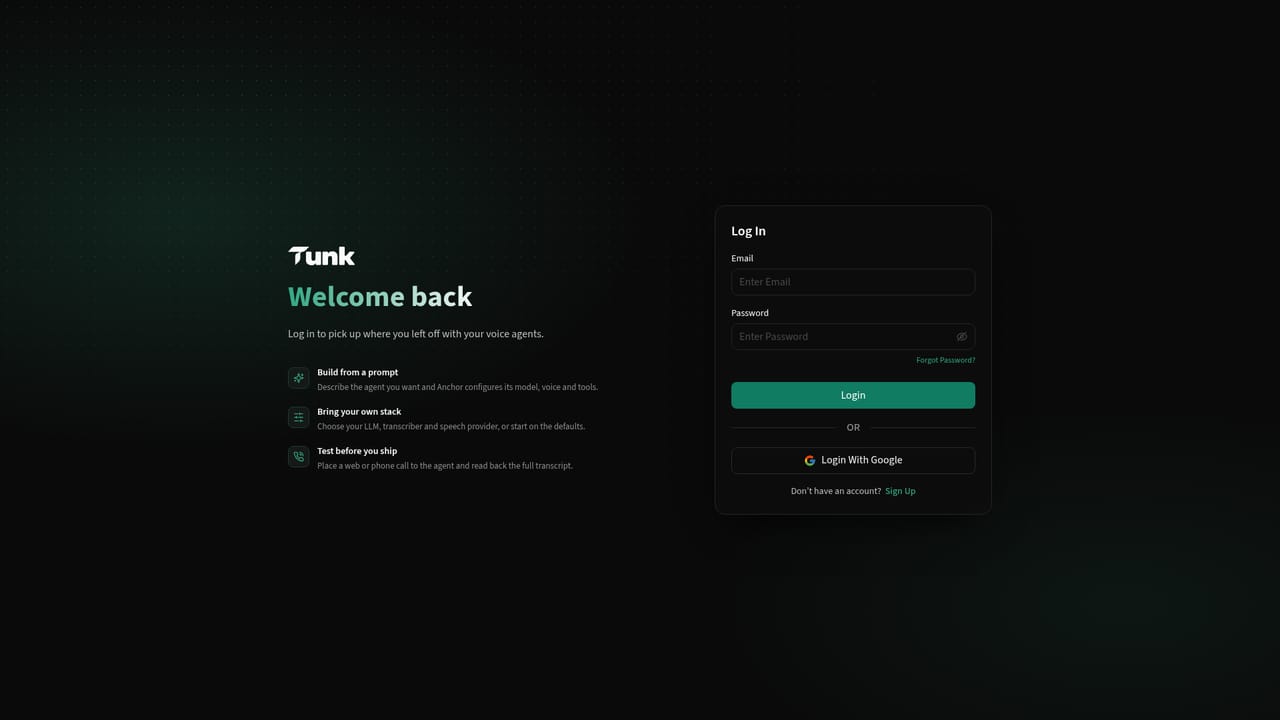
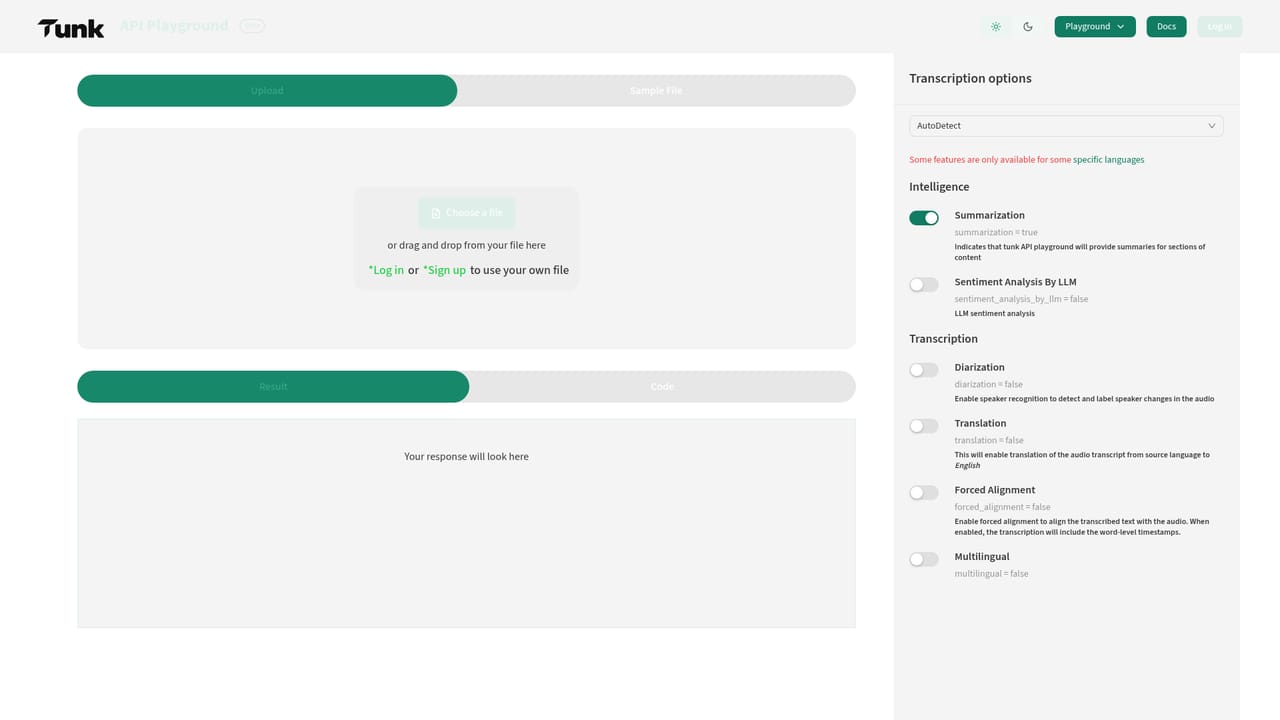
Tunk is a voice AI platform built around ANCHOR, an agent builder that turns a plain English description into a working phone agent. Instead of assembling prompts, voices and call logic by hand, you write what the agent should do, who it talks to and what a good call looks like, and ANCHOR configures the voice, prompts, knowledge and call flow. The same account covers inbound support lines, outbound sales campaigns and telephony automation, with each agent reachable through a phone number, inside an app, or over an API. The product spans more than conversation. A cloud dialer connects through Twilio or Plivo so an agent can work through a campaign list at whatever volume you run, with the queue as the main operational task. Agents can call your own endpoints mid-call to book appointments, look up records or update a CRM, then write the outcome back to Salesforce, HubSpot or Zoho. When a call ends it returns scored on sentiment, intent and outcome, so you can filter for the conversations that went badly and listen only to those. Speech to text runs across dozens of languages and accents and returns transcripts while the caller is still speaking. Underneath sit six subsystems: the call flow engine that decides what happens next, a centralized knowledge base drawn from your own documents, tools and actions for reaching into your systems, a hub that manages every assistant and number from one configuration, a workflow engine for branching and escalation, and call records that hold transcripts, costs and outcomes. Model choice is swappable between OpenAI, Azure or your own, and token caps per response keep latency and spend predictable. Tunk fits teams replacing a first-line support desk or a manual outbound dialing operation, and developers who want the whole voice stack behind an API rather than stitched together from separate vendors. It competes with voice agent platforms and standalone transcription APIs, and leans toward enterprises that need CRM write-back and campaign-level reporting, not hobby tinkering.
Support runs through support@tunk.ai and a contact page, with a docs area, a blog and a security and trust center also published on the site.
Learn moreConnectivity to Salesforce, HubSpot and Zoho for outcome write-back, Twilio and Plivo for telephony, OpenAI and Azure as model providers, and Deepgram, Azure, ElevenLabs, Polly and Chirp across transcription and voice.
Learn moreANCHOR agent builder from plain English descriptions, inbound and outbound call handling, Twilio and Plivo cloud dialer for campaigns, mid-call API calls and CRM write-back, per-call sentiment, intent and outcome scoring, real-time speech to text across dozens of languages, swappable model providers, a centralized knowledge base, token caps per response, and workflow rules for branching and escalation.
Learn more AI Angels400+ customizable AI girlfriends for NSFW chat, voice calls, and roleplay
 Candy AIExperience the future of companionship with AI friends who chat, role-play, and connect with you on a human level.
 ourdream.aiA vast AI roleplay platform with millions of characters for chat, images, video and voiceAI Angels400+ customizable AI girlfriends for NSFW chat, voice calls, and roleplayCandy AIExperience the future of companionship with AI friends who chat, role-play, and connect with you on a human level.ourdream.aiA vast AI roleplay platform with millions of characters for chat, images, video and voice


