Free trial
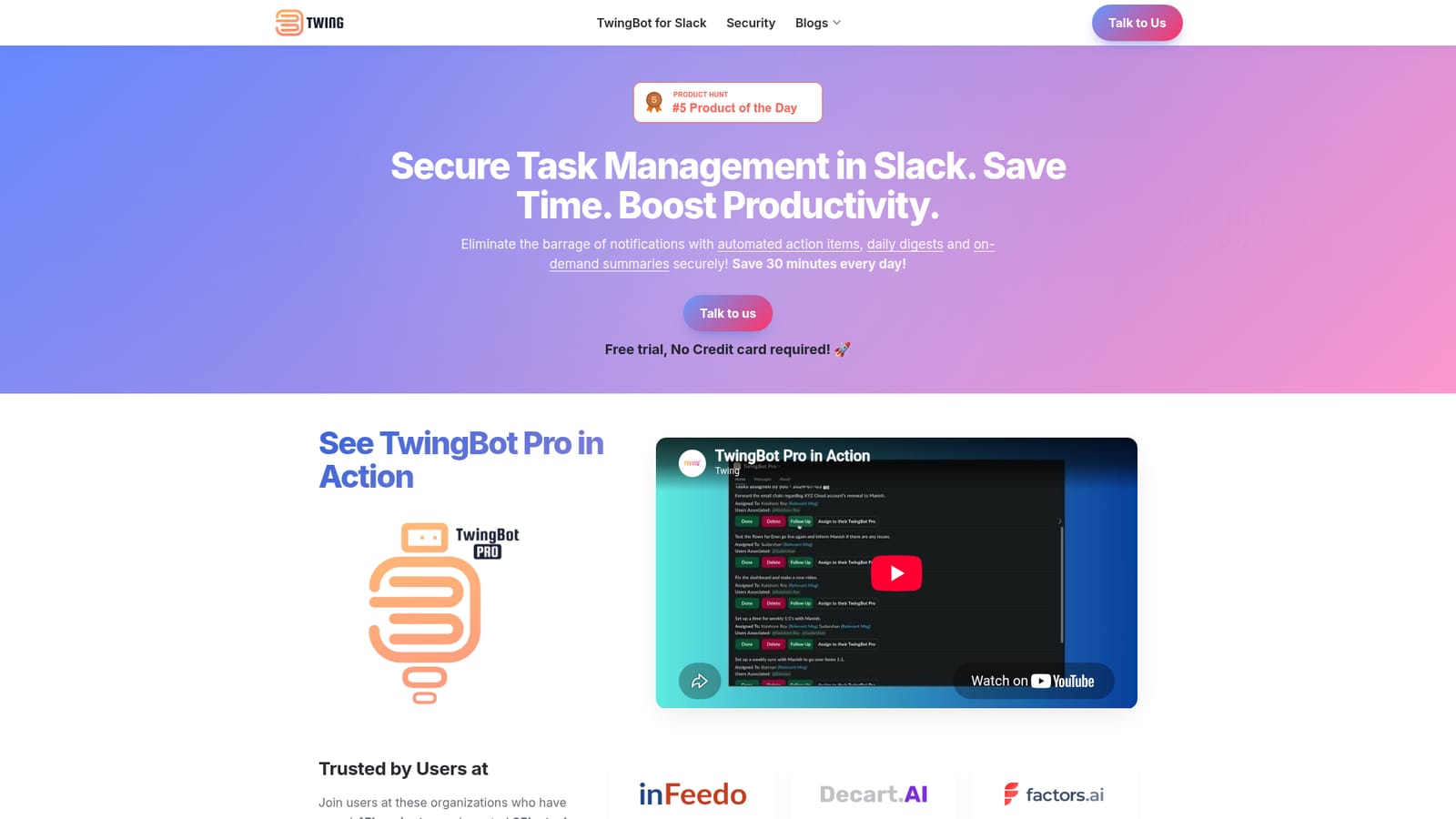
A free trial is offered and the site states that no credit card is required to start it.
Learn moreTurns Slack chatter into tracked tasks and daily digests

TwingBot Pro is an AI task generator tool that turns Slack chatter into tracked tasks and daily digests. TwingBot Pro reads Slack conversations and turns them into action items, daily digests and on-demand recaps, with a task dashboard, delegation, reminders and channel blacklisting built directly into Slack.
TwingBot Pro is a Slack-native assistant that reads the conversations a team already has and converts them into action items, recaps and daily digests. Rather than adding another project tracker, it lives inside Slack and pulls the work out of channel threads, so the follow-ups buried in a long discussion end up on a list instead of in someone's memory. The bot sends an aggregated view of action items each day at 9 AM, and the timing can be adjusted to suit a team's schedule. The core workflow runs through a task dashboard inside Slack. Assigned tasks, tasks a user has delegated, and personal to-dos sit in one view, with options to mark items done, delete them, set reminders or attach extra context. Delegation comes with updates: when a colleague completes or dismisses a task, the person who assigned it hears about it, and follow-ups on delegated work can be sent with a single click. Three entry points cover most usage: a task dashboard, the `/addtask` command for personal items written in natural language, and the `/recap` command, which summarizes a channel's last 24 hours and surfaces its action items. A message shortcut lets any single message become a task with its context attached. The product is pitched at busy professionals who spend their day in Slack and lose time to pings, context switching and long CC and FYI threads. Organizations named on the site include inFeedo, Decart and Plum, with aggregate claims of more than 50,000 tasks identified and 45,000+ minutes saved, averaging over 30 minutes a day per user. Privacy is handled by data minimization: conversations are not stored, data is available only briefly to produce a requested result, and only minimal account details are kept. Users can blacklist channels individually or workspace-wide. It is best understood as a Slack-first preview of the broader Twing product, which is being built to span multiple apps in real time. Buyers comparing it to Slack's own AI should note the site's direct position that Slack AI does not do the same job. Twing prices are not published on this page, and the trial requires no credit card.
A free trial is offered and the site states that no credit card is required to start it.
Learn moreContact is by email or by booking a 30 minute call with the team through the scheduling link on the site.
Built for Slack, using its commands, message shortcuts and a home dashboard. Channels can be excluded individually or workspace-wide.
Automated action items and summaries generated from Slack conversations, daily digests of channel activity, and on-demand channel recaps via the /recap command. A task dashboard covers tasks assigned to you, by you and personal items, with reminders, notes and one-click follow-ups. Delegation sends updates when a teammate completes or dismisses a task, and /addtask plus a message shortcut create tasks in natural language.
 AI Angels400+ customizable AI girlfriends for NSFW chat, voice calls, and roleplay
 Candy AIExperience the future of companionship with AI friends who chat, role-play, and connect with you on a human level.
 ourdream.aiA vast AI roleplay platform with millions of characters for chat, images, video and voiceAI Angels400+ customizable AI girlfriends for NSFW chat, voice calls, and roleplayCandy AIExperience the future of companionship with AI friends who chat, role-play, and connect with you on a human level.ourdream.aiA vast AI roleplay platform with millions of characters for chat, images, video and voice


