Support
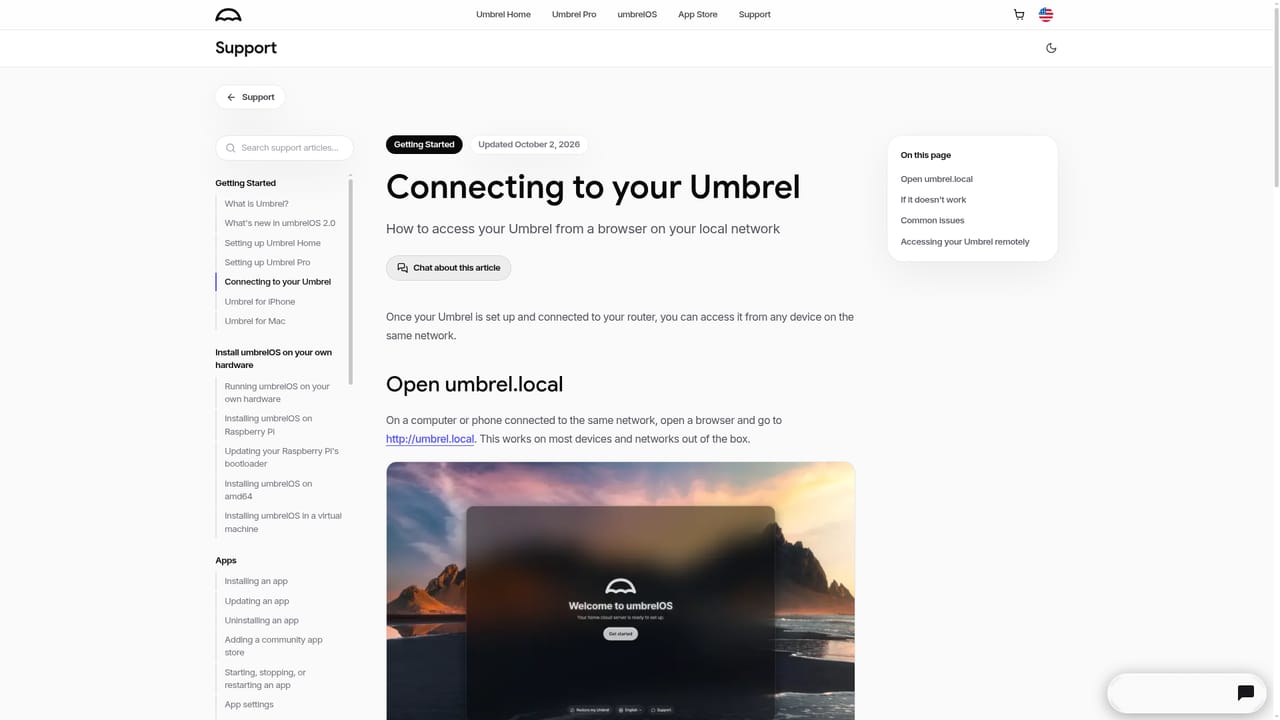
umbrel.com/support hosts getting-started guides, including setup walkthroughs for Umbrel Pro and Umbrel Home and instructions for connecting to your Umbrel.
Learn moreTurn a small home computer into your own private cloud server

umbrelOS is a remote tool that turns a small home computer into your own private cloud server. umbrelOS is a browser-managed operating system that converts a Raspberry Pi, mini PC, NAS, or VM into a private home cloud.
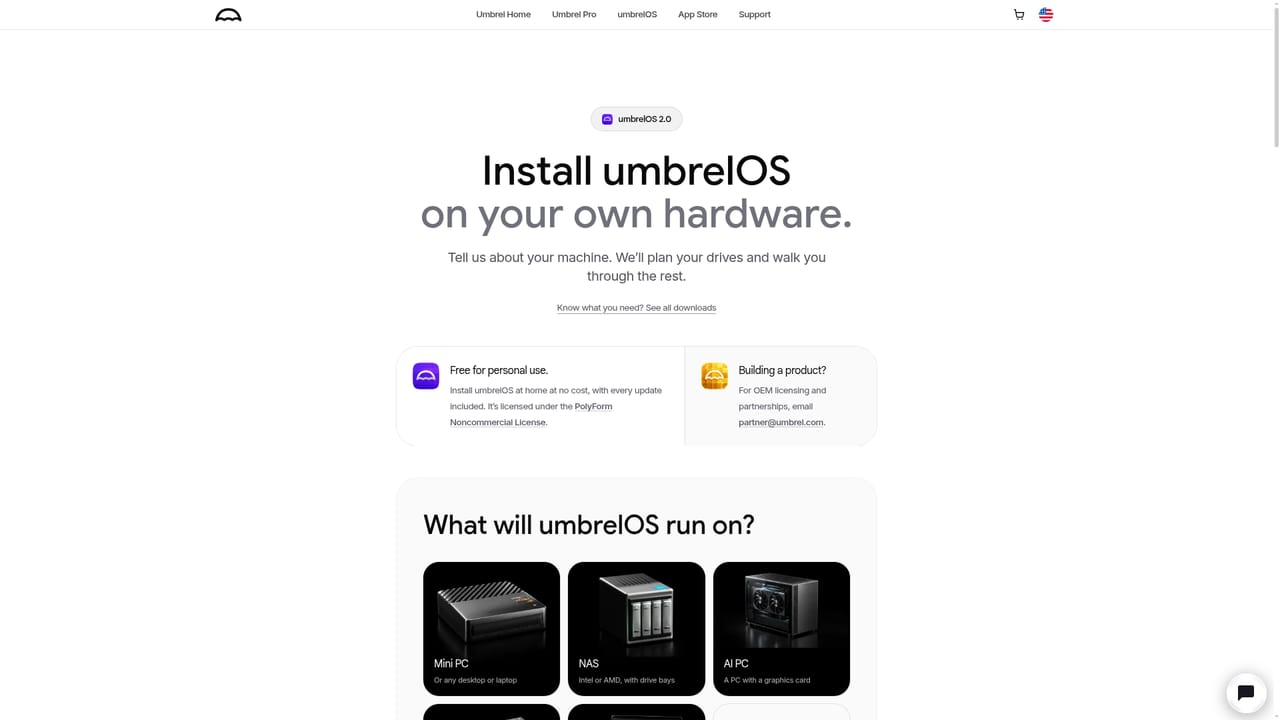
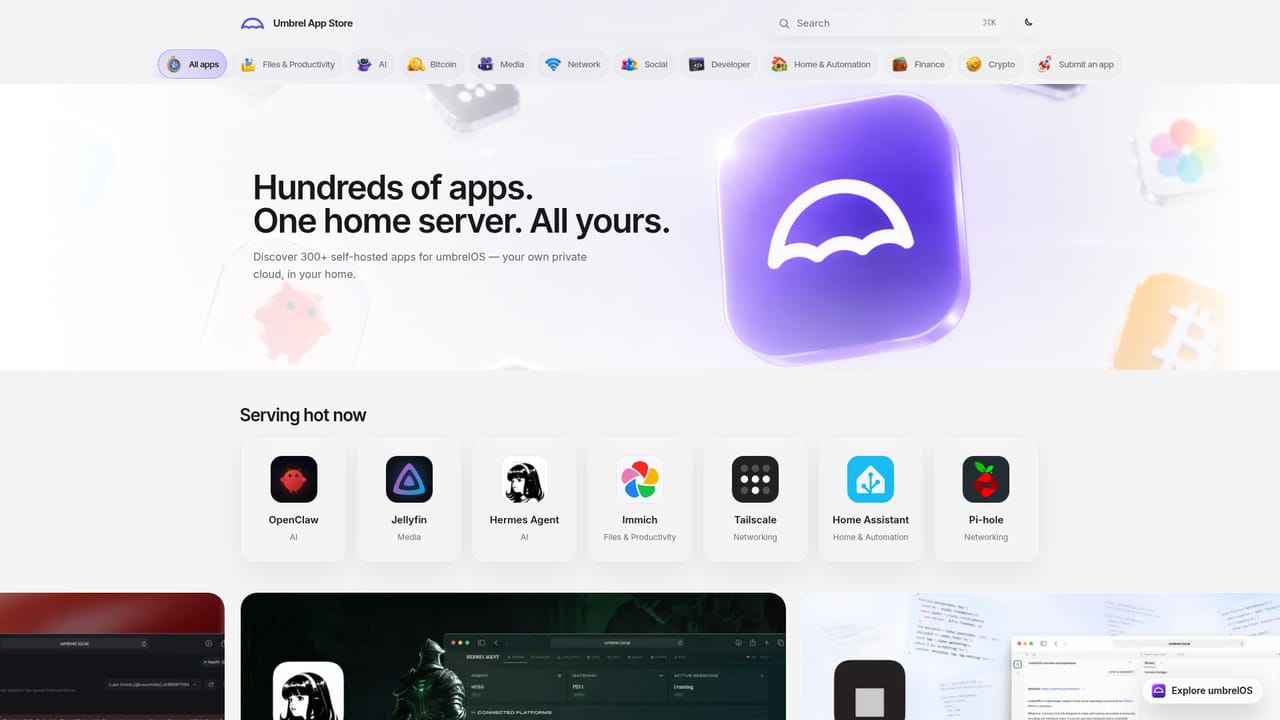
umbrelOS is an operating system built for home servers. It takes a small computer (a Raspberry Pi, a mini PC, a NAS, or a virtual machine) and turns it into a personal cloud that you control. Installation happens in one click on supported hardware, and after that everything is managed from a browser tab: open umbrel.local from any device on the network and you get a desktop-style interface with a file manager, a photo library, a settings panel, and an app store. The appeal is breadth without terminal work. The Umbrel App Store lists more than 300 apps, each installed with a single tap, spanning files and productivity (Nextcloud), media streaming (Plex, Jellyfin, Sonarr), networking (Tailscale, Pi-hole, Transmission), home automation (Home Assistant, n8n, Portainer), Bitcoin tooling (a full node, mempool, Public Pool), and local AI (Ollama, Hermes Agent, OpenClaw). Version 2.0 adds a rebuilt interface, multi-user accounts with private home folders, the ability to run entire operating systems such as Ubuntu, Windows 11, or Android inside a browser tab, and optional GPU acceleration for local models. The system also does the unglamorous server work: FailSafe mirroring across drives, monthly scrubbing, SSD acceleration, drive replacement, live per-app usage statistics, and backups to an external drive, a NAS, or a second Umbrel. A Rewind feature restores files by scrolling back through time, and cloud imports pull in Google Drive, Dropbox, OneDrive, and iCloud content with background indexing for fast search. Companion apps for iPhone, Mac, and Windows add camera-roll backup and mount the server in Finder or File Explorer. umbrelOS suits people who want self-hosted services without maintaining a Linux stack, and it competes with DIY Docker setups, CasaOS, and Synology-style NAS software. Buyers should note that it runs on hardware you supply unless they purchase Umbrel Home or Umbrel Pro, and that the convenience layer sits on top of real server administration, so storage planning and backups remain your responsibility.
umbrel.com/support hosts getting-started guides, including setup walkthroughs for Umbrel Pro and Umbrel Home and instructions for connecting to your Umbrel.
Learn moreThe site names Nextcloud, Plex, Jellyfin, Sonarr, Tailscale, Pi-hole, Transmission, Home Assistant, n8n, Portainer, Ollama, Hermes Agent, OpenClaw, Bitcoin Node, mempool, Public Pool, Google Drive, Dropbox, OneDrive, iCloud, and MCP connections for Claude and Codex.
Learn moreCore features include a browser-based OS, one-click installs from a 300+ app store, Files with drag and drop plus SMB network sharing, a Photos app with automatic iPhone camera-roll backup, multi-user accounts, running full operating systems like Ubuntu or Windows 11 in a tab, FailSafe drive mirroring and scrubbing, backups with a Rewind recovery timeline, cloud imports from Google Drive, Dropbox, OneDrive, and iCloud, GPU acceleration, and MCP access for AI agents.
 AI Angels400+ customizable AI girlfriends for NSFW chat, voice calls, and roleplay
 Candy AIExperience the future of companionship with AI friends who chat, role-play, and connect with you on a human level.
 ourdream.aiA vast AI roleplay platform with millions of characters for chat, images, video and voiceAI Angels400+ customizable AI girlfriends for NSFW chat, voice calls, and roleplayCandy AIExperience the future of companionship with AI friends who chat, role-play, and connect with you on a human level.ourdream.aiA vast AI roleplay platform with millions of characters for chat, images, video and voice


