Free trial
A free plan with 10 credits per day requires no sign-up. It is limited to personal, non-commercial use and runs on a shared queue.
Learn moreBrowser-based AI that sharpens blurry photos in about ten seconds
Own Unblur Img AI? Verify ownership to get a dofollow link

Unblur Img AI is a web tool that sharpens blurry or low-detail photos in about ten seconds. It needs no sign-up, gives daily free credits, and offers paid plans with priority processing and commercial use rights.
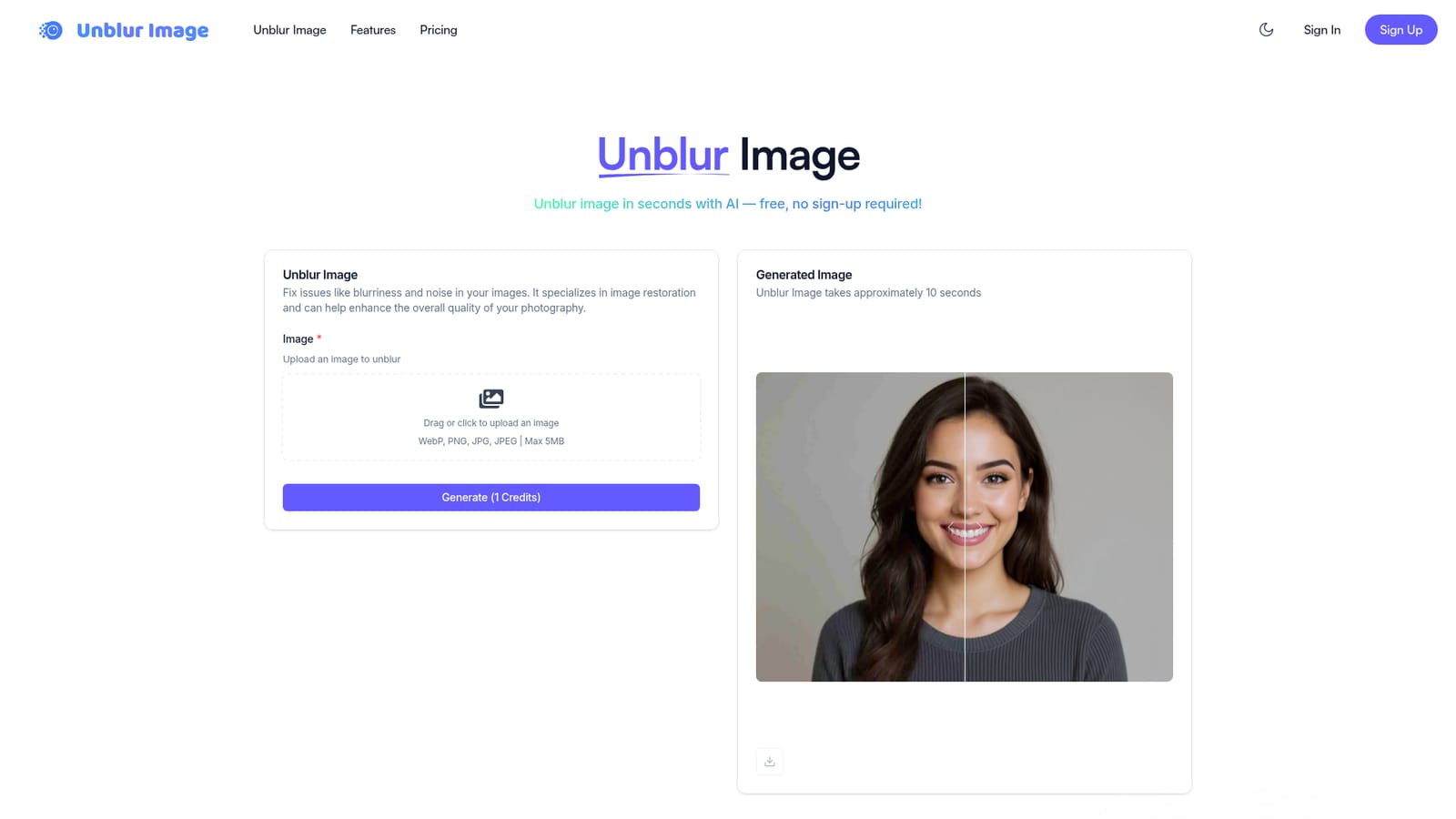
Unblur Img AI is a web tool that repairs blurry photographs with a single upload. It targets common problems such as motion blur, missed focus, noise and low resolution, and returns a sharper version of the same picture. The homepage describes the tool as an image restoration service, and it also behaves as a basic upscaler and clarity enhancer for photos that lost detail. The workflow is short. A visitor drops in a WebP, PNG, JPG or JPEG file of up to 5MB, presses Generate, and waits roughly ten seconds for a before and after result. Each run costs one credit. No account is needed to start, and the site hands out a fresh allowance of free credits daily. Generated images are saved to free cloud storage so they can be retrieved later, which is useful for anyone processing several shots in a session. The audience is broad: people reviving old family or travel pictures, and small businesses or freelancers who need usable product, property or social images from imperfect source files. The pricing structure reflects that split. A free tier gives 10 credits a day on a shared queue and is limited to personal, non-commercial use. Paid plans (Basic, Plus and Pro) add larger monthly credit pools, a priority queue and a full commercial license. Unused credits do not roll over, and refunds are not offered because the product is digital. Beyond unblurring, the site positions itself as a wider image and video toolkit that includes background removal and video quality enhancement, although the homepage centers almost entirely on the unblur generator. Among alternatives, it sits with other one-click enhancers such as PicWish, which the site itself names as a comparison point. Its appeal is speed and low friction rather than manual control: there are no visible sliders or settings, so results depend on what the model does with the upload. That suits quick fixes more than detailed retouching workflows.
A free plan with 10 credits per day requires no sign-up. It is limited to personal, non-commercial use and runs on a shared queue.
Learn moreFree plan gives 10 credits per day at $0 on a shared queue. Basic is $9.9/month for 1000 credits, Plus $23.9/month for 4000, Pro $39.9/month for 8000, all with a priority queue. Annual billing is 20% off. Credits do not roll over.
Learn moreAI unblurring for motion and focus blur, noise reduction, resolution enhancement and upscaling, one-click processing in about 10 seconds, free cloud storage of results, and a wider toolkit with background removal and video enhancement.


