Free trial
Standard quality can be run with no account and no payment, though free results carry a small watermark. A free account adds credits sufficient to test Pro on one image.
Learn moreReconstruction-based AI unblurring that rebuilds detail instead of sharpening edges.

Unblurry is an AI image upscaler tool. A browser tool that removes photographic blur through an AI reconstruction pass instead of a sharpen filter. Handles missed focus, camera shake and low-resolution scans for JPG, PNG and WEBP up to 25 MB, with a free Standard tier and a credit-based Pro tier that recovers about twice the detail.
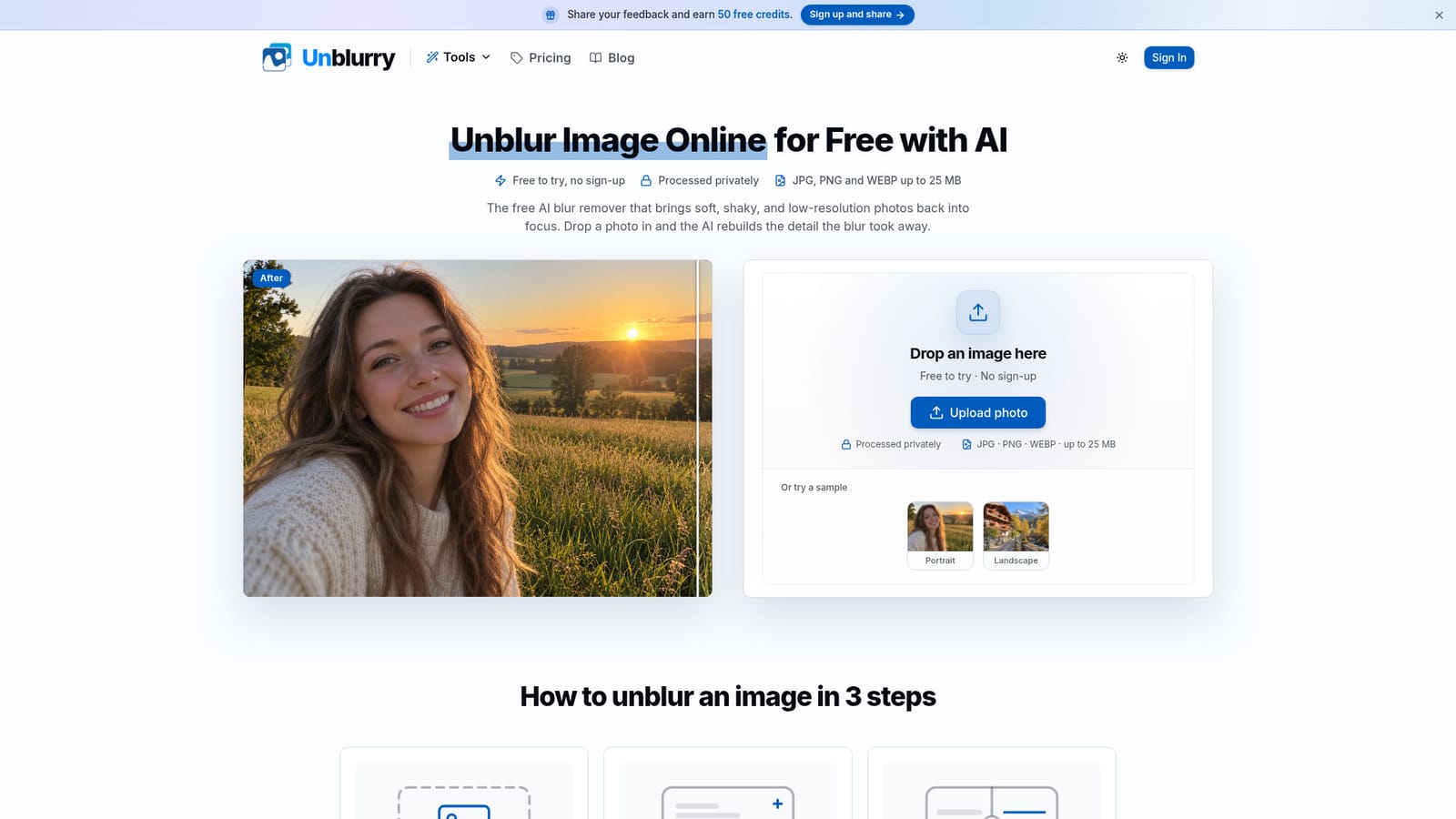
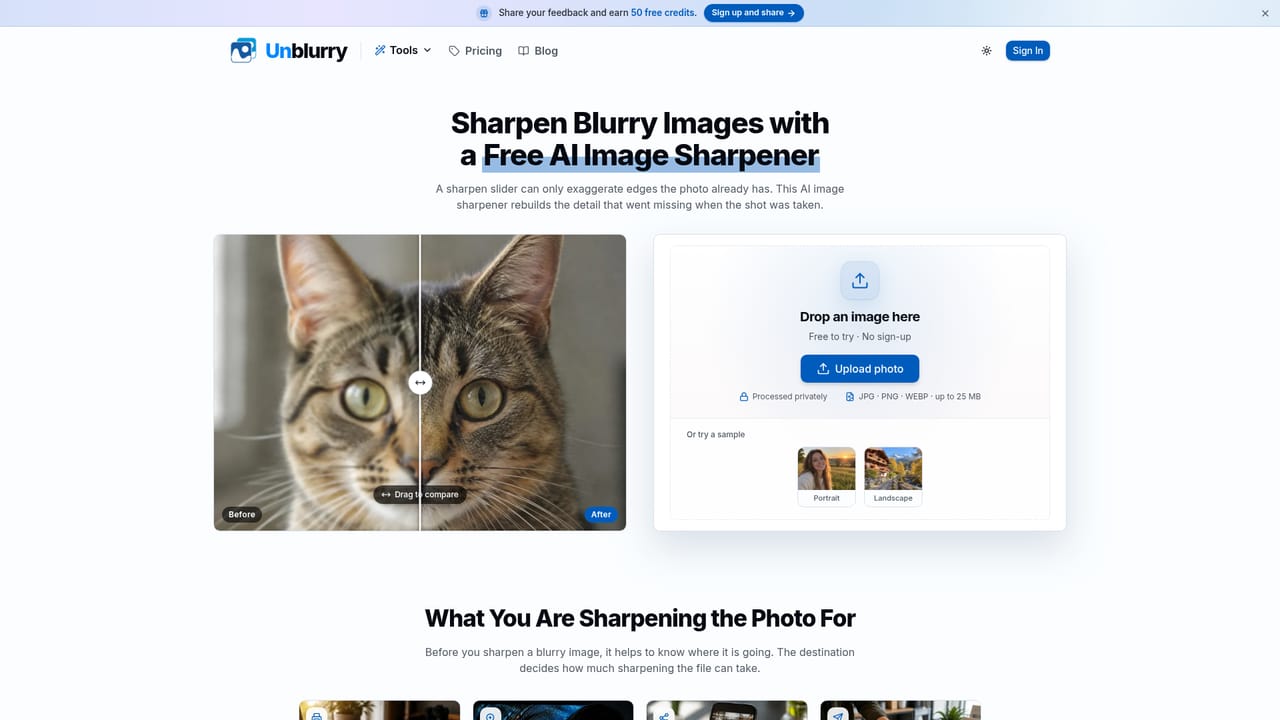
Unblurry is a browser-based AI tool for rescuing photos that went wrong at the moment of capture. Rather than applying a sharpen filter to the pixels already in the file, it runs a reconstruction pass: the model first works out what kind of blur it is looking at (missed focus, camera shake, motion smear, heavy compression) and then rebuilds lost detail from the surrounding image. The output aims to look like a photo that was taken in focus, not one that has been visibly edited. The tool targets three concrete failure cases. Out-of-focus portraits and close-ups get skin texture, eyelashes and edge detail restored so subjects read as sharp without the crunchy halo that over-sharpening produces. Handheld and low-light shots with directional motion smear are processed to reverse the smear. Old scans and small files forwarded through messaging apps, which are often soft twice over, can be brought back far enough to reprint. Photographers use it to save keepers from a shoot without booking a reshoot, online sellers use it for product images that would otherwise need a studio session, and family archives use it on decades-old prints before the detail is gone. Usage is deliberately simple. A file is dropped into the browser, a quality tier is picked, and the result is checked with a before-and-after slider before download. JPG, PNG and WEBP are accepted up to 25 MB, and Standard quality runs without an account. Pro is the heavier option, holding roughly twice the detail of Standard and costing 4 credits, which matters when the image will be cropped or printed. Free attempts and bonus credits carry a small watermark; buying any credit pack removes it from both tiers. Scope is the main thing to understand before committing. Unblurry is built for photographic blur only. It will not reliably reconstruct blurred text, receipts, screenshots or documents, and it is not an OCR product. It also sits in a different category from generative redraw tools such as ChatGPT image editing, which produce a plausible new photo rather than repairing the original. Uploads are processed by a third party AI provider, and account holders can delete their images from the My Creations page.
Standard quality can be run with no account and no payment, though free results carry a small watermark. A free account adds credits sufficient to test Pro on one image.
Learn moreStandard quality is free to try with no sign-up. Pro is credit-based at 4 credits per image, and creating a free account comes with credits, enough to try Pro on one photo. Free results and bonus credits carry a small watermark; after any credit pack purchase both tiers are watermark-free. Pack prices are not published on the homepage.
Learn moreSupport is handled through a feedback channel on the site: signed-up users can share feedback and earn 50 free credits. An FAQ on the homepage covers formats, tiers, processing times and image retention.
The model identifies the blur type (missed focus, camera shake, motion blur, heavy compression) before reconstructing detail from surrounding pixels. Works on portrait, product, low-resolution and scanned photos. Two quality tiers: free Standard and 4-credit Pro at roughly twice the detail. Accepts JPG, PNG and WEBP up to 25 MB, with a before-and-after comparison slider and downloadable output.
Learn more AI Angels400+ customizable AI girlfriends for NSFW chat, voice calls, and roleplay
 Candy AIExperience the future of companionship with AI friends who chat, role-play, and connect with you on a human level.
 ourdream.aiA vast AI roleplay platform with millions of characters for chat, images, video and voiceAI Angels400+ customizable AI girlfriends for NSFW chat, voice calls, and roleplayCandy AIExperience the future of companionship with AI friends who chat, role-play, and connect with you on a human level.ourdream.aiA vast AI roleplay platform with millions of characters for chat, images, video and voice








