
Free trial
A limited free tier covers one online MP4 upload up to 100 MB with Quality Restoration, plus a free desktop download and trial. The page states that a free preview does not mean every full export is free.
Learn moreAI video enhancement for blurry, noisy and low-quality footage
Own Uniconverter AI Video Enhancer? Verify ownership to get a dofollow link
Uniconverter AI Video Enhancer is an image improvement tool. Wondershare UniConverter's video enhancer pairs a narrow free online Quality Restoration trial with a full desktop suite covering Ultra and Topaz Ultra enhancement, face, anime and night scene models, denoise, sharpening, color correction, stabilization and frame interpolation.
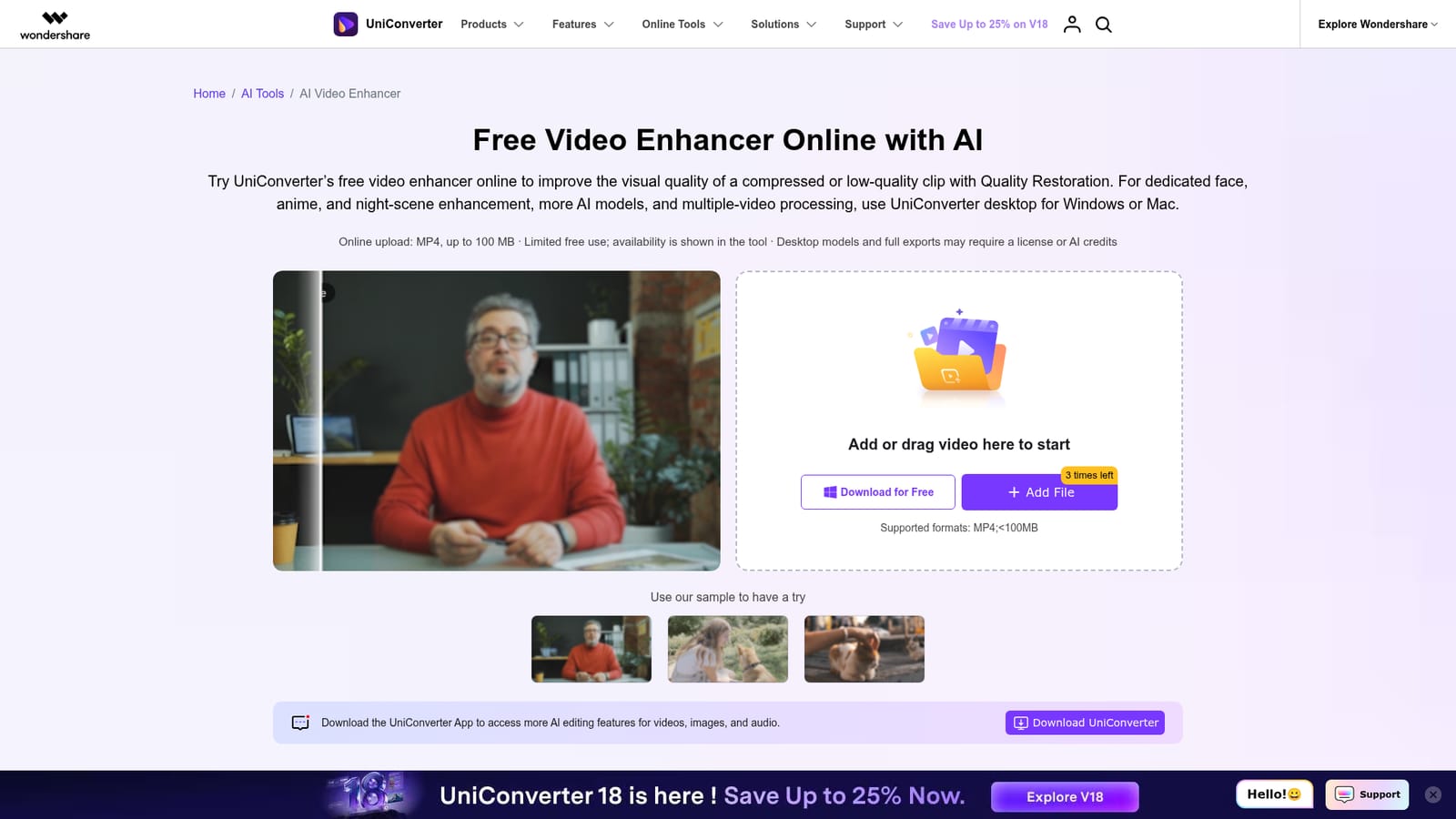
UniConverter AI Video Enhancer is a video restoration and quality improvement tool from Wondershare, available in two distinct forms: a browser based online enhancer and a desktop application for Windows and Mac. The online version handles a single MP4 file up to 100 MB and applies Quality Restoration, which aims to recover clarity in compressed or low-quality clips. The desktop build is the more substantial product, splitting enhancement into several purpose built models rather than a single filter. On desktop, Quality Enhancement comes in three strengths. Standard is positioned for quick, essential improvement, Ultra (Gen AI) targets clearer and more natural results, and Topaz Ultra (Gen AI) leans toward sharper detail. Beyond that core model, UniConverter ships dedicated tools for specific problems: Face Enhancement for interviews and family footage, Anime Enhancement for animated content, Night Scene Enhancement for weak light recordings, General Video Denoise under Correction, Color Enhancement, Video De-Flicker, Video Stabilization, and Frame Interpolation under Motion & Stability. Output resolution options for the Ultra workflow include Original, 2x, 4x, 1080P and 2K. The tool fits a practical niche. Anyone with old home videos, phone clips shot in poor light, compressed social media downloads, or archive footage can preview a short result before committing to a full export. The 3 second preview and Total Estimated Credits display make the cost of a run visible before processing, which matters because generated detail is not the same as recovered detail. Severe blur may remain blurry, and the preview is a sample rather than a guarantee. Alternatives include Topaz Video AI, which UniConverter itself references, along with denoising and interpolation features built into Premiere Pro, After Effects and DaVinci Resolve. UniConverter's advantage is bundling several enhancement models under one interface with a free online entry point. Its limitation is that the free path is narrow: one clip at a time, MP4 only, a 100 MB ceiling, and limited free use that the tool itself reports. Serious batch work and the dedicated models require the desktop app and, in practice, a license or AI credits.
A limited free tier covers one online MP4 upload up to 100 MB with Quality Restoration, plus a free desktop download and trial. The page states that a free preview does not mean every full export is free.
Learn moreFree online enhancement is available with limited use, and the tool displays current availability. The desktop app downloads free, while model access and full length exports may require a license or AI credits. No prices are listed on the enhancer page; Windows and Mac store pages handle purchase.
Learn moreOnline Quality Restoration for a single MP4 up to 100 MB. Desktop adds Standard, Ultra (Gen AI) and Topaz Ultra (Gen AI) enhancement, Face, Anime and Night Scene Enhancement, General Video Denoise, Color Enhancement, Video De-Flicker, Video Stabilization and Frame Interpolation, with output options of Original, 2x, 4x, 1080P and 2K in the Ultra workflow.
 AI Angels400+ customizable AI girlfriends for NSFW chat, voice calls, and roleplay
 Candy AIExperience the future of companionship with AI friends who chat, role-play, and connect with you on a human level.
 ourdream.aiA vast AI roleplay platform with millions of characters for chat, images, video and voiceAI Angels400+ customizable AI girlfriends for NSFW chat, voice calls, and roleplayCandy AIExperience the future of companionship with AI friends who chat, role-play, and connect with you on a human level.ourdream.aiA vast AI roleplay platform with millions of characters for chat, images, video and voice








