Free trial
Personal Edition users can sign up for a 14-day, no-commitment trial of the in-Editor agentic assistant, which then converts to a 10 USD monthly subscription.
Learn moreUnity's AI stack: an in-Editor assistant, CLI, MCP server and agent plugin

Unity is a developer tool. Unity bundles an in-Editor AI assistant, a free CLI and MCP server, and an official plugin that gives third-party coding agents Unity engineering skills and live Editor control. Requires Unity 6.0 or later; the assistant runs on credits.
Unity's AI tools are a set of connected features built into the Unity game engine rather than a standalone product. The centerpiece is an in-Editor assistant that reads the open project, inspects GameObjects and components, drives Editor actions and checks that the resulting changes behave as intended. It is project-aware by design and lets developers pick a model per task. Around it sit three lighter-weight routes into the same engine: a command-line interface that installs the Editor and creates or opens projects, an MCP server set up through that CLI so third-party agents can operate the Editor, and an official plugin that drops Unity-authored engineering skills plus the CLI and MCP server into agents such as Claude Code, Codex and Grok. Everything here requires Unity 6.0 or later. The tooling is clearly aimed at working game developers and technical artists who already know their way around the engine. The plugin's skills cover UI Toolkit, uGUI, TextMeshPro, URP and Shader Graph, 2D and sprites, audio including Vivox, AI Navigation and 3D physics, monetization and live ops, multiplayer, plus platform and localization work. That breadth means smaller teams can lean on an agent for convention-heavy chores, and the free CLI, MCP server and plugin carry no concurrency limits or credit cost, which makes the bring-your-own-agent path attractive for studios that already pay for a coding assistant. The main assistant is the paid part. Pro, Enterprise and Industry subscribers get access to it through their existing plan, while Personal Edition users start a trial that converts to a 10 USD monthly subscription. Usage runs on credits visible in the Unity Dashboard, consumable at different rates depending on model, with extra credits sold separately. Generated assets carry embedded metadata marking them as AI-produced, though the developer remains responsible for store declarations and usage rights. Asset generators can be switched off entirely while the assistant stays on, and data is not used for model training unless the user opts in. Context matters here: Unity Muse is retired, these tools use third-party models, and the Sentis runtime engine for neural networks remains a separate thing. The positioning is less about generating game assets from a prompt and more about wiring an AI agent correctly into a real Unity project so it follows engine conventions instead of guessing.
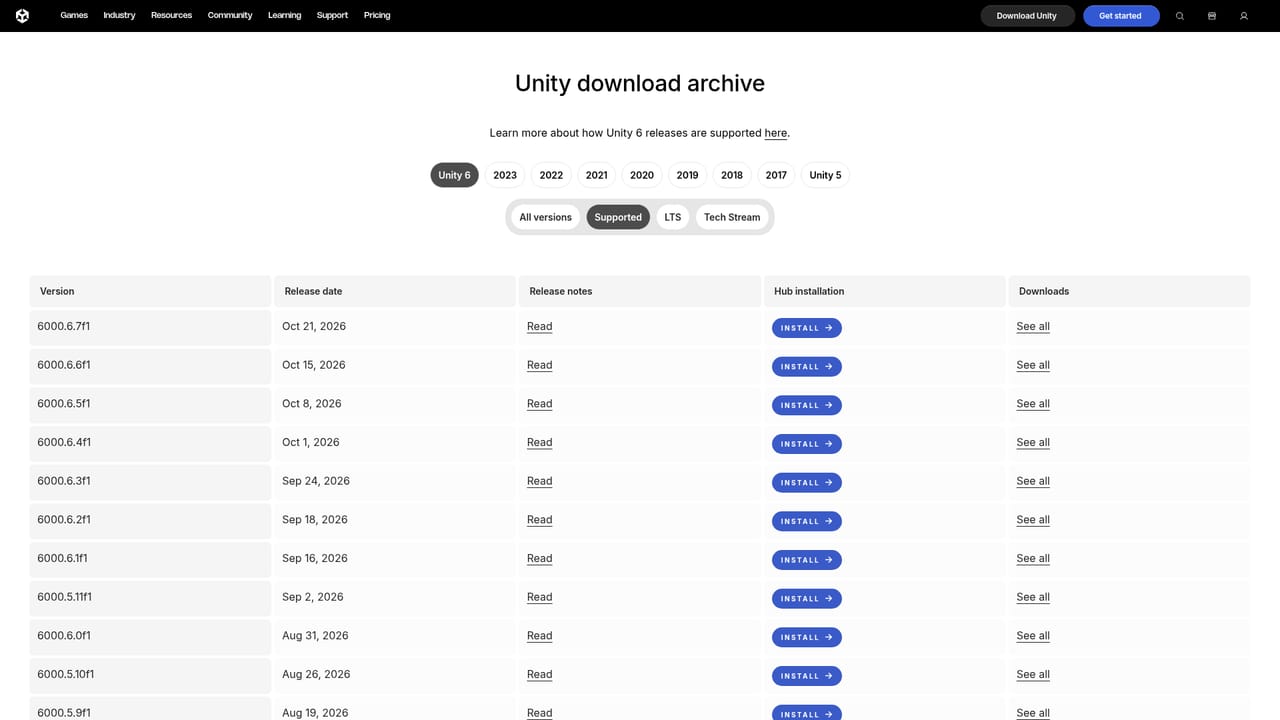
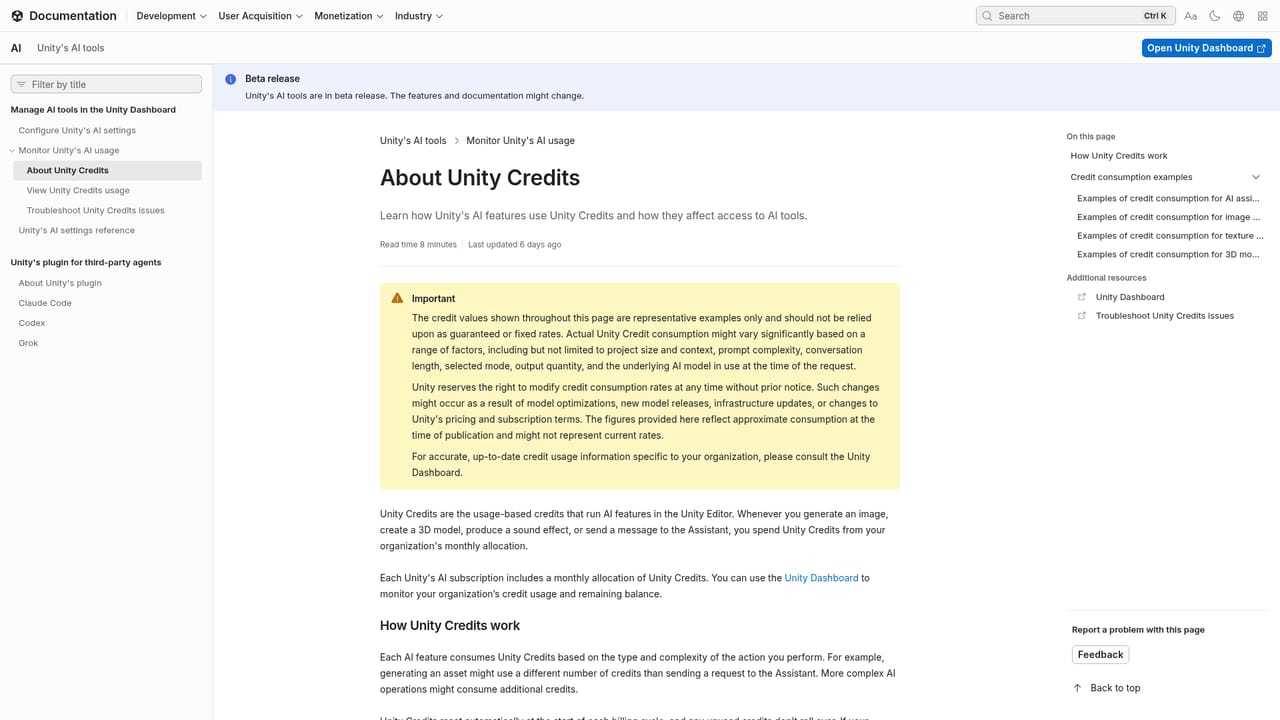
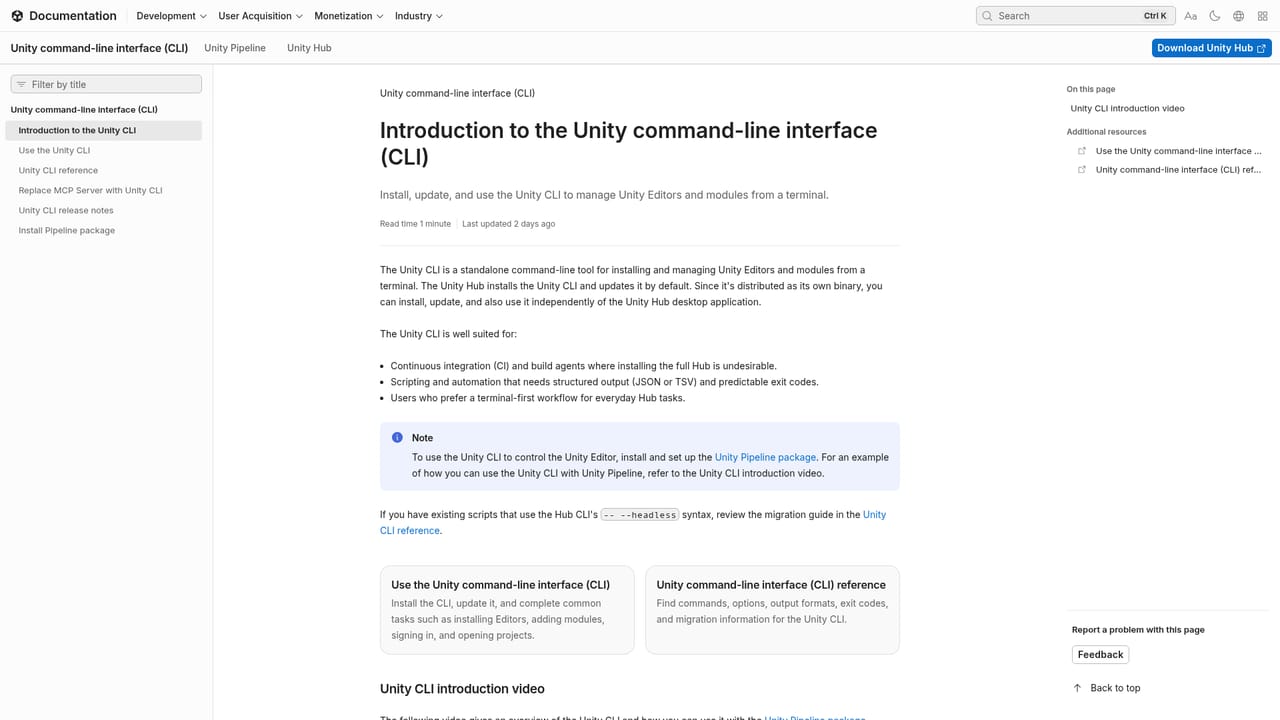
Personal Edition users can sign up for a 14-day, no-commitment trial of the in-Editor agentic assistant, which then converts to a 10 USD monthly subscription.
Learn morePro, Enterprise and Industry subscribers get the in-Editor assistant with their paid plan. Personal Edition users can start a trial that converts to a 10 USD monthly subscription. Usage is metered in credits shown in the Unity Dashboard, with extra credits purchasable. CLI, MCP server and the official plugin are free with no concurrency limits.
Learn moreDocumentation covers the plugin, CLI, MCP setup, credit management and the Developer Data Framework. The dashboard handles credits and generator settings; the homepage offers no dedicated help centre or contact channel.
Learn moreOfficial plugin for Claude Code, Codex and Grok, plus an MCP server and CLI for bringing your own verified third-party agent. The AI gateway lets a paid third-party agent bypass Unity's agent and credit system.
Learn moreAn in-Editor, project-aware assistant that inspects GameObjects and components, drives Editor actions and verifies changes, with multiple models to choose from. A CLI installs the Editor and manages projects. An MCP server through the CLI lets third-party agents operate the Editor. An official plugin adds Unity engineering skills to Claude Code, Codex and Grok.
Learn more AI Angels400+ customizable AI girlfriends for NSFW chat, voice calls, and roleplay
 Candy AIExperience the future of companionship with AI friends who chat, role-play, and connect with you on a human level.
 ourdream.aiA vast AI roleplay platform with millions of characters for chat, images, video and voiceAI Angels400+ customizable AI girlfriends for NSFW chat, voice calls, and roleplayCandy AIExperience the future of companionship with AI friends who chat, role-play, and connect with you on a human level.ourdream.aiA vast AI roleplay platform with millions of characters for chat, images, video and voice


