Free trial
Standard quality is free every day, with 2 runs a day without an account and 50 free credits on signup. No watermark and full-resolution download.
Learn moreFree AI depixelator that rebuilds blurry photos into sharp images
Unpixelate is a web tool that uses generative super-resolution to turn pixelated, blurry or low-resolution images into sharper, larger ones, with free daily Standard runs, an HD tier for faces, and no watermark.
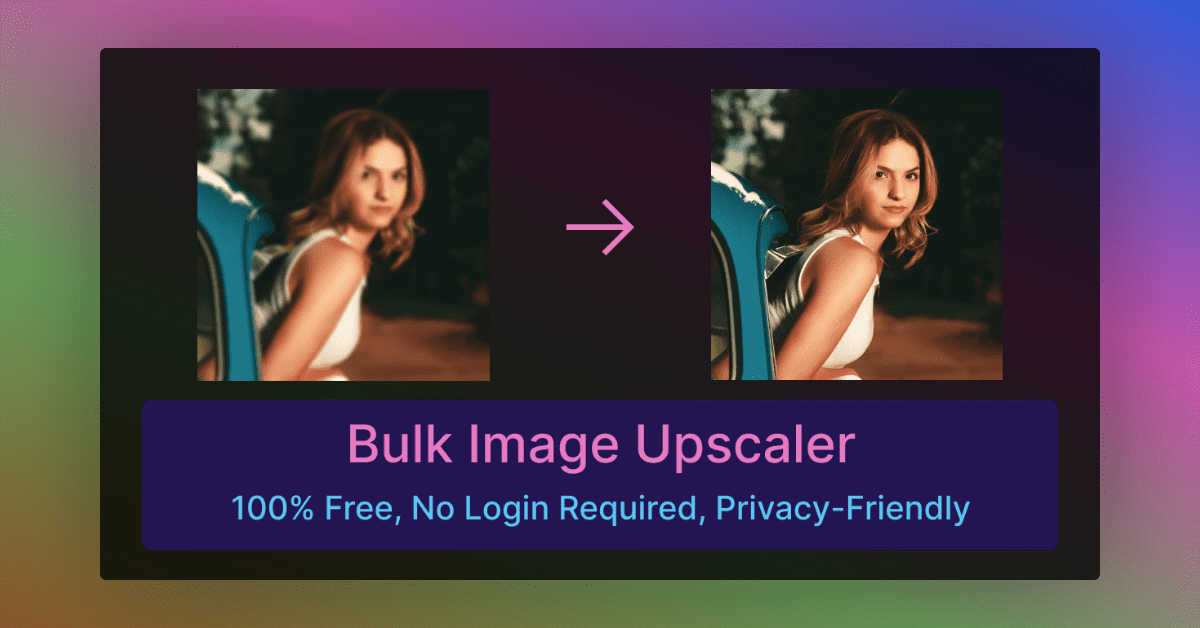
Unpixelate is a browser-based image upscaler built around a single task: taking pixelated, blurry or low-resolution pictures and returning a sharper, larger version. It accepts JPG, PNG and WebP files up to 10MB, and the same flow covers small avatars, scanned prints, cropped screenshots, game captures, over-compressed downloads and AI-generated images that need more resolution. The approach is generative rather than interpolative. Ordinary resizing (bicubic or Lanczos) only spreads existing pixels over a bigger canvas, so enlargements look soft or blocky. Unpixelate instead uses a diffusion model that treats the input as evidence and redraws the image with plausible edges, fabric, foliage and skin texture. Both quality tiers include face enhancement, and the HD tier adds a dedicated facial-detail model. Sample pairs on the homepage show a 144x144 avatar taken to 1024x1024 and a 320x180 game capture taken to 1280x720 with pixel-art edges kept crisp. Usage is deliberately minimal. A visitor uploads or pastes an image, picks Standard or HD, then compares before and after with a slider and downloads the result. There are no prompts or settings, and downloads are not watermarked. Uploads are processed in memory, deleted automatically and, according to the site, not used for training. Standard quality is free every day (two runs a day without an account, 50 credits on signup), while HD and extra AI photo edits draw on paid credits, with commercial use included. The site is candid about limits: pixelation destroys information, so the output is a statistically plausible reconstruction, not a recovery. Heavily censored text, license plates or faces reduced to a few blocks are not restored, and the tool is not meant for reversing redactions. That positions it as a simple, low-friction option for people who want a quick restoration or enlargement without learning a full photo editor or a prompt-driven workflow, and it sits alongside general upscalers that expose more controls.
Standard quality is free every day, with 2 runs a day without an account and 50 free credits on signup. No watermark and full-resolution download.
Learn moreFree tier gives Standard quality daily: 2 runs a day without an account and 50 credits on signup. Credits start from $6.90 for HD, AI photo edits and more runs, via credit packs or monthly plans, with commercial use included.
Learn moreGenerative diffusion-based super-resolution, Standard and HD tiers, face enhancement with a dedicated HD facial-detail model, before and after slider, clipboard paste, no watermark, in-memory processing with auto-deleted uploads.
 AI Angels400+ customizable AI girlfriends for NSFW chat, voice calls, and roleplay
 Candy AIExperience the future of companionship with AI friends who chat, role-play, and connect with you on a human level.
 ourdream.aiA vast AI roleplay platform with millions of characters for chat, images, video and voiceAI Angels400+ customizable AI girlfriends for NSFW chat, voice calls, and roleplayCandy AIExperience the future of companionship with AI friends who chat, role-play, and connect with you on a human level.ourdream.aiA vast AI roleplay platform with millions of characters for chat, images, video and voice