What video masking tools do
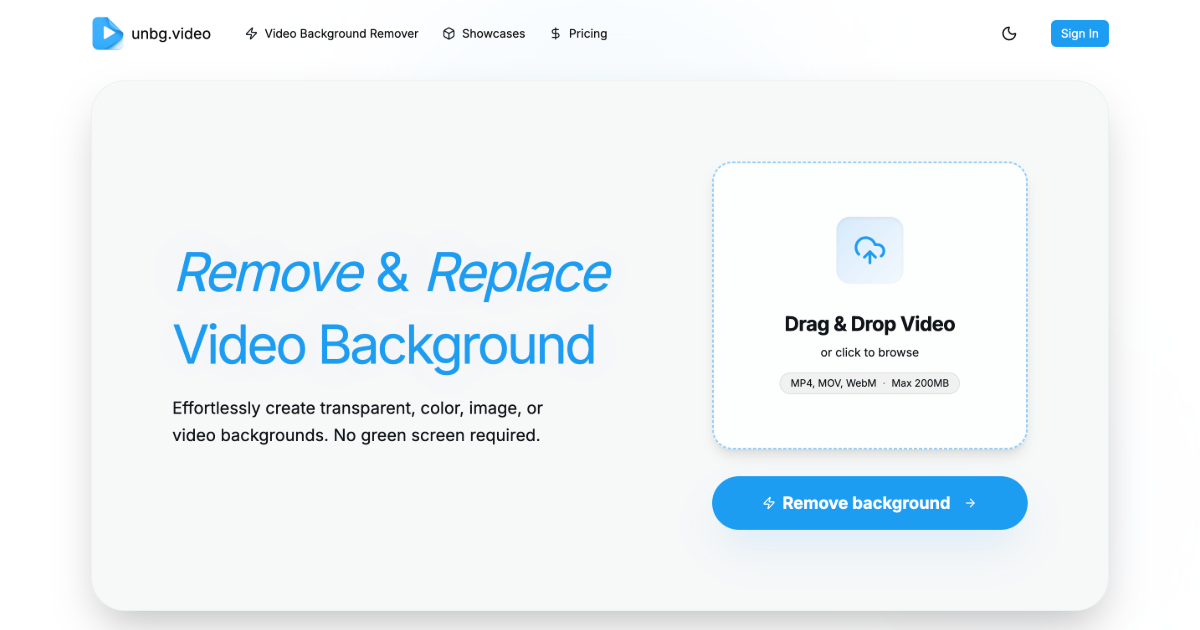
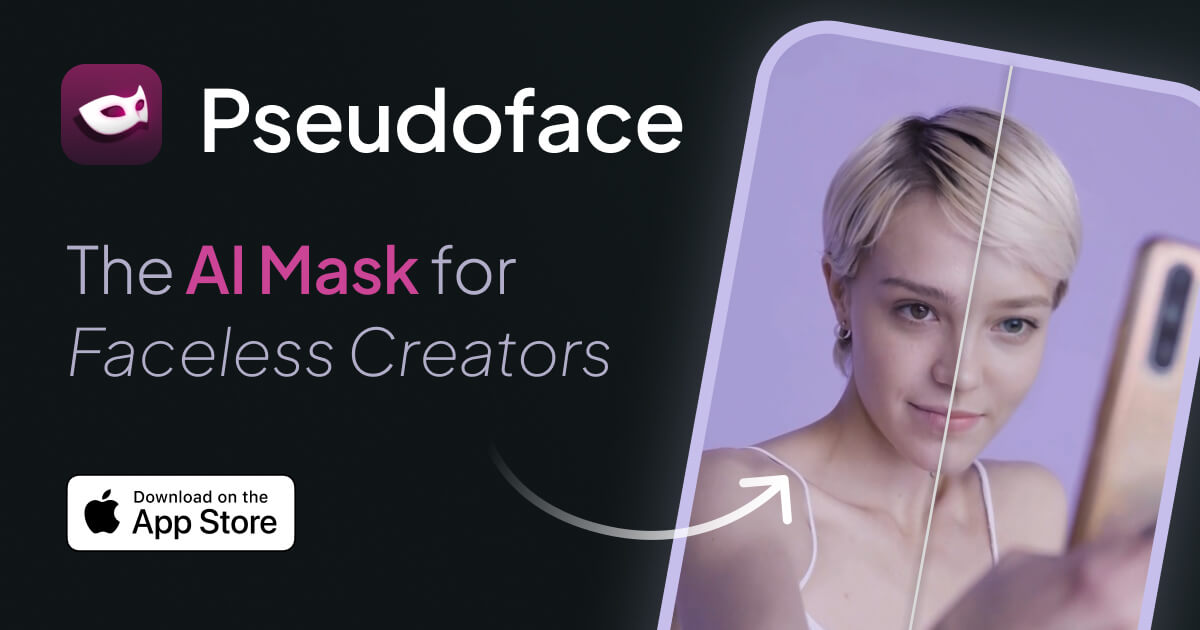
Video masking means separating a subject from everything around it, frame after frame, so the background can be removed, swapped or hidden. Done by hand, this is rotoscoping: tracing an outline on each frame or keyframe, then correcting it where hair, motion blur or shifting light break the edge. The tools on this page automate that step with AI, so a person, product or object is cut out of a clip without a manual mask.
The audience is practical rather than technical: social video creators who want a clean cutout, marketers replacing a messy backdrop, and editors who need a transparent or solid-color clip to place into a larger project. Anyone searching for a video masker is usually looking for this: upload a clip, get back the subject isolated.
How to choose a video masking tool
Start with the output. If the clip will be layered over other footage, a transparent export matters. If it only needs a clean backdrop, a solid-color export or a swapped background is enough.
Next, look at how the tool charges. Per-second and per-minute pricing suit occasional clips and short edits, while a freemium or subscription plan fits steady use. A free preview, where offered, lets a result be checked before paying.
Then consider friction. Some tools work without sign-up, which helps for a one-off job. All three tools here run in the browser, so there is nothing to install, but long or high-resolution footage is worth testing on a short clip first.
Finally, check the edges on your own material. Hair, fast movement and cluttered backgrounds are where automatic masking is most likely to slip, so test with footage that resembles the real project.
Notable tools
Background Remover Video charges per second and exports with a transparent or solid-color background, which suits clips headed for a layered edit.
Remove Sora Watermark.video is a pay-per-minute AI video background remover that offers free previews, useful for judging a result before spending anything.
BGChanger AI strips or swaps video backgrounds without rotoscoping or sign-up. It is listed as freemium, subscription and paid, so it covers both quick trials and regular use.
Common questions
What is video masking?
Video masking is the process of isolating part of a video, usually a person or object, so the rest can be hidden, removed or replaced. AI tools do this automatically across all frames instead of requiring a hand-drawn outline.
What is a video masker?
A video masker is a tool that creates those masks for you. In this category, that means uploading a clip and receiving the subject on a transparent, solid-color or new background.
When to look elsewhere
If the goal is removing something from a scene rather than keeping a subject, Video Object Remover is the closer fit. For clearing overlay marks from footage, Video Watermark Remover covers that job.