Free trial
The site offers a Get Started path and a free consultation worth $1,000, but no trial length or plan terms are published on the homepage.
Learn moreDescribe a document process, get an auditable automation workflow

Unstract turns plain-language process descriptions into auditable document automation workflows across three layers: LLMWhisperer for LLM-ready ingestion, Document Studio for schema-based extraction, and Flow for agentic orchestration with human-in-the-loop escalation and 100+ connectors.
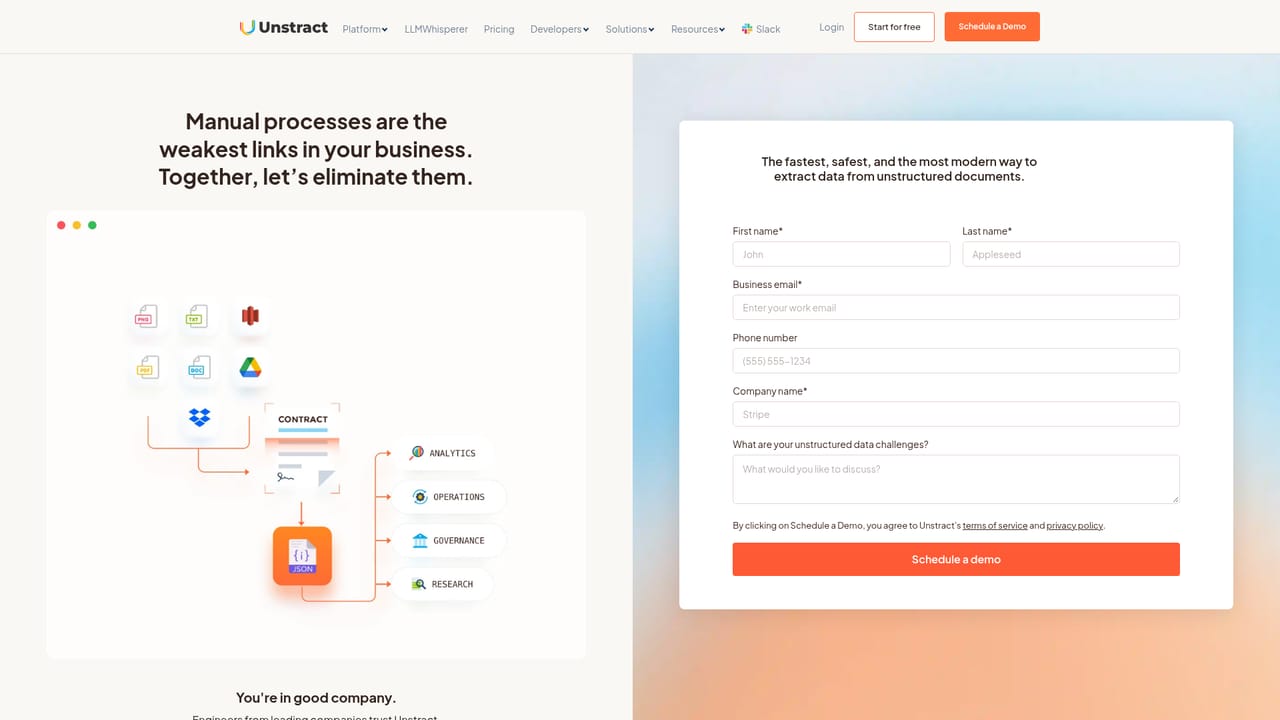
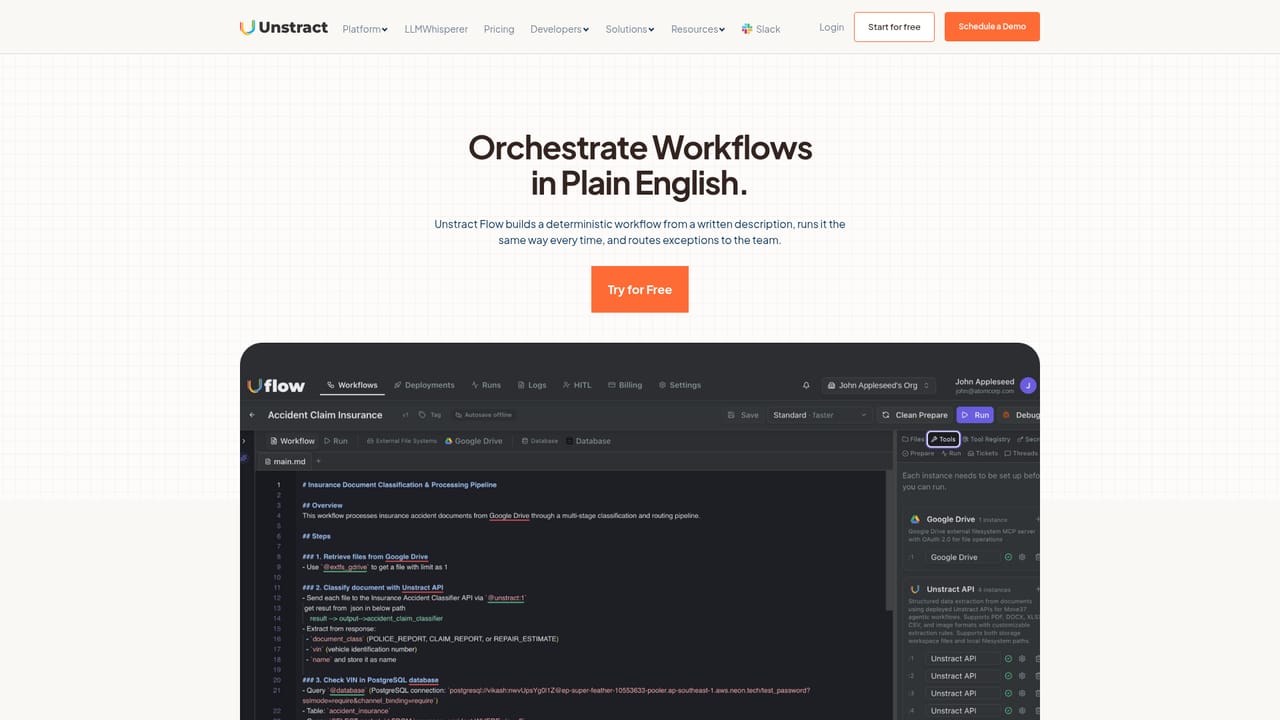
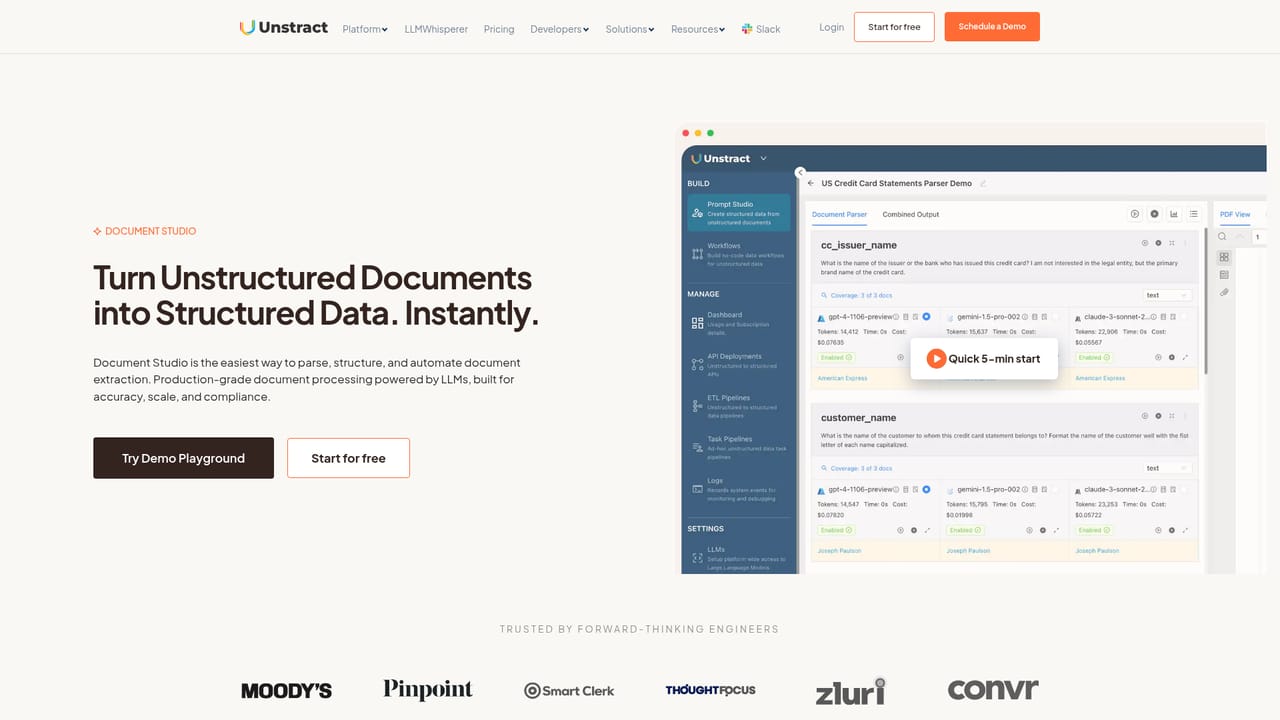
Unstract is a document automation platform built around three connected layers: LLMWhisperer for document preparation, Document Studio for structured extraction, and Flow for orchestration. The pitch is that a plain-language description of a business process can be turned into a production workflow that runs with deterministic control where accuracy matters and agentic judgment where documents are messy. The site's showcase example is certificate of insurance verification, where an agent watches a shared inbox, classifies each packet, extracts insured, carrier, limits and expiry, checks coverage against each trade's requirements, escalates failures to a human reviewer, then replies to the sender and writes a ledger row. Flow is the top layer. It compiles a written specification into a frozen execution graph that can be versioned, tested and audited, with bounded AI steps inside it. A patent pending feature called Agentic Process Mining sends explorer agents to learn an existing process alongside an expert across browsers, SSH and mainframes, then drafts a plain-English specification for approval. Human-in-the-loop routing is configurable by confidence threshold, amount, document type or customer name, and every handoff is logged so the points where people were needed remain visible. Document Studio handles extraction: describe the fields you need in natural language and map many layouts to one consistent JSON schema, with human review built in for validation and exception handling. It can deploy as an API, an ETL pipeline or an MCP server. LLMWhisperer sits at ingestion, preserving columns, forms, line items and table borders, reading checkboxes, radio buttons and handwriting, and correcting sideways pages across multiple OCR engines. The product targets operations, finance, insurance, legal and healthcare teams dealing with high-volume, layout-variable documents, and the engineering groups supporting them. The site reports 100 or more connectors and more than 600 paying customers. It competes with IDP suites and workflow builders, and its differentiation is the tight coupling of ingestion, extraction and orchestration in one stack rather than a generic agent platform with document handling bolted on. A free consultation is offered, and a free starting path exists, though published plan pricing is not shown on the homepage.
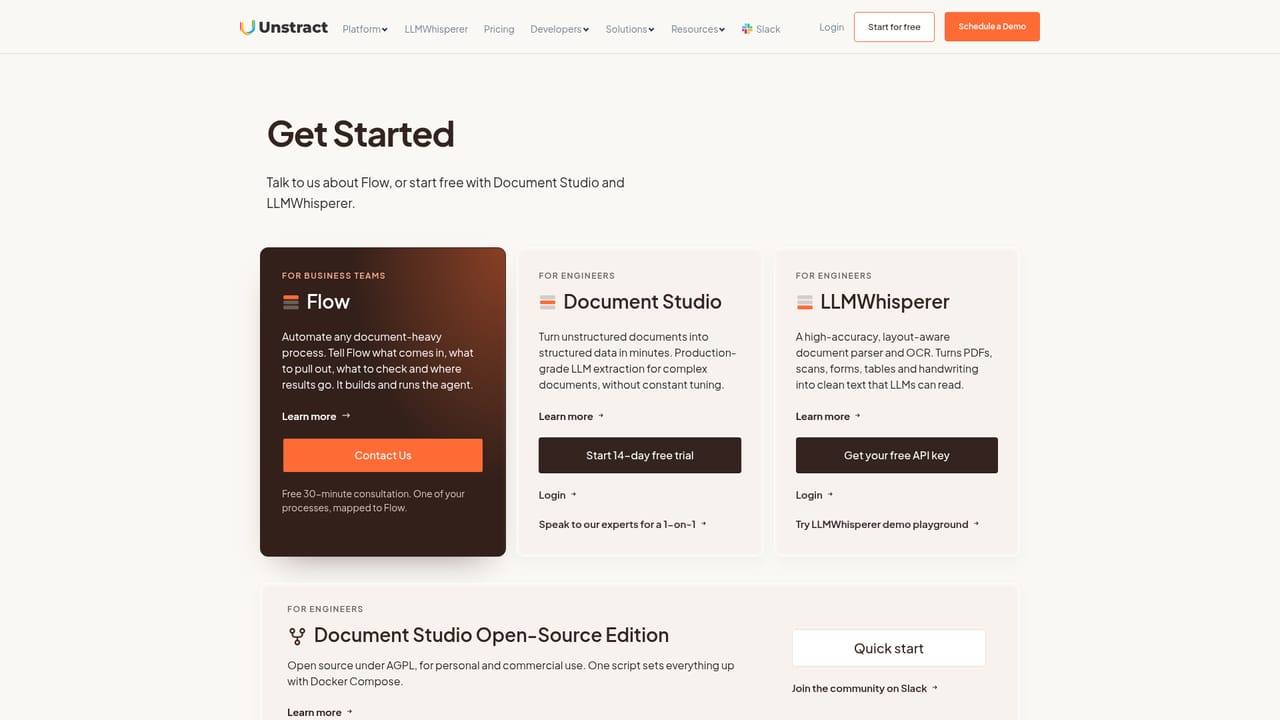
The site offers a Get Started path and a free consultation worth $1,000, but no trial length or plan terms are published on the homepage.
Learn moreA free 30 minute consultation is offered to map a process onto Flow, and the site references an open support path, though no help centre details are published on the homepage.
Learn moreOver 100 connectors are claimed, spanning cloud storage (S3, Google Drive, Dropbox, Box), warehouses (Snowflake, BigQuery, Postgres, SQL Server), ERP and accounting (QuickBooks, Xero, SAP, NetSuite), CRM, and project tools, plus an API option.
Flow converts written process specifications into versioned, auditable execution graphs with deterministic control and bounded AI steps. Agentic Process Mining drafts specifications from observation. Document Studio extracts to one JSON schema with human review. LLMWhisperer preserves layout and reads checkboxes, handwriting and rotated pages. Human-in-the-loop routing and 100+ connectors are built in.
Learn more AI Angels400+ customizable AI girlfriends for NSFW chat, voice calls, and roleplay
 Candy AIExperience the future of companionship with AI friends who chat, role-play, and connect with you on a human level.
 ourdream.aiA vast AI roleplay platform with millions of characters for chat, images, video and voiceAI Angels400+ customizable AI girlfriends for NSFW chat, voice calls, and roleplayCandy AIExperience the future of companionship with AI friends who chat, role-play, and connect with you on a human level.ourdream.aiA vast AI roleplay platform with millions of characters for chat, images, video and voice


