Free trial
The site offers a free trial through a 'Try for free' link, but it does not state the trial length or what the trial includes.
Learn moreBuild real interfaces from coded components, then export React

UXPin is a developer tool that builds real interfaces from coded components, then export React. A prototyping and UI building tool where the canvas is powered by coded components from your Git repo, Storybook, npm, or open-source libraries. Assemble layouts by drag and drop or AI prompt, then export functional React code with dependencies and interactions intact.
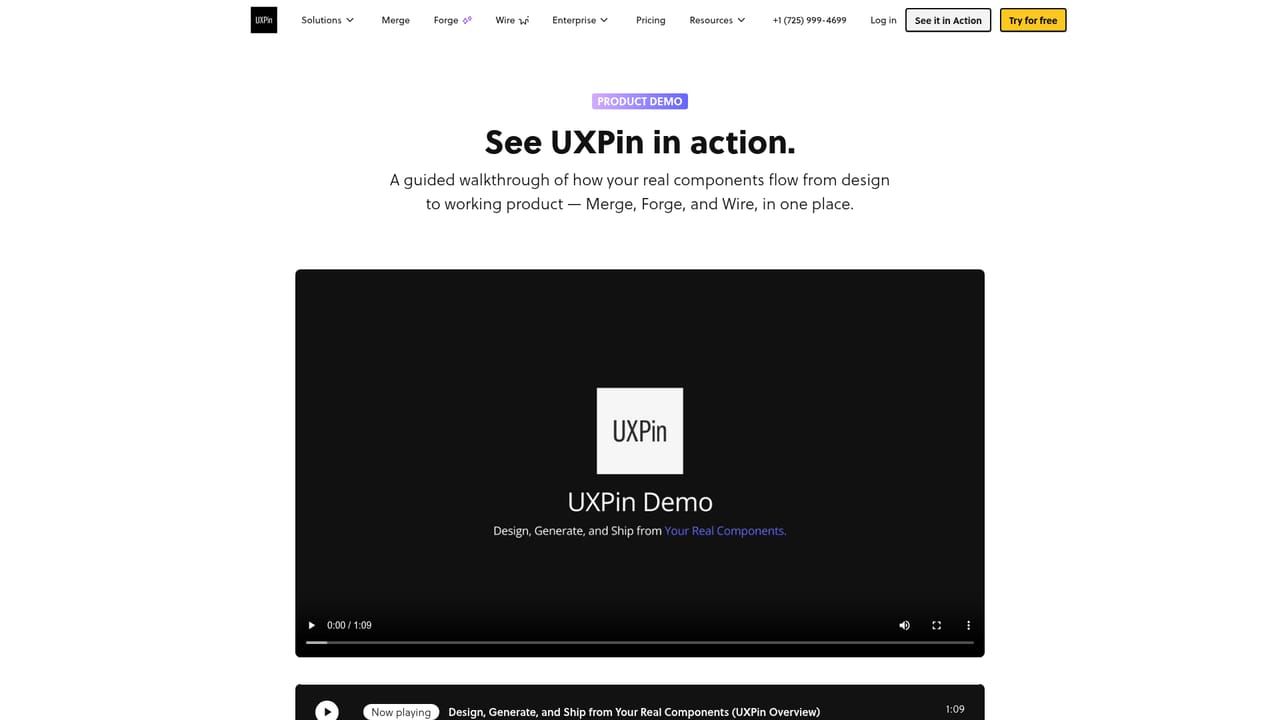
UXPin Merge is a design and prototyping environment built around a simple premise: the components on the canvas should be the same components that ship to production. Instead of drawing rectangles and annotating them for a developer, teams drag coded components onto the canvas. Those components come from a proprietary library synced through a Git repo, Storybook or npm, or from open-source libraries such as MUI, Tailwind UI, Ant Design and Bootstrap. The result is a working interface with real interactions and responsiveness rather than a static mockup. The product targets two overlapping audiences. Front-end developers use it to skip the design queue entirely and assemble UI themselves, while technical designers use it to explore layouts without drifting away from the codebase. A design system team gets a third use: linking components to their documentation and sharing saved patterns across the organization, so any change pushed to the repository shows up in the prototypes. In practice there are several entry points. Teams can start from a blank canvas and pull components in, paste Tailwind code from a template to generate a ready layout, or describe what they need in a prompt and let the AI Component Generator produce code-backed screens aligned with a chosen library. From there the work stays editable, and export produces React code that carries the library dependencies and the interactions added during design. Projects can also be opened directly in StackBlitz for review and editing. The positioning is deliberately narrow. UXPin Merge is not a general illustration or marketing design tool, and it is not trying to replace a full design system. It sits between a conventional design tool and a code editor, and it rewards teams that already have, or intend to adopt, a component library. Teams without one can still work from open-source libraries, but the core advantage only appears once code and canvas share the same source of truth.
The site offers a free trial through a 'Try for free' link, but it does not state the trial length or what the trial includes.
Learn moreConnects to a proprietary component library through a Git repository, Storybook or npm, and supports open-source libraries such as MUI, Tailwind UI, Ant Design and Bootstrap. Exported projects can be opened in StackBlitz.
Coded components on the canvas from a proprietary library (Git, Storybook, npm) or open-source libraries including MUI, Tailwind UI, Ant Design and Bootstrap. Includes AI Component Generator, Tailwind code paste to layout, interactive and responsive prototypes, design system documentation and pattern sharing, React export with dependencies and interactions, and StackBlitz editing.
 AI Angels400+ customizable AI girlfriends for NSFW chat, voice calls, and roleplay
 Candy AIExperience the future of companionship with AI friends who chat, role-play, and connect with you on a human level.
 ourdream.aiA vast AI roleplay platform with millions of characters for chat, images, video and voiceAI Angels400+ customizable AI girlfriends for NSFW chat, voice calls, and roleplayCandy AIExperience the future of companionship with AI friends who chat, role-play, and connect with you on a human level.ourdream.aiA vast AI roleplay platform with millions of characters for chat, images, video and voice


