Support
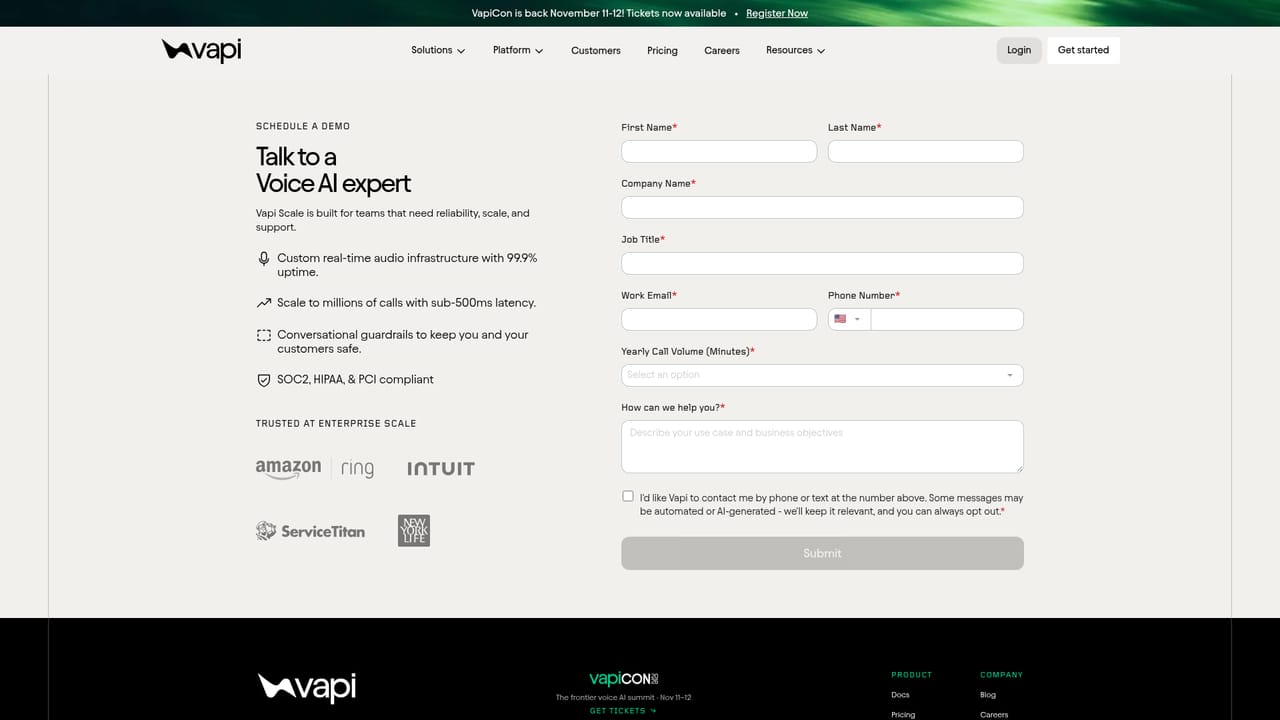
Enterprise plans include a contractual support SLA and a dedicated engineer embedded with the team to reach launch, with self-serve documentation for standard accounts.
Learn moreVoice agents for builders: prompt to production on your own rules

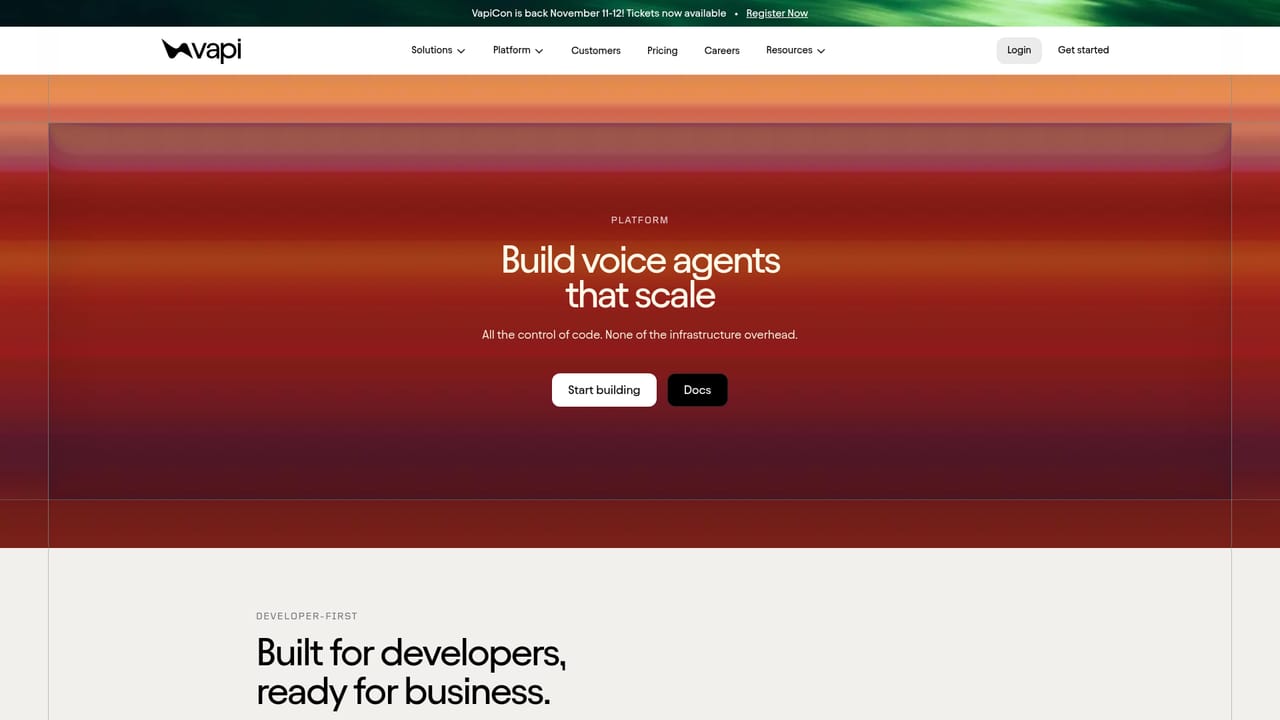
Vapi is an AI calls tool. A developer-first platform for building, deploying and monitoring voice AI agents that handle real phone calls, with configurable voices, telephony, integrations and enterprise controls.
Vapi is a development platform for building voice AI agents that take and place real phone calls. Rather than locking users into a single speech stack, it acts as an orchestration layer where voice, conversation flow, telephony and integrations are configured in one place while Vapi runs the underlying infrastructure. The pitch is aimed squarely at builders: teams that want to go from a prompt to a production phone line quickly and then keep iterating on it. In practice, a project starts with a configuration pass. You select a model provider and a voice, define how the conversation should flow, connect a phone number through the telephony layer, and wire in the business systems the agent needs to touch. Because the platform is API-native by design, the same agent can be driven from a dashboard or from code. Real-time monitoring shows what is happening on live calls, and call-level tracking surfaces where conversations succeed or break down so prompts and flows can be revised. The vendor cites Amazon Ring going from zero to production in two weeks with all of its inbound volume running through Vapi, which sets expectations for the scale the platform is built for. The audience is technical: startups and product teams embedding voice into an application, plus larger organisations with support, lead qualification and appointment scheduling workloads. Enterprise buyers get contractual uptime guarantees, reserved capacity, SSO with OAuth and role-based access control, guardrails against hallucination, and a dedicated engineer during deployment. The alternative landscape splits in two. Buying a finished voice bot means less control but far less setup; assembling speech-to-text, an LLM, text-to-speech and telephony by hand means maximum control but months of glue work. Vapi occupies the middle: opinionated infrastructure and a large integration catalogue, with enough configurability that the agent's behaviour stays under the builder's control. Pricing is not published on the homepage, so costs have to be confirmed with the vendor or sales team before committing.
Enterprise plans include a contractual support SLA and a dedicated engineer embedded with the team to reach launch, with self-serve documentation for standard accounts.
Learn moreBroad catalogue including OpenAI, Anthropic, Gemini, Groq, ElevenLabs, Deepgram, Cartesia, AssemblyAI, Twilio, Telnyx, Salesforce, HubSpot, Zendesk, Google Calendar, Slack, Notion, Zapier, Make and GoHighLevel.
Learn moreAgent configuration spanning voice, conversation flow, telephony and integrations; API-native orchestration; real-time monitoring and call-level performance tracking; enterprise controls including support SLAs, reserved capacity, SSO, OAuth, role-based access control, AI guardrails and infrastructure said to scale to millions of calls with sub-500ms latency.
Learn more AI Angels400+ customizable AI girlfriends for NSFW chat, voice calls, and roleplay
 Candy AIExperience the future of companionship with AI friends who chat, role-play, and connect with you on a human level.
 ourdream.aiA vast AI roleplay platform with millions of characters for chat, images, video and voiceAI Angels400+ customizable AI girlfriends for NSFW chat, voice calls, and roleplayCandy AIExperience the future of companionship with AI friends who chat, role-play, and connect with you on a human level.ourdream.aiA vast AI roleplay platform with millions of characters for chat, images, video and voice


