Free trial
Free start with 5 generations and no credit card required, limited to VBA generation and formula generation. Explainer features need Pro.
Learn moreTurn plain English into working Excel VBA macros and formulas
Own VBA Code Generator? Verify ownership to get a dofollow link

VBA Code Generator is an AI spreadsheet generator tool that turns plain English into working Excel VBA macros and formulas. A web tool that writes Excel VBA macros and formulas from plain English descriptions and explains existing code line by line.
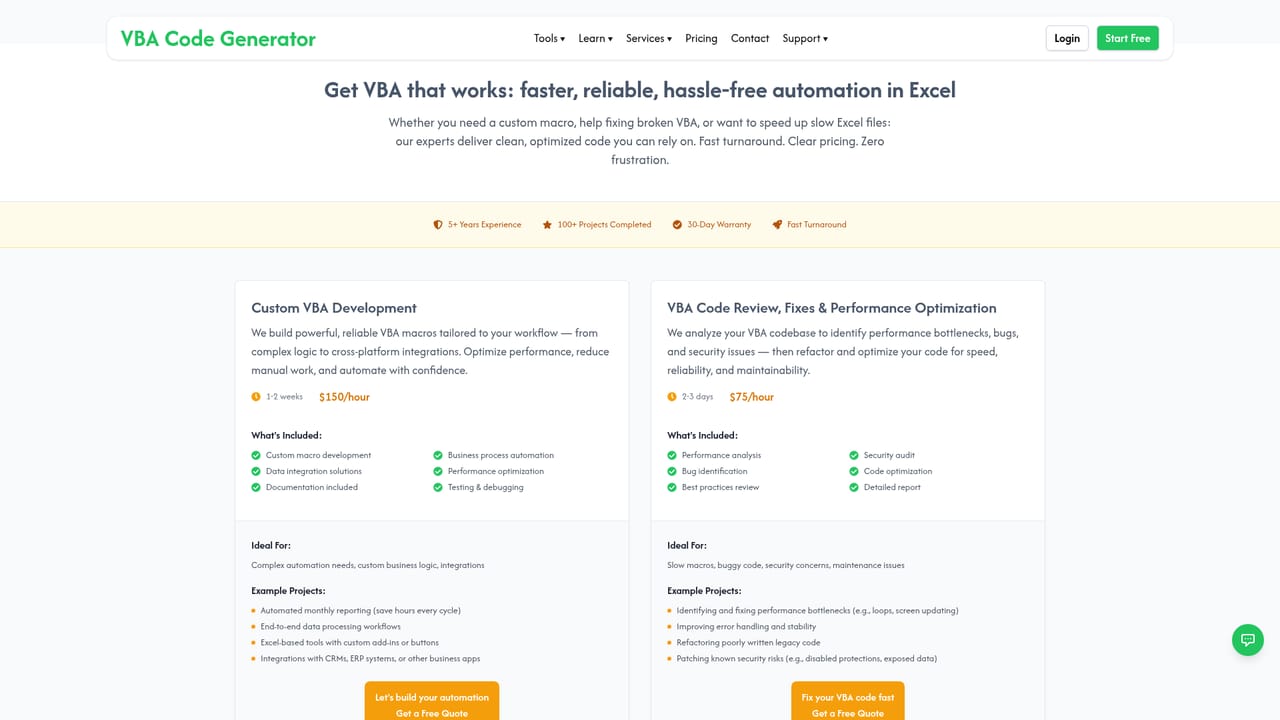
VBA Code Generator is a web tool that converts plain English instructions into Excel VBA macros and spreadsheet formulas, and explains existing code and formulas line by line. The site is built around four modes: Generate VBA, Explain VBA, Generate Formula and Explain Formula. Free accounts get the two generation modes, while both explainer modes sit behind the Pro plan. It is aimed at Excel users who automate recurring work but do not write VBA from scratch, and at analysts who inherit macros they cannot read. The workflow is deliberately small. You describe the task, for example summing two separated ranges or pulling rows containing a keyword from one sheet to another, and the tool returns code or a formula you copy into your workbook. Nothing needs to be uploaded: you describe the layout in text or paste code and formulas directly. The homepage stresses that generated output handles nested logic, loops, conditions, lookups and multi step automation, and that results are structured for easy adaptation. A set of example prompts on the homepage, from find and replace across a column to extracting domain names from URLs, shows the expected input style. Compared with general purpose chatbots, the product is narrowly scoped to the Excel and Office automation niche, which shows in the formula examples and in the VBA specific explainer. It also offers paid human help alongside the tool: custom VBA development and a code review and optimization service for slow, unstable or business critical macros. The obvious caveat is accuracy. The site itself advises testing output in your own spreadsheet and refining the prompt, so results should be treated as a draft, not a guarantee. The free tier is a trial in practice: 5 generations, no credit card, with explainer features locked until you upgrade. Payment is by major credit card or PayPal, and subscriptions can be cancelled at any time.
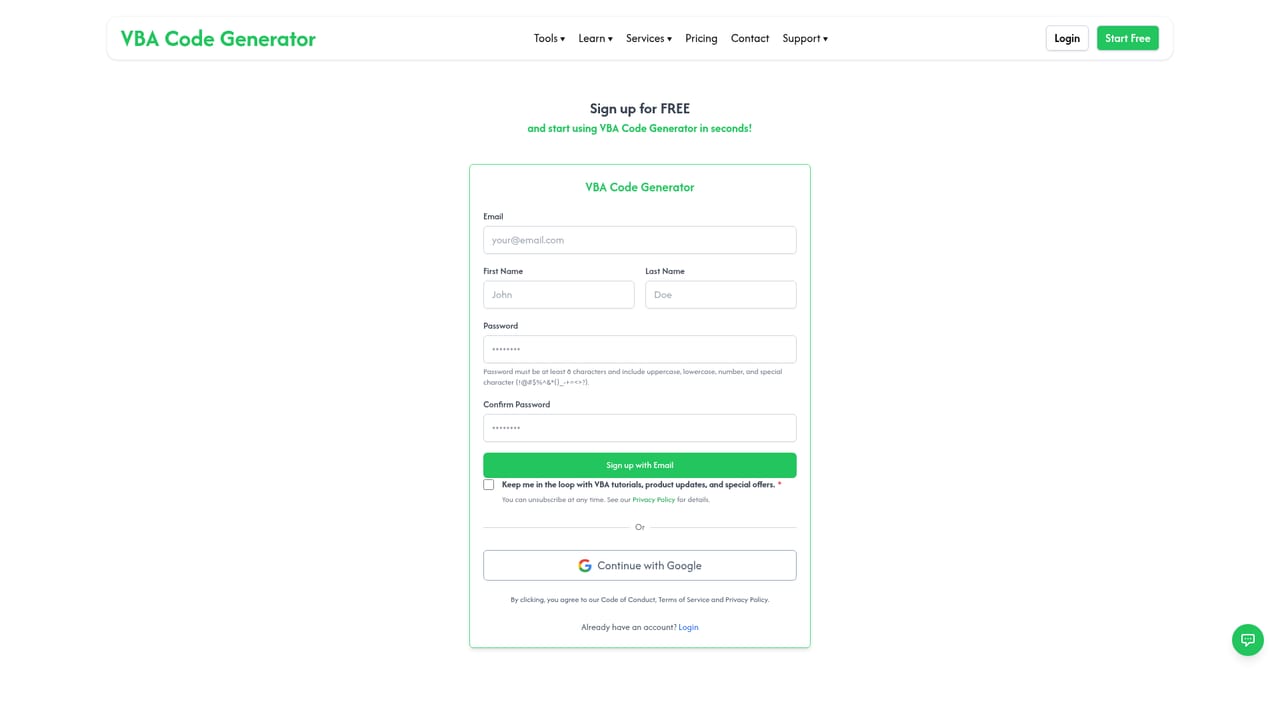
Free start with 5 generations and no credit card required, limited to VBA generation and formula generation. Explainer features need Pro.
Learn moreFree tier: 5 generations, no credit card, covering VBA and formula generation. Pro plan: unlocks the VBA Code Explainer and Excel Formula Explainer plus higher usage limits. No prices are listed on the homepage; payment is by major credit card or PayPal, and subscriptions can be cancelled at any time.
Learn moreA feedback and support channel is mentioned on the homepage, and paid services cover custom VBA development and code review, but no help centre or contact page is listed.
Learn moreGenerates VBA macros and Excel formulas from plain English, including nested logic, loops, conditions, lookups and multi step automation. Explains pasted VBA and formulas step by step (Pro). Needs no file upload; prompts can describe the spreadsheet or paste code. Output is structured for adaptation, and prompts can be refined and regenerated.
Learn more AI Angels400+ customizable AI girlfriends for NSFW chat, voice calls, and roleplay
 Candy AIExperience the future of companionship with AI friends who chat, role-play, and connect with you on a human level.
 ourdream.aiA vast AI roleplay platform with millions of characters for chat, images, video and voiceAI Angels400+ customizable AI girlfriends for NSFW chat, voice calls, and roleplayCandy AIExperience the future of companionship with AI friends who chat, role-play, and connect with you on a human level.ourdream.aiA vast AI roleplay platform with millions of characters for chat, images, video and voice




