Free trial
The meta description invites users to start for free, but the homepage does not state trial length, credits or which models are included at no cost.
Learn moreText and image to video with Veo 3 models and synced audio

Veo 3 AI is a generative video tool. A multi-model AI video and image platform built around Google's Veo 3, offering text-to-video and image-to-video generation with synchronized audio, output up to 1080p, and flexible aspect ratios for social platforms. Seedance 2.5 and Seedream 5.0 Pro extend it to longer clips and image editing.
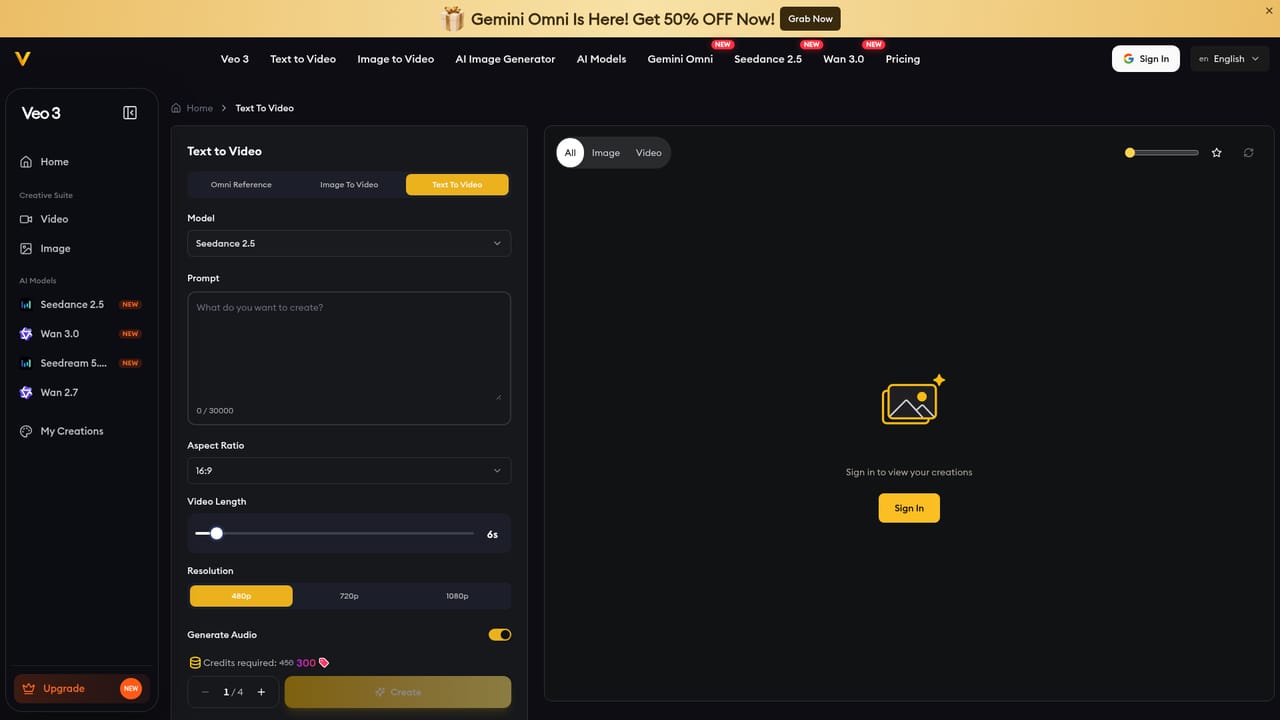
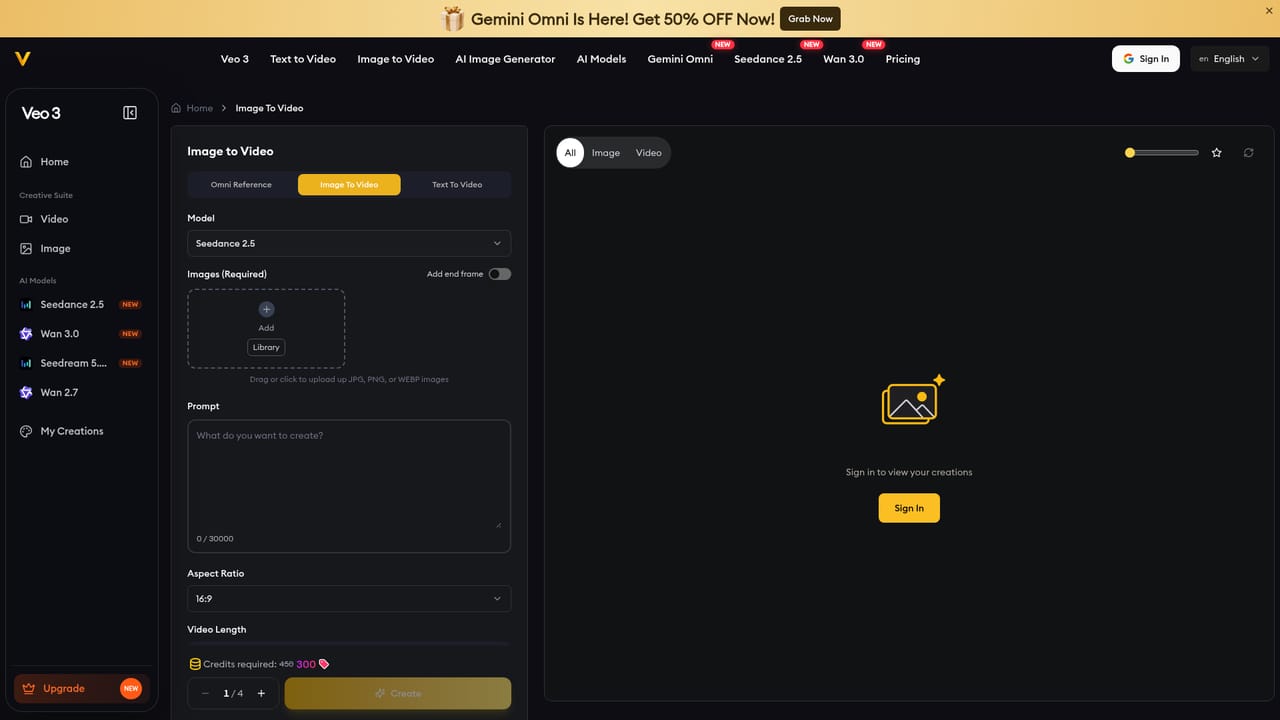
Veo 3 AI is a browser-based creative platform that combines several AI image and video models in one workspace. Its headline capability is video generation built on Veo 3 models powered by Google, which turn a written prompt or an uploaded reference image into a clip with realistic motion and synchronized audio. Around that core sits a broader toolkit, including the Seedance 2.5 model for clips up to 30 seconds at 1080p and the Seedream 5.0 Pro model for image editing, so a single session can move from stills to finished motion without switching services. In practice the workflow is short. You describe a scene or attach visual references, the platform processes the intent and renders an image or video, and you download the result, optionally finishing it in a separate editing tool. Output resolution scales from 360p previews to native 1080p, aspect ratios cover square, vertical and widescreen for TikTok, Instagram and YouTube, and standard Veo 3 clips run up to 8 seconds, while the Seedance route extends to 30 seconds with reference-led control. The audio arrives timed to the visuals rather than being added in post. The audience is fairly broad. Filmmakers and content creators use it to storyboard and prototype ideas before committing to a shoot. Marketing teams generate ad variations and social clips without a production crew. Educators build video lessons and onboarding modules. The homepage also mentions API integration for teams that want to automate generation. Positioning matters here. The site is a multi-model wrapper around Google's Veo 3 and other engines rather than a model of its own, which is attractive for comparison shopping but means output quality tracks the underlying models and the platform's own orchestration layer. Anyone needing long-form video, frame-level editing or a full post-production suite should treat this as a generation step, not a finishing tool.
The meta description invites users to start for free, but the homepage does not state trial length, credits or which models are included at no cost.
Learn moreThe homepage mentions easy API integration for teams that want to automate video generation, but no named third-party integrations or documentation links are listed.
Text-to-video and image-to-video generation on Veo 3 models powered by Google, with realistic motion and synchronized audio. Output ranges from 360p to native 1080p, clips run up to 8 seconds on Veo 3 and up to 30 seconds on Seedance 2.5, and square, vertical and widescreen aspect ratios are supported. Seedream 5.0 Pro handles image editing within the same platform.
 AI Angels400+ customizable AI girlfriends for NSFW chat, voice calls, and roleplay
 Candy AIExperience the future of companionship with AI friends who chat, role-play, and connect with you on a human level.
 ourdream.aiA vast AI roleplay platform with millions of characters for chat, images, video and voiceAI Angels400+ customizable AI girlfriends for NSFW chat, voice calls, and roleplayCandy AIExperience the future of companionship with AI friends who chat, role-play, and connect with you on a human level.ourdream.aiA vast AI roleplay platform with millions of characters for chat, images, video and voice


