Free trial
The homepage offers a "Try Free Now" button and a "Sign in to try for free" prompt, but it does not state what the free allowance includes.
Learn moreOne generator for editing, lip sync, face swap, upscale and extend
Own Video to Video AI? Verify ownership to get a dofollow link

Video to Video AI is a web generator that combines video editing, face swap, lip sync, motion control, upscaling and clip extension, plus text and image to video, under one credit-based account with subscriptions and one-time packs.
Video to Video AI is a browser-based generator that gathers a long list of footage-transformation tasks in a single workspace. Instead of sending a clip through separate apps for dubbing, upscaling and face replacement, a user switches between models inside one interface: video editing, face swap, motion control, lip sync, upscale, extend, image lip sync, two-person lip sync, text to video, image to video, image generation, image editing and music. The core workflow is reference-driven. For video editing, a user uploads a source clip, attaches reference images or multi-angle asset packs (frontal, side, top, background), and writes a prompt that says what should change and what should stay. The result keeps the original camera motion and action timing while swapping a character, outfit, object or scene element. Face swap uses a source face image and a target face image to mark which face in the footage gets replaced. Motion control transfers expression, body movement and finger actions onto a reference. The upscaler targets 720p, 1080p, 2k or 4k output and aims to restore detail rather than simply resize frames, which suits older or compressed footage. Video extend lets a clip grow by a chosen number of seconds, and it can be repeated. The audience is mostly marketers building ad variations, fashion and concept teams previewing wardrobe changes, creators localizing content with AI dubbing, and small studios doing scene redesign or restoration work. Pricing runs on credits: Starter, Professional and Ultra-style subscription tiers with monthly or yearly billing, plus one-time credit packs that do not expire. Paid plans include private generations, commercial usage and priority support. Among alternatives, it competes with single-purpose lip sync, face swap and upscaling services, and with general video generators. Its distinguishing angle is breadth under one credit balance, though quality on any single task still depends on the model chosen and the references supplied. Sign-in is required before generating, and the homepage shows a bot check before use.
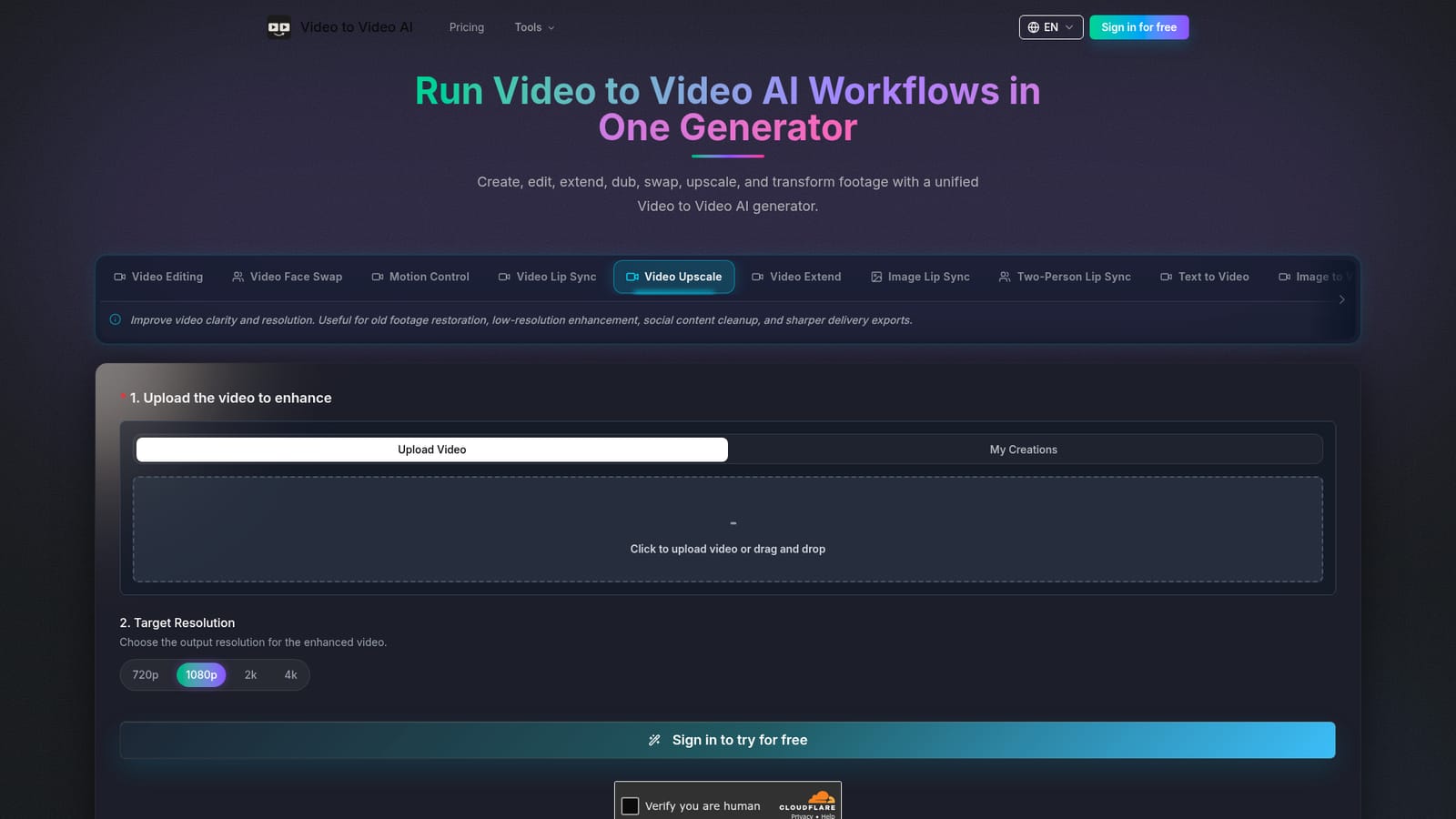
The homepage offers a "Try Free Now" button and a "Sign in to try for free" prompt, but it does not state what the free allowance includes.
Learn moreSubscriptions come in Standard ($39.99 per month billed yearly, 16,000 credits), Professional ($79.99, 33,000 credits) and Ultra ($159.99, 66,000 credits), with monthly options at higher list prices. One-time credit packs range from $199 for 3,000 credits to $2,999 for 80,000 and never expire.
Learn morePaid plans list priority support, and the FAQ says questions can go to the team on Discord or by email.
Video editing with references and prompts, face swap, motion control, lip sync (including image, two-person and lip-region modes), upscale to 4k, controllable video extend, text to video, image to video, image generation, image editing and music.


