Free trial
A free tier needs no account. It expands the first 10 seconds of a clip at standard quality, with a captcha before each free outpaint.
Learn moreOutpaint videos to new aspect ratios without cropping or bars
Own VideoExpander.ai? Verify ownership to get a dofollow link

VideoExpander.ai uses AI outpainting to change a video's aspect ratio by generating new edges around the original frame, avoiding crops, blur and black bars. A free tier needs no account, and Pro adds longer clips and higher quality.
VideoExpander.ai is a browser-based video outpainting tool. Instead of cropping a clip, padding it with black bars or filling the sides with a blurred copy, it generates new picture around the original frame so the footage fits a different aspect ratio. The source video stays intact in the middle, and the model fills in the surrounding area. It supports MP4, MOV and WebM uploads and does not lengthen a clip in time; the job is strictly to enlarge the canvas. The workflow has four stages. A user uploads a file, picks an output ratio (16:9, 9:16, 1:1 or 4:5), and the model reads lighting, motion and scenery to build edges that stay consistent from the first frame to the last. Settings allow the original to be positioned in the frame, padding to be adjusted, a one-step or two-step outpaint pass to be chosen, and a text prompt to be added. The result can be compared with the source and downloaded. A multi-shot mode lets individual shots or groups be re-outpainted while the rest of the final video is left unchanged. The same approach also handles uncropping a tight shot or replacing letterbox bars with generated scenery. The audience is mainly creators and marketers who film in one format and publish in several: landscape footage for vertical feeds, square clips for widescreen sites, product videos adapted across social placements. Web teams can turn existing footage into hero videos without bars, and editors can use it as a fast first pass before final polish in a full editing suite. The site is candid that stable shots, clear subjects and natural backgrounds work best, and that not every clip will come out perfectly. Among alternatives, it sits between conventional resizers, which only change the container, and general video generators. A free tier works without an account and expands the first 10 seconds at standard quality, while a paid Pro plan adds longer clips, higher quality, multi-shot mode and faster queue priority.
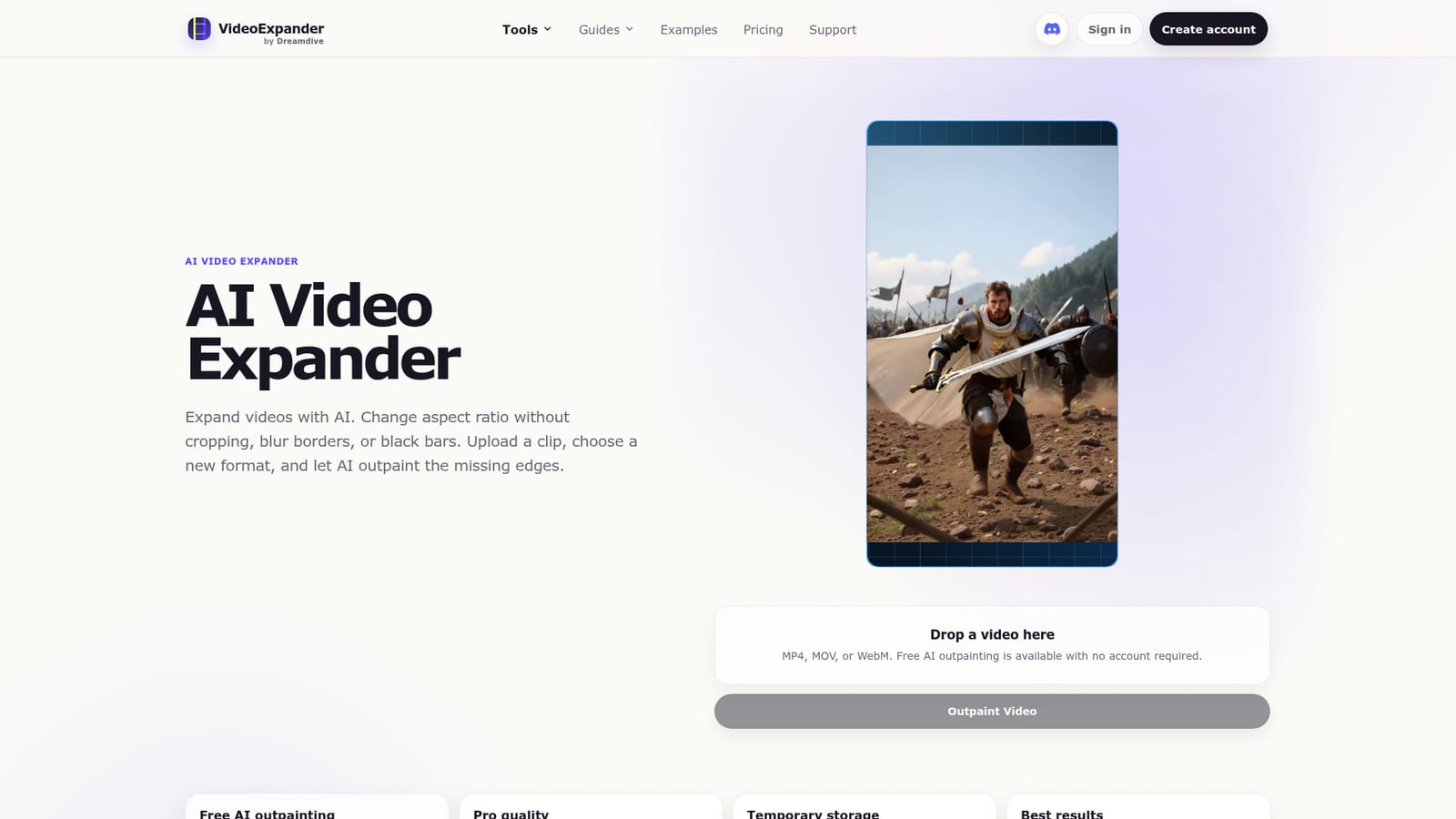
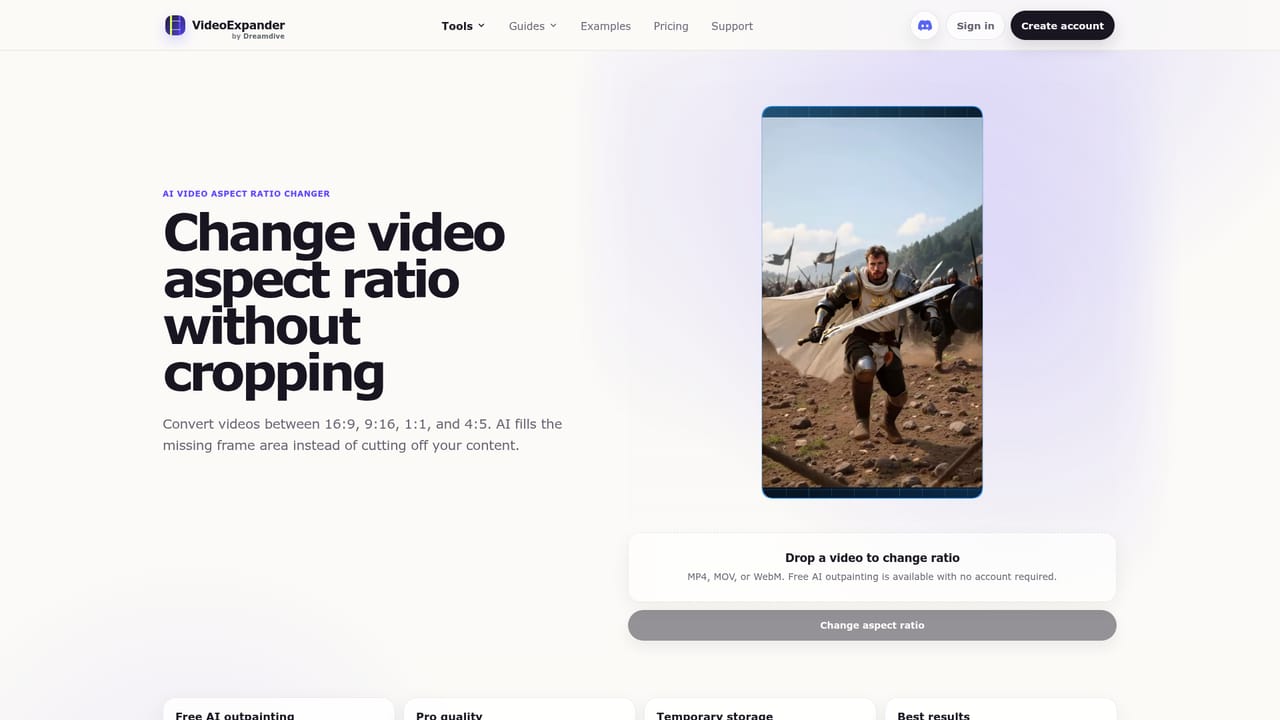
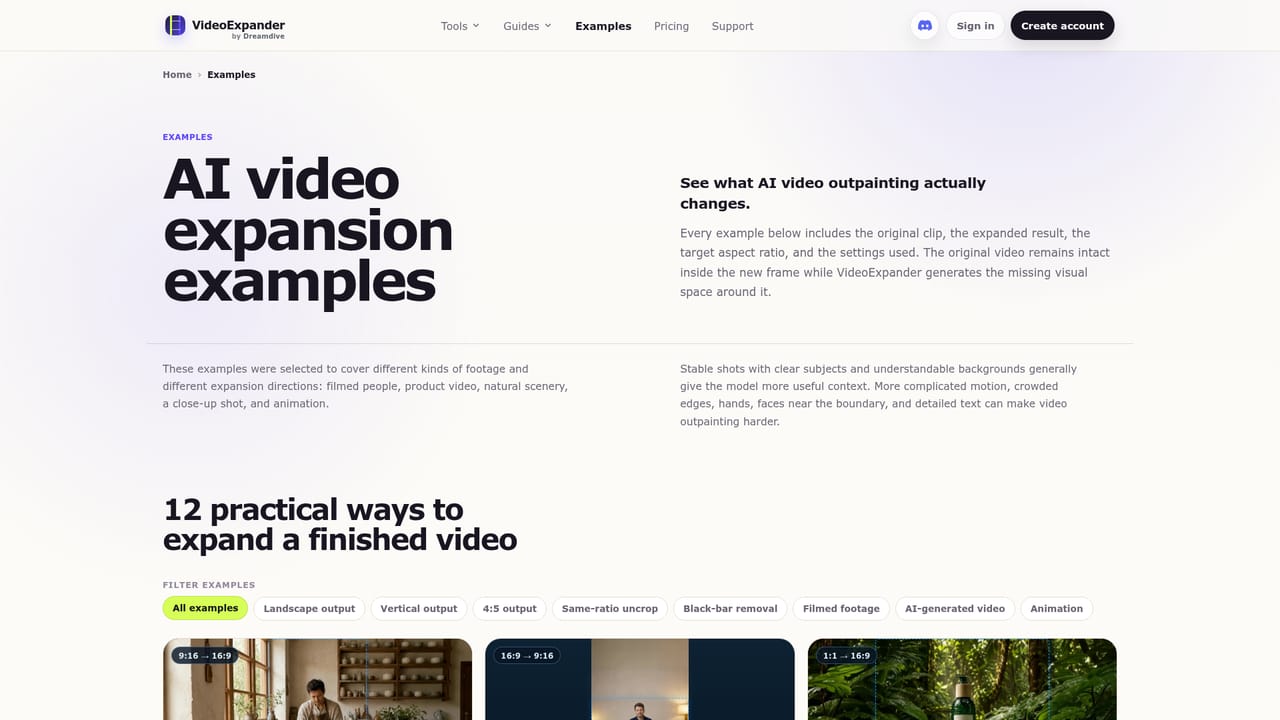
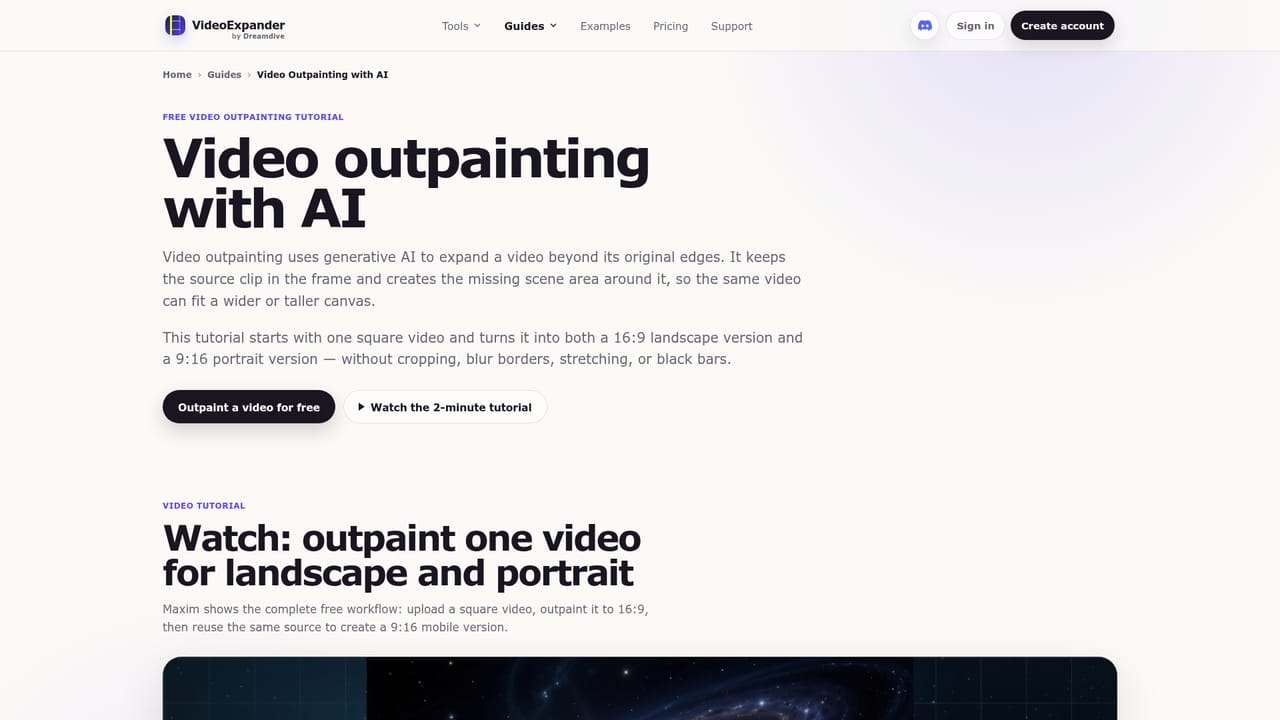
A free tier needs no account. It expands the first 10 seconds of a clip at standard quality, with a captcha before each free outpaint.
Learn moreFree outpainting is available without an account, expanding the first 10 seconds at standard 1280 x 720 quality. Pro costs $15 per month and adds high quality, clips up to 3 minutes, multi-shot mode, queue priority and premium support.
Learn morePro includes premium support. A free video outpainting tutorial and example pages are published on the site.
Learn moreAI video outpainting to 16:9, 9:16, 1:1 and 4:5; position and padding controls; one or two outpaint passes; optional prompt; multi-shot mode with per-shot re-outpainting; uncrop and letterbox removal; MP4, MOV and WebM input.
Learn more


