Support
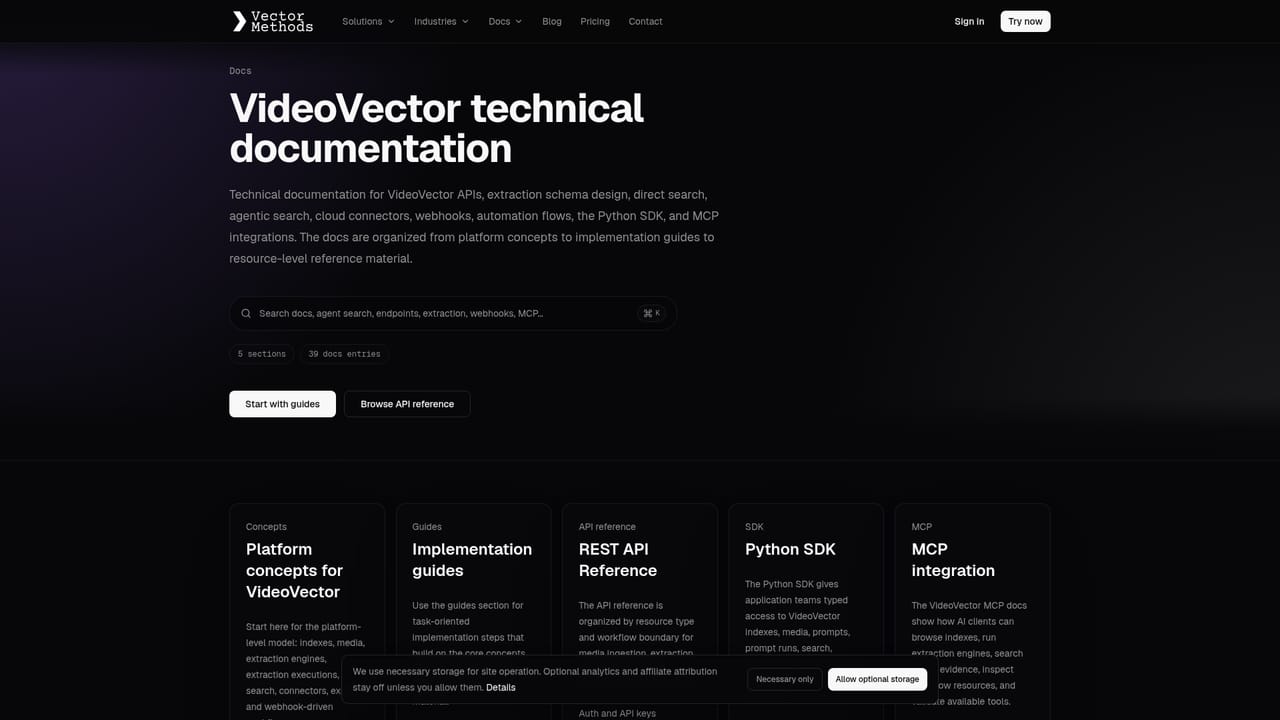
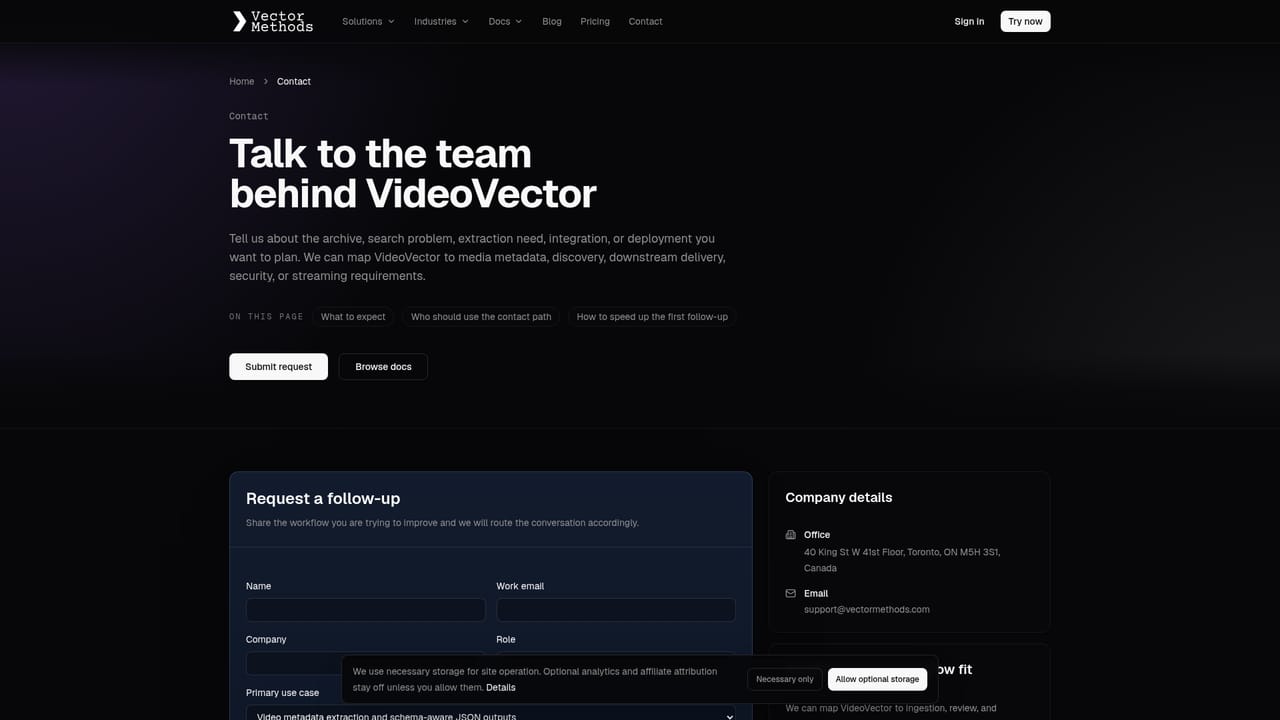
A documentation site is available for product reference, and a contact page routes questions to the team. The homepage does not describe support tiers or response times.
Learn moreTurn video and audio archives into searchable, source-linked metadata.

VideoVector is an audio analysis tool that turns video and audio archives into searchable, source-linked metadata. VideoVector converts video, audio and image libraries into structured, timestamped metadata and multimodal embeddings, enabling semantic search that returns source-linked moments and supports MediaRAG workflows.
VideoVector is a media intelligence service for organizations that sit on large video, audio and image collections and need to make them findable. Instead of relying on filenames and manual logging, it processes footage into time-aligned descriptions of actions, entities and relationships, so every claim in the output points back to a specific interval in the source. The system accepts either natural language questions or structured schemas, and returns ground truth you can audit rather than a black box summary. The core of the product is structured understanding. A clip is broken into segments, each carrying start and end times, scene type, event details and entity records (for example a named player linked to a team, or on-screen text tied to the person it belongs to). Fields that cannot be determined are marked as uncertain or unknown, which matters for research and compliance work where a confident but wrong answer is worse than an honest gap. Alongside this, VideoVector builds multimodal embeddings and MediaRAG workflows so a search for a described moment returns the source timecodes and surrounding context, not just a thumbnail. The tool is aimed at media and news archives, sports rights holders, documentary teams, and analytics groups that need to locate a play, a quote or a scene inside hours of footage. It also supports editorial planning: a single recording can be mapped into narrative chapters, each linked to proposed clip boundaries and original timestamps, which shortens the handover between research and edit. A live playground and a comparison page against TwelveLabs make the product easy to evaluate before committing, though pricing is not published on the homepage and must be requested through sales. It is a specialist tool for teams with real archive volume, not a casual clipping app.
A documentation site is available for product reference, and a contact page routes questions to the team. The homepage does not describe support tiers or response times.
Learn moreStructured understanding turns footage into time-aligned segments with actions, entities, relationships and on-screen text. Contextual discovery uses multimodal embeddings to return precise source passages. MediaRAG workflows connect retrieval to generated answers with source references. Editorial story mapping splits a recording into narrative chapters with proposed clip boundaries and original timestamps. Output follows a custom schema and flags uncertain fields.
Learn more AI Angels400+ customizable AI girlfriends for NSFW chat, voice calls, and roleplay
 Candy AIExperience the future of companionship with AI friends who chat, role-play, and connect with you on a human level.
 ourdream.aiA vast AI roleplay platform with millions of characters for chat, images, video and voiceAI Angels400+ customizable AI girlfriends for NSFW chat, voice calls, and roleplayCandy AIExperience the future of companionship with AI friends who chat, role-play, and connect with you on a human level.ourdream.aiA vast AI roleplay platform with millions of characters for chat, images, video and voice


