Free trial
A free trial is offered. New accounts receive 200 V-points, and sign-up is described as taking about two minutes. No time limit is stated on the homepage.
Learn moreAI voice collaboration platform for transcription, summaries, and action items.

Vocol is an AI voice collaboration platform that transcribes audio in English, Chinese, and Japanese, then generates summaries, topic highlights, and action items. It adds team features like a shared highlight hub and meeting analytics, making it useful for distributed teams that want searchable meeting records without manual note taking.
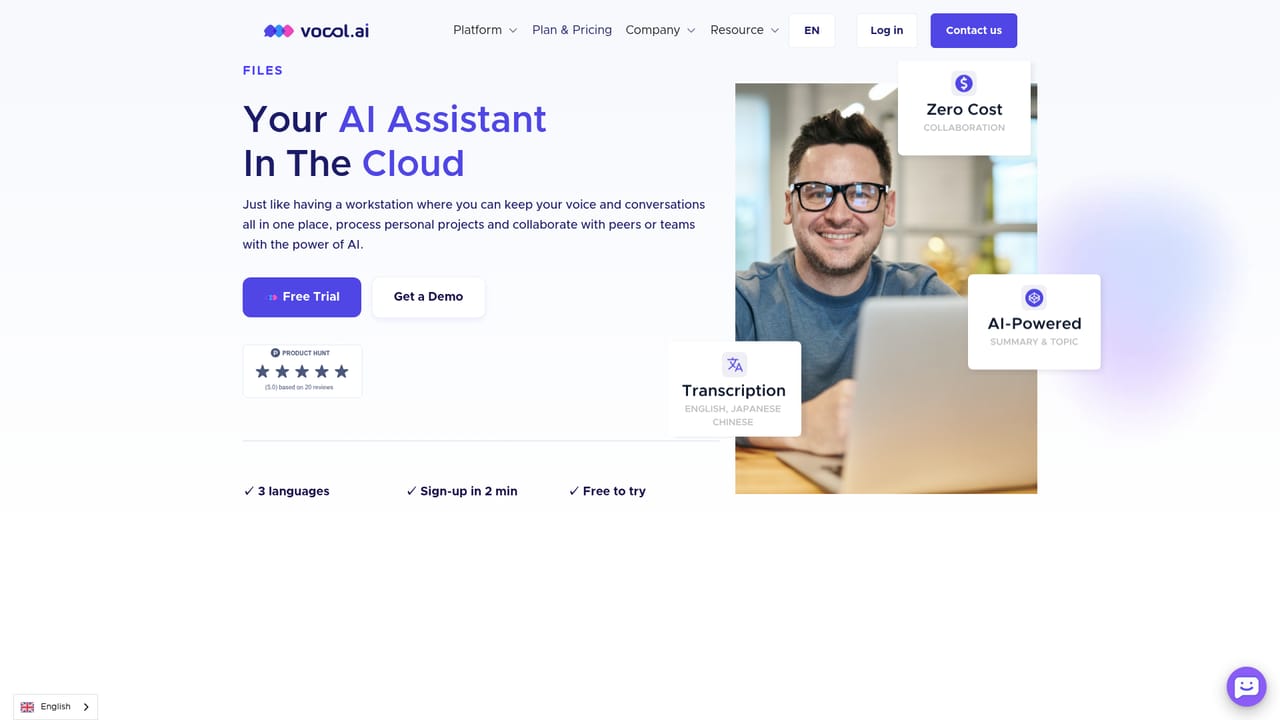
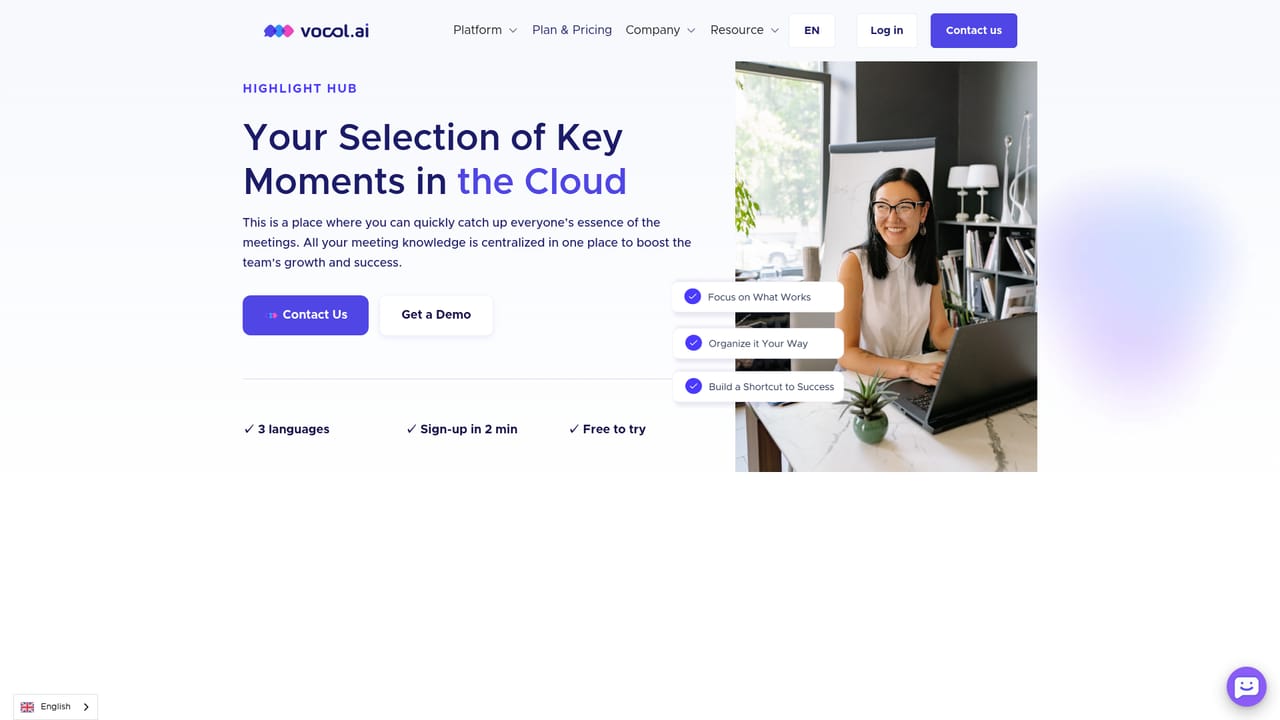
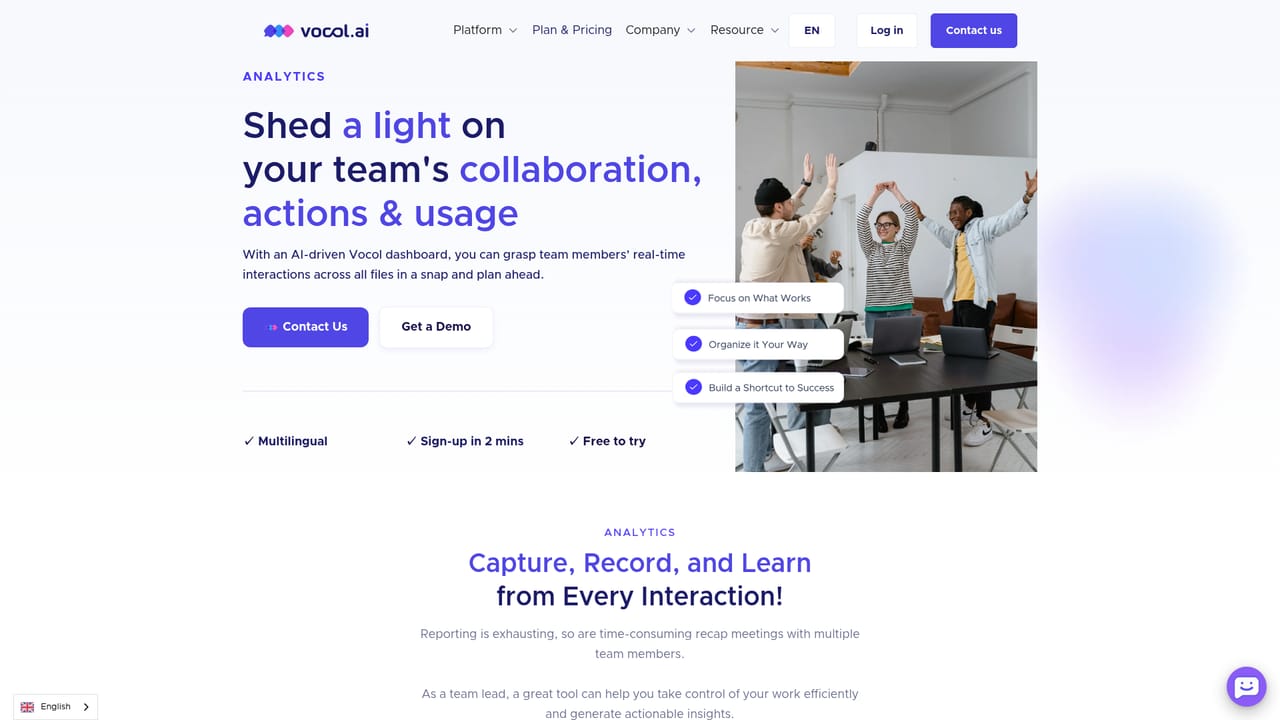
Vocol is a voice collaboration platform built around transcription and meeting intelligence. It records or accepts audio, converts speech to text, then applies GPT-based processing to produce summaries, topic highlights, and action items. The system is designed for calls, interviews, meetings, podcasts, and online courses, and it supports English, Chinese, and Japanese. The core promise is that teams spend less time on manual note taking and more time acting on what was discussed. The product is organized into three working areas. Files consolidate each recording with its multilingual transcript, key topics, and summary; users can search keywords to jump to important moments. Highlight Hub collects and catalogues highlights from voice and meetings so colleagues can share, comment, and follow best practices in one place. Analytics surfaces usage data, topic word clouds, and collaboration patterns, giving managers a data-based view of how meetings are being used across a team. Action items turn discussion into specific, measurable steps, which is the feature that separates Vocol from plain transcription services. In practice, a user uploads a recording or connects a meeting source, spends V-points to transcribe it (one V-point per minute of audio), then reviews and edits the transcript before sharing the summary and highlights. The workflow suits distributed teams, sales managers who want visibility into calls they cannot attend, researchers and journalists working across languages, and educators or students who need searchable records of lectures and discussions. The Asia-focused language coverage makes it a stronger fit for teams working in Chinese and Japanese than general Western transcription tools. Vocol sits in the same space as meeting assistants and transcription platforms, but its emphasis on Asian languages, highlight sharing, and team analytics gives it a distinct angle. It is a web application with a mobile app available in some regions, and it connects to meeting platforms so recordings can happen automatically. Teams that mainly need English transcription will find the language list narrow, and the V-point credit model requires some planning, but for multilingual teams in Asia the combination of transcription, summaries, and shared highlights is coherent and practical.
A free trial is offered. New accounts receive 200 V-points, and sign-up is described as taking about two minutes. No time limit is stated on the homepage.
Learn moreThe homepage does not list plan prices. It states that each account starts with 200 V-points, where 1 V-point covers 1 minute of transcription, and that the pricing structure has no hidden fees. Payment is by debit or credit card, with wire transfer accepted for business licenses. Full plan details are not shown on the homepage.
Learn moreVocol connects with select meeting platforms, with Teams and conference systems named as examples, to record meetings automatically. The homepage labels this list as limited and says more platforms are coming soon.
Vocol transcribes speech in English, Chinese, and Japanese, then generates summaries, key topics, and action items. Files consolidate recordings with searchable transcripts. Highlight Hub collects shareable meeting highlights with comments. Analytics shows usage data, topic word clouds, and collaboration metrics. Action items convert discussion into measurable steps.
Learn more AI Angels400+ customizable AI girlfriends for NSFW chat, voice calls, and roleplay
 Candy AIExperience the future of companionship with AI friends who chat, role-play, and connect with you on a human level.
 ourdream.aiA vast AI roleplay platform with millions of characters for chat, images, video and voiceAI Angels400+ customizable AI girlfriends for NSFW chat, voice calls, and roleplayCandy AIExperience the future of companionship with AI friends who chat, role-play, and connect with you on a human level.ourdream.aiA vast AI roleplay platform with millions of characters for chat, images, video and voice


