Free trial
Free access is available without a credit card. The homepage states 60 free credits every day, which is the practical way to test avatars, voices and templates before committing.
Learn moreAvatar and voice-driven video creation with a free tier and a huge asset library

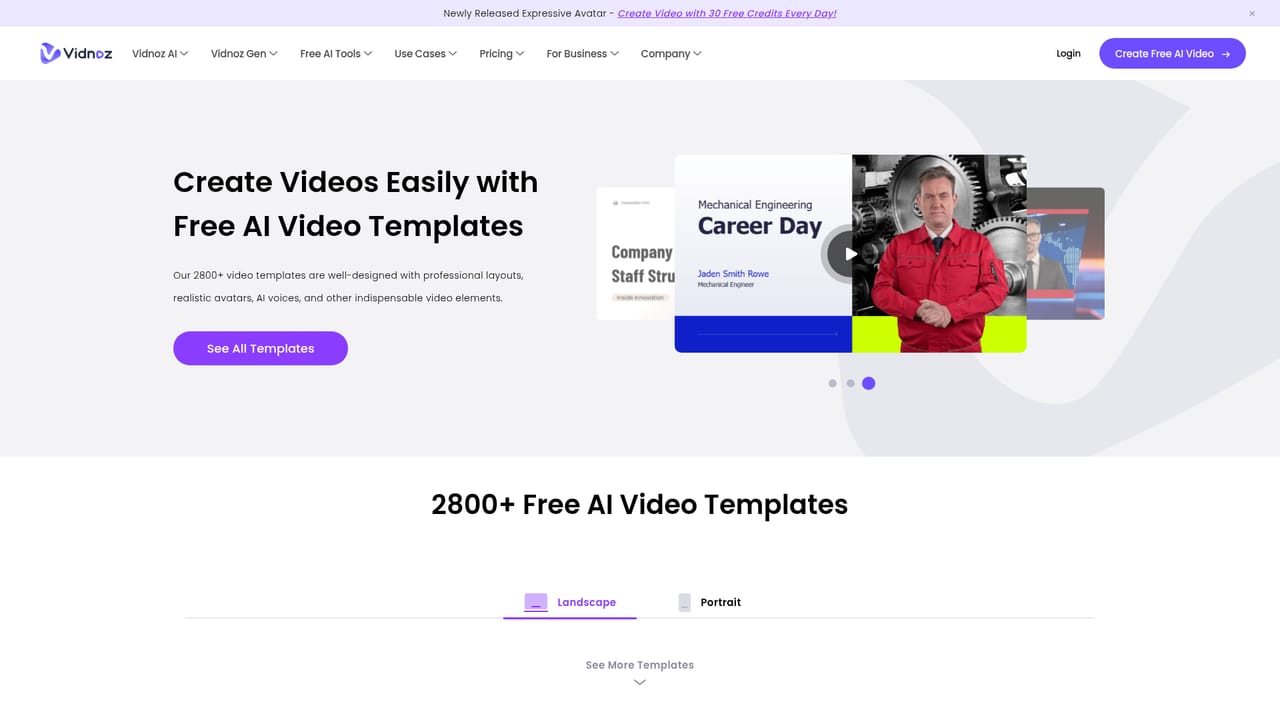
Vidnoz is a web based AI video generator built around 1900+ avatars, 2000+ voices in 140+ languages and 2800+ templates. Type a script, pick a presenter, add custom touches and export. Custom avatars, voice cloning and video translation round it out for L&D, marketing and sales teams.
Vidnoz is a browser-based studio for producing talking-head and avatar-led videos without cameras, actors or a production crew. The core workflow is text driven: pick a template or avatar, type the script the presenter should speak, choose from a library of synthetic voices, then refine the layout with music, transitions and effects before rendering. The platform advertises 1900+ AI avatars, 2000+ AI voices across more than 140 languages, and 2800+ editable templates, which puts it in the same bracket as other avatar video services that compete on asset breadth rather than on cinematic generation. Beyond stock avatars, Vidnoz offers custom avatar creation from a photo or recording, so a team can build a reusable digital twin of a real presenter, plus voice cloning for a synthetic replica of a specific speaker. Lip sync is handled automatically against the generated audio. Separate tools cover image to video conversion and video translation with lip syncing, aimed at localizing existing footage into other languages. Scenes can run up to five minutes of AI video each, which suits explainer content, course modules and onboarding sequences more than short social clips. The product is organized around use cases rather than raw features, with dedicated landing pages for explainer videos, e-learning, training and development, sales outreach, marketing and customer support. That framing tells you the intended buyer: L&D teams, marketing departments, sales enablement and educators who need volume and consistency more than artistic control. Universities appear among the published testimonials, including one using avatars to build communication training for medical students and another translating academic lectures into English. Compared with general purpose video editors, Vidnoz trades editing depth for speed and a lower skill floor. It is not a replacement for a timeline editor when frame-level control matters, and the free tier is credit limited at 60 credits per day. The realistic use case is a team that needs many short presenter-led videos per month and would otherwise book studio time or a spokesperson.
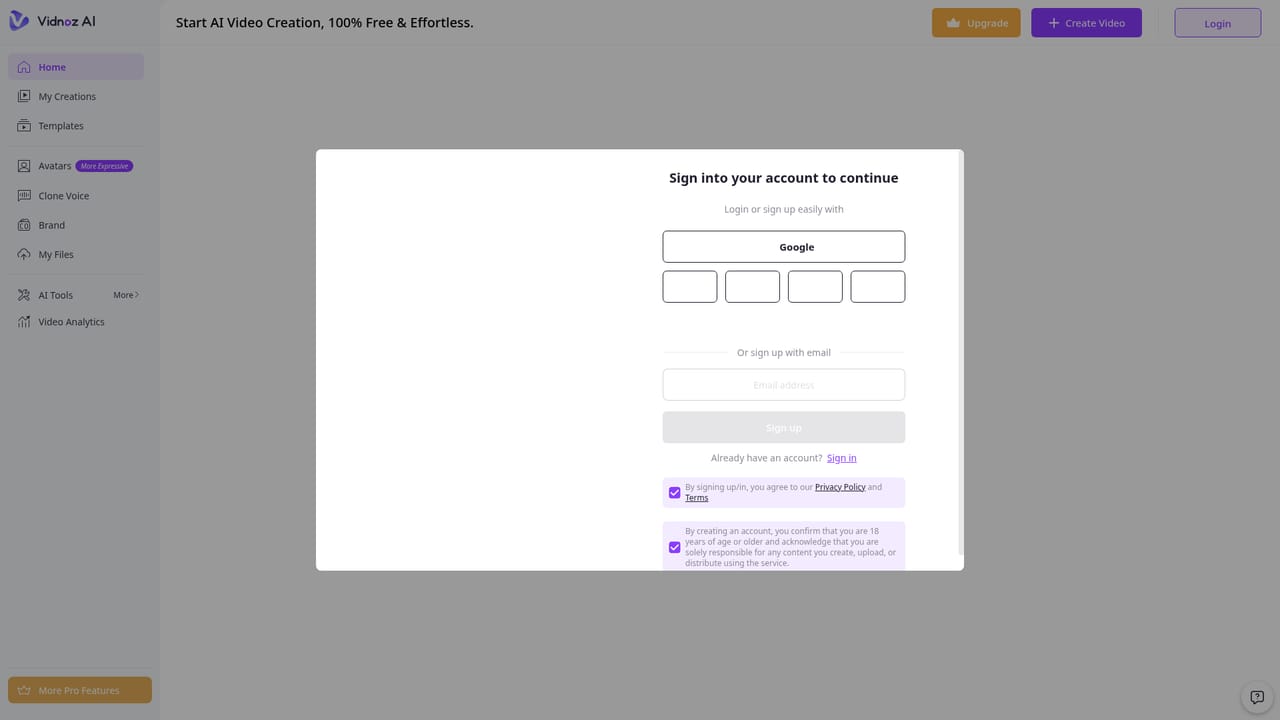
Free access is available without a credit card. The homepage states 60 free credits every day, which is the practical way to test avatars, voices and templates before committing.
Learn moreThe homepage promotes a free tier with 60 free credits every day and no credit card required. Paid plans, per seat pricing and credit tiers are not listed in the source content, so exact costs need to be checked on the site.
Learn moreThe homepage references a support center that users describe as fast and professional, and mentions an experienced team providing security and technical assistance. No specific channels or hours are listed.
Avatar video generation with 1900+ avatars and automatic lip sync, 2000+ voices across 140+ languages, voice cloning, custom digital twins, image to video, video translation with lip syncing, and 2800+ editable templates. Scenes support up to five minutes of AI video.
Learn more AI Angels400+ customizable AI girlfriends for NSFW chat, voice calls, and roleplay
 Candy AIExperience the future of companionship with AI friends who chat, role-play, and connect with you on a human level.
 ourdream.aiA vast AI roleplay platform with millions of characters for chat, images, video and voiceAI Angels400+ customizable AI girlfriends for NSFW chat, voice calls, and roleplayCandy AIExperience the future of companionship with AI friends who chat, role-play, and connect with you on a human level.ourdream.aiA vast AI roleplay platform with millions of characters for chat, images, video and voice