Free trial
The site advertises a free plan with no credit card needed to get started.
Learn moreTurns videos, PDFs and decks into SOPs, guides and training

Vidocu is a content generation tool that turns videos, PDFs and decks into SOPs, guides and training. Vidocu is an AI knowledge platform that turns videos, PDFs, decks and documents into product videos, SOPs, help articles, training material and quizzes, with translation, voiceovers and a team workspace for publishing.
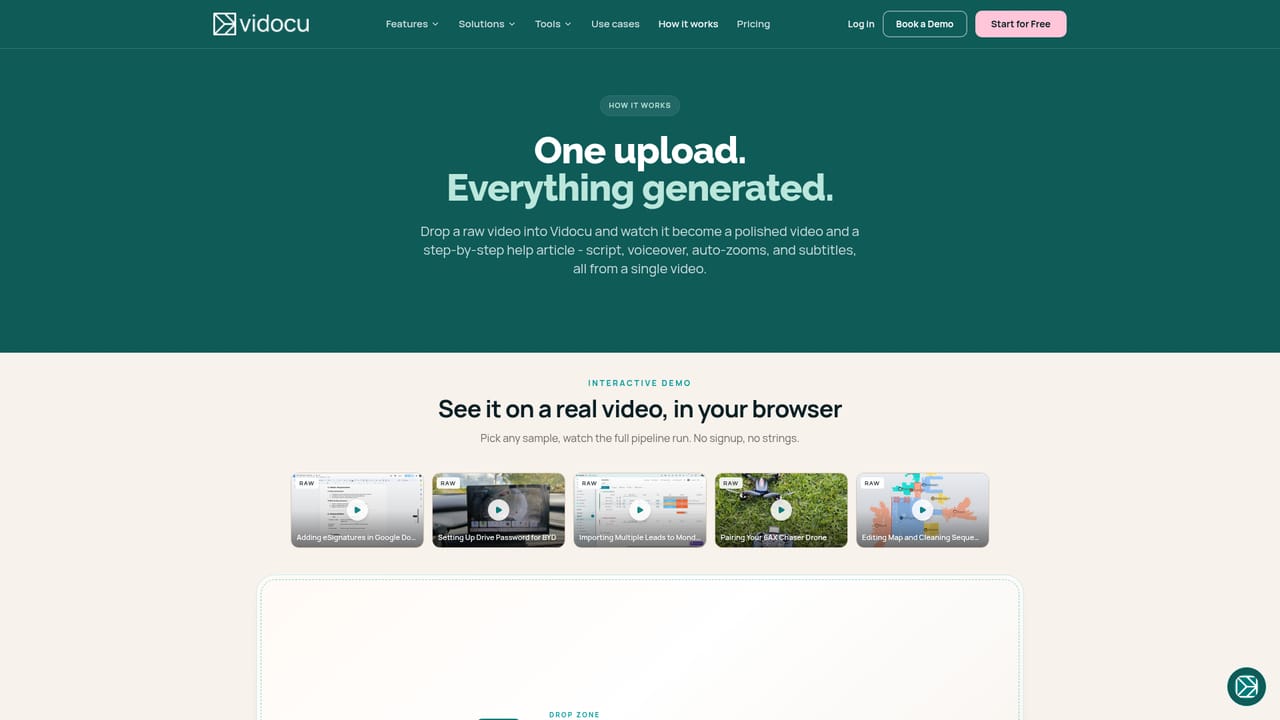
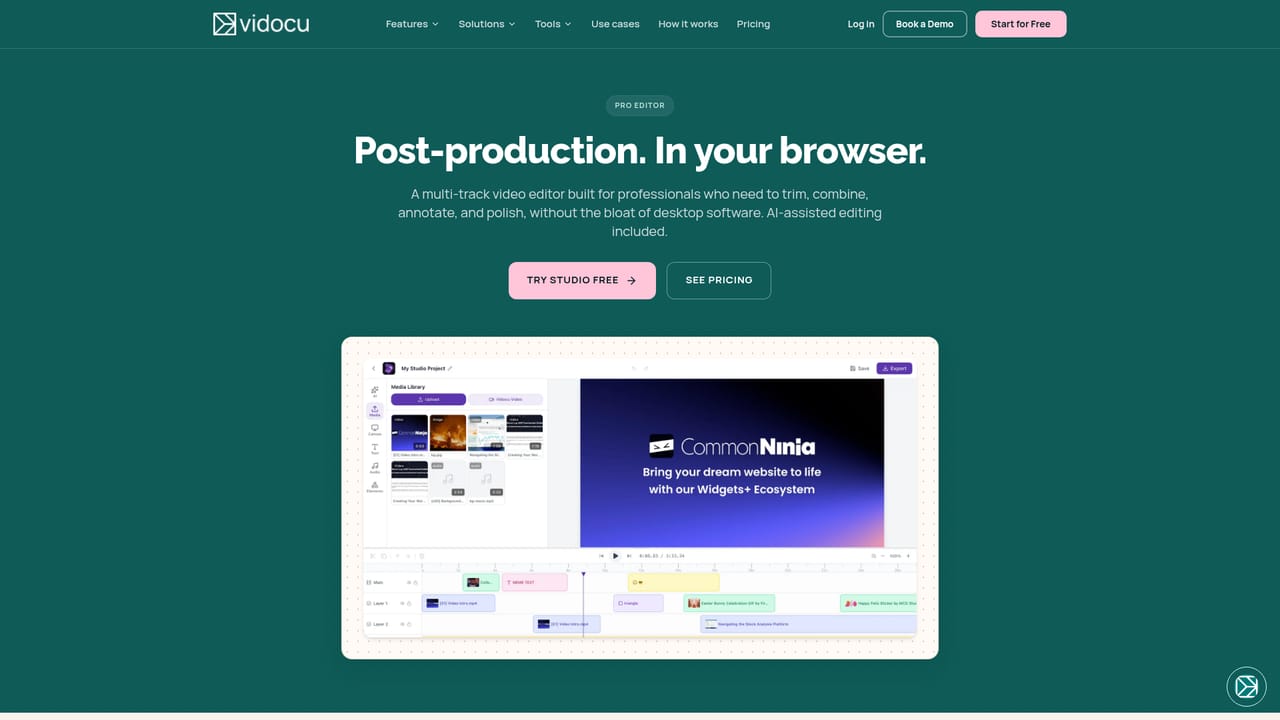
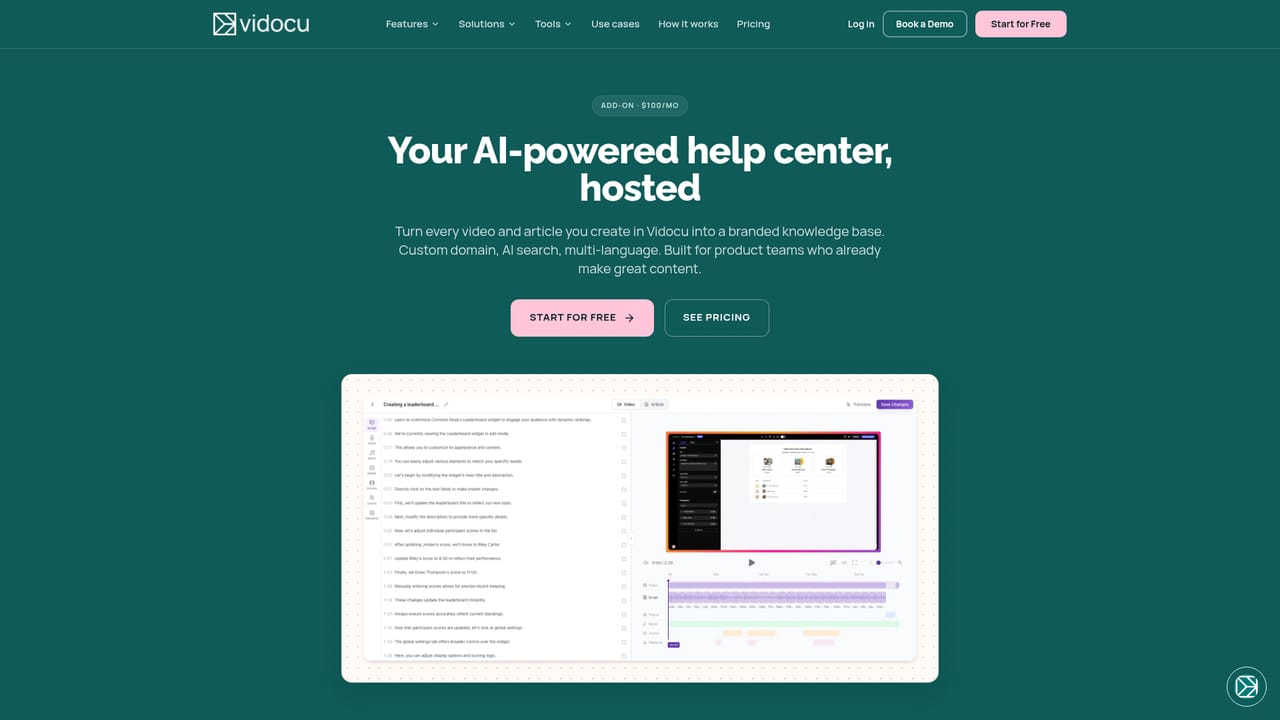
Vidocu is an AI knowledge platform that converts existing material into usable documentation and video. A team uploads a video, PDF, slide deck or document, or records directly in the product, and Vidocu analyzes the source, writes a script, adds a voiceover and produces the formats the team picks. Outputs include training videos, step-by-step SOPs, help articles, presentations, quick summaries, searchable knowledge bases, short vertical reels and quizzes, all tied back to the same source file. The tool is aimed at teams that spend hours turning expert knowledge into content: product marketing, customer success, support, operations, HR and training, and sales. Instead of rewriting a walkthrough as an article, then recording a video, then translating both, one upload feeds every format. The site lists support for more than 70 languages in its metadata, with automatic translation of videos, captions, voiceovers, articles and documentation. In practice the workflow has five stages: upload or record, choose the outputs, let the AI draft them, review and customize (editing, branding, tone, voice, translation), then export, embed or publish. Beyond generation, the platform includes a multi-track editor called Studio for post-production, a Knowledge Center for publishing a branded multilingual training hub, and an AI Recorder where an agent opens a product, follows written instructions and captures the flow. A set of browser-based free tools covers transcription, format conversion, clipping and turning videos into text SOPs. Team features include shared workspaces, projects and role-based permissions over who can create, edit, approve or publish. A developer API supports programmatic content creation with templates and variable data, and MCP support lets compatible AI assistants and agents reach Vidocu. The company points to a trust center and independently audited controls for privacy. Among alternatives, Vidocu sits between screen-recording documentation tools, AI video generators and help-center software. Its distinguishing angle is breadth: scripting, voiceover, captions, translation, editing and documentation in one connected workflow, which suits teams wanting to replace several single-purpose tools.
The site advertises a free plan with no credit card needed to get started.
Learn moreA free plan is available with no card required. Paid plan prices are not stated on the homepage.
Learn moreA demo booking page and contact page are available, along with a trust center covering security and privacy controls.
Learn moreOffers a developer API for programmatic content creation with templates and variable data, plus MCP so compatible assistants and agents (Anthropic, OpenAI, custom LLM runtimes) can access Vidocu.
Learn moreGenerates training videos, SOPs, help articles, presentations, summaries, knowledge bases, short reels and quizzes from one source. Includes auto script, AI voiceovers, auto captions, translation, creative tools, a multi-track Studio editor, Knowledge Center, AI Recorder and free web tools.
Learn more


