Free trial
Creating videos is advertised as free to start, with no further detail on limits or credits on this page.
Learn moreAnimate photos, art and product shots into short cinematic clips
Own Vidu AI Video Generator? Verify ownership to get a dofollow link

Vidu AI Video Generator is a generative video tool that animates photos, art and product shots into short cinematic clips. Vidu's image-to-video tool animates photos, anime, sketches and digital art into short clips from a prompt, with first and last frame control, adjustable duration and resolution, and sibling tools for text and reference video.
Vidu AI Video Generator is a browser-based service that turns a still image into a short video. The user uploads a picture, writes a prompt describing how things should move, and the system produces a clip with motion that keeps the original details and look intact. It accepts photographs, anime, sketches, paintings, illustrations and other digital art, and it is built around preserving the source style rather than restyling it. A distinguishing control is first and last frame setting. The first uploaded image acts as the opening frame, and an optional second image can mark the ending, with the generator filling in the movement between them. Before rendering, the user picks duration, resolution and how much movement the clip should contain, and a slider in the Amount setting produces more than one version at once. The site also offers a User Guide with prompting advice, including a simple formula: subject motion, camera movement, scene change and style. It stresses that prompts should describe movement instead of restating what the image already shows. The use cases it highlights are practical ones. Filmmakers, animators and creative teams can animate concept art, mood boards or character designs into short scenes. Online sellers can turn a single product photo into a clip with simple transitions for stores or ads. Social creators can make Reels, TikToks or Stories from selfies and artwork, and families can add gentle motion to vintage photographs. The page is candid that results depend on the input: blurry images, tiny subjects and overloaded motion prompts lead to rough output. Among alternatives, Vidu sits in the crowded image-to-video segment alongside other generative video platforms. Its own product line extends to text-to-video, a reference-to-video mode for keeping characters and scenes consistent across shots, an image generator and a sound effect generator. That breadth makes it more of a small creative suite than a single-purpose animator, though the image-to-video page itself focuses on quick clips from one or two pictures.
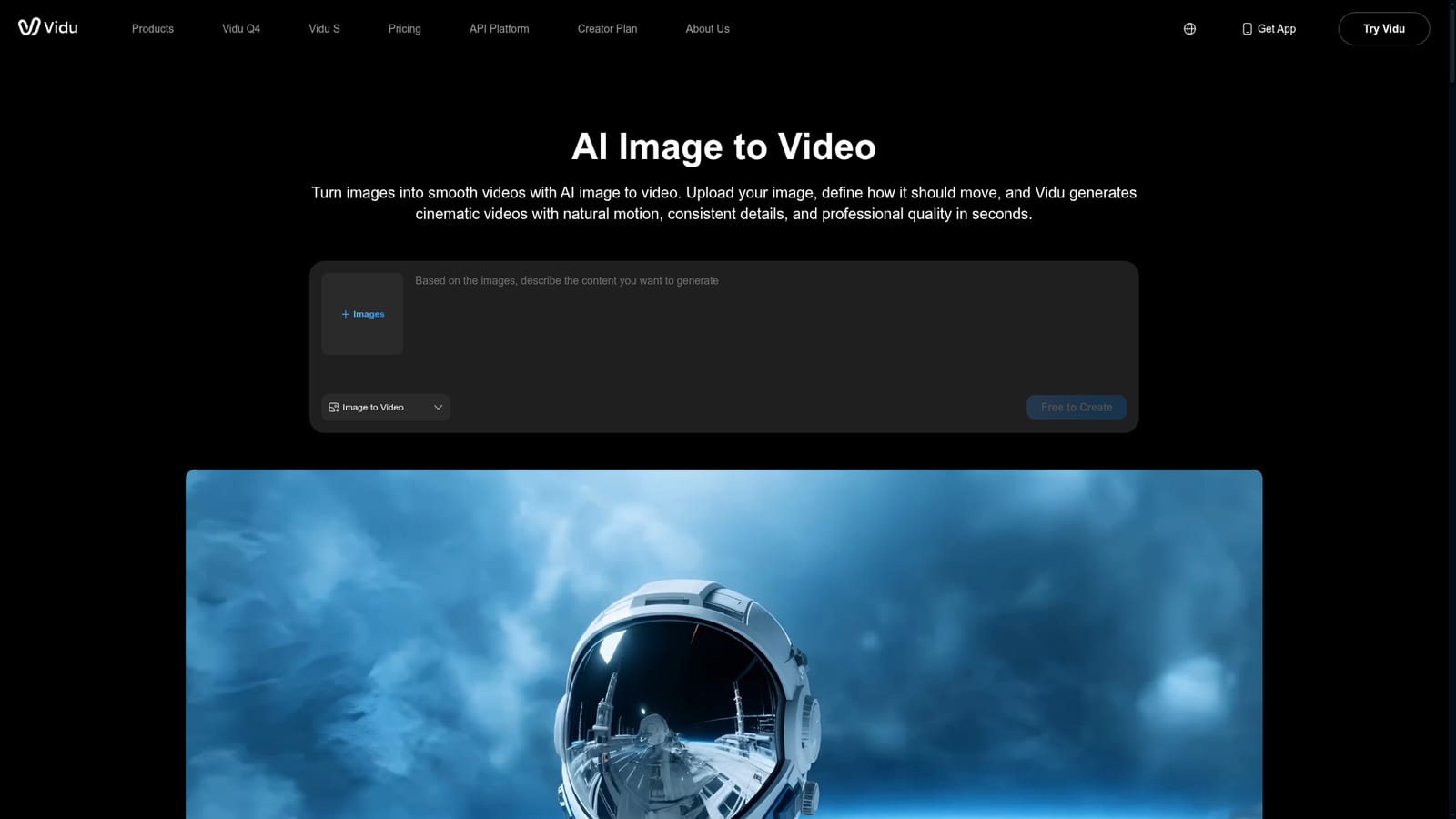
Creating videos is advertised as free to start, with no further detail on limits or credits on this page.
Learn moreThe page labels the tool "Free to Create" and mentions starting free, but it lists no plan names, prices or usage limits.
Learn moreA User Guide with prompting tips is referenced, along with on-page FAQs covering motion control, image types and result quality.
Image-to-video with first and last frame control, prompt-guided subject and camera motion, multiple animation styles (anime, realistic, illustration, surreal), settings for duration, resolution and movement, and multi-output generation.


