Free trial
The site offers "Try for Free" buttons, but the homepage does not state what free use includes or how many credits it provides.
Learn moreUpload a photo and preview outfits, hairstyles, glasses and rings
Own Virtual Try On.art? Verify ownership to get a dofollow link

Virtual Try On.art generates realistic try-on images from a person photo plus clothing, hairstyle, shoe, glasses or ring references, guided by a text prompt. It targets shoppers, fashion sellers and social creators, with credit-based subscription and one-time plans.
Virtual Try On.art is a web-based image generator that places clothing and accessories onto a photo of a person. The user supplies a portrait plus pictures of the items to be worn, such as tops, pants, dresses, shoes, glasses or a hairstyle reference, and the system produces a composite image showing the result. The site describes its engine as handling masking, alignment and blending, so the garments are fitted to the body in the photo rather than pasted over it. The workflow is prompt-driven. After uploading the person and item images, the user writes a short instruction describing the desired outcome, then generates and downloads the picture. The homepage examples show how far this goes: one combines a blouse, a hat and a skirt on a model while also adding a cat and swapping the backdrop for a Victorian building, another transfers a red wavy hairstyle between two women while leaving face and lighting alone, and a third places a man in a car on a coastal road. Separate pages cover clothes changing, ring try-on, hair color, hairstyles, glasses and a general image generator. The audience is mainly online shoppers who want to judge a look before buying, fashion and e-commerce teams producing product visuals without a photoshoot, and creators making social content. Salon clients and eyewear shoppers can use the hairstyle and glasses pages for quick previews. Pricing is credit-based. Three subscription tiers (Basic, Standard, Pro) offer yearly or monthly billing with annual credit allotments, and a one-time pack option sells credits that do not expire. Paid plans promise watermark-free output, private images and priority generation. Among alternatives, it sits between general image editors that need manual masking and retailer-embedded fitting tools: it is a standalone, photo-in, photo-out service that trades fine control for speed. Output quality depends on the source photos and the wording of the prompt.
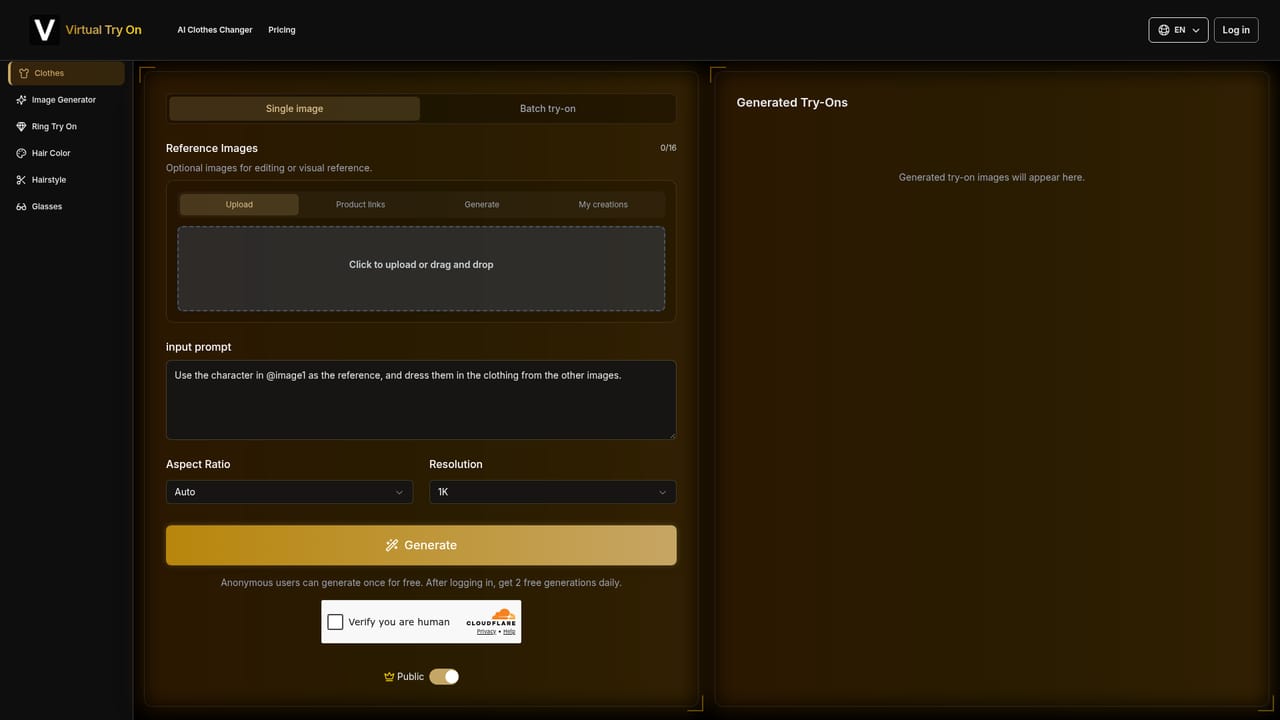
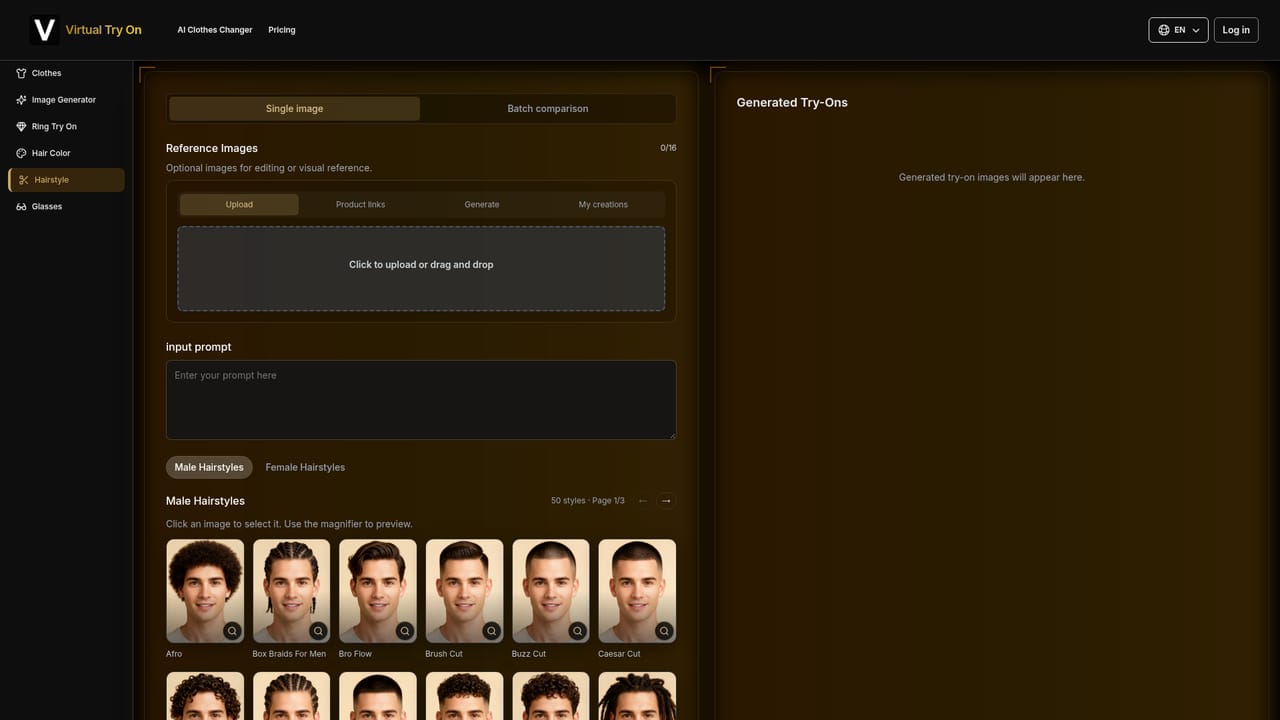
The site offers "Try for Free" buttons, but the homepage does not state what free use includes or how many credits it provides.
Learn moreSubscriptions come in Basic ($9.99), Standard ($19.99) and Pro ($29.99) tiers with monthly or yearly billing (yearly is 20% cheaper) and annual credit allotments. A one-time option sells credits at $49.99 (800), $99.99 (1,600) and $199.99 (3,200), with no expiry.
Learn moreUpload a person photo plus clothes, shoes, glasses or hairstyle images, then guide the result with a text prompt. Dedicated tools cover clothes, rings, hair color, hairstyles, glasses and general image generation. Paid plans add private images, watermark-free output and priority generation.
Learn more


