Free trial
The homepage invites visitors to start free and try the tool, but no trial length or plan details are stated on the page.
Learn moreAI-powered content platform for branded presentations, reports and visual content.
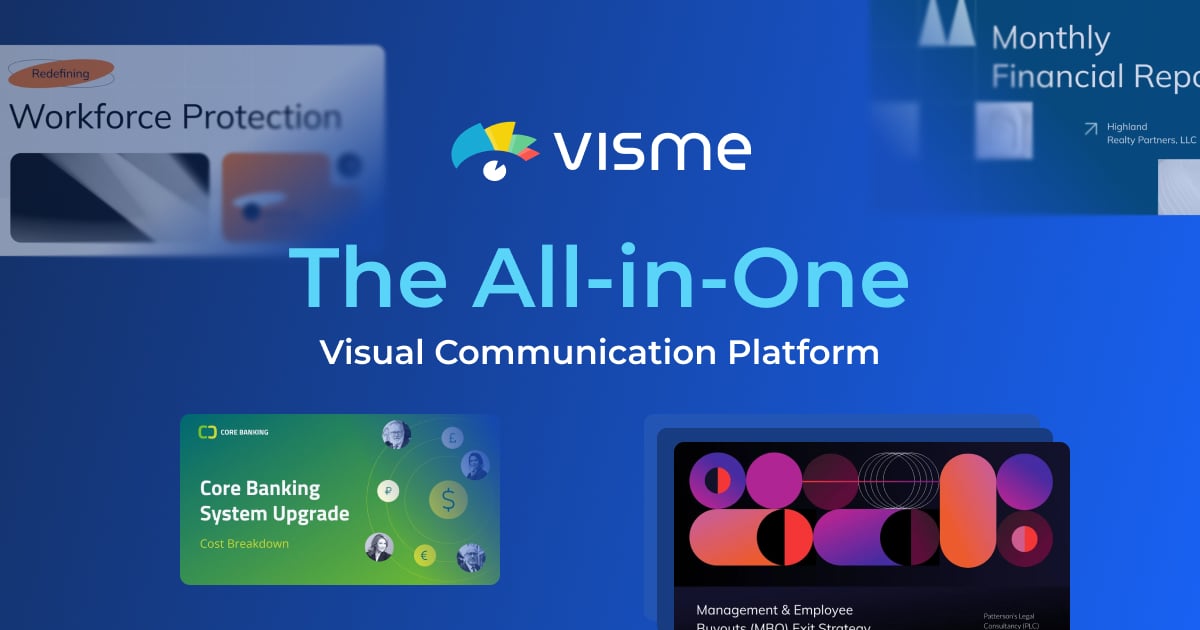
Visme is a browser-based AI content platform for presentations, reports, infographics, social graphics, videos and forms. Prompt-to-design generation, brand extraction, templates, data visualization, interactivity and a publishing calendar sit in one workspace. Suitable for marketing, sales and project teams that need on-brand visuals without dedicated designers.
Visme is an AI-assisted content platform built for business teams that need to produce polished, on-brand visual material without a design department. The core is a browser-based editor that spans presentations, documents, data visualizations, whiteboards, infographics, social graphics, forms and surveys, videos, and wireframes. A text prompt can be turned into a ready-to-use design through Visme AI Designer, which is aimed at skipping the blank-page stage rather than replacing layout control. The practical workflow combines templates, brand controls and data tools. Thousands of templates cover more than 50 content types, and the Brand Wizard extracts fonts, colors and logos from a website URL so new projects start on brand. Charts and graphs can be dropped into layouts for interactive reporting, while hotspots, hover effects and clickable menus turn static pages into something readers can explore. Teams can share assets, comment on drafts and keep everything in one workspace. A content calendar handles scheduling and publishing of social posts alongside other content tasks, and a library of photos, icons, videos, audio and 3D graphics supplies the raw material. Visme fits marketing teams, agencies, sales and account managers, project managers and HR or learning groups that regularly ship proposals, pitch decks, reports and recruitment material. It is closer to a design and content production suite than a pure AI writing tool, so the comparison set includes Canva and traditional presentation software rather than text generators. Independent designers may find the template-driven approach less flexible than dedicated creative tools, and heavy users will want to check plan limits before committing.
The homepage invites visitors to start free and try the tool, but no trial length or plan details are stated on the page.
Learn moreVisme connects with Loom, Mailchimp, Google Maps, Vimeo, Dropbox, SurveyMonkey, Jotform, Brandfetch, Salesforce, Widen, Google Drive, YouTube, Slack, HubSpot, monday.com and Formstack, according to the integrations pages listed on the site.
Learn moreVisme AI Designer generates ready-to-use designs from a text prompt. The platform adds data visualization with interactive charts and graphs, thousands of templates across more than 50 content types, brand extraction through the Brand Wizard, a social media content calendar, a library of photos, icons, video, audio and 3D graphics, and interactivity such as hotspots, hover effects and clickable menus.
Learn more AI Angels400+ customizable AI girlfriends for NSFW chat, voice calls, and roleplay
 Candy AIExperience the future of companionship with AI friends who chat, role-play, and connect with you on a human level.
 ourdream.aiA vast AI roleplay platform with millions of characters for chat, images, video and voiceAI Angels400+ customizable AI girlfriends for NSFW chat, voice calls, and roleplayCandy AIExperience the future of companionship with AI friends who chat, role-play, and connect with you on a human level.ourdream.aiA vast AI roleplay platform with millions of characters for chat, images, video and voice