Free trial
One free animation is available without a card. Eligible accounts can then take a seven-day trial on a paid plan, with monthly plans from $9.99.
Learn moreTurn a math or science idea into a narrated animation.
Vismo is an imagine explainers tool that turns a math or science idea into a narrated animation. An AI animation studio for math and science explanations. Describe a concept, set the audience and length, and Vismo generates a narrated animated video with Evaria text-to-speech, in landscape for lessons or vertical for short-form video.
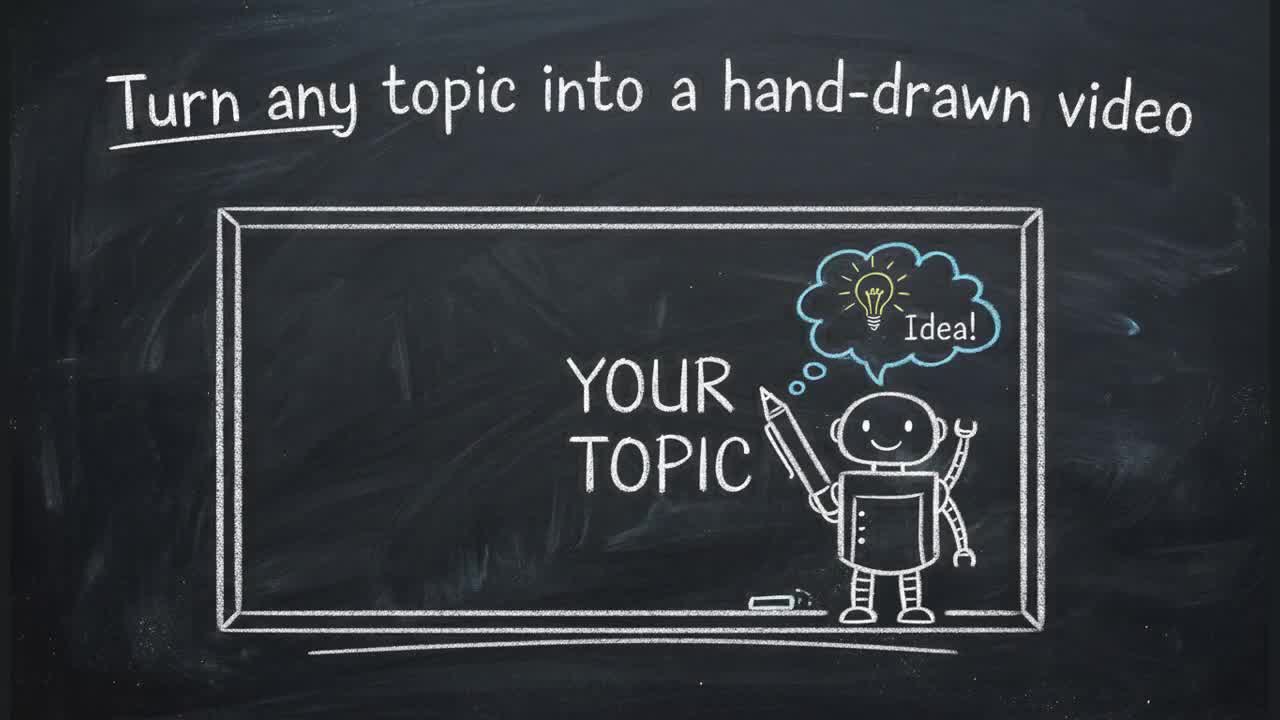
Vismo is a web tool for turning an explanation into a narrated animated video. You describe the concept you want someone to understand, or paste a problem, or attach an image, and Vismo builds the animation: shapes, graphs, formulas and text in motion, with a voice track laid over it. The stated focus is math and science, with topic entry points for calculus, algebra, geometry, trigonometry, linear algebra, probability and statistics, number theory, physics, chemistry, biology and computer science, but the same engine is pitched at creators making short vertical videos as well as teachers building lessons. The workflow has three stages. You bring the idea, then give it direction by choosing who is learning and how long the explanation should run, planning the outline yourself or letting Vismo suggest one. The final stage generates the animation and narration, which you can preview, revise and share. No coding or video editing is involved. Two output formats are described: Create defaults to landscape for lessons and presentations, while Creator Studio starts in vertical 9:16 for Reels, Shorts and TikTok. Downloading an MP4 requires an eligible plan. Narration comes from Evaria, a text-to-speech partner built for mathematics and science. Its selling point is that formulas are read the way a teacher says them, with each spoken line checked against the script. Vismo exposes twelve Evaria voices across 29 languages, including a calm instructional voice and a more energetic one for creator content. Evaria also sells standalone credits, and Vismo users who sign up through the partner link receive 20,000 free Evaria credits for slides, notes or papers. Vismo sits between general AI video generators and hand-built animation software. It is narrower than a text-to-video tool because the output is instructional and formula-aware, and far lighter than After Effects or Manim style coding, though the trade-off is less frame-level control. A public Library of finished examples is the best way to judge whether the visual quality matches your subject before committing to a paid tier.
One free animation is available without a card. Eligible accounts can then take a seven-day trial on a paid plan, with monthly plans from $9.99.
Learn moreNew accounts get one free animation with no card required. Eligible accounts can start a seven-day trial on a paid plan, with monthly plans from $9.99. Downloading an MP4 requires an eligible plan; the homepage does not list what each tier includes.
Learn moreNarration is handled through Evaria, a partner text-to-speech service that Vismo users can also use separately with 20,000 free credits via the partner link.
Prompt to narrated animation with shapes, graphs, formulas and text. Audience and target length settings, optional explanation planning, Evaria narration in twelve voices and 29 languages, landscape or vertical 9:16 output, and MP4 download on eligible plans. Topic starting points cover calculus, algebra, geometry, trigonometry, linear algebra, statistics, number theory, physics, chemistry, biology and computer science.
 AI Angels400+ customizable AI girlfriends for NSFW chat, voice calls, and roleplay
 Candy AIExperience the future of companionship with AI friends who chat, role-play, and connect with you on a human level.
 ourdream.aiA vast AI roleplay platform with millions of characters for chat, images, video and voiceAI Angels400+ customizable AI girlfriends for NSFW chat, voice calls, and roleplayCandy AIExperience the future of companionship with AI friends who chat, role-play, and connect with you on a human level.ourdream.aiA vast AI roleplay platform with millions of characters for chat, images, video and voice