Vizly

Chat with your data and get charts, stats and reports in seconds

Intermediate
Screenshot of Vizly, Chat with your data and get charts, stats and reports in seconds

What is Vizly?

Vizly is an AI spreadsheet generator tool that chats with your data and get charts, stats and reports in seconds. Vizly is an AI data analyst for chatting with uploaded datasets. It writes Python or R to produce interactive charts, statistical analysis and shareable reports, with strong support for CSV, Excel and SPSS files and a private sandbox for code.

Vizly is an AI data analyst that works through conversation. You upload a file, type a question in plain language, and the tool writes and runs Python or R code to answer it, returning charts, statistics and written interpretation. The homepage emphasizes model-backed statistical analysis rather than simple chart generation, and the interface sits closer to a notebook assistant than a drag and drop dashboard builder. In practice the loop is straightforward. Vizly accepts most file types but is tuned for CSV, Excel, SPSS, PDF, image and JSON inputs, which puts survey exports, lab datasets and spreadsheet dumps within reach without preprocessing. Once the file is loaded, you either ask your own question or pick from suggestions the tool proposes automatically. Outputs include interactive visualizations built with Plotly, correlation matrices, regression plots and other analysis artifacts shown on the homepage. When an answer matters, the generated code is visible inside a private sandbox, so the reasoning can be inspected rather than taken on faith. A finished analysis can be packaged into a report, shared by link, or exported to Word and PDF. The audience is mostly people who analyze data occasionally or teach others to do it: researchers, professors, students, data analysts and business leaders working with evidence rather than building pipelines. Documented use cases span healthcare, fraud detection in financial transactions, genetic and sociology research, general exploratory data analysis and Google Sheets work. Compared with BI tools that require modeled schemas, Vizly is lighter and question driven; compared with pasting data into a general chatbot, it keeps analysis in an isolated environment and produces reusable reports. Security gets real attention on the site: uploads are encrypted in transit and at rest, stored in an isolated environment reachable only by the account owner, and deleted permanently after one hour of inactivity, with longer retention available to premium subscribers who opt in.

How do you use Vizly?

  1. 1Create an account and open the workspace
    Sign up or log in, then launch the app to reach the analysis workspace where files are uploaded.
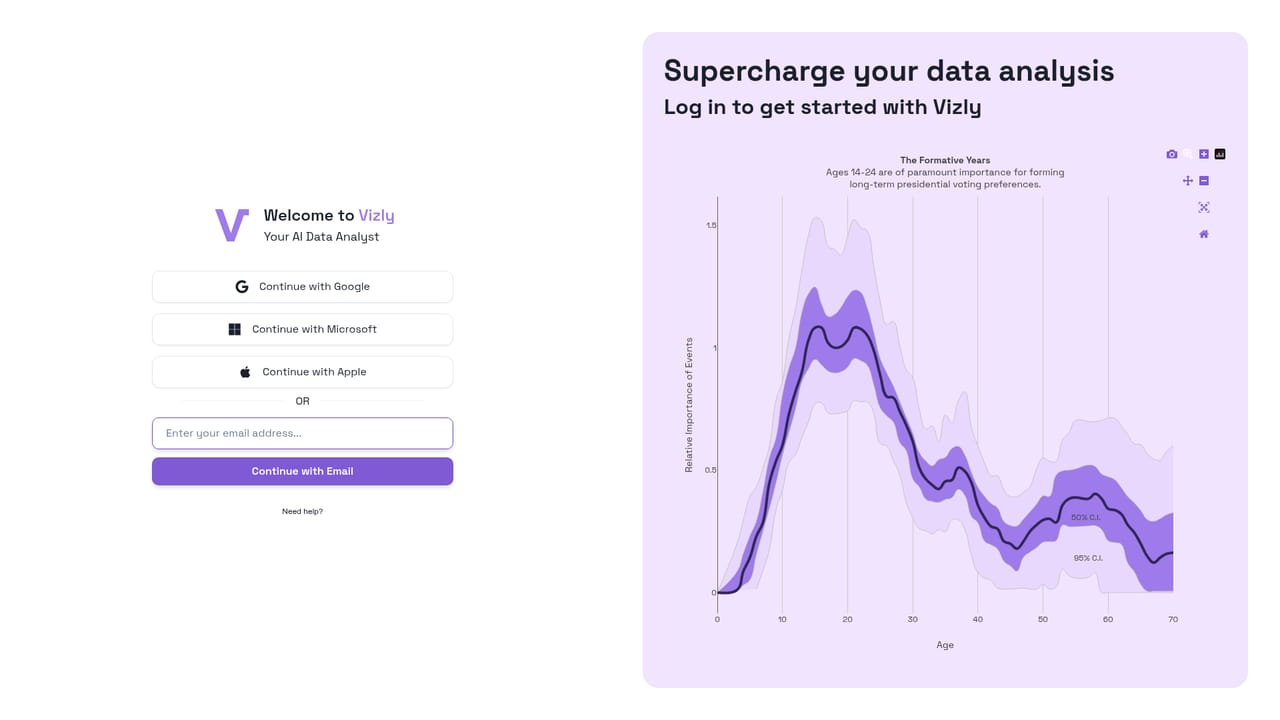
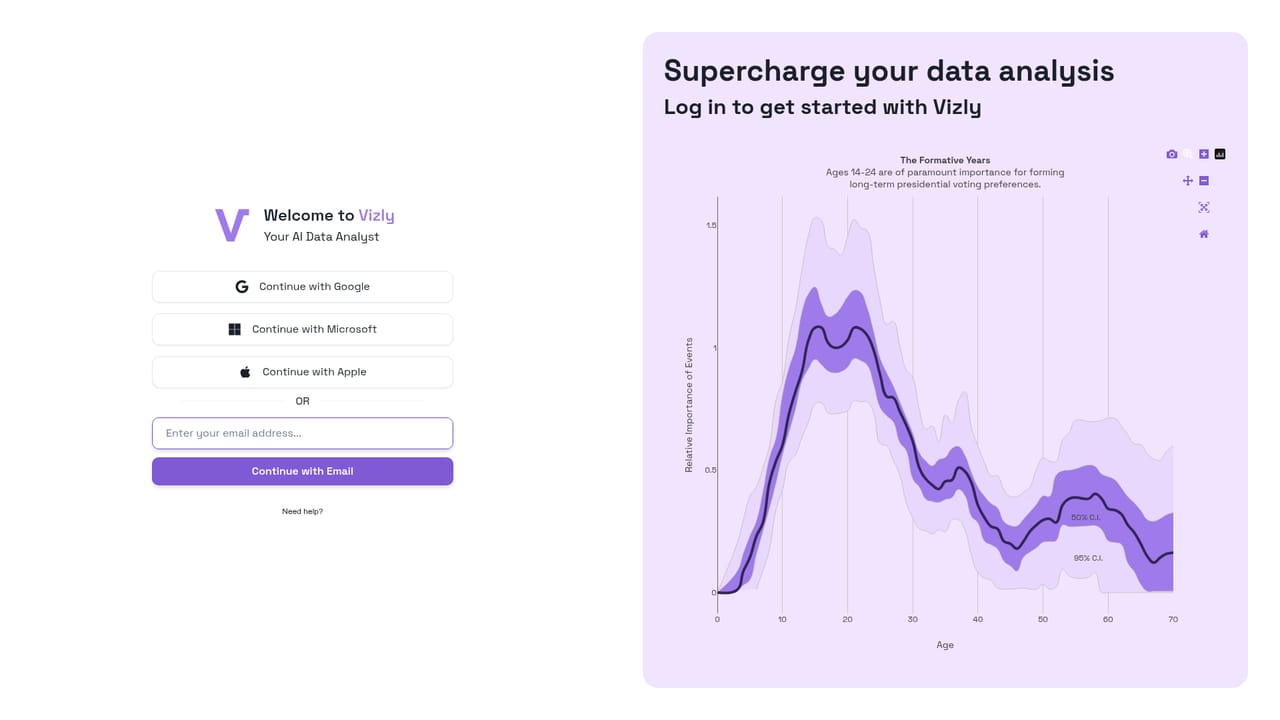
    Vizly — Create an account and open the workspace
  2. 2Read the getting started guide
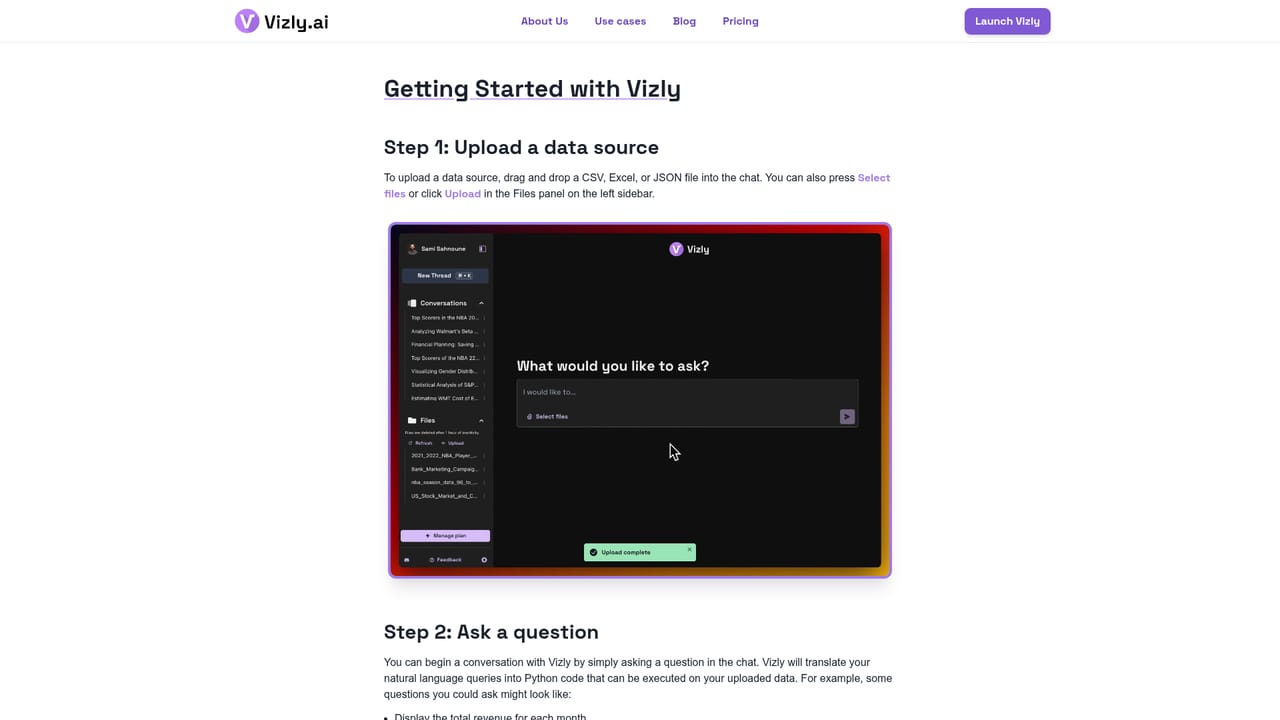
    Walk through the official onboarding guide to see the file requirements and the basic question and answer loop.
    Vizly — Read the getting started guide
  3. 3Upload your dataset
    Add a CSV, Excel, SPSS, PDF, image or JSON file you want to analyze; the sandbox keeps it isolated to your account.
    Vizly — Upload your dataset
  4. 4Ask a question in plain language
    Type your own question or pick one of the suggested prompts, and choose whether Vizly should write Python or R.
  5. 5Review charts and generated code
    Check the interactive visualizations and the underlying code to confirm the analysis answers what you asked.
  6. 6Build a report and share it
    Compile the results into a report, then share a link or export to Word or PDF for colleagues and reviewers.

Pros and cons

Pros

  • Generates Python or R code you can inspect, so results are verifiable rather than a black boxAI
  • Handles SPSS and PDF inputs alongside CSV, Excel and JSON, which suits academic survey dataAI
  • Outputs are interactive Plotly visualizations plus exports to Word and PDF with shareable linksAI
  • Uploads are encrypted and wiped after one hour of inactivity, a clear default for sensitive datasetsAI
  • Student and academic users get a 25 percent discount applied through an academic emailAI

Cons

  • The homepage's free message allowance is displayed as zero, so the free tier's practical ceiling is unclear without checking the pricing pageAI
  • One hour inactivity deletion can interrupt long research sessions unless you are a premium subscriber opting into retentionAI
  • No native connectors are documented beyond file upload and Google Sheets, so live database or warehouse workflows are outAI
  • Working from generated code assumes some familiarity with statistical methods to judge whether an answer is soundAI
  • Heavy or very large datasets are not addressed on the site, leaving performance limits unknownAI

How much does Vizly cost?

Pricing

Vizly is free to start, with a monthly message allowance that the homepage renders as zero, after which users upgrade from their profile page. Students and academics receive a 25 percent discount when signing up with an academic email. Premium subscribers can opt into longer data retention windows. Exact plan prices are not stated on the homepage; see the pricing page.

Learn more

Support

Support runs through email at info@vizly.ai for general questions and discount requests. A getting started guide covers onboarding, and a privacy policy documents the data handling terms.

Learn more

Integrations

The homepage documents file upload (CSV, Excel, SPSS, PDF, image, JSON) and Google Sheets analysis. Other data sources can be requested through the linked request form; no native database or warehouse connectors are listed.

Features

Core capabilities include automatic interactive visualizations, statistical analysis, chat based questioning of uploaded data, data cleaning, machine learning, and predictive analysis. Vizly generates Python or R code inside a private code and file sandbox, reads CSV, Excel, SPSS, PDF, image and JSON files, and packages results into reports with link sharing and Word or PDF export.

Learn more

Frequently asked questions about Vizly

  • How much does Vizly cost?
    Vizly is free to start, with a monthly message allowance that the homepage renders as zero, after which users upgrade from their profile page. Students and academics receive a 25 percent discount when signing up with an academic email. Premium subscribers can opt into longer data retention windows. Exact plan prices are not stated on the homepage; see the pricing page.
  • How do you use Vizly?
    The walkthrough on this page covers 6 steps: 1. Create an account and open the workspace 2. Read the getting started guide 3. Upload your dataset 4. Ask a question in plain language 5. Review charts and generated code 6. Build a report and share it.
  • What platforms does Vizly support?
    Vizly is available on Web App.
  • What does Vizly integrate with?
    The homepage documents file upload (CSV, Excel, SPSS, PDF, image, JSON) and Google Sheets analysis. Other data sources can be requested through the linked request form; no native database or warehouse connectors are listed.
  • What are the limitations of Vizly?
    The homepage's free message allowance is displayed as zero, so the free tier's practical ceiling is unclear without checking the pricing page. One hour inactivity deletion can interrupt long research sessions unless you are a premium subscriber opting into retention. No native connectors are documented beyond file upload and Google Sheets, so live database or warehouse workflows are out.

Status

StatusActive
Views0
Outbound clicks0
Added10/21/2026

Platforms

Web App

Pricing

FreemiumFreeSubscription