Pricing
The homepage does not list prices. It refers to a separate pricing page for private projects, implying a paid tier exists alongside free public projects, but no amounts or plan details appear in the source.
Learn moreTurn raw data files into charts with an LLM assistant.

Vizzy is a graph explainer tool that turns raw data files into charts with an LLM assistant. Vizzy is an LLM powered data visualization tool that accepts uploaded datasets and builds charts conversationally. It offers a public project gallery, an open source codebase, and a stated 77.3% success rate, with private projects tied to its pricing page.
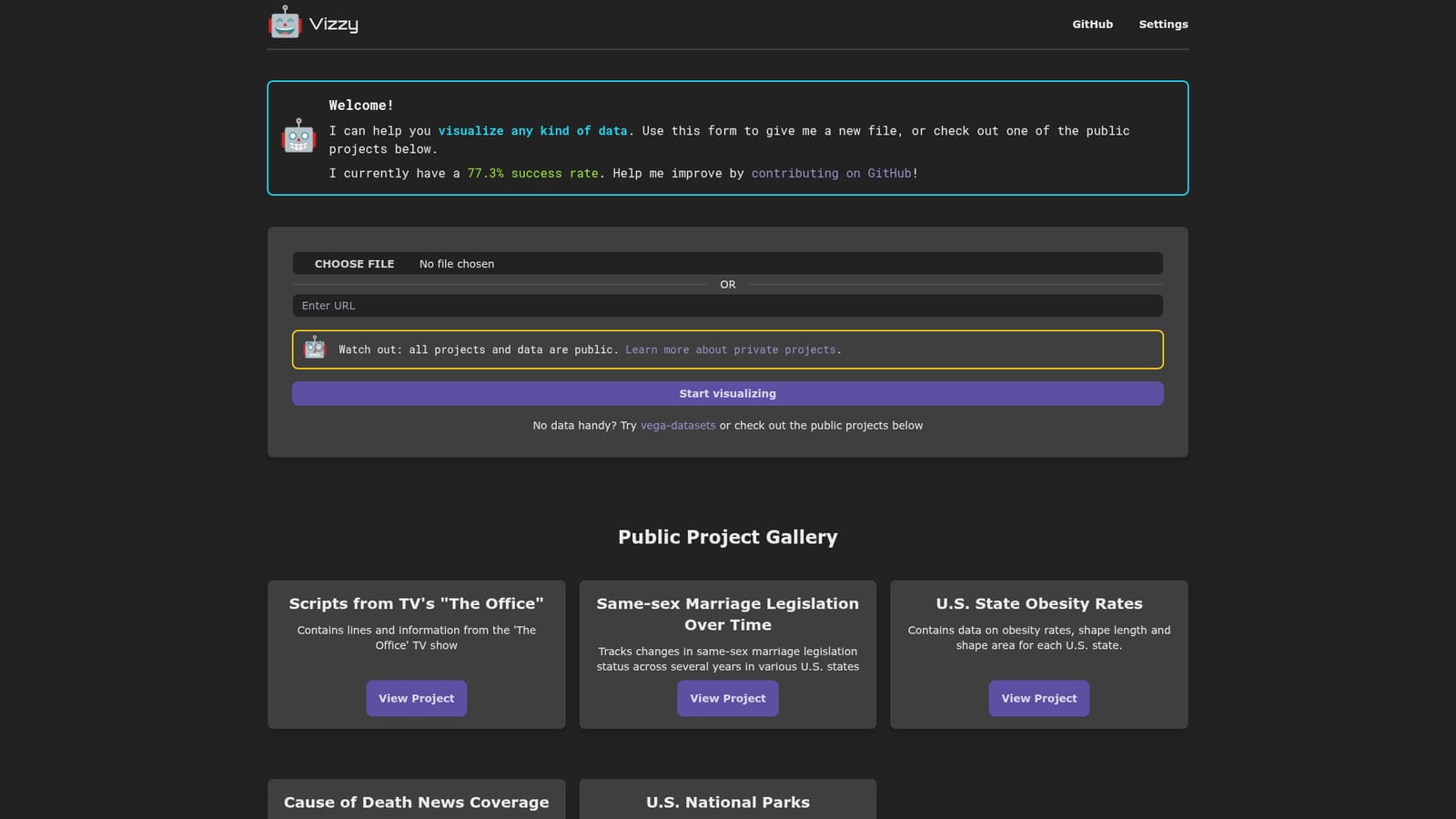
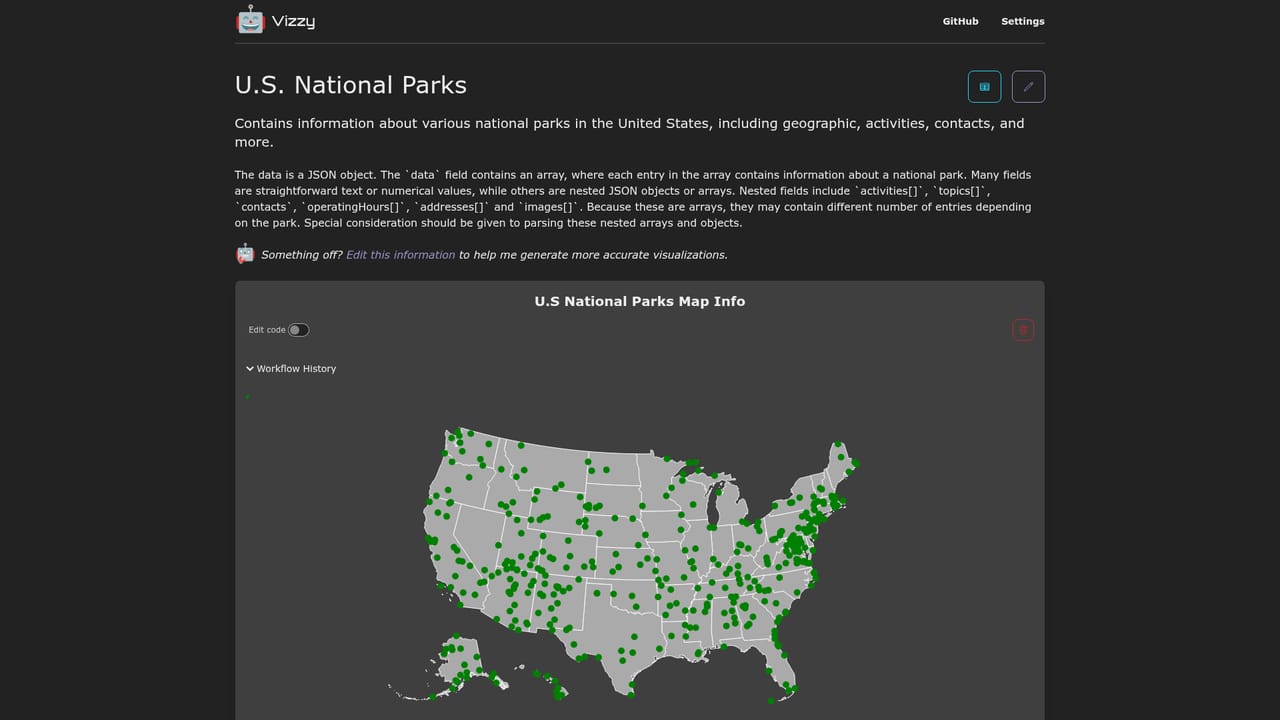
Vizzy is an LLM driven tool that turns a data file into visualizations. You upload a dataset or start from an existing project, and the assistant reads the data, proposes charts, and builds them for you. The public gallery shows the range of inputs it handles: television scripts from The Office, same-sex marriage legislation over time, U.S. state obesity rates, CDC cause of death figures paired with news coverage, and national park records. Each example mixes ordinary tabular data with context that would normally require manual setup. The homepage states a 77.3% success rate, a candid figure that sets expectations: most requests resolve, some need a retry. The tool is aimed at analysts, journalists, researchers, and students who have data but lack the time or charting skills to explore it formally. It sits in the same space as general chart builders and notebook libraries, but the interface is conversational: state what you want to see, and Vizzy attempts the transformation and plot. That makes it quick for first-pass exploration and less suited to production dashboards that need exact, repeatable styling. One important constraint shapes how Vizzy should be used. All projects and data are public by default, and the site warns about this on the upload form. Private projects are referenced through the pricing page, so sensitive or proprietary data should not be uploaded casually. The public project gallery is browsable without an account, which is useful for learning what kinds of questions the assistant handles well. The project is open source, with a GitHub repository for code contributions and bug reports. The homepage invites users to help improve the stated success rate, and feedback is routed through GitHub issues. If you need a free, low-friction way to see charts from a CSV in minutes and are comfortable with public data or a paid private tier, Vizzy is a reasonable starting point. Teams with strict data governance should check the pricing terms before uploading anything internal.
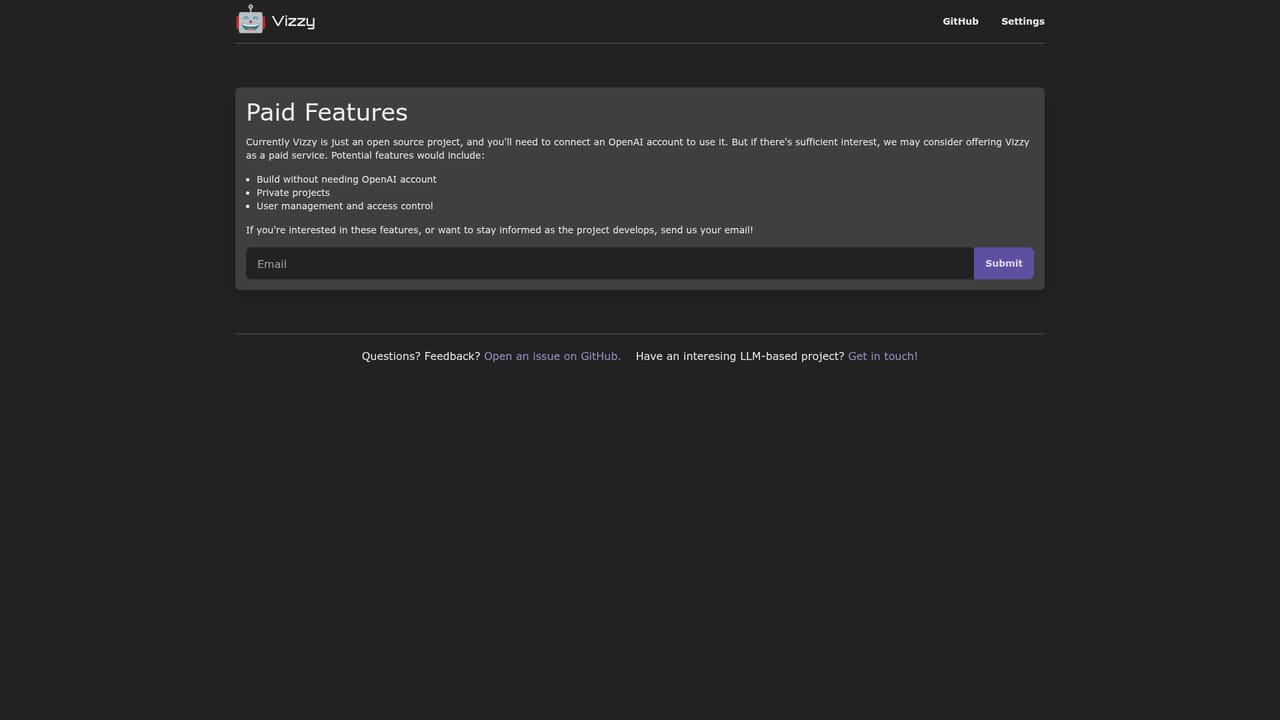
The homepage does not list prices. It refers to a separate pricing page for private projects, implying a paid tier exists alongside free public projects, but no amounts or plan details appear in the source.
Learn moreFeedback runs through GitHub: the homepage links to the open source repository for issues and to an email address for LLM project inquiries. No dedicated help centre or documentation site is listed.
Upload a data file and ask Vizzy to visualize it through a conversational interface. The homepage advertises a 77.3% success rate, hosts a public gallery of example projects covering topics from TV scripts to national parks, and points to sample datasets for testing. Private projects are mentioned as a paid option.
 AI Angels400+ customizable AI girlfriends for NSFW chat, voice calls, and roleplay
 Candy AIExperience the future of companionship with AI friends who chat, role-play, and connect with you on a human level.
 ourdream.aiA vast AI roleplay platform with millions of characters for chat, images, video and voiceAI Angels400+ customizable AI girlfriends for NSFW chat, voice calls, and roleplayCandy AIExperience the future of companionship with AI friends who chat, role-play, and connect with you on a human level.ourdream.aiA vast AI roleplay platform with millions of characters for chat, images, video and voice


