Free trial
The design and exploration stage is free on the Highcharts Assist page, so you can try prompts and review generated code without a payment. A commercial license is only needed to publish.
Learn moreGet production-ready Highcharts code from plain-language prompts.

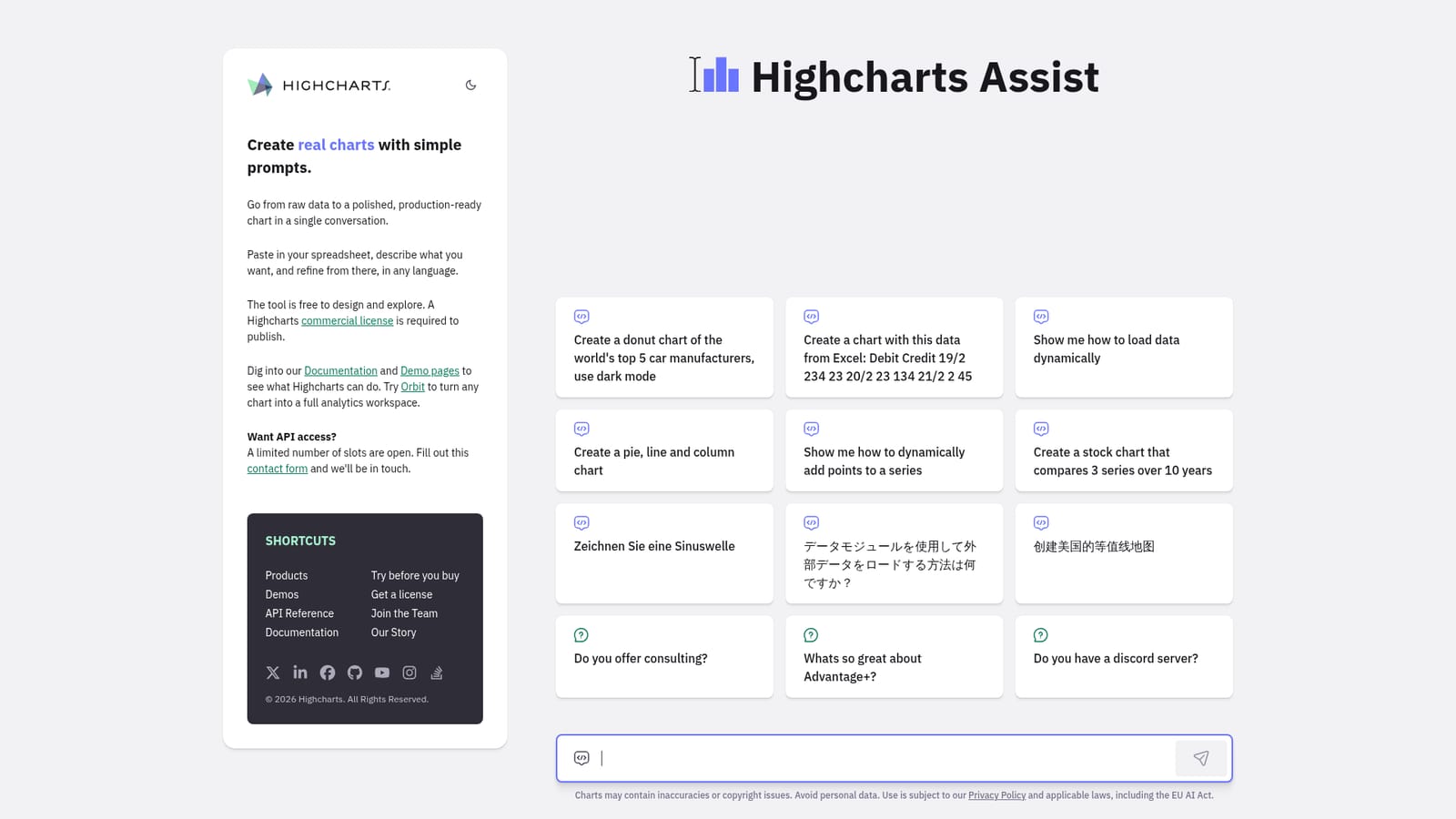
Highcharts is a code visualization tool that gets production-ready Highcharts code from plain-language prompts. Highcharts Assist turns natural-language prompts and pasted spreadsheet data into real Highcharts code. It supports line, bar, pie, and stock charts, explains dynamic data loading, and accepts prompts in any language.
Highcharts Assist is a conversational chart builder built on top of Highcharts, the widely used JavaScript charting library. Instead of hand-coding chart options and wrestling with configuration objects, you describe the visual you want in everyday language. The assistant replies with real Highcharts code, so the output runs in your own project rather than staying locked inside a visual editor. You can paste a block of spreadsheet data straight into the conversation and ask for a line, bar, pie, or stock chart, then keep refining the result turn by turn until it looks right. The tool shines for developers who know what a chart should look like but would rather not dig through API references to get there. It also serves analysts and product teams who need a working prototype fast, and it can walk you through dynamic data loading, adding points to a series, or loading external data through the data module. Prompts can be written in any language, which makes it useful for international teams that mix English, German, Japanese, or Chinese in the same project. Practically, the workflow starts with a prompt or a pasted data set, and the result is a chart with production intent. The site positions the design and exploration stage as free, while publishing requires a commercial Highcharts license. That split matters: you can experiment without commitment, but shipping to a live product means paying for the library. The assistant also points to the wider Highcharts ecosystem, including the documentation, the demo gallery, and Orbit, which turns a single chart into a broader analytics workspace. Compared with generic AI chat tools, the value here is specificity. The answers are anchored in Highcharts conventions and syntax rather than guessed charting snippets. The tradeoff is scope: this is a Highcharts specialist, not a universal dataviz assistant, and the site itself warns that generated charts may contain inaccuracies. Teams already on Highcharts will get the most out of it; teams using other libraries may find the output less directly usable.
The design and exploration stage is free on the Highcharts Assist page, so you can try prompts and review generated code without a payment. A commercial license is only needed to publish.
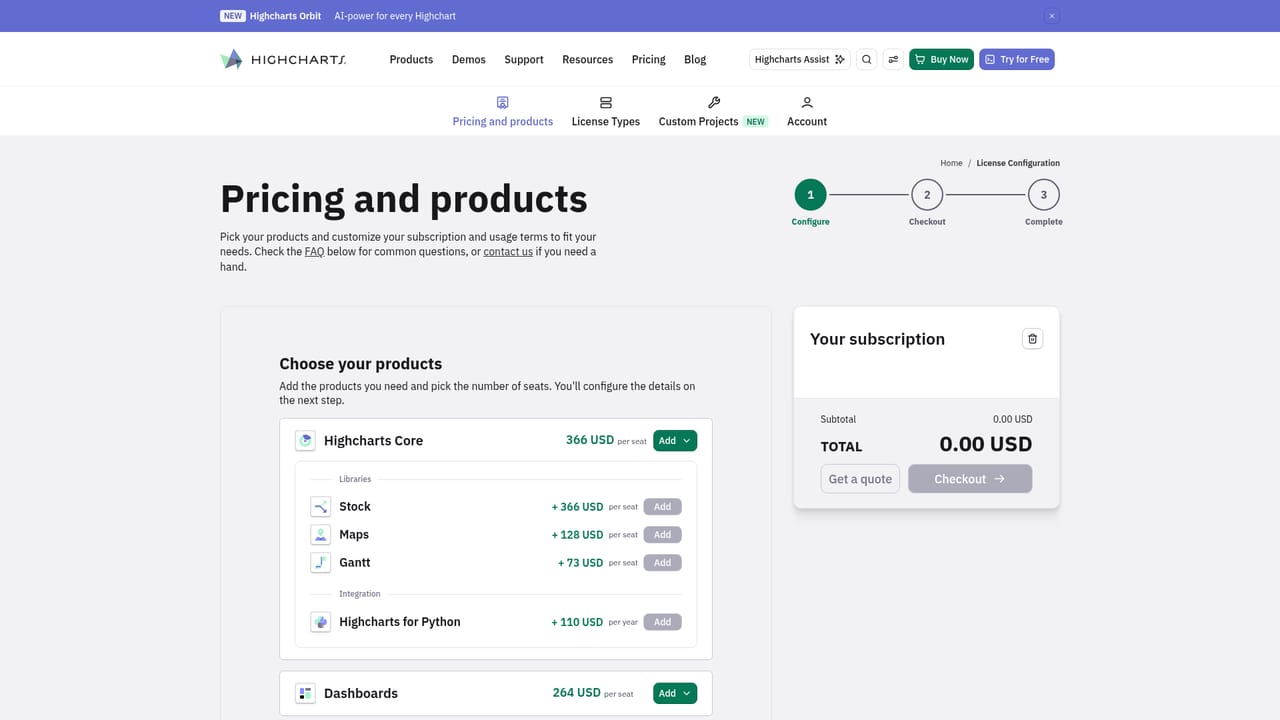
Learn moreDesigning and exploring charts with Highcharts Assist is free. Publishing charts in a product requires a commercial Highcharts license purchased through the shop. API access is limited and available on request via a contact form.
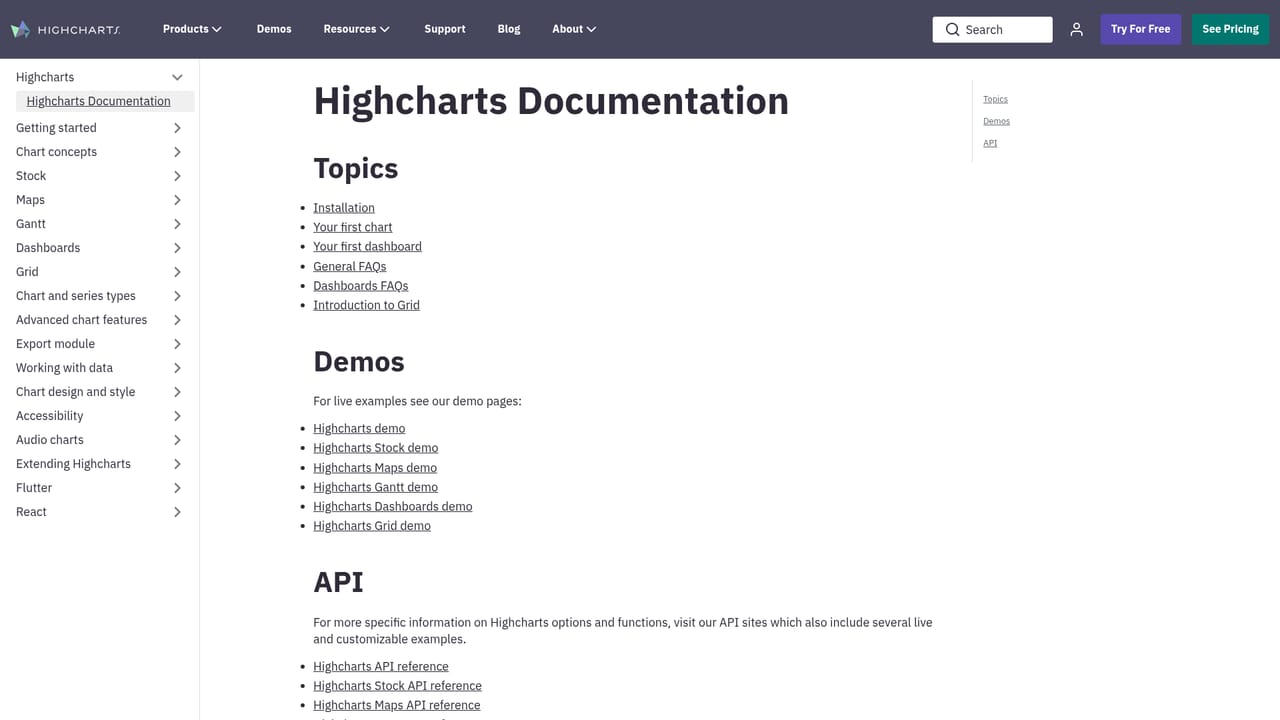
Learn moreSupport links include the Highcharts documentation, demo gallery, and a contact form for API access and consulting questions. A Discord server is also mentioned in the sample prompts.
Generated code targets the Highcharts JavaScript library. The site also points to the data module for loading external data and to Orbit for turning a chart into an analytics workspace.
Learn moreHighcharts Assist generates Highcharts code from natural-language prompts, accepts pasted spreadsheet data, supports chart types such as line, bar, pie, donut, stock, and map, and can explain dynamic data loading and live series updates. Prompts work in any language, and the output is real code intended for production use.
Learn more AI Angels400+ customizable AI girlfriends for NSFW chat, voice calls, and roleplay
 Candy AIExperience the future of companionship with AI friends who chat, role-play, and connect with you on a human level.
 ourdream.aiA vast AI roleplay platform with millions of characters for chat, images, video and voiceAI Angels400+ customizable AI girlfriends for NSFW chat, voice calls, and roleplayCandy AIExperience the future of companionship with AI friends who chat, role-play, and connect with you on a human level.ourdream.aiA vast AI roleplay platform with millions of characters for chat, images, video and voice