Voe Ai

Veo 3.1 video studio with frame control, multi-image reference, and native audio.

Beginner
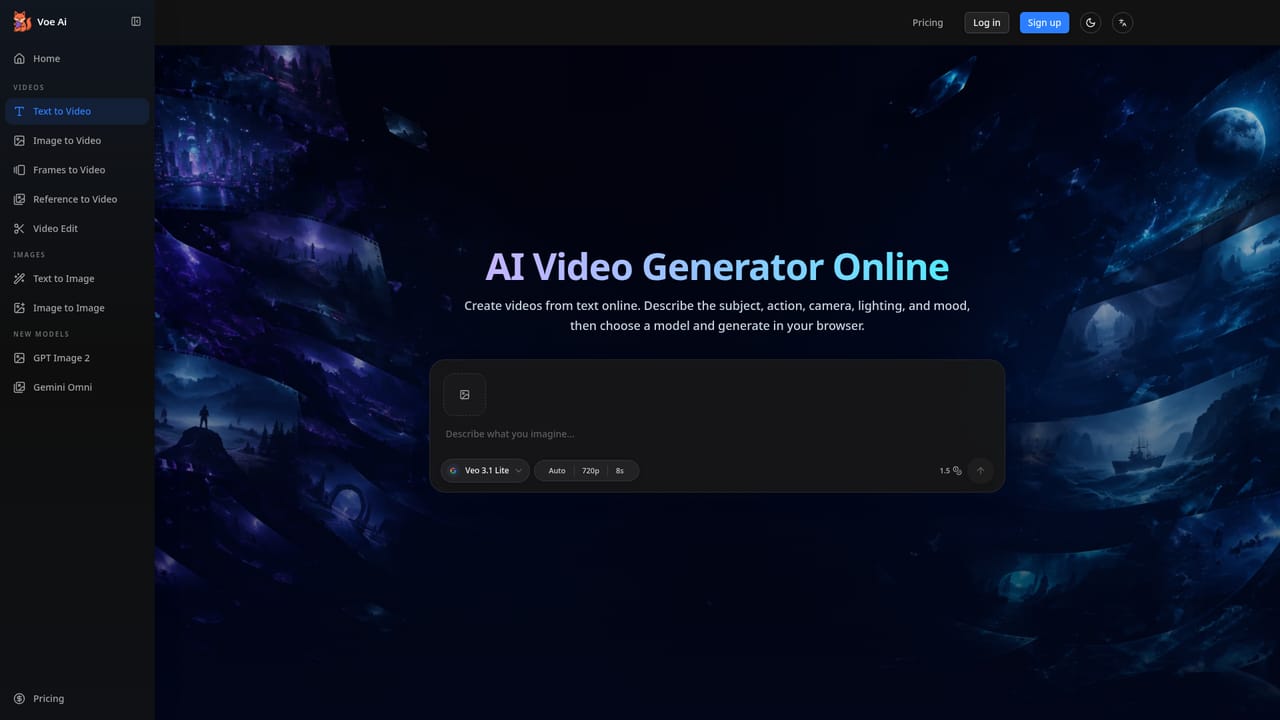
Screenshot of Voe Ai, Veo 3.1 video studio with frame control, multi-image reference, and native audio

What is Voe Ai?

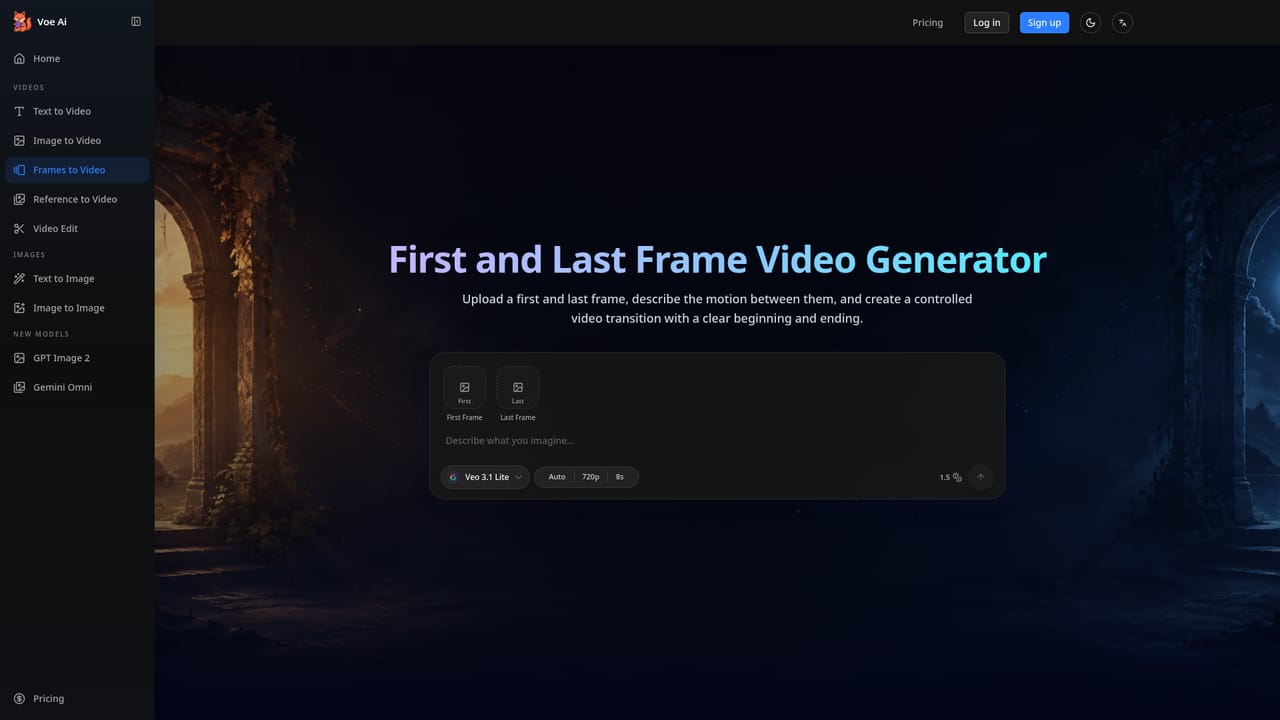
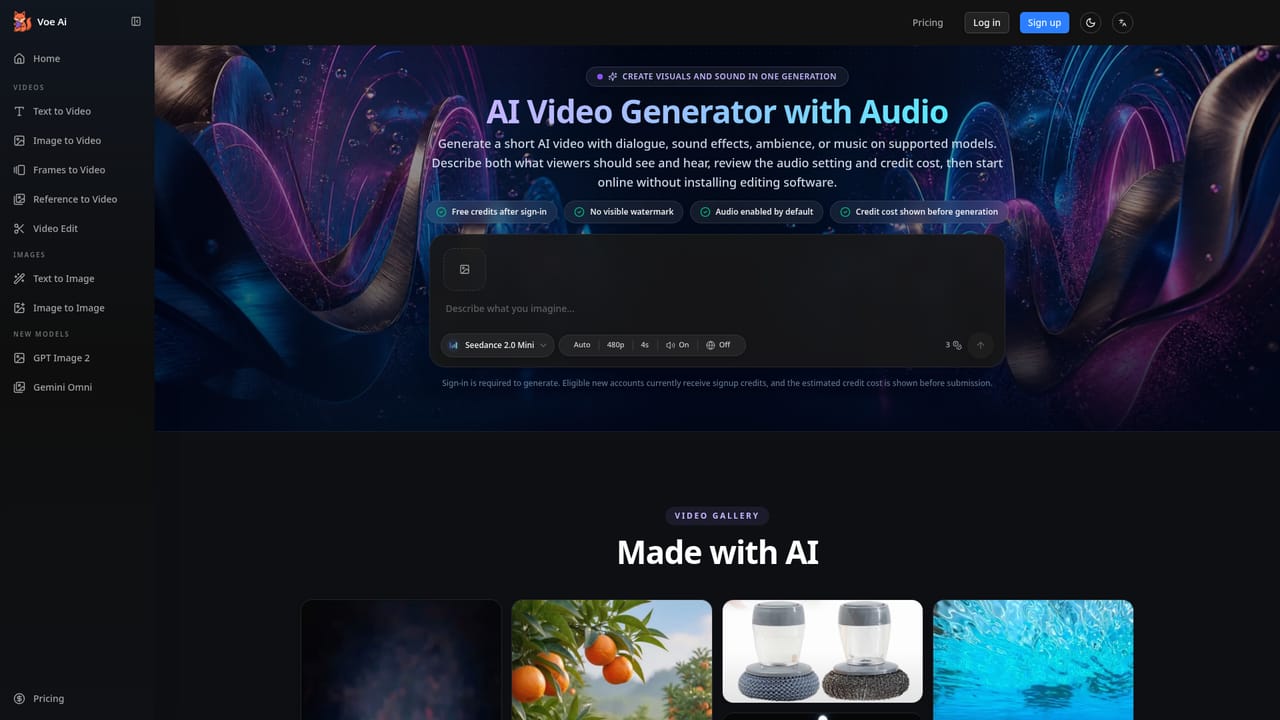
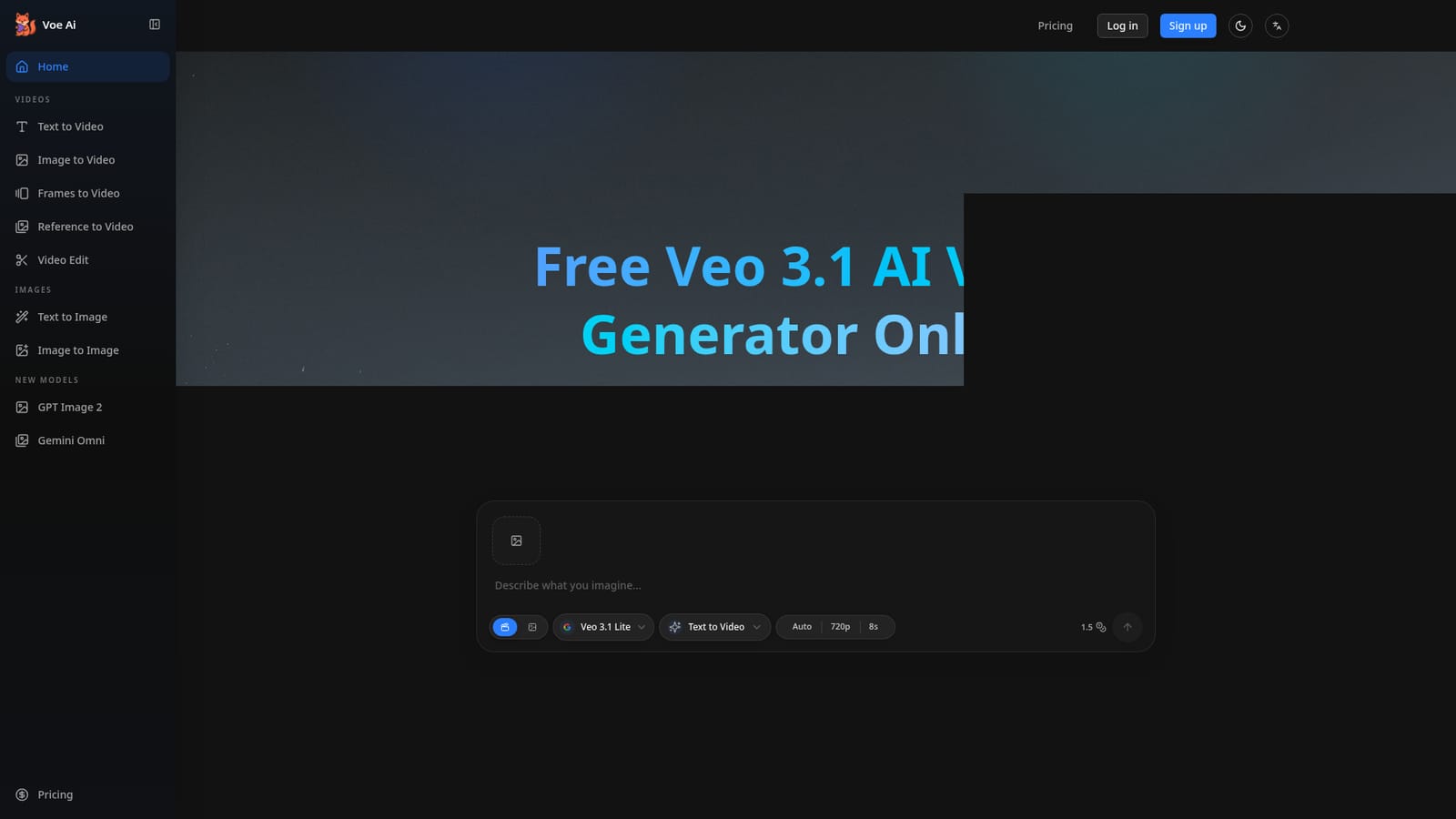
Voe Ai is a web platform for generating short cinematic videos with Google's Veo 3.1 model, offering text-to-video, image-to-video, first-and-last-frame control, multi-image reference, and native synchronized audio.

Voe Ai is a web-based video generation studio built around Google DeepMind's Veo 3.1 model. It converts text prompts and still images into short cinematic clips, typically 8 seconds at 1080p, with synchronized audio such as lip-synced dialogue, ambient sound, and background music generated alongside the visuals. The platform centers on three generation modes accessible from a single interface: text-to-video, image-to-video, and a first-and-last-frame mode where a user uploads a starting and ending frame and the model fills in the transition. A multi-image reference mode lets creators upload up to three images so the output matches a chosen color palette, lighting, and composition. The tool targets people who need video output without a production pipeline: social media creators producing short-form B-roll and transitions, product marketers turning a single product photo into ad-style clips, independent filmmakers using frame control for previsualization and storyboarding, educators converting lesson scripts into explainer visuals, and design agencies maintaining brand-consistent look across client video concepts. Clips can be chained to build longer sequences, and a Fast Mode generates lower-cost previews in roughly 30 seconds before a full Standard render is produced. In practice, a user picks a mode, writes a scene description with camera and lighting notes, optionally uploads reference or frame images, and generates a clip that can be downloaded as MP4 for platforms like YouTube, TikTok, or Instagram. A built-in prompt library with example outputs helps users unfamiliar with prompt writing get started faster. Voe Ai positions itself against other Veo access points and against Sora 2 by emphasizing transparent per-generation credit costs and a unified tabbed workflow rather than scattered menus, making it a focused access layer for Veo 3.1 rather than a full nonlinear video editor.
How do you use Voe Ai?

  1. 1Create a free account
    Sign up with no credit card required to receive free trial credits, including an initial allotment plus a small daily credit for returning users.
    Voe Ai — Create a free account
  2. 2Choose a generation mode
    Pick Text-to-Video, Image-to-Video, First and Last Frame, or Reference to Video depending on the kind of clip needed.
    Voe Ai — Choose a generation mode
  3. 3Describe or upload your scene
    Write a scene brief covering lighting, camera movement, and atmosphere, or upload start/end frames or reference images to guide the output.
    Voe Ai — Describe or upload your scene
  4. 4Preview with Fast Mode
    Generate a quick approximately 30-second preview to test prompts and settings before committing credits to a full render.
  5. 5Render in Standard mode and download
    Once satisfied with the preview, render the full 1080p clip with audio and download the MP4 for use on social or editing platforms.
    Voe Ai — Render in Standard mode and download
  6. 6Top up or subscribe for more credits
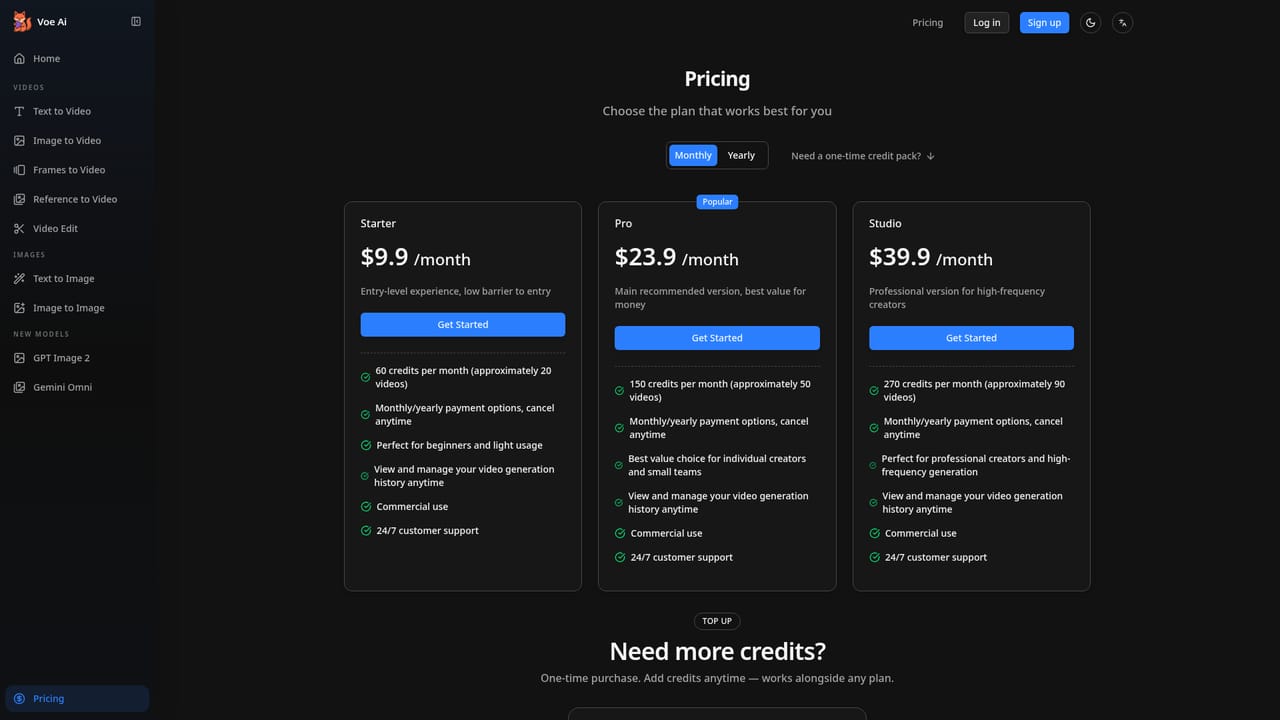
    Choose a monthly subscription plan or a one-time credit pack to continue generating once trial credits run out.
    Voe Ai — Top up or subscribe for more credits

Pros and cons

Pros

  • First and last frame control allows precise steering of how a scene opens and closesAI
  • Multi-image reference mode helps keep color, lighting, and composition consistent with brand assetsAI
  • Native synchronized audio including dialogue, ambience, and music reduces the need for separate audio toolsAI
  • Fast Mode previews in about 30 seconds make it quick to iterate on prompts before a full renderAI
  • Credit costs are shown before generation, so pricing is visible rather than hidden behind a paywallAI

Cons

  • Each generation is capped at 8 seconds natively, requiring chaining for longer sequencesAI
  • Output depends entirely on Veo 3.1's capabilities and limitations, with no alternative underlying model offeredAI
  • Credit-based pricing means heavy users can burn through monthly allotments quickly at higher resolutionsAI
  • No desktop or mobile apps are mentioned, limiting use to a browser-based workflowAI
  • Veo 4 support is only promised for the future and is not available yetAI

How much does Voe Ai cost?

Free trial

New accounts receive free trial credits with no credit card required, plus a small additional free credit for each daily login.

Learn more

Pricing

Plans start at $9.90/month for 60 credits (about 20 videos), with Pro at $23.90/month and Studio at $39.90/month offering more monthly credits. A one-time 60-credit top-up pack costs $9.90 and works alongside any subscription.

Learn more

Support

24/7 customer support is listed as included with subscription plans.

Learn more

Features

Text-to-video, image-to-video, first and last frame control, multi-image reference matching, native synchronized audio with lip sync and ambient sound, Fast Mode previews, clip extension up to roughly 148 seconds, and a prompt library with example outputs.

Learn more

Frequently asked questions about Voe Ai

  • How much does Voe Ai cost?
    Plans start at $9.90/month for 60 credits (about 20 videos), with Pro at $23.90/month and Studio at $39.90/month offering more monthly credits. A one-time 60-credit top-up pack costs $9.90 and works alongside any subscription.
  • Does Voe Ai offer a free trial?
    New accounts receive free trial credits with no credit card required, plus a small additional free credit for each daily login.
  • How do you use Voe Ai?
    The walkthrough on this page covers 6 steps: 1. Create a free account 2. Choose a generation mode 3. Describe or upload your scene 4. Preview with Fast Mode 5. Render in Standard mode and download 6. Top up or subscribe for more credits.
  • What platforms does Voe Ai support?
    Voe Ai is available on Web App.
  • What are the limitations of Voe Ai?
    Each generation is capped at 8 seconds natively, requiring chaining for longer sequences. Output depends entirely on Veo 3.1's capabilities and limitations, with no alternative underlying model offered. Credit-based pricing means heavy users can burn through monthly allotments quickly at higher resolutions.

Status

StatusActive
Views0
Outbound clicks0
Added10/17/2026

Platforms

Web App

Pricing

FreemiumSubscriptionFree Trial