Higsfield Pro

Turn a prompt or reference image into a directed cinematic shot.

Intermediate
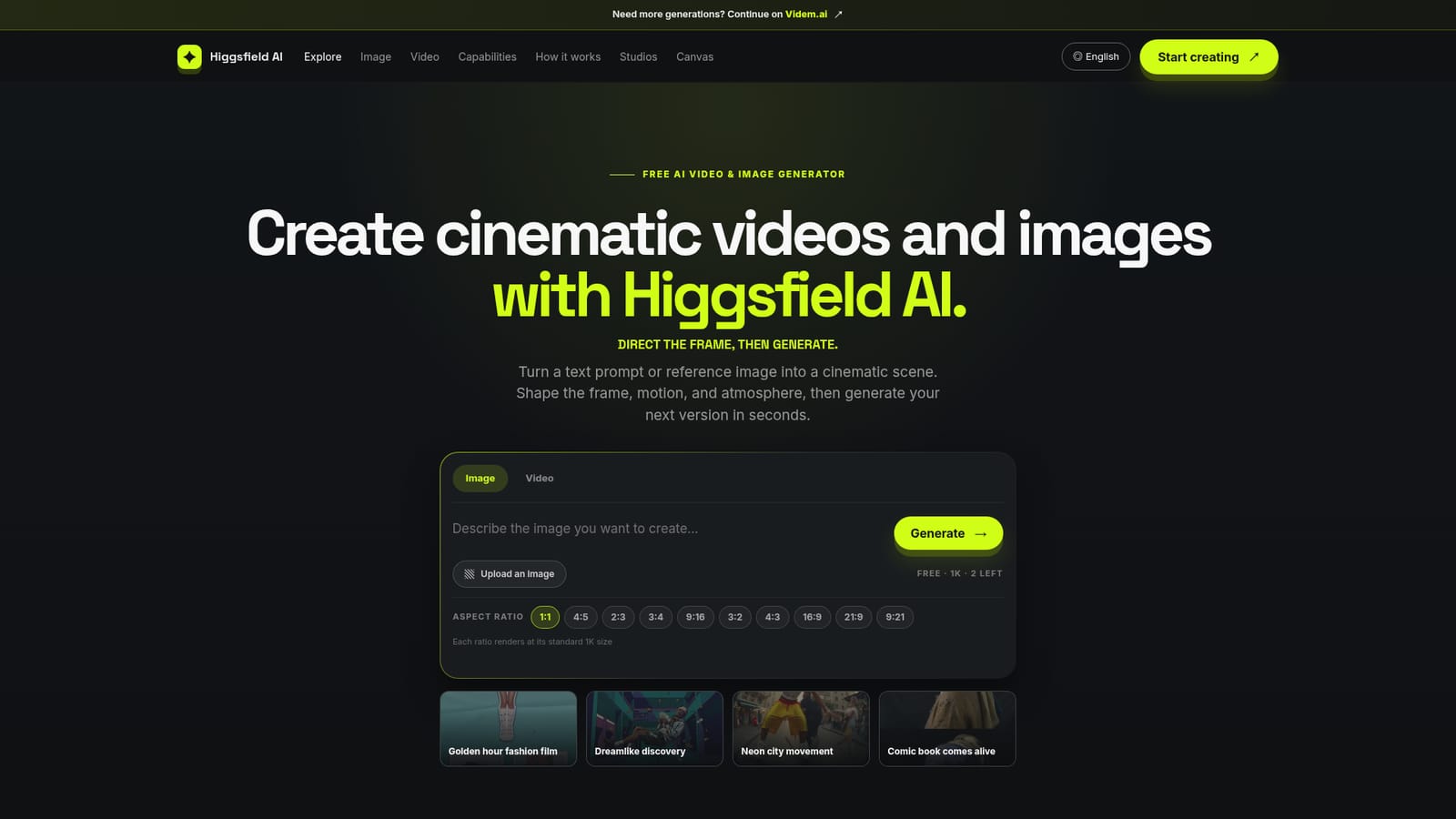
Screenshot of Higsfield Pro, Turn a prompt or reference image into a directed cinematic shot

What is Higsfield Pro?

Higsfield Pro is a generative image tool that turns a prompt or reference image into a directed cinematic shot. Higsfield Pro generates cinematic images and short videos from text prompts or reference images, guiding users through a structured brief, reference, and review workflow with free daily generations.

Higsfield Pro is a Higgsfield AI 3rd party web-based creative platform that turns text prompts or reference images into short cinematic videos and still images. Rather than treating generation as a single lucky roll, the tool frames the process as a directed workflow: define the story beat, anchor it with a reference image, choose one camera move, then review the result against specific criteria before iterating again. The platform is aimed at people who need fast visual concepts and are comfortable thinking like a director rather than just typing a description. Social content creators, marketers prototyping campaign ideas, and filmmakers storyboarding scenes are the clearest fits, since the site's guidance leans heavily on camera language, lighting, and composition rather than casual one-off image making. In practice, a session starts with a brief written in layers: subject and action first, then location, light, composition, and camera movement. Users can upload a reference image to lock in wardrobe, palette, or a face, then choose from a wide set of aspect ratios before generating a 1K image or a short video clip. Every render is meant to be reviewed like editorial footage, checking continuity, hands, edges, and pacing, with only the weakest single decision changed before the next attempt. Higgsfield AI sits among a growing field of prompt-to-video and prompt-to-image generators, but distinguishes itself with an explicit four-step creative method rather than a plain prompt box. Generations are free but shared across all visitors on a daily quota that resets at 00:00 UTC, and the site points users toward a separate platform for continued output once that quota runs out, which positions it more as an entry point and planning tool than a full production pipeline.
How do you use Higsfield Pro?

  1. 1Write the creative brief
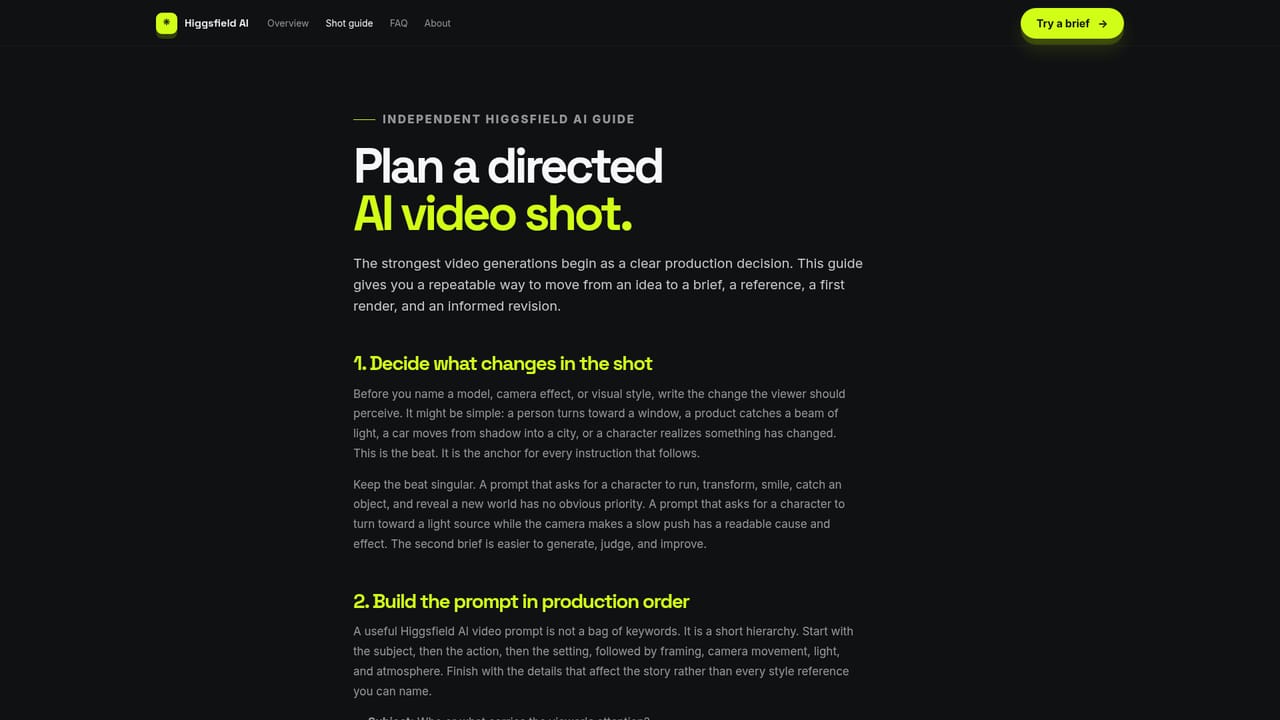
    Start with one sentence describing what changes in the shot, then add subject, setting, mood, and the detail that must survive generation.
    Higsfield Pro — Write the creative brief
  2. 2Add a reference image if identity matters
    Upload a still to anchor composition, wardrobe, palette, or a face, and decide which elements are fixed versus allowed to evolve.
  3. 3Choose the aspect ratio for the final placement
    Pick from the available ratios such as 9:16, 1:1, or 16:9 before generating, since reframing afterward can weaken the composition.
  4. 4Direct one camera move
    Select a single readable camera job, such as a push, track, tilt, or hold, so the instruction set stays diagnosable.
    Higsfield Pro — Direct one camera move
  5. 5Generate and review the result
    Check identity, hands, edges, movement, and pacing on the output before deciding whether to revise or keep the shot.
  6. 6Refine one instruction at a time
    Change the smallest useful detail first, compare the new version against the last, and only add a new visual treatment once the core shot holds.

Pros and cons

Pros

  • Four-step workflow (define beat, set reference, direct one move, review) pushes more deliberate creative decisionsAI
  • Free daily image and video generations available without an account paywall upfrontAI
  • Wide range of aspect ratios covers vertical social, square, and widescreen delivery formatsAI
  • Reference image support helps anchor subject identity, wardrobe, and palette across versionsAI
  • Clear guidance on camera language and review criteria for people new to directing AI shotsAI

Cons

  • Free generations are shared across all visitors, so renders can require waiting in a queueAI
  • Free video output is capped at 4 seconds, limiting what can be produced without leaving the free tierAI
  • No pricing page or paid plan details are published, so ongoing cost beyond the free quota is unclearAI
  • No mention of an API or third-party integrations, limiting automation for teams building pipelinesAI
  • Commercial usage rights depend on current product terms, requiring manual verification before client deliveryAI

How much does Higsfield Pro cost?

Free trial

Higgsfield AI offers free daily image (1K) and video (4 second) generations shared across all visitors, with the quota resetting at 00:00 UTC each day.

Learn more

Features

Prompt-to-image and prompt-to-video generation with reference image anchoring, multiple aspect ratio options, camera movement direction, and a structured brief-reference-review workflow for iterating on cinematic shots.

Learn more

Frequently asked questions about Higsfield Pro

  • Does Higsfield Pro offer a free trial?
    Higgsfield AI offers free daily image (1K) and video (4 second) generations shared across all visitors, with the quota resetting at 00:00 UTC each day.
  • How do you use Higsfield Pro?
    The walkthrough on this page covers 6 steps: 1. Write the creative brief 2. Add a reference image if identity matters 3. Choose the aspect ratio for the final placement 4. Direct one camera move 5. Generate and review the result 6. Refine one instruction at a time.
  • What platforms does Higsfield Pro support?
    Higsfield Pro is available on Web App.
  • What are the limitations of Higsfield Pro?
    Free generations are shared across all visitors, so renders can require waiting in a queue. Free video output is capped at 4 seconds, limiting what can be produced without leaving the free tier. No pricing page or paid plan details are published, so ongoing cost beyond the free quota is unclear.

Status

StatusActive
Views0
Outbound clicks0
Added10/15/2026

Platforms

Web App

Pricing

FreeFreemium