Free trial
New users receive 200 free credits with no credit card required, enough for roughly 2 minutes of dubbing.
Learn moreDub videos into 94 languages while keeping the original speaker's voice.

Vosko AI is a dubbing tool. Browser-based video localization tool that clones each speaker's voice from the source clip and dubs into 94 languages, preserving background music and effects. Includes a bilingual script editor with auto timing adjustment, multi-speaker track separation, burned-in subtitle removal, and batch runs of up to 150 videos.
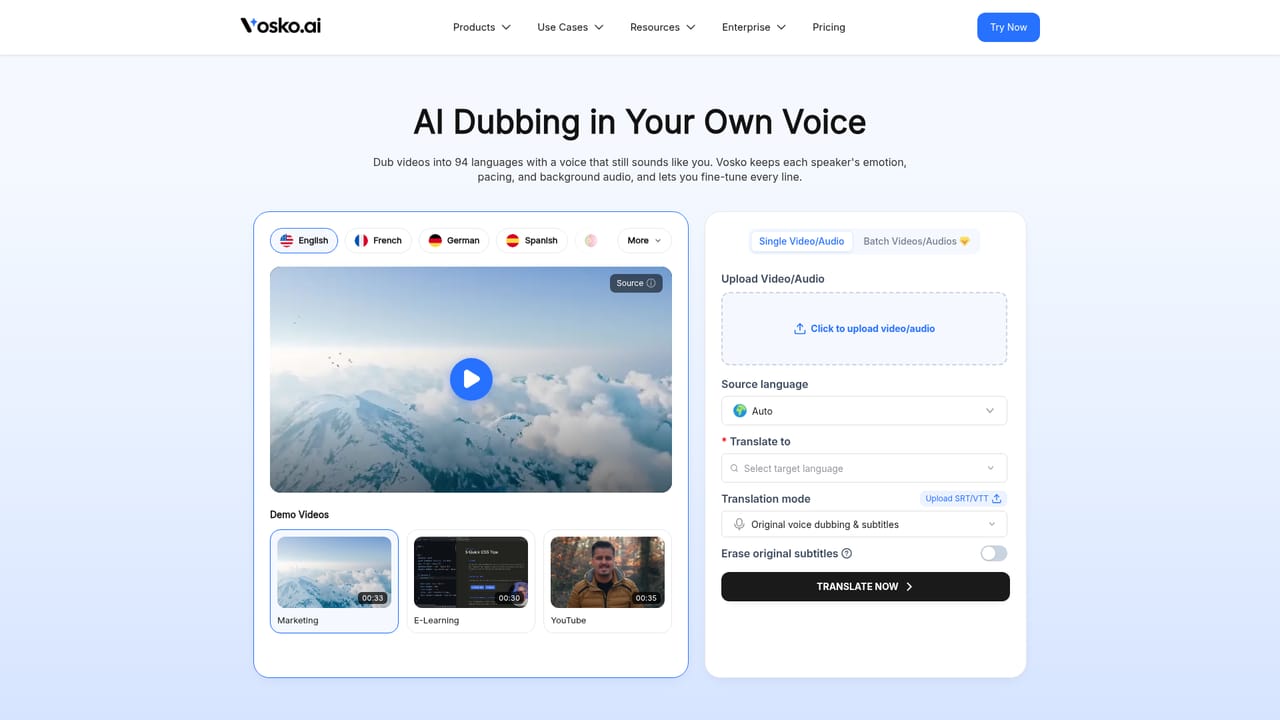
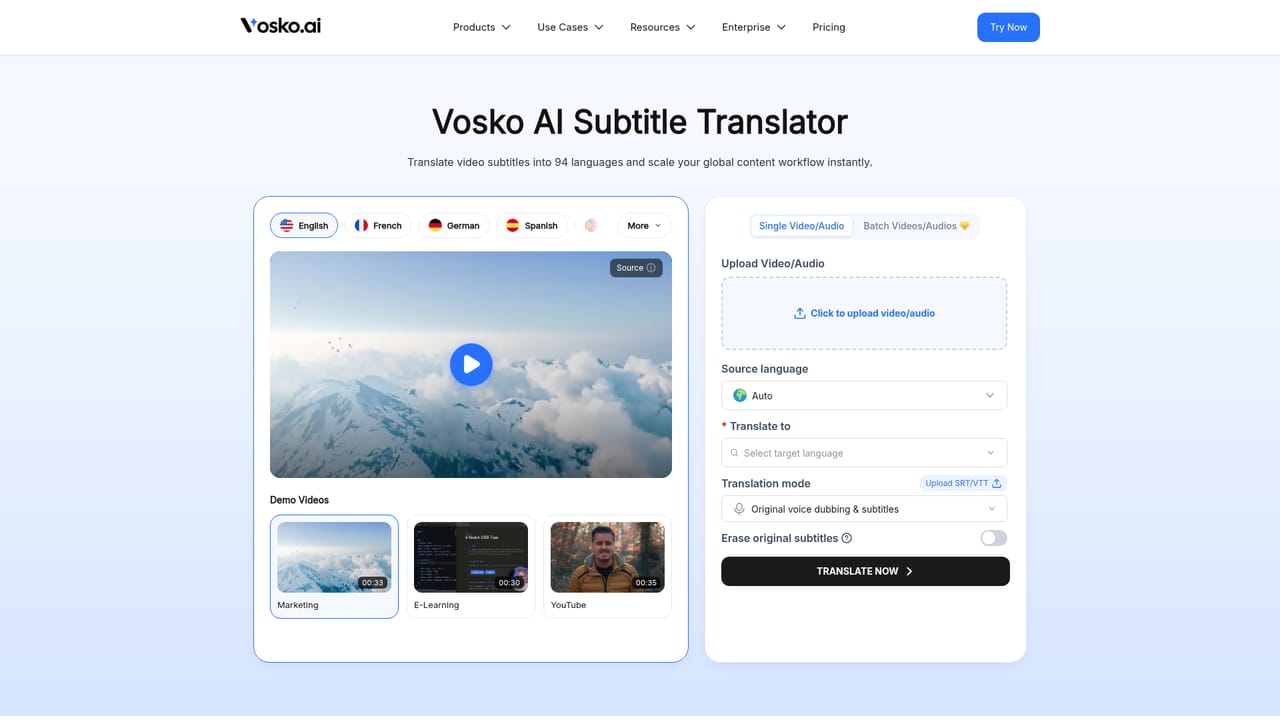
Vosko is a video localization platform built around one idea: a translated video should still sound like the person who made it. Speakers upload a source clip, pick a target language, and Vosko clones the presenter's voice from the existing audio, then speaks the translated script in that same voice. Its stated coverage is 94 target languages, and no separate voice sample is required. On top of the dub, the platform separates dialogue from music, sound effects and ambience, replaces only the speech, and mixes the new track back into the original soundtrack. The workflow happens in a browser editor rather than a render queue. Original and translated scripts sit side by side, and any line can be reworded or re-voiced on the spot, with timing adjusted automatically when a translated sentence runs longer or shorter than the source. Multi-speaker footage such as interviews, panels and podcasts gets split per person, and each speaker keeps a distinct voice. For 19 widely spoken languages, an Ultra Mode tightens tone and rhythm against the original delivery. Vosko can also erase subtitles that are already burned into the picture, rebuild the background behind them, and lay down fresh captions in the target language. Batch runs accept up to 150 videos, with up to 8 languages per run. The audience is broad but specific: YouTubers building multi-language audio tracks, short-form creators shipping clips for several markets at once, e-commerce teams localizing ads and demos without reshoots, educators publishing full courses (videos up to 200 minutes), agencies producing campaign variants, corporate training teams working from approved terminology, short drama studios, and podcasters. Compared with traditional localization agencies, the pitch is speed and cost, and compared with bare dubbing tools, the emphasis is editing depth and preservation of the underlying audio bed. Two limits matter. Lip sync is not available yet and sits on the roadmap, so close-up talking-head footage should be previewed before publishing. Uploaded media and generated files are deleted after 7 days, so exports need to be downloaded in that window.
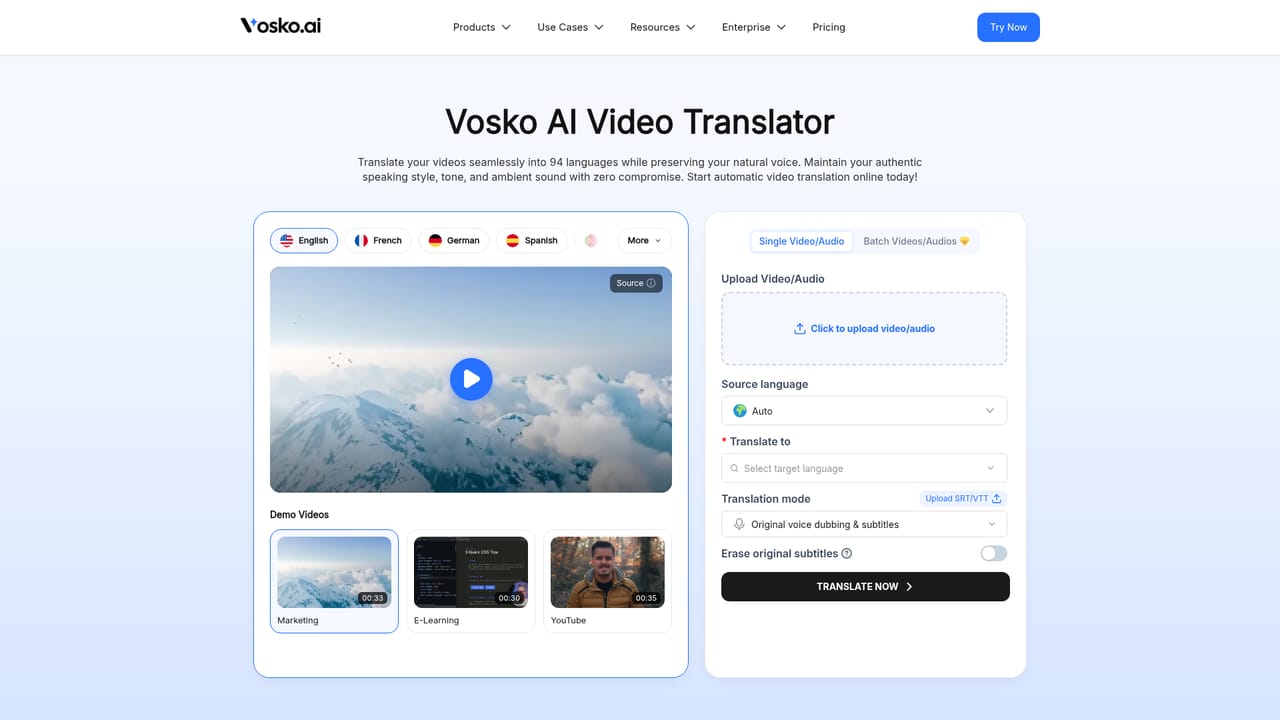
New users receive 200 free credits with no credit card required, enough for roughly 2 minutes of dubbing.
Learn moreVosko runs on a credit model. New accounts get 200 free credits, which the site says covers about 2 minutes of dubbing, and Pro membership unlocks batch upload. Specific plan prices are not listed on the homepage; the pricing page carries the current tiers.
Learn moreSupport is reachable through a demo booking page on the site. No help centre, documentation or live chat channel is described on the homepage.
Learn moreExports are built around YouTube's multi-language audio feature, with separate voice tracks and subtitle files prepared for upload. No other named integrations are listed on the homepage.
Voice cloning from the source video across 94 target languages, dialogue separation that preserves music and effects, multi-speaker track splitting, line-by-line editing with automatic timing correction, Ultra Mode for closer tone and rhythm in 19 languages, burned-in subtitle removal with background reconstruction, styled subtitles, batch runs of up to 150 videos, and support for videos up to 200 minutes.
 AI Angels400+ customizable AI girlfriends for NSFW chat, voice calls, and roleplay
 Candy AIExperience the future of companionship with AI friends who chat, role-play, and connect with you on a human level.
 ourdream.aiA vast AI roleplay platform with millions of characters for chat, images, video and voiceAI Angels400+ customizable AI girlfriends for NSFW chat, voice calls, and roleplayCandy AIExperience the future of companionship with AI friends who chat, role-play, and connect with you on a human level.ourdream.aiA vast AI roleplay platform with millions of characters for chat, images, video and voice


