What video subtitle removers do
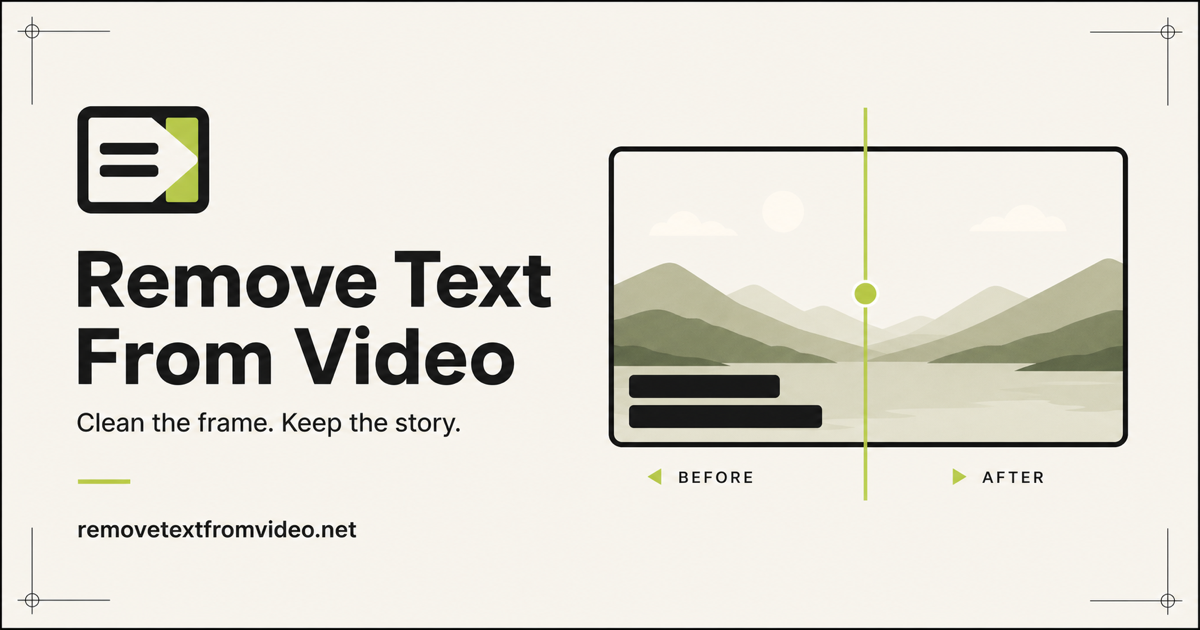
A video subtitle remover takes footage with subtitles or captions baked into the picture and removes them, filling the area behind the text so the frame looks untouched. This matters because burned-in (hard-coded) subtitles are part of the image, so unlike a caption track they cannot be switched off in a player. The traditional fix was frame-by-frame cloning or cropping, which is slow and often cuts into the composition.
The tools here automate that job in the browser. They are used by editors reusing clips, creators repurposing older videos, and teams preparing footage for translation or dubbing, where the original text has to go before new text or audio goes in. Many of them handle the same task for logos and watermarks as well, which is why people also search for ways to remove text from video in general.
How to choose one
Start with the kind of text you need gone. Some tools are built for hard subtitles at the bottom of the frame, others let you brush over any text or mark, which helps when captions move or text appears mid-frame. If the text is only a logo, the watermark sibling category may fit better.
Next, consider what happens after removal. If the clean video is headed for another language, a tool that also translates or dubs saves a round trip between apps. If you only need a clean file, a focused remover is simpler.
Pricing is the third filter. Free and freemium tools are enough for testing on a short clip, so check the result on your own footage before paying for a subscription or a paid plan. Finally, confirm the tool runs in a browser, since every option on this page is a web app, and look at how the background looks where the text used to be: busy or moving backgrounds are the hard case.
Notable tools
- erase.tools: Lets you brush over video text or watermarks, and the background is rebuilt. A good fit when the unwanted text is not a standard subtitle strip. Freemium with subscription plans.
- AI Video Text Remover: Wipes burned-in subtitles and captions from video. Freemium, so a first test costs nothing.
- Aniv AI: Erases hard-coded subtitles and watermarks from video. Paid, with subscription pricing.
- UnMarkAI: Removes burned-in subtitles, then translates and dubs videos. Suited to localization work where cleaning and translating happen together. Paid.
- W-Agent: A free browser tool that erases subtitles, logos and watermarks from video. The obvious starting point for one-off jobs.
- GhostCut: Covers video translation, hard subtitle translation and subtitle removal. Paid, and relevant when removal is one step of a translation workflow.
Common questions
What is a video subtitle remover?
It is a tool that deletes subtitles or captions that are burned into a video's pixels and reconstructs the area behind them. It is not the same as turning off a subtitle track, which only works when the captions are stored separately.
Is there a quick way to do a video subtitle remove job for free?
Free and freemium web tools exist for this, and W-Agent is listed as free. Try a short clip first to see how clean the filled-in background looks before committing to a longer video or a paid plan.
Can these tools remove other text from video?
Several can. Some are described as handling watermarks and logos too, and a brush-based tool such as erase.tools lets you mark whatever text you want gone.
When to look elsewhere
If the problem is a logo or stamp rather than captions, the Video Watermark Remover category is a closer match. To take a person, prop or other moving thing out of a scene, see Video Object Remover. If the goal is a new voice track in another language once the text is gone, Dubbing covers that step on its own.