Free trial
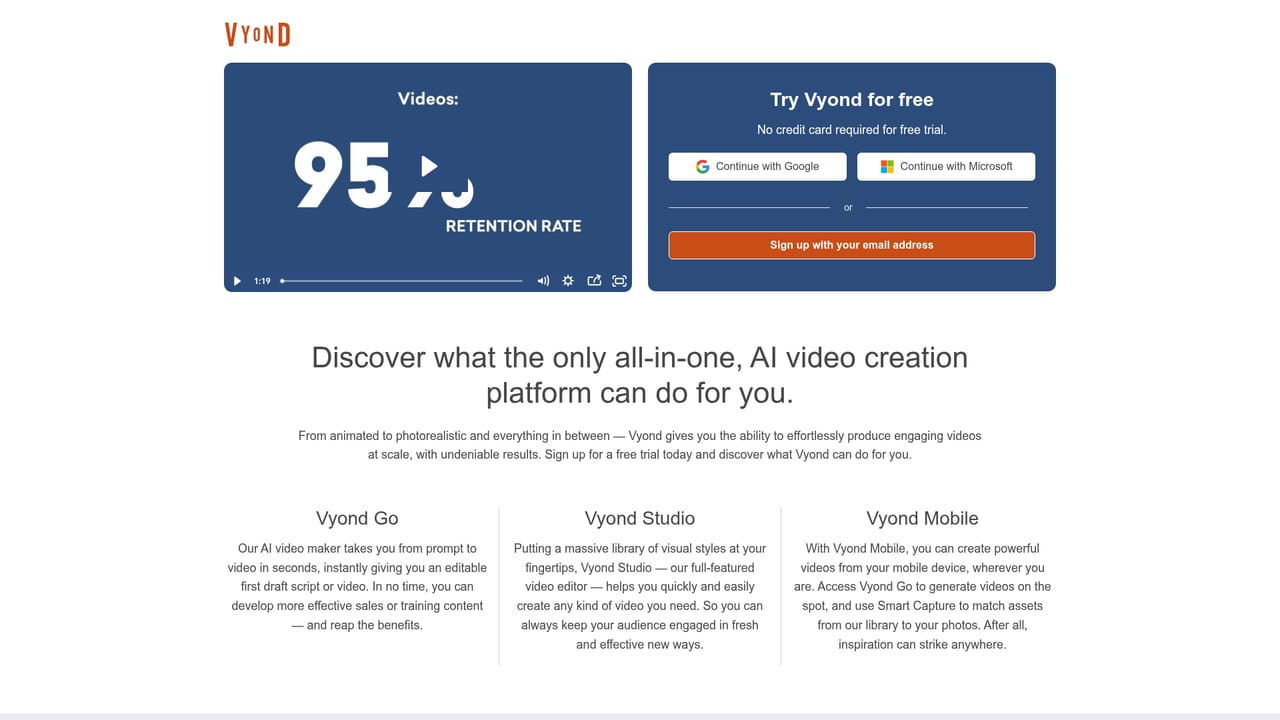
A free trial is offered through the signup page, which is linked from the homepage as the entry point for trying Vyond.
Learn moreBusiness video creation that blends AI generation with a full animation studio

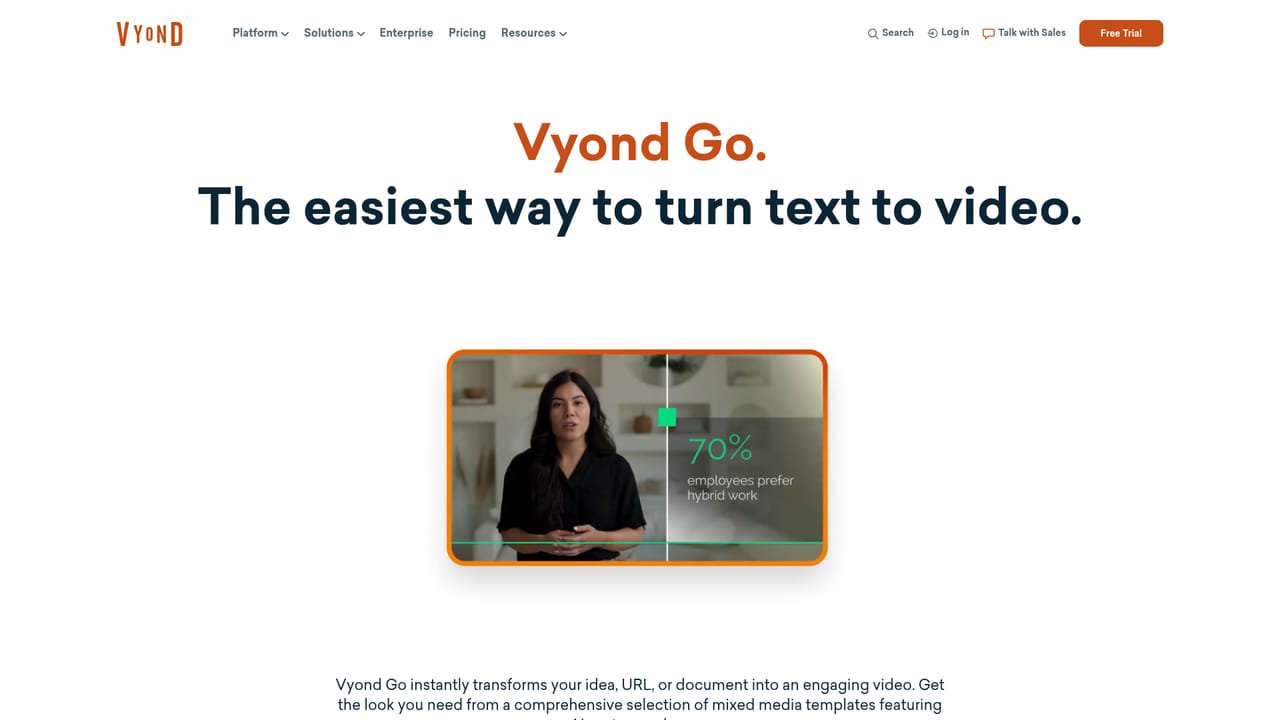
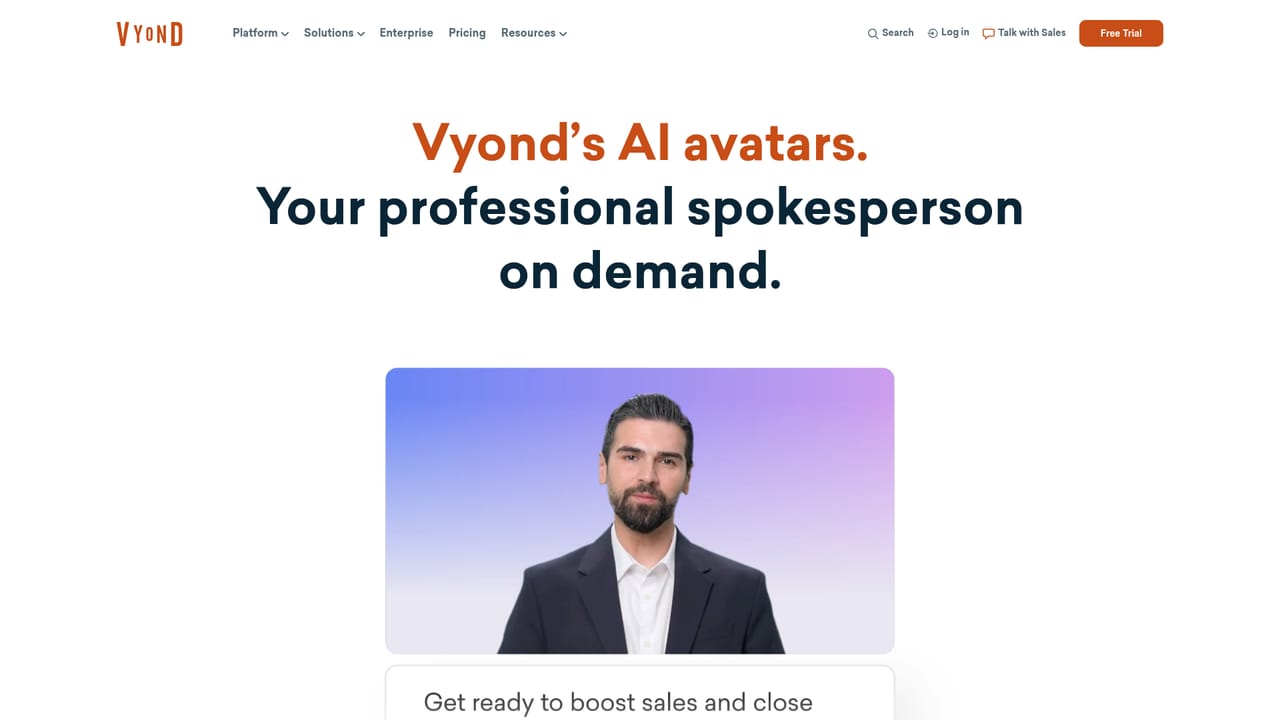
Vyond is an enterprise-focused AI video platform combining text, document and URL to video generation with a template-driven animation studio, AI avatars, screen and webcam capture, and instant translation for multilingual versions of the same asset.
Vyond is a video creation platform aimed at workplaces rather than hobbyists, and its pitch is breadth: the same account can produce an animated explainer, a photorealistic clip, a screen recording, a mobile capture or an AI avatar presentation. The company positions itself around turning institutional knowledge into watchable content, and it points to adoption across a large share of the Fortune 500 as evidence that the tool holds up inside large organisations with brand and compliance requirements. Two layers sit on top of each other. The first is Vyond Go, a fast path where you supply text, upload a document or paste a URL and get back a complete video, which suits explainers, sales enablement and training drafts. The second is the traditional studio, where you start from a template library organised by use case (eLearning, presentation, storytelling, training, HR, social media, marketing) and then adjust characters, props, settings and style. Instant translation lets one finished video be re-voiced for other languages, and AI avatars supply a presentable on-screen face when nobody wants to appear on camera. In practice the tool is used by learning and development teams building course modules, HR groups producing onboarding and policy material, marketing teams making campaign and social clips, and sales teams assembling repeatable product demos. The template library does most of the early heavy lifting, and the style switch matters most when one script needs to become several assets for different channels. Where it fits: Vyond competes with general AI video generators, but it is closer to an animation and explainer studio with generative shortcuts bolted on. That makes it a stronger choice for teams that need consistent branding and editable scenes than for anyone chasing quick social clips. Pricing figures are not published on the homepage, so check the vendor directly before budgeting.
A free trial is offered through the signup page, which is linked from the homepage as the entry point for trying Vyond.
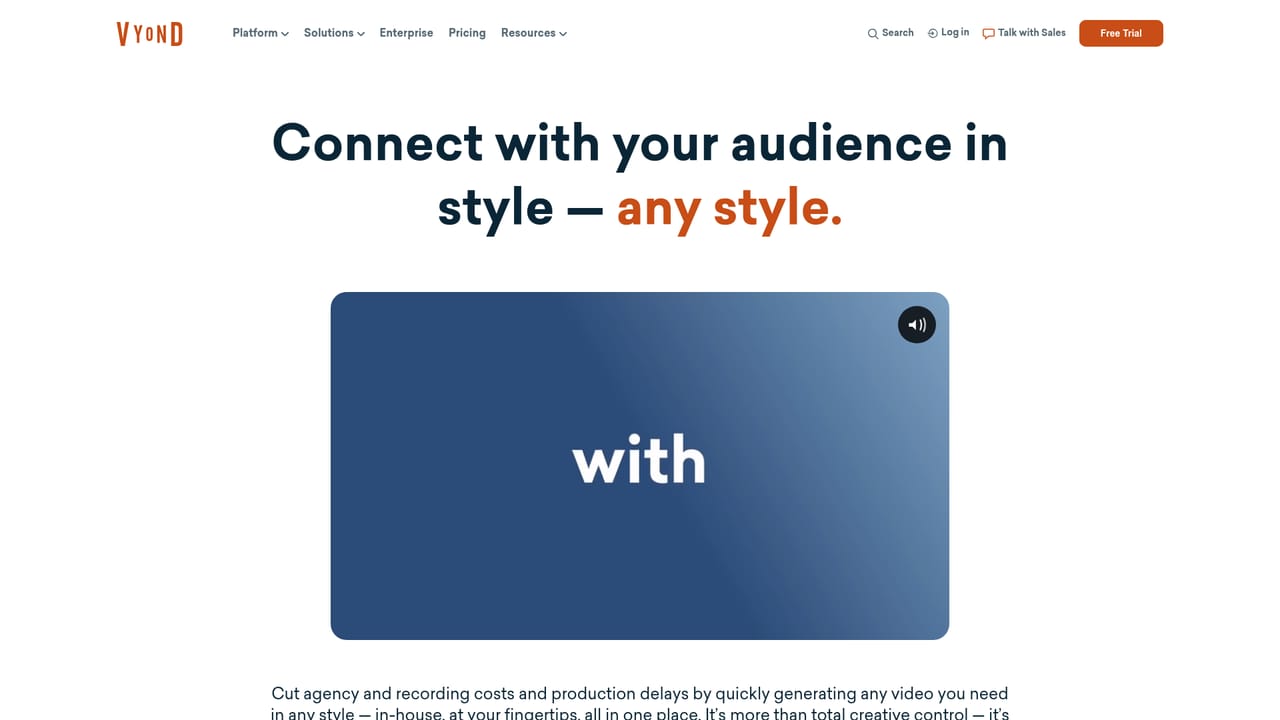
Learn moreVyond Go text, document and URL to video generation; animated, photorealistic, mixed media and Gen AI styles; AI avatars; screen recording, webcam recording and mobile capture; instant video translation; a template library covering eLearning, presentations, storytelling, training, HR, social media and marketing.
Learn more AI Angels400+ customizable AI girlfriends for NSFW chat, voice calls, and roleplay
 Candy AIExperience the future of companionship with AI friends who chat, role-play, and connect with you on a human level.
 ourdream.aiA vast AI roleplay platform with millions of characters for chat, images, video and voiceAI Angels400+ customizable AI girlfriends for NSFW chat, voice calls, and roleplayCandy AIExperience the future of companionship with AI friends who chat, role-play, and connect with you on a human level.ourdream.aiA vast AI roleplay platform with millions of characters for chat, images, video and voice


