Free trial
No free trial is mentioned on the homepage. A 7-day money-back guarantee applies instead, detailed on the refund page.
Learn moreStoryboard-driven AI video with frame pathing and 9-grid consistency

Wan 2.6 AI is a generative video tool. A precision-first AI video generator with start/end frame pathing, 9-grid character consistency, instruction-based local edits and audio-driven lip-sync for clips up to 15 seconds.
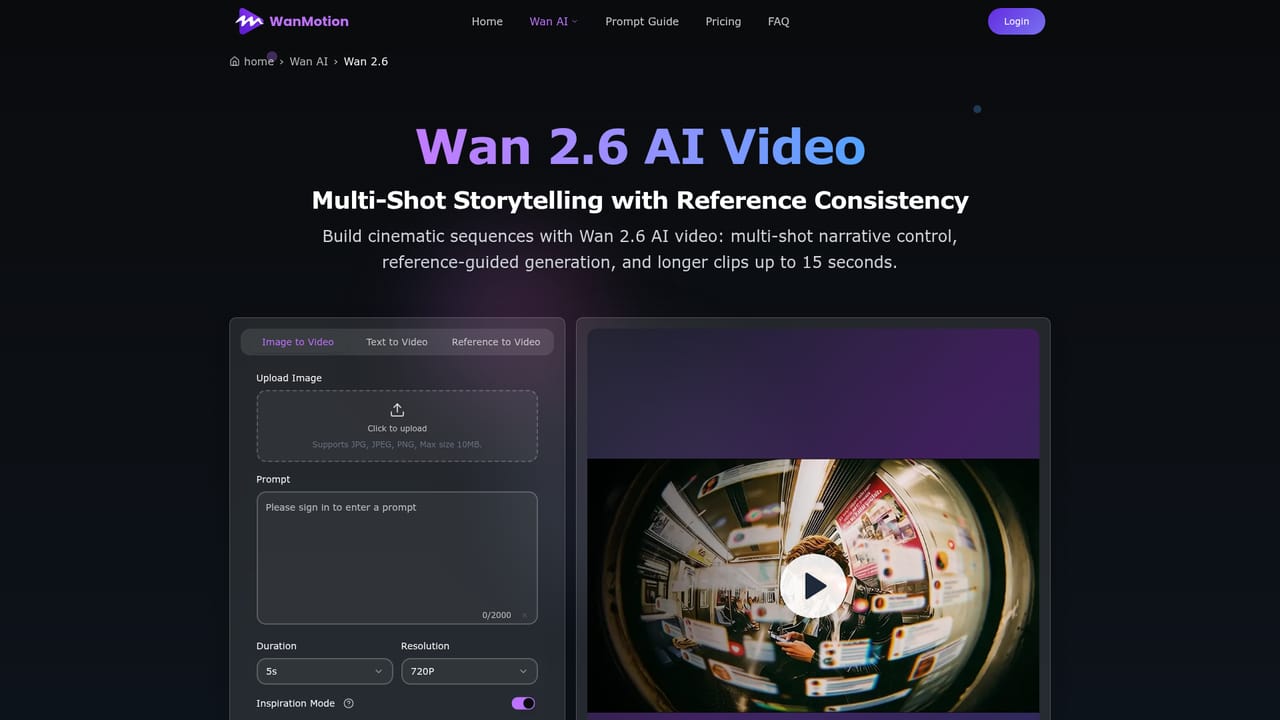
WanMotion (listed here as Wan 2.6 AI) is a browser-based AI video workflow built around control rather than lucky prompts. The core idea is that a clip should follow the shot plan you already have. You upload a starting frame and an ending frame, and the engine bridges the motion between them, so the camera and subject travel along a defined path instead of drifting wherever the model decides. A 3x3 reference grid adds a second layer of precision: feed it multi-angle images or pose variants of the same subject and the image-to-video system reasons across those views to keep characters on-model through longer sequences. Editing is conversational. Rather than regenerating a whole take to fix a background or an outfit, you describe the change in natural language and the tool applies a targeted local repaint to that region. Generation modes cover text-to-video, image-to-video and instruction-based editing, with intelligent multi-shot splitting a single prompt into connected shots, or a single-take mode for product shots and portraits. Reference video can bind subjects as named characters so appearance and motion stay consistent, and audio input (voice, music or effects) can drive lip-sync and scene rhythm, with subject and voice cloning for digital-human content. Clips run up to 15 seconds at 1080P motion, alongside 4K-class still generation. It suits marketing teams, agencies and educators producing recurring short-form video, plus pre-visualization work where matching a storyboard matters. Beginners can work from plain text prompts alone and add grids, frames and reference video later. Credit packs are one-time purchases with commercial rights included, which positions it between cheap per-clip generators and full production suites, though its 15-second ceiling keeps it out of long-form territory.
No free trial is mentioned on the homepage. A 7-day money-back guarantee applies instead, detailed on the refund page.
Learn moreFour one-time credit packs: Starter at $9.9 for 100 credits (720p export), Basic at $29.9 for 330 credits, Plus at $49.9 for 600 credits with up to 5 concurrent jobs, and Professional at $99.9 for 1250 credits with up to 10 concurrent jobs, a full effects pack and bulk processing. Credits never expire and all tiers include a commercial license and watermark-free downloads.
Learn moreEmail support at support@wan26.info on every tier, with priority email support on Basic and Plus and 24/7 priority support on Professional.
Learn moreNone are live. API access is listed as coming soon on the Professional tier; payments run through Stripe.
Start/end frame pathing, 9-grid multi-angle character consistency, instruction-based local editing, text-to-video and image-to-video modes, multi-shot or single-take generation, reference video character binding, audio-driven lip-sync with subject and voice cloning, 4K-class image generation and 1080P motion for clips up to 15 seconds.
Learn more AI Angels400+ customizable AI girlfriends for NSFW chat, voice calls, and roleplay
 Candy AIExperience the future of companionship with AI friends who chat, role-play, and connect with you on a human level.
 ourdream.aiA vast AI roleplay platform with millions of characters for chat, images, video and voiceAI Angels400+ customizable AI girlfriends for NSFW chat, voice calls, and roleplayCandy AIExperience the future of companionship with AI friends who chat, role-play, and connect with you on a human level.ourdream.aiA vast AI roleplay platform with millions of characters for chat, images, video and voice


