Free trial
One free standard preview of 20 credits is offered without a payment card. The homepage labels it 1 trial previews left per visitor, so treat it as a single quality test.
Learn morePrompt or image in, motion video out, plus a free trial.

WanAI is a generative video tool. Wan AI is an online AI video generator that turns text prompts or uploaded images into motion clips. It offers dedicated text-to-video, image-to-video and text-to-image workflows, several numbered Wan models (2.5 through 3.0 preview), a copyable prompt library, a public showcase gallery, and a free trial preview with no card required.
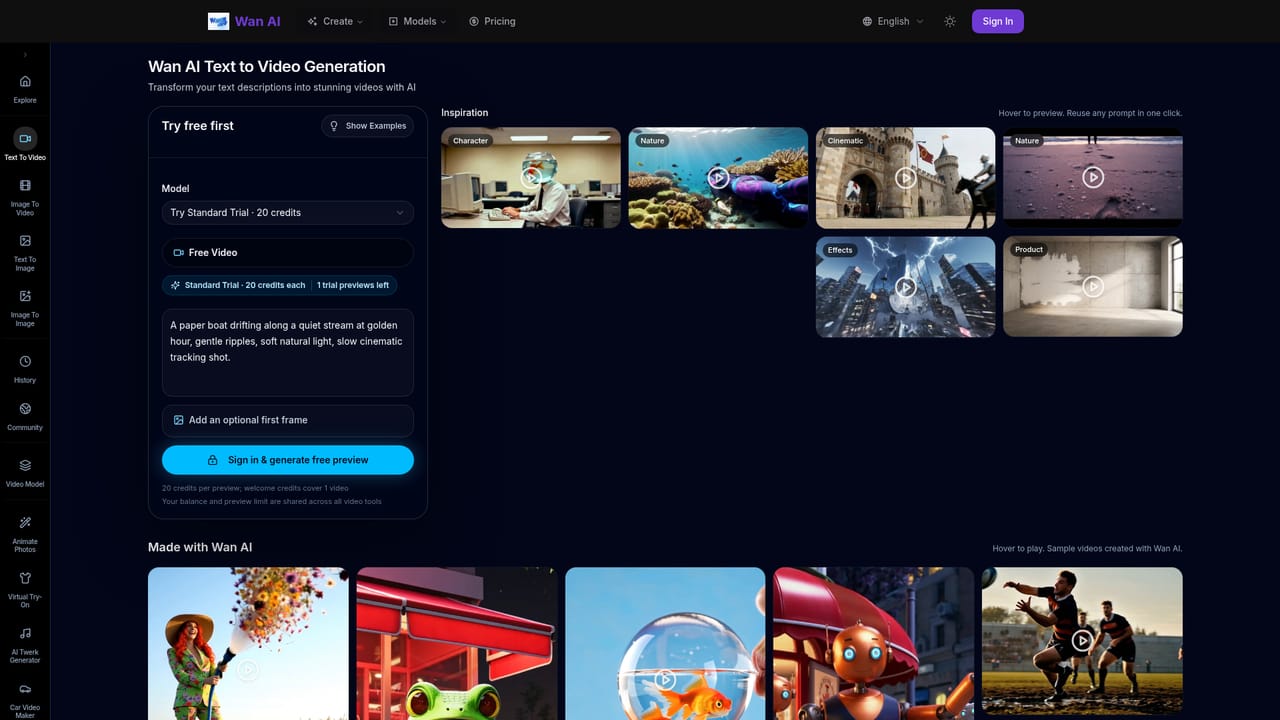
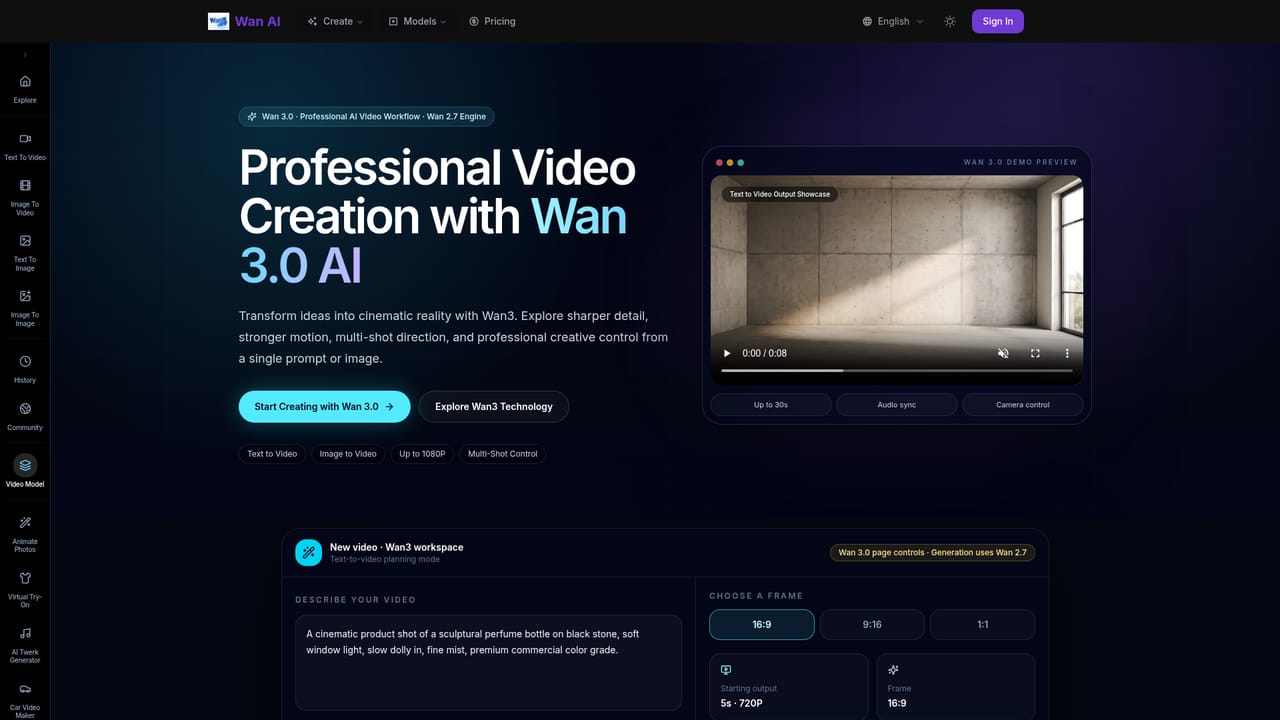
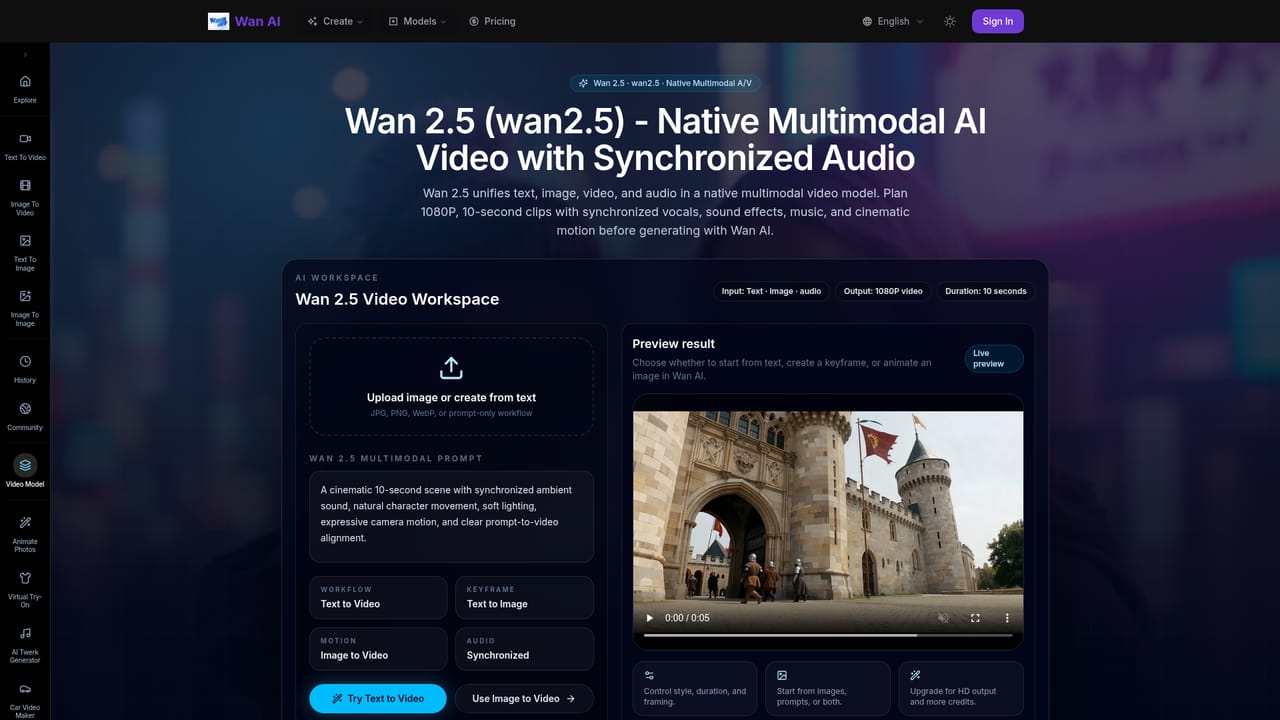
Wan AI is a browser-based video generation platform built around two entry points: a text prompt you describe, and a still image you upload. The homepage workspace accepts a written prompt and an optional first frame, either as an uploaded PNG, JPG or WebP file up to 8 MB or as a public image URL. From there the platform renders a clip oriented toward marketing footage, product demos, social ads and cinematic scenes. The product is organised as a set of model workflows rather than one generic button. Wan 2.5, Wan 2.6 and Wan 2.7 sit behind the Pro tier and cover text-to-video and image-to-video generation, with 2.6 documented for multi-shot and reference-video workflows. Wan 3.0 is presented as a preview of a newer workflow aimed at 4K-oriented output, multi-shot direction, camera control and audio sync. Separate dedicated pages exist for text-to-video, image-to-video and text-to-image, and the text-to-image route is framed as a way to produce keyframes, posters and reference stills that can later be animated. In practical use, the site reads as a production starting point rather than a full editor. A prompt library supplies detailed cinematic examples (camera moves, lighting, film texture, structured JSON prompts) that can be loaded directly into the text-to-video workspace with one click. A showcase gallery collects recent public generations so you can judge motion quality before committing credits. There is no evidence on the homepage of timeline editing, asset libraries or team review tools, so the output is expected to move into a conventional editor for finishing. Wan AI sits in the crowded text-to-video and image-to-video segment alongside other multimodal generators. Its differentiators are the visible model versioning and the low-friction trial: one free standard preview with no card required. It suits marketers, ecommerce teams, social creators and concept artists who need quick motion assets from prompts or product photos, and it is less suited to anyone wanting a complete post-production suite.
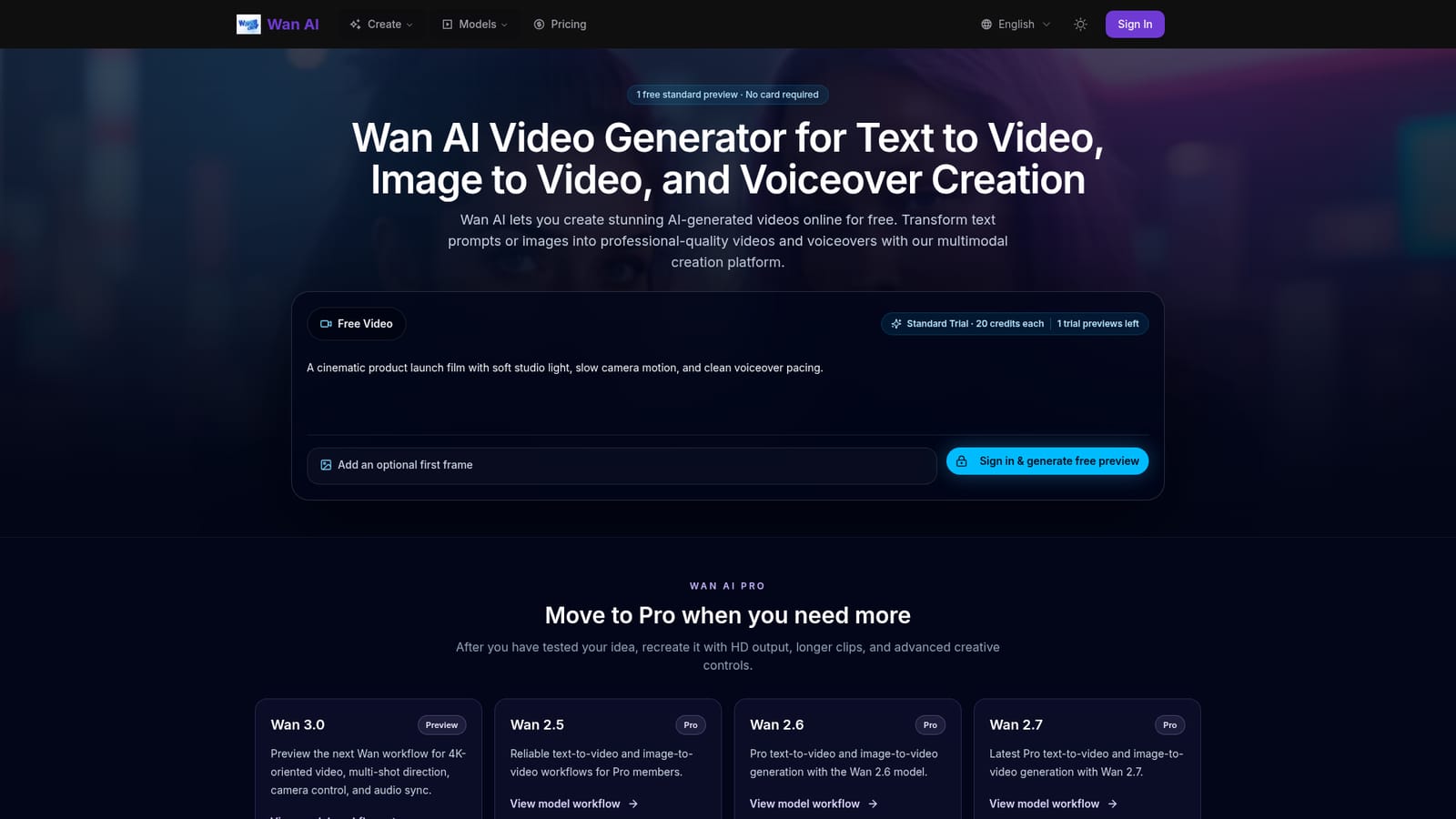
One free standard preview of 20 credits is offered without a payment card. The homepage labels it 1 trial previews left per visitor, so treat it as a single quality test.
Learn moreFreemium with a Pro tier. New users get one free standard preview (20 credits) with no card required. Pro adds HD video, longer clips, advanced creative controls, more generation credits and commercial use, but the homepage does not publish specific prices.
Learn moreSupport is limited to the homepage FAQ, which answers questions on text-to-video, image animation and voiceover-ready workflows. No help centre or contact channel is listed in the source.
Text-to-video and image-to-video generation from prompts or uploaded stills, with an optional first frame via file upload (PNG, JPG, WebP up to 8 MB) or public image URL. Separate text-to-image workflow for keyframes and posters. Model pages for Wan 2.5, 2.6, 2.7 and the Wan 3.0 preview (4K-oriented output, multi-shot direction, camera control, audio sync). Copyable prompt library and a public showcase gallery.
Learn more AI Angels400+ customizable AI girlfriends for NSFW chat, voice calls, and roleplay
 Candy AIExperience the future of companionship with AI friends who chat, role-play, and connect with you on a human level.
 ourdream.aiA vast AI roleplay platform with millions of characters for chat, images, video and voiceAI Angels400+ customizable AI girlfriends for NSFW chat, voice calls, and roleplayCandy AIExperience the future of companionship with AI friends who chat, role-play, and connect with you on a human level.ourdream.aiA vast AI roleplay platform with millions of characters for chat, images, video and voice


