Free trial
The homepage offers a Start for free link that opens workspace signup, but the duration or scope of any free tier is not stated.
Learn moreAutonomous ETL pipelines that feed warehouses, BI tools and AI agents

Weld is an autonomous ETL and data platform: 300+ connectors into BigQuery, Snowflake, Databricks and more, SQL and dbt transformations, orchestration, reverse ETL, and an MCP server that lets Claude or Cursor operate pipelines directly. Aimed at data and analytics teams that want one platform instead of several.
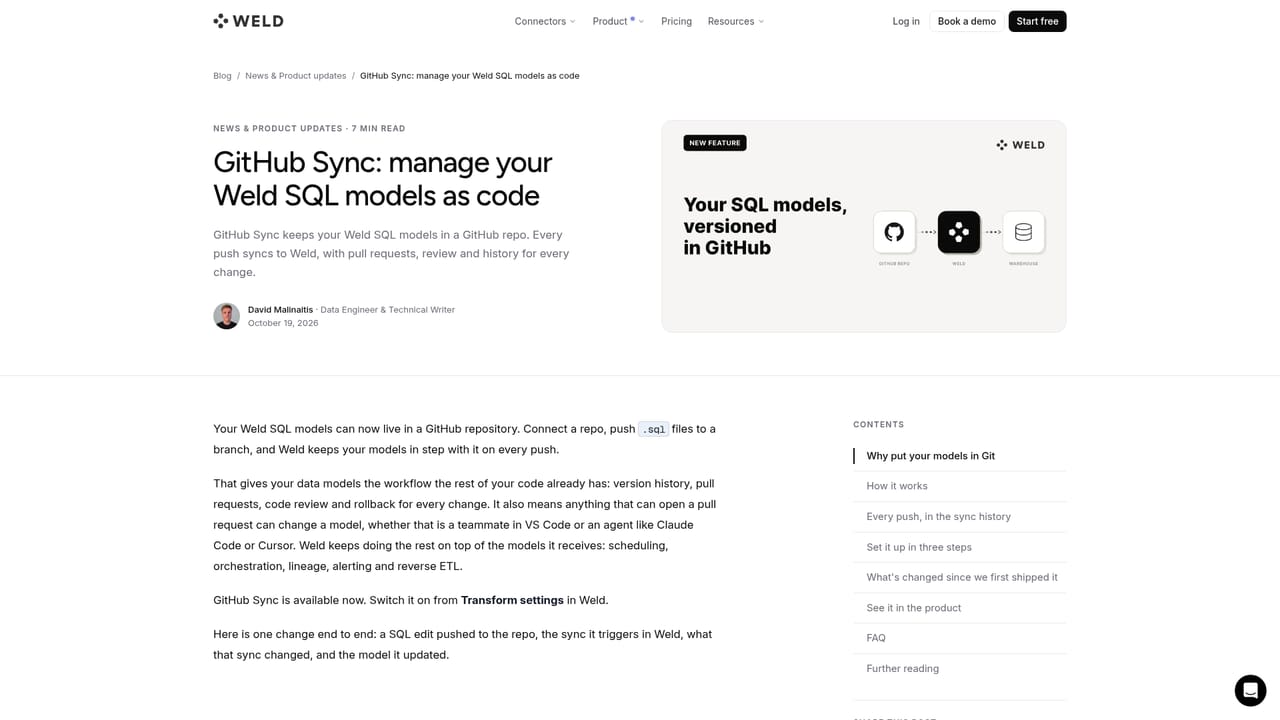
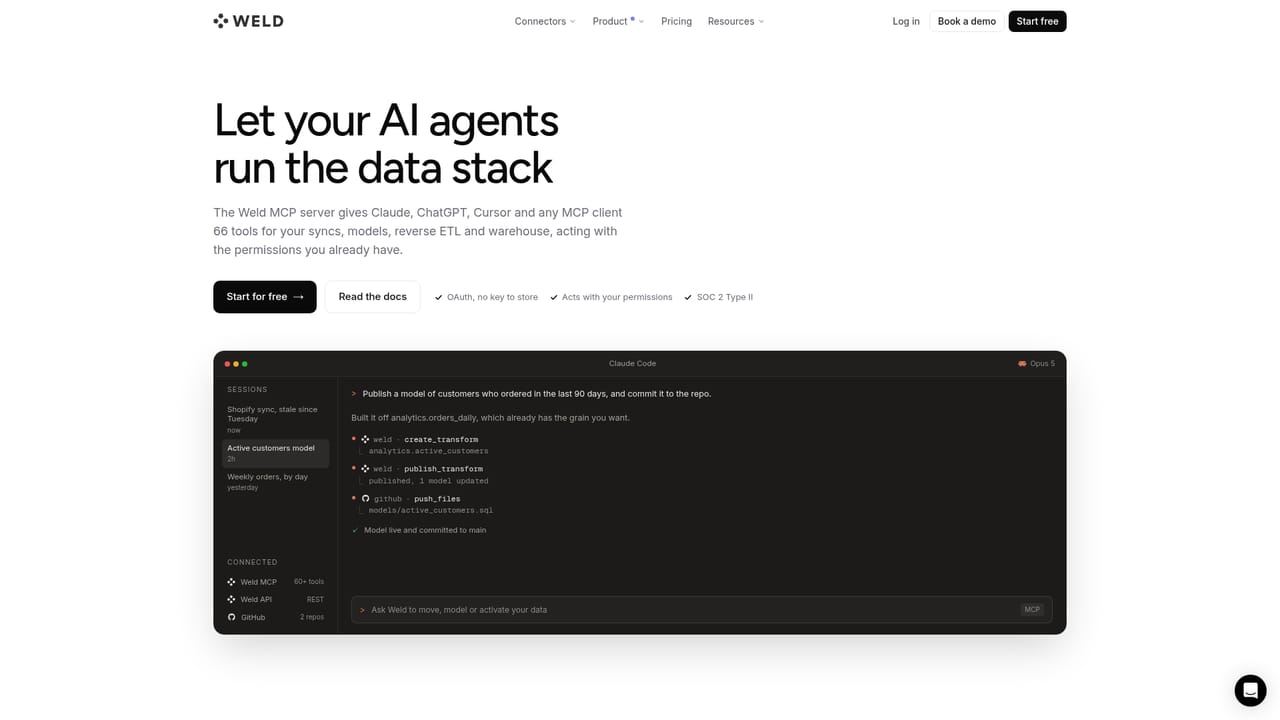
Weld is an autonomous data platform that moves data from applications, databases, files and event streams into a warehouse, then models and activates it. It bundles four jobs that teams usually stitch together from separate vendors: ingestion through incremental, full and CDC replication, SQL transformation with GitHub, dbt, Cube or SQLMesh models, orchestration with dependencies, schedules and retries, and reverse ETL that pushes warehouse results back into CRMs, ad platforms and internal tools. Each component can run alone or alongside an existing warehouse and modeling stack. The product targets data and analytics teams at companies that have outgrown hand-rolled Python scripts and cron jobs but do not want a heavyweight enterprise stack. Marketing and operations teams appear alongside data engineers in the published customer stories, which suggests the syncing and reverse ETL sides get real use outside pure engineering. A 4.8 rating on G2 with 109 reviews is the main third-party signal cited on the homepage. In practice a team connects a source such as HubSpot, Salesforce, Postgres or a Google Sheet, maps schemas to the destination warehouse, and schedules the sync. Transformations then live in version control: models are written as SQL and published from GitHub or synced with an existing dbt or Cube project. Orchestration runs the graph in order and retries failed steps, with tests and lineage attached to each model. The distinctive layer is the MCP server, which exposes models, syncs and pipeline runs as tools that Claude, Cursor, ChatGPT or Copilot can call, plus a REST API for embedding the same operations in an internal product. Weld sits in the modern data stack rather than replacing the warehouse. It competes with managed ELT services on the ingestion side and with orchestrators and reverse ETL vendors on the activation side, and its pitch is consolidation. Initial syncs process full history and querying is unavailable until they finish, so onboarding is not instant on large sources.
The homepage offers a Start for free link that opens workspace signup, but the duration or scope of any free tier is not stated.
Learn moreLists 300+ connectors plus warehouse destinations including BigQuery, Snowflake, Databricks, Redshift, ClickHouse and Postgres, BI tools such as Looker and Tableau, and AI clients including Claude, Cursor and ChatGPT.
Covers ELT syncs with incremental, full and CDC replication from 300+ sources, SQL transformations via GitHub, dbt, Cube or SQLMesh, orchestration with dependencies and retries, reverse ETL to CRM and ad platforms, plus MCP server and REST API access for agents and applications.
 AI Angels400+ customizable AI girlfriends for NSFW chat, voice calls, and roleplay
 Candy AIExperience the future of companionship with AI friends who chat, role-play, and connect with you on a human level.
 ourdream.aiA vast AI roleplay platform with millions of characters for chat, images, video and voiceAI Angels400+ customizable AI girlfriends for NSFW chat, voice calls, and roleplayCandy AIExperience the future of companionship with AI friends who chat, role-play, and connect with you on a human level.ourdream.aiA vast AI roleplay platform with millions of characters for chat, images, video and voice


