Free trial
The homepage offers a free start through WEVO Pulse at wevo.ai/takeapulse, but does not state how long access lasts or what limits apply.
Learn moreAI-simulated customer research that pairs with real users for validation

WEVO is an analytics tool. WEVO combines AI-simulated user testing (Pulse) with panels of 10 to 200 real users (Pro) to evaluate designs, prototypes, campaigns, and live sites. It targets marketers, UX designers, and product teams that want fast directional feedback before spending on formal research.
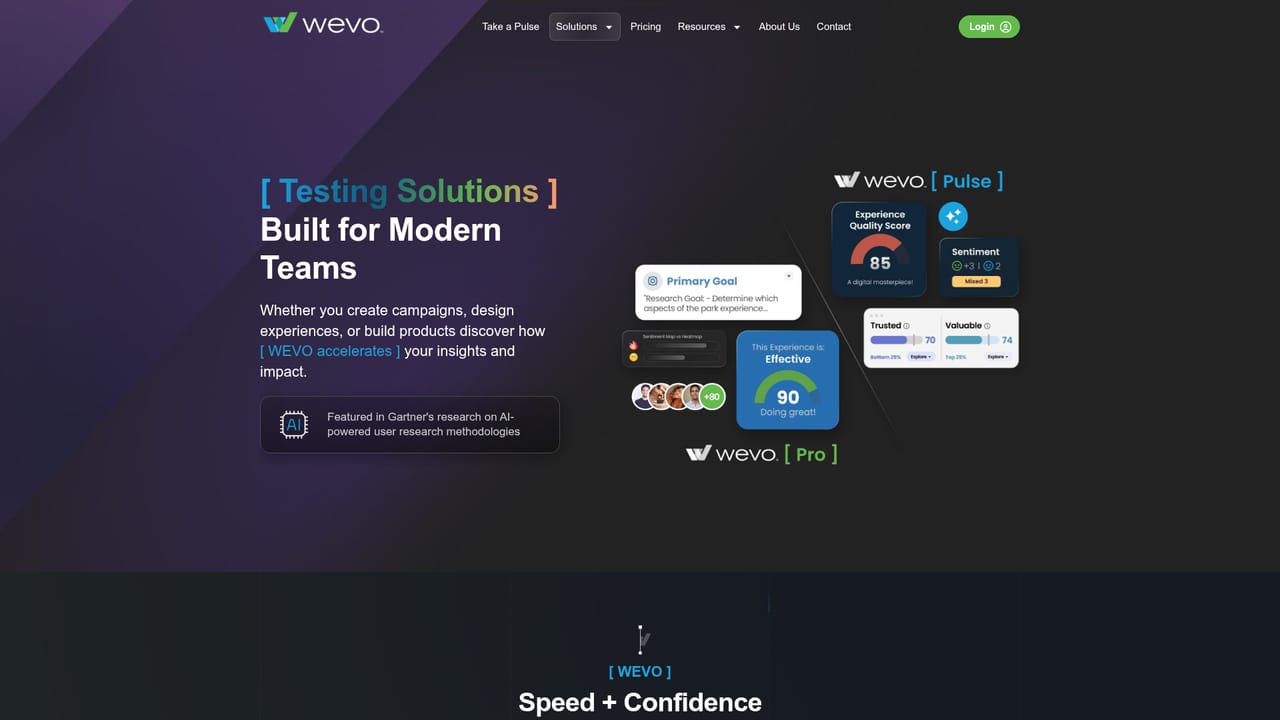
WEVO is a customer insight platform built around two testing modes that answer different research questions. The first, called Pulse, uses AI to simulate user response to a design, prototype, live site, or even a competitor's page, returning feedback within minutes along with visual heatmaps and friction scores. The second, called Pro, recruits between 10 and 200 real people from a target audience to produce statistically grounded findings, custom surveys, and qualitative commentary. The company frames the pairing as a way to use AI for early direction and human panels for decisions that need to hold up in front of stakeholders. In practice, a team uploads the asset it wants to evaluate, chooses the mode that matches the stage of work, and reads the output. Pulse supports unlimited testing at scale, which makes it suited to comparing many campaign variations or rough concepts before any of them earn a budget. Pro is positioned for the moments that carry more risk: validating a feature before development, testing an onboarding flow, or confirming that a redesign lands with the audience it was built for. The platform also covers campaign testing (email subject lines, ad creative, landing pages, social content), website optimization, and benchmarking against competitors. The audience is broad but specific: digital marketers weighing messaging, UX designers screening concepts before handoff, product teams de-risking features, and growth teams optimizing funnels. WEVO sits in the space between cheap but shallow analytics tools and slow, costly traditional research agencies. The vendor lists enterprise names such as Accenture, Goldman Sachs, Intuit, Mastercard, and Pearson among its users, and Accenture has invested in the company. Anyone evaluating it should note the homepage does not publish pricing, a feature-level breakdown of the simulation methodology, or a list of third-party integrations. The pitch is a workflow claim, and the sensible next step is a demo or the free Pulse entry point rather than a blind commitment.
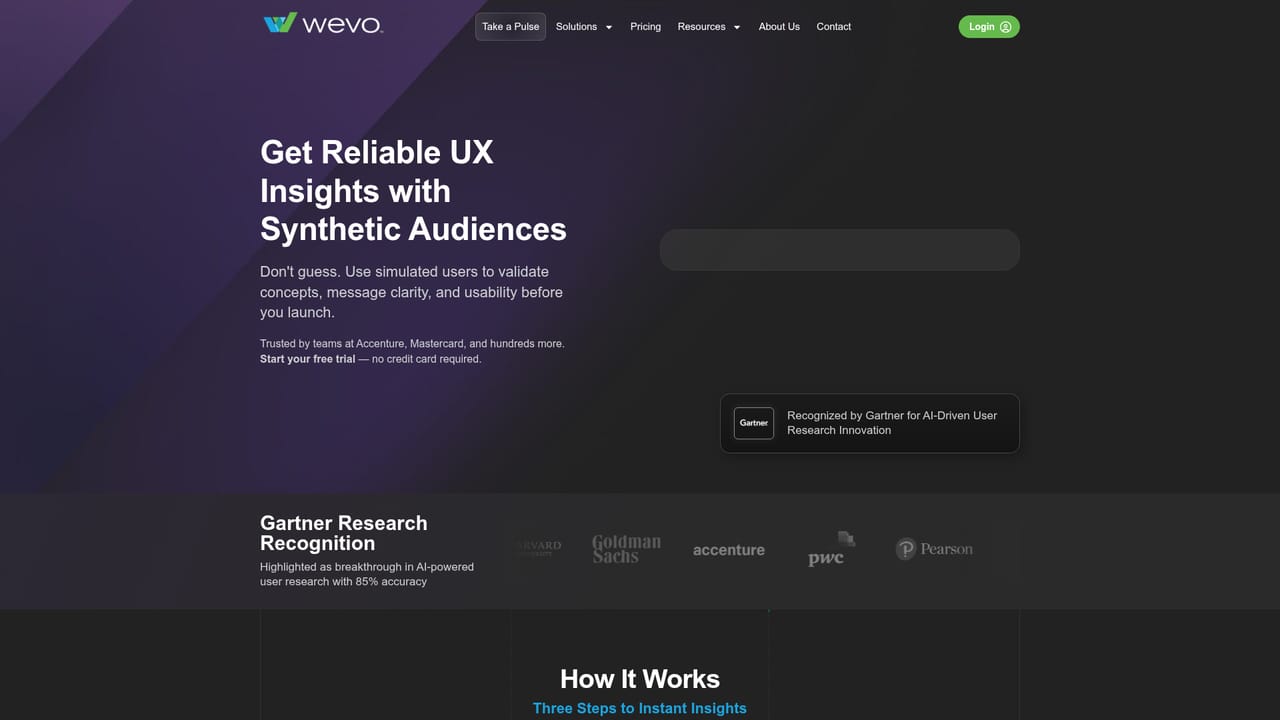
The homepage offers a free start through WEVO Pulse at wevo.ai/takeapulse, but does not state how long access lasts or what limits apply.
Learn morePulse delivers AI-simulated feedback in minutes with visual heatmaps and friction scores and unlimited testing at scale. Pro adds 10 to 200 real users, industry benchmarking, custom surveys, and qualitative feedback. Shared coverage spans campaign testing, product validation, website optimization, and competitive intelligence.
Learn more AI Angels400+ customizable AI girlfriends for NSFW chat, voice calls, and roleplay
 Candy AIExperience the future of companionship with AI friends who chat, role-play, and connect with you on a human level.
 ourdream.aiA vast AI roleplay platform with millions of characters for chat, images, video and voiceAI Angels400+ customizable AI girlfriends for NSFW chat, voice calls, and roleplayCandy AIExperience the future of companionship with AI friends who chat, role-play, and connect with you on a human level.ourdream.aiA vast AI roleplay platform with millions of characters for chat, images, video and voice


