Free trial
After onboarding you can scan your first chart, but viewing the full analysis requires Wick Pro. No formal trial period is described.
Learn moreTurn any trading chart screenshot into a structured iPhone report
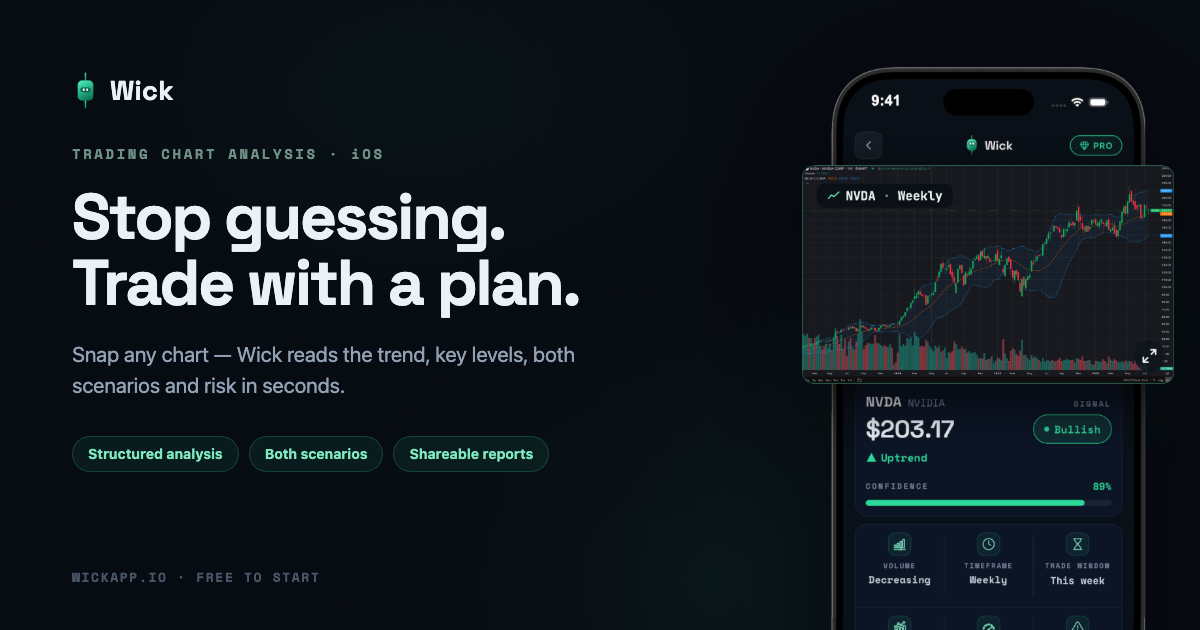
Wick is a pattern recognition tool that turns any trading chart screenshot into a structured iPhone report. Wick is an iPhone app that analyzes chart screenshots of stocks, crypto, forex and gold. It returns a structured report with signal, key levels, bullish and bearish scenarios and a suggested approach, for educational use only.
Wick is an iPhone app that reads a screenshot or camera photo of a trading chart and returns a structured technical analysis. The report covers a signal with a confidence figure, market context, detected pattern, key levels, risk context and a recommended approach. It accepts candlestick, line and bar charts on any timeframe, and works with stocks, crypto, forex and gold. The audience is retail traders who want a second opinion before entering a position, including beginners who struggle to spot patterns or mark support and resistance by eye. Because the input is just an image, it does not depend on any one charting platform. Screenshots from MetaTrader 4 and 5, TradingView, a broker app or a crypto exchange all work, and photographing a screen is also supported. The app needs no user account, so analysis can start right after install. In practice the flow has three steps: upload a chart from the gallery or camera, let the app evaluate structure, trend, levels, momentum and visible indicators, then read the report. A distinguishing feature is the side-by-side scenario view. Instead of one prediction, Wick shows a bullish and a bearish case with a weighting for each, and every case lists a trigger, entry, target, stop and reward-to-risk ratio. Reports can be personalized to a trading style and shared as formatted cards for social media. Access is gated by a subscription called Wick Pro. The first scan is available after onboarding, but viewing the full analysis, unlimited scans, premium sharing and the Journal require the paid plan, billed weekly or every six months through the App Store. The publisher states that output is educational, can be wrong, and is not financial advice. Against general chatbots that can be shown a chart, Wick offers a fixed report layout and trading-specific fields. Against full charting suites, it offers no live data or order execution, only interpretation of a static image.
After onboarding you can scan your first chart, but viewing the full analysis requires Wick Pro. No formal trial period is described.
Learn moreWick Pro is a subscription billed weekly or every six months through the App Store. It unlocks unlimited scans, complete reports with entry, target and stop loss, premium sharing and the full Journal. Prices are not stated on the homepage.
Learn moreNo integrations are listed. Wick accepts screenshots from MetaTrader 4 and 5, TradingView, broker apps and crypto exchanges, so it works with any platform through an image.
Reads chart screenshots and returns a structured report: signal, confidence, market context, detected pattern, key levels, risk context and recommended approach. Shows bullish and bearish scenarios with weightings, personalizes to trading style, and offers shareable report cards and a Journal.
 AI Angels400+ customizable AI girlfriends for NSFW chat, voice calls, and roleplay
 Candy AIExperience the future of companionship with AI friends who chat, role-play, and connect with you on a human level.
 ourdream.aiA vast AI roleplay platform with millions of characters for chat, images, video and voiceAI Angels400+ customizable AI girlfriends for NSFW chat, voice calls, and roleplayCandy AIExperience the future of companionship with AI friends who chat, role-play, and connect with you on a human level.ourdream.aiA vast AI roleplay platform with millions of characters for chat, images, video and voice


