Support
Support is channelled through security engineers: a demo call is the route to scoping a first repository audit, and findings arrive with traces and patches ready for review.
AI static analysis that proves exploitability and ships the patch as a pull request
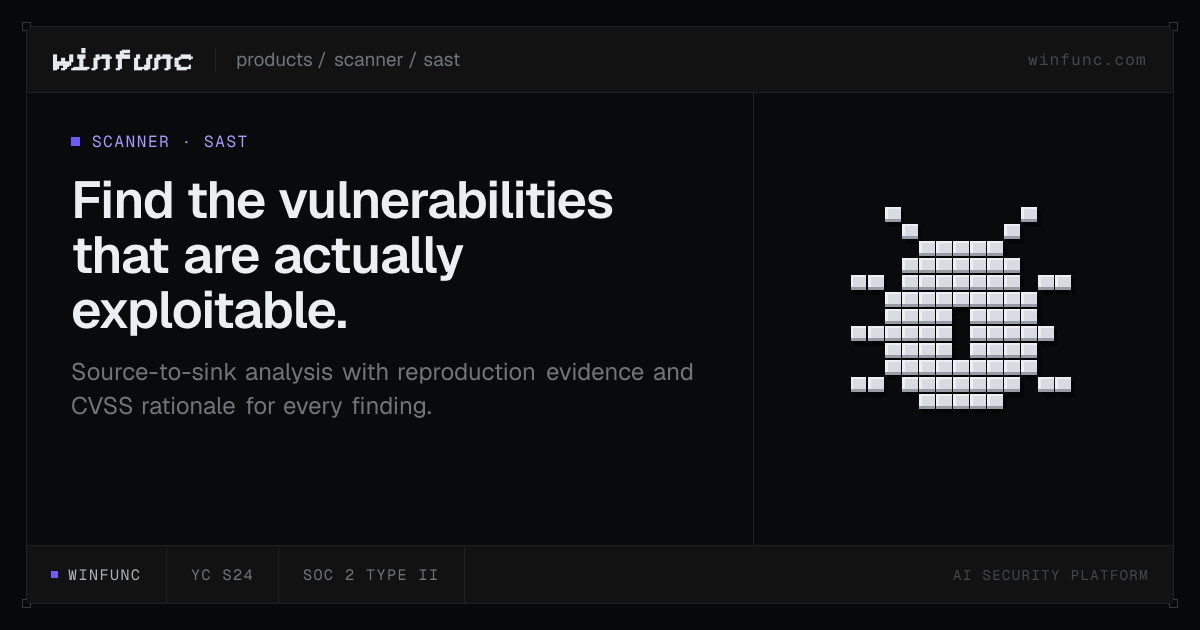
Winfunc is a cybersecurity tool. AI SAST scanner that follows attacker-controlled input to the vulnerable line across 25+ languages, attaches CVSS reasoning, traces and proof-of-concept evidence, groups findings into exploit chains and tracks each issue through a validated lifecycle.
Winfunc is an AI-driven static application security testing tool, usually shortened to SAST, that reads a repository and traces attacker-controlled input from its source down to the line where it becomes dangerous. The scanner works across the languages present in a codebase, covering more than 25 of them, from C, C++, Rust, Go and Zig through Java, Kotlin, C#, Python, Ruby, PHP, TypeScript, Swift, Dart, Solidity, Haskell and Elixir. The product positions itself as unbounded by a fixed rule set, meaning findings come from multi-phase analysis of the code rather than from pattern matching against a catalogue of known signatures. Each report is built as evidence rather than a bare alert. Findings carry source-to-sink data-flow traces anchored to lines of code, a CVSS vector with the reasoning behind every severity score, and a confidence score. Where testing falls inside scope, the scanner supplies reproduction steps or proof-of-concept evidence, and it labels observed behavior separately from inferred impact so a reviewer can tell what was actually proven. Authorization, tenant-boundary and business-logic review extend the analysis past classic injection bugs into account takeover paths, permission bypasses and payment-logic flaws, which is where the company's published findings sit. Related issues are grouped into exploit chains, so a low-severity gadget that opens a critical path is reported as part of that path. The tool is aimed at security engineers, AppSec teams and development groups that already run a scanner and are tired of triaging noise. Practically, it audits either a whole revision or only the files that changed, pins every finding to the revision where it appeared, and runs duplicate detection with similarity scoring across scans. A status workflow moves items from pending through validated and accepted to resolved, with validation notes, timestamps and exports keeping the audit trail intact. Filtering by severity, confidence, revision and status supports that triage. Companions products cover automated fixes delivered as pull requests and pull request security checks. Adoption typically starts with a scoped audit of one repository alongside Winfunc's own security engineers, and public findings are available for inspection before any commitment.
Support is channelled through security engineers: a demo call is the route to scoping a first repository audit, and findings arrive with traces and patches ready for review.
Multi-phase analysis with source-to-sink data-flow tracing anchored to code lines, CVSS vectors with severity rationale, confidence scores, reproduction or proof-of-concept evidence where testing is in scope, authorization and business-logic review, exploit chain grouping, duplicate detection across scans, incremental and full revision scans, and a status workflow from pending to resolved.
 AI Angels400+ customizable AI girlfriends for NSFW chat, voice calls, and roleplay
 Candy AIExperience the future of companionship with AI friends who chat, role-play, and connect with you on a human level.
 ourdream.aiA vast AI roleplay platform with millions of characters for chat, images, video and voiceAI Angels400+ customizable AI girlfriends for NSFW chat, voice calls, and roleplayCandy AIExperience the future of companionship with AI friends who chat, role-play, and connect with you on a human level.ourdream.aiA vast AI roleplay platform with millions of characters for chat, images, video and voice