Free trial
A free tier exists for creators exploring AI powered VFX. It is obtained by opening the compare page and selecting Access now. The homepage does not describe it as a time limited trial.
Learn moreAI visual effects and 3D scene creation for filmmakers
Own Wonder Dynamics? Verify ownership to get a dofollow link

Wonder Dynamics is a replace character in video tool. Autodesk Flow Studio (formerly Wonder Studio) converts live action footage into editable CG scenes with markerless AI mocap, camera tracking, clean plates and USD exports to Maya, Blender, Unreal or 3ds Max, plus an AI workspace for 3D characters, image and video generation.
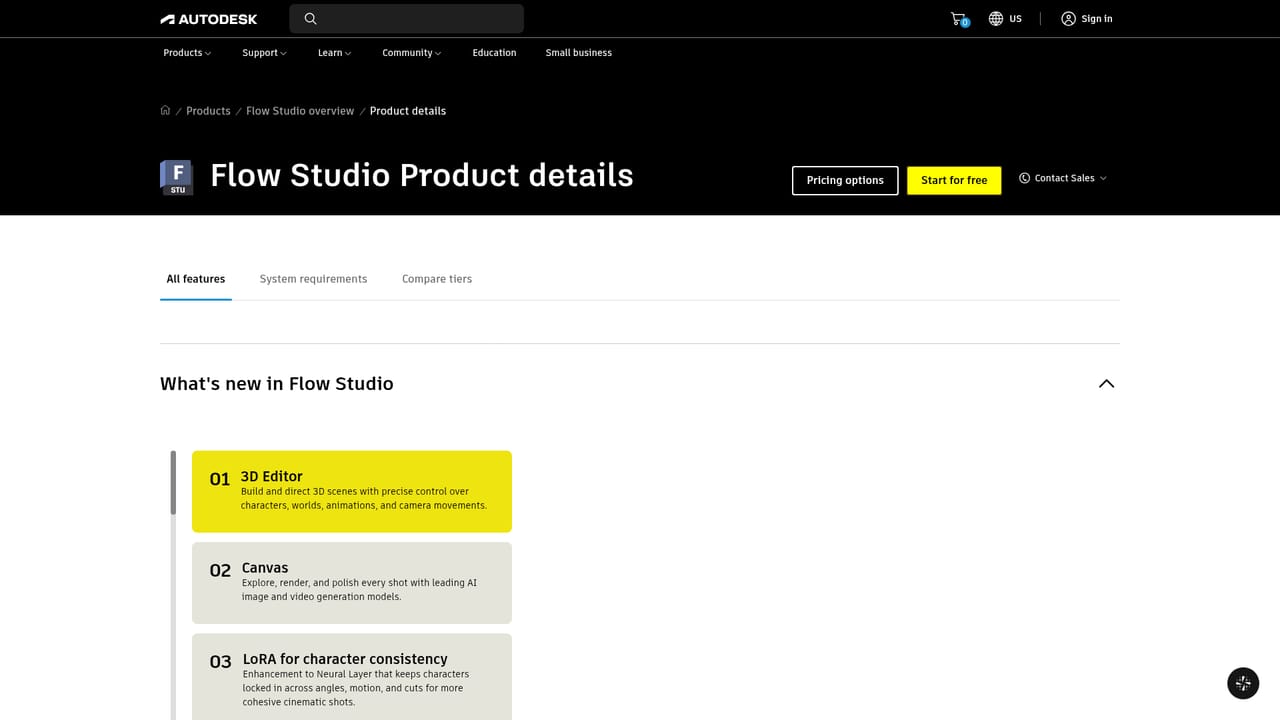
Autodesk Flow Studio, previously known as Wonder Studio, is a cloud based 3D toolset for turning live action footage into editable CG scenes. The platform analyzes a clip and automatically produces motion capture data, camera tracking, alpha masks, clean plates and character passes. Those elements arrive as editable material rather than a flattened render, so a shot can be relit, recomposed and refined inside Maya, Blender, Unreal Engine or 3ds Max through USD. Markerless mocap captures body, face and hand performance from ordinary footage, which removes the need for suits, markers or a dedicated capture stage. The product has expanded beyond its compositing origins into a broader creative workspace. A 3D Editor with a Canvas lets users generate and auto rig textured characters from text or images, then place them into shots and direct camera moves. Image, video and audio models are accessible in the same environment, including Nano Banana variants for stills and models such as Seedance, Wan and Flux for motion, with video runs of up to 30 seconds in 1080p and support for multiple multimodal references. Neural Layer with LoRA rendering aims to keep characters consistent across angles, motion and cuts. Text to speech with control over vocal style and pacing covers dialogue. Practically, the workflow suits independent filmmakers, VFX supervisors, animation studios and game teams that want AI assistance without surrendering final decisions. A typical pass starts with uploading footage, choosing a process such as AI Motion Capture or Video to 3D Scene, reviewing generated elements, then exporting to a preferred DCC tool. Autodesk positions this as controllable AI: the output is a starting point an artist can direct, not a one click result. The tradeoffs are real. It is a specialized production tool rather than a casual generator, the credit system meters heavier processes, and exports depend on USD capable software for serious refinement. Against generic text to video services, Flow Studio competes on editability and pipeline fit rather than raw generation speed.
A free tier exists for creators exploring AI powered VFX. It is obtained by opening the compare page and selecting Access now. The homepage does not describe it as a time limited trial.
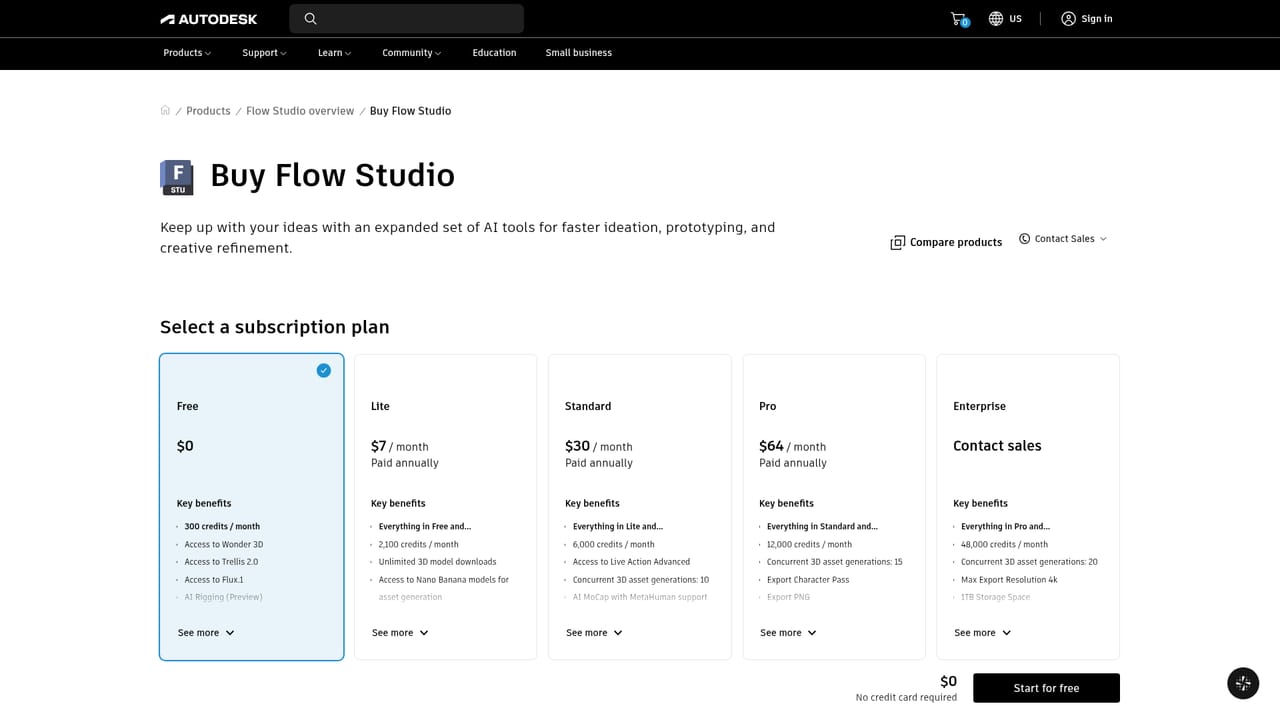
Learn moreFlow Studio uses a subscription model with a credit allowance each month, and credits are spent per second on processes such as AI Motion Capture, Live Action or Animation and Video to 3D Scene. Credits reset monthly. The homepage points to the compare tiers section for credit amounts per plan, but does not list prices.
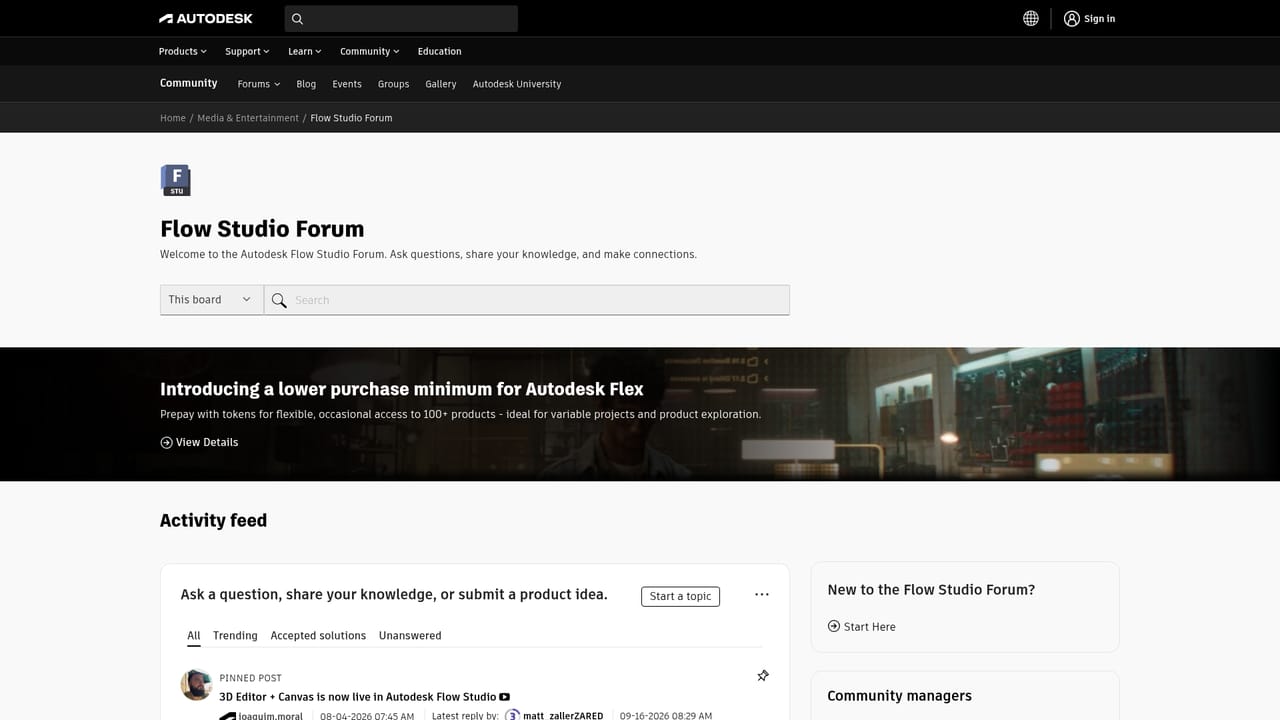
Learn moreSupport is available through Autodesk support pages, a dedicated Flow Studio forum for questions and tips, a media and entertainment blog, and a creators community group.
Learn moreExports to Maya, Blender, Unreal Engine and 3ds Max via USD, with output also usable in 3D printing software. The homepage does not list other third party integrations.
Learn moreMarkerless AI motion capture for face, body and hands; Video to 3D Scene reconstruction; automatic camera tracking, clean plates, alpha masks and character passes; 3D Editor and Canvas; text or image to rigged 3D characters; Neural Layer with LoRA for consistency; access to image, video and audio models including Nano Banana, Seedance, Wan and Flux; text to speech with multi-speaker control; USD exports.
Learn more AI Angels400+ customizable AI girlfriends for NSFW chat, voice calls, and roleplay
 Candy AIExperience the future of companionship with AI friends who chat, role-play, and connect with you on a human level.
 ourdream.aiA vast AI roleplay platform with millions of characters for chat, images, video and voiceAI Angels400+ customizable AI girlfriends for NSFW chat, voice calls, and roleplayCandy AIExperience the future of companionship with AI friends who chat, role-play, and connect with you on a human level.ourdream.aiA vast AI roleplay platform with millions of characters for chat, images, video and voice