Free trial
The homepage offers a free entry point through a Get WriteVoice Free button, but no trial length or free tier limits are stated.
Learn moreVoice dictation that cleans up your words before they land in the app

WriteVoice is an AI transcriber tool. An AI dictation keyboard for iPhone, iPad, Mac and the web that turns rough speech into formatted, tone-aware text inside apps like Slack, Gmail, WhatsApp and Notion, with meeting summaries, translations and one-tap rewrite commands.
WriteVoice is an AI dictation tool built around a custom keyboard. Rather than asking you to record a voice memo and clean it up later, it puts speech input directly inside whatever app you are already typing in, then passes the raw transcript through a language model that strips filler words, applies grammar and punctuation, and reshapes the result into usable text. The company pitches the core problem plainly: thumb typing on a phone runs around 30 words per minute while speech runs far faster, and the gap is where ideas get lost to autocorrect. The product leans on three behaviours. First, rough speech is accepted as-is, so false starts and rambling are expected input rather than a problem to fix. Second, the output is formatted: a spoken brain dump about a marketing plan comes back as a structured set of headings and next steps. Third, tone adapts to context, with the app detecting where you are writing and shifting register accordingly, so a LinkedIn post reads differently from a WhatsApp reply and differently again from a Gmail message. A set of rewrite commands (shorten, expand, fix grammar, emojify) sits on top for adjusting a draft without re-recording it. Longer sessions extend past single messages. WriteVoice handles meeting recordings and longer spoken notes, producing transcripts, summaries and action items, and it can translate conversations into more than 30 languages. Speaking is supported in 50 or more languages. Client apps exist for iPhone and iPad, a Mac desktop build and a browser version, and recordings sync across them, so a session can start on a phone and finish at a desk. The intended audience is broad: people who write for a living and want a first draft faster, founders and managers capturing meetings, clinicians and lawyers dictating confidential notes, and anyone who finds mobile keyboards the weakest part of their workflow. Compared with standalone transcription services that turn audio files into documents, WriteVoice competes closer to native dictation and keyboard replacements, trading file-based workflows for in-context insertion. The company states that audio and transcripts are processed in real time and never stored.
The homepage offers a free entry point through a Get WriteVoice Free button, but no trial length or free tier limits are stated.
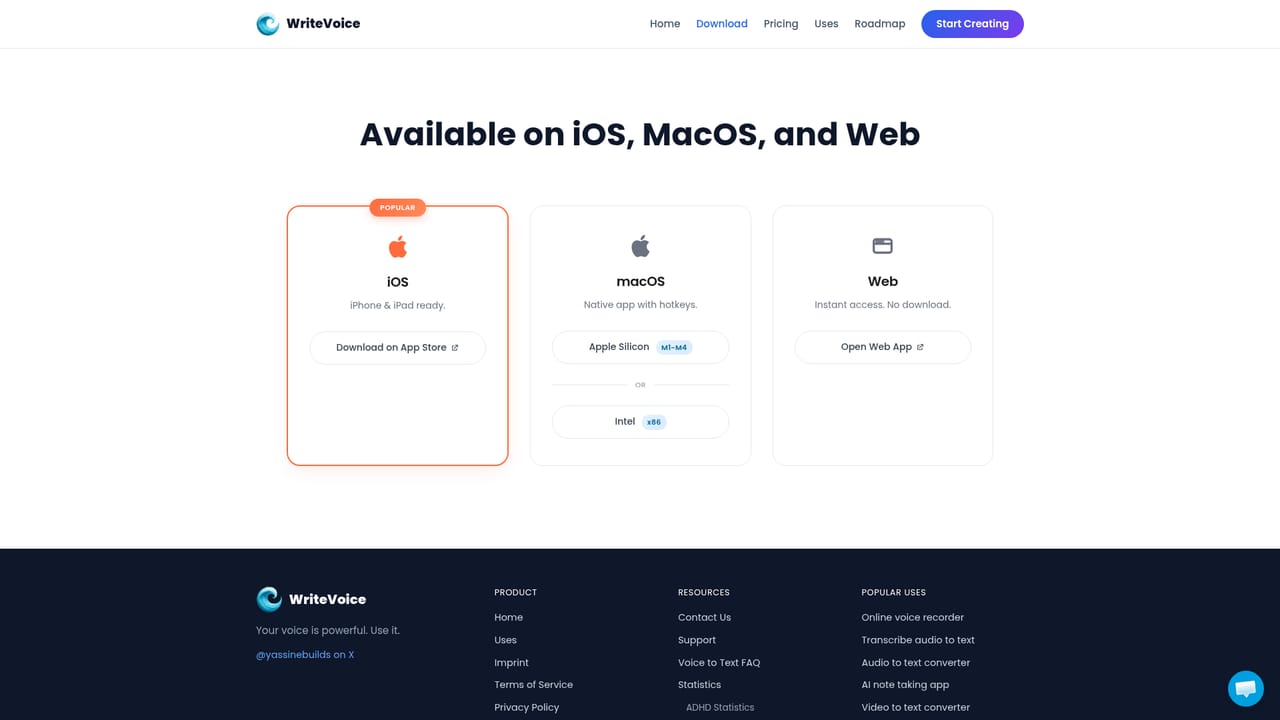
Learn moreWorks inside any app with a keyboard field, with Slack, Notion, Obsidian, WhatsApp, iMessage and Gmail named on the site. Sync spans iPhone, iPad, Mac and web.
AI dictation that removes filler words and applies grammar and punctuation, app-aware tone that adapts to LinkedIn, WhatsApp or Gmail, automatic structuring of spoken notes into headings and action items, rewrite commands for shortening, expanding, grammar fixes and emoji, meeting transcription with summaries and tasks, translation into 30 or more languages and speech recognition in 50 or more languages.
 AI Angels400+ customizable AI girlfriends for NSFW chat, voice calls, and roleplay
 Candy AIExperience the future of companionship with AI friends who chat, role-play, and connect with you on a human level.
 ourdream.aiA vast AI roleplay platform with millions of characters for chat, images, video and voiceAI Angels400+ customizable AI girlfriends for NSFW chat, voice calls, and roleplayCandy AIExperience the future of companionship with AI friends who chat, role-play, and connect with you on a human level.ourdream.aiA vast AI roleplay platform with millions of characters for chat, images, video and voice







