Support
Support runs through weekly Portal Office Hours with live demos and a Discord community for the beta. No documentation site or help centre is described on the homepage.
An agentic development environment with institutional memory for your codebase
Own Xirp by Spotify? Verify ownership to get a dofollow link

Xirp by Spotify is a developer tool. Spotify's agentic development environment that grounds coding sessions in your services, ownership, docs and architecture decisions. Workspace and automatic documentation keep context from disappearing, and Claude, Gemini and Codex can be swapped without losing it.
Xirp is an agentic development environment built by Spotify that aims to fix a problem most coding tools ignore. Generation is no longer the bottleneck: code ships faster and more services get built. What breaks is context. New engineers take months to ramp up, and AI agents make decisions that are technically correct yet operationally wrong because they do not know the system they are working inside. The knowledge exists, but it sits in Slack threads and in the heads of the few people who built a service years ago. Xirp treats that as a retrieval problem rather than a documentation problem. The product centers on three connected pieces. The agent is grounded in your services, ownership, dependencies and architectural decisions, so each session begins with the system rather than a single file. Workspace, a Spotify Portal plugin, keeps work items, sessions and docs in one shared place, so context survives when an engineer wraps up and the next person or agent picks the work up. Documentation is generated automatically from coding sessions and fed back into future ones, which keeps it current without asking engineers to stop and write. Xirp is a harness rather than a single model. Teams switch between Claude, Gemini and Codex without losing context, and sessions run locally or remotely. That vendor independence matters for organizations that do not want their institutional memory tied to one provider. The obvious audience is platform and infrastructure teams at companies large enough to have real service ownership maps and architecture decisions worth preserving. A single small project gains little from a context layer built on Portal. The beta is invitation based, with access requested through the join beta page, and a Portal instance is included with beta participation. Weekly Portal Office Hours and a Discord community carry much of the onboarding. Xirp is not a replacement for a general chat assistant or a lightweight editor plugin; it is closer to infrastructure for engineering organizations that already feel the cost of lost context.
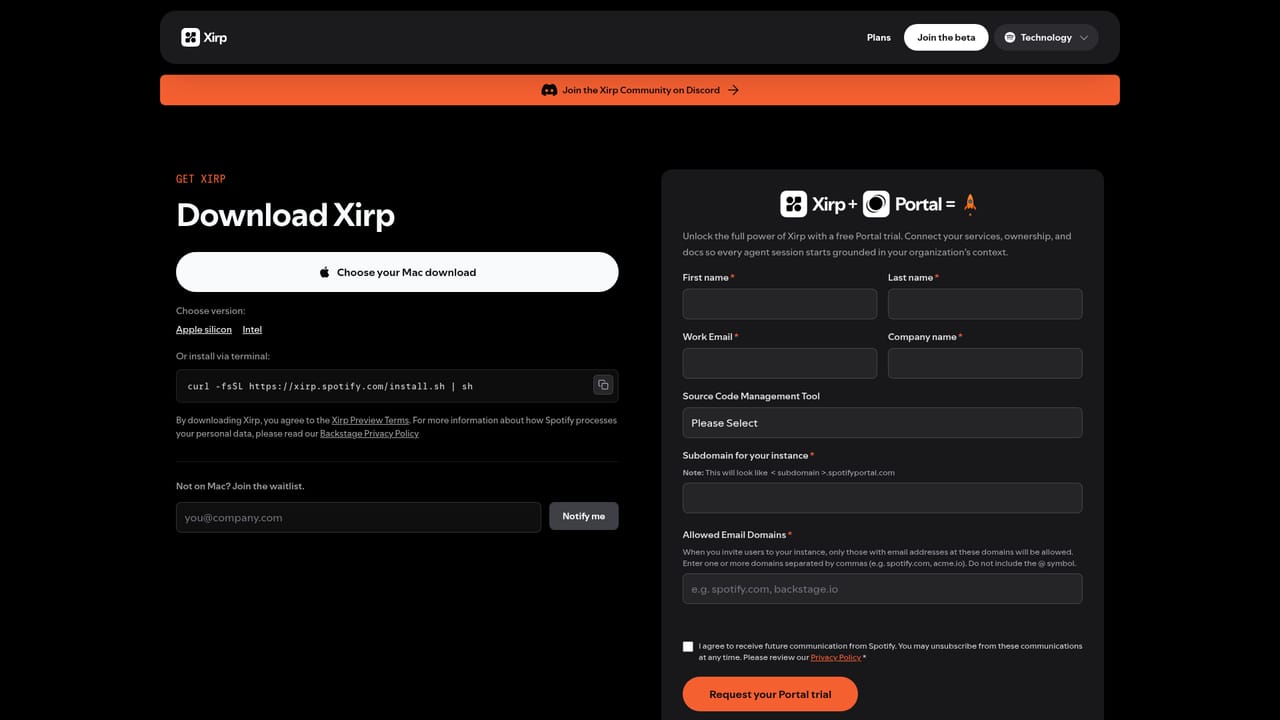
Support runs through weekly Portal Office Hours with live demos and a Discord community for the beta. No documentation site or help centre is described on the homepage.
Connects to Spotify Portal, which supplies the service, ownership and architecture context, and ships a Workspace plugin inside Portal. Supported models are Claude, Gemini and Codex.
Context-aware agent grounded in services, ownership, dependencies and architecture decisions. Workspace, a Portal plugin, stores work items, sessions and docs in one shared place. Documentation is generated from each coding session and fed back into future ones. Model selector switches between Claude, Gemini and Codex without losing context, and sessions run locally or remotely.
 AI Angels400+ customizable AI girlfriends for NSFW chat, voice calls, and roleplay
 Candy AIExperience the future of companionship with AI friends who chat, role-play, and connect with you on a human level.
 ourdream.aiA vast AI roleplay platform with millions of characters for chat, images, video and voiceAI Angels400+ customizable AI girlfriends for NSFW chat, voice calls, and roleplayCandy AIExperience the future of companionship with AI friends who chat, role-play, and connect with you on a human level.ourdream.aiA vast AI roleplay platform with millions of characters for chat, images, video and voice


