YouTube Scribe

Summaries and transcripts from YouTube videos, in your own language

Beginner
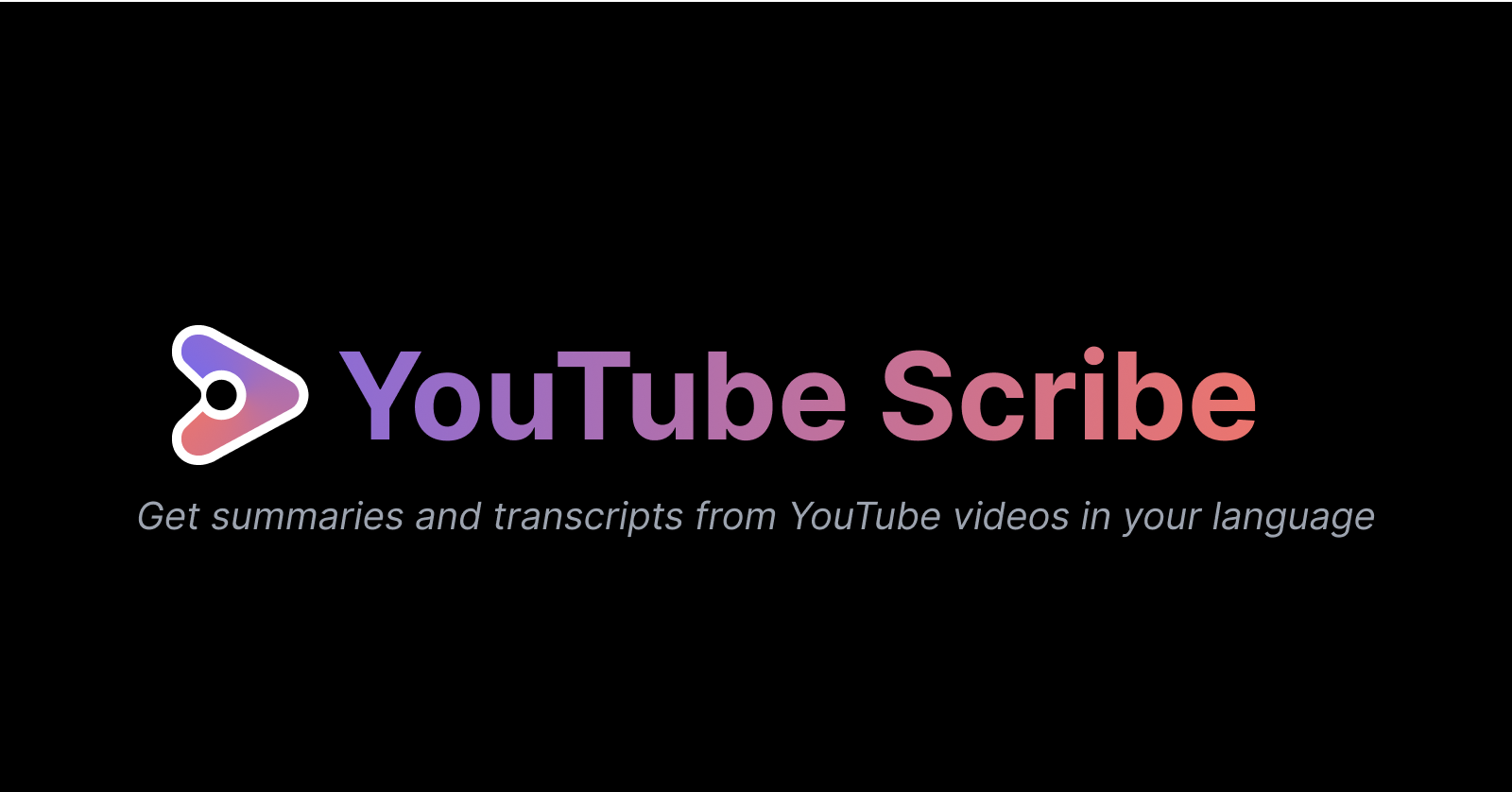
Screenshot of YouTube Scribe, Summaries and transcripts from YouTube videos, in your own language

What is YouTube Scribe?

YouTube Scribe is an instagram video transcript tool. A browser-based tool that returns a summary and a transcript for any YouTube video, delivered in the user's preferred language. Sign-in is required, and the scope is deliberately narrow: two outputs, no editing suite.

YouTube Scribe is a small web service with a narrow, clearly stated job: it takes a YouTube video and returns two things, a summary of the content and a full transcript. The output is delivered in the user's own language, which is the detail that separates it from the pile of English-only summarizers. For anyone who regularly faces a 40 minute talk, interview or tutorial in a tongue they do not read comfortably, that combination of summarise plus translate is the whole value proposition. The workflow is as simple as the tool itself. A visitor lands on the page, signs in to use the service, and supplies the video they want processed. There is a demo video linked from the homepage for people who want to see the output format before committing an account. Everything runs in the browser; there is no desktop client, no extension and no plugin to install. The natural audience is students working through foreign-language lectures, researchers skimming conference recordings, and professionals monitoring channels that publish outside their native language. It also suits people who prefer reading to watching: a transcript is easier to search, quote and archive than a video timeline. Where it fits is the lighter end of the market. General summarizers such as ChatGPT and Claude can digest a pasted transcript but leave the fetching and the translation to you, and dedicated transcription suites charge for minutes processed and bundle export formats, speaker labels and team workspaces. YouTube Scribe keeps the scope to two outputs and leans on language coverage as its differentiator. The trade-off is depth: there is no visible handling of playlists, timestamps or multi-speaker attribution described on the homepage, and the sign-in wall means the tool is not a zero-friction paste-and-go utility. It is a focused single-purpose product from an independent developer, and it should be judged as one.

How do you use YouTube Scribe?

  1. 1Open the YouTube Scribe homepage
    Go to shoki.app in any modern browser. The page presents the service and a sign-in prompt; there is nothing to download or install.
  2. 2Watch the demo video first
    A demo recording is linked from the homepage and shows the summary and transcript output in practice. Worth a minute if you want to judge the format before creating an account.
  3. 3Sign in to unlock the service
    Use the sign-in option on the homepage. The tool will not process a video until you are authenticated, so this step comes before any input.
  4. 4Submit the YouTube video you want summarised
    Once signed in, provide the video you need processed. The service returns a summary and a transcript, presented in your language.
  5. 5Read the summary, keep the transcript
    Start with the summary to decide whether the video warrants the full read, then use the transcript for exact quotes, notes or further searching.

Pros and cons

Pros

  • Combines summarisation with translation, so foreign-language videos become readable without a separate stepAI
  • Produces a full transcript alongside the summary, which is useful for quoting and searchingAI
  • Clear, single-purpose interface with no configuration or prompt engineering requiredAI
  • Demo video on the homepage lets visitors check the output style before signing inAI

Cons

  • Sign-in is mandatory before any video can be processed, so there is no quick anonymous trialAI
  • The homepage does not state supported languages, video length limits or processing timesAI
  • No mention of timestamped transcripts, speaker labels or playlist handlingAI
  • Pricing and plan details are not published on the homepage, so cost has to be discovered after registeringAI

How much does YouTube Scribe cost?

Features

The core feature set is two outputs per video: a condensed summary and a complete transcript, both rendered in the user's own language. Processing runs entirely in the browser after sign-in, with no installation step. A demo video on the homepage illustrates the output. The homepage does not describe video length caps, language coverage, export formats or bulk processing.

Frequently asked questions about YouTube Scribe

  • How do you use YouTube Scribe?
    The walkthrough on this page covers 5 steps: 1. Open the YouTube Scribe homepage 2. Watch the demo video first 3. Sign in to unlock the service 4. Submit the YouTube video you want summarised 5. Read the summary, keep the transcript.
  • What platforms does YouTube Scribe support?
    YouTube Scribe is available on Web App.
  • What are the limitations of YouTube Scribe?
    Sign-in is mandatory before any video can be processed, so there is no quick anonymous trial. The homepage does not state supported languages, video length limits or processing times. No mention of timestamped transcripts, speaker labels or playlist handling.

Status

StatusActive
Views0
Outbound clicks0
Added10/21/2026

Platforms

Web App

Pricing

Free