Pricing
Core Shorts downloading is free. A paid subscription unlocks premium features such as 4K downloads and the AI watermark remover. Specific prices are not stated on the homepage.
Learn moreShorts downloader with MP3 export and AI script remixing
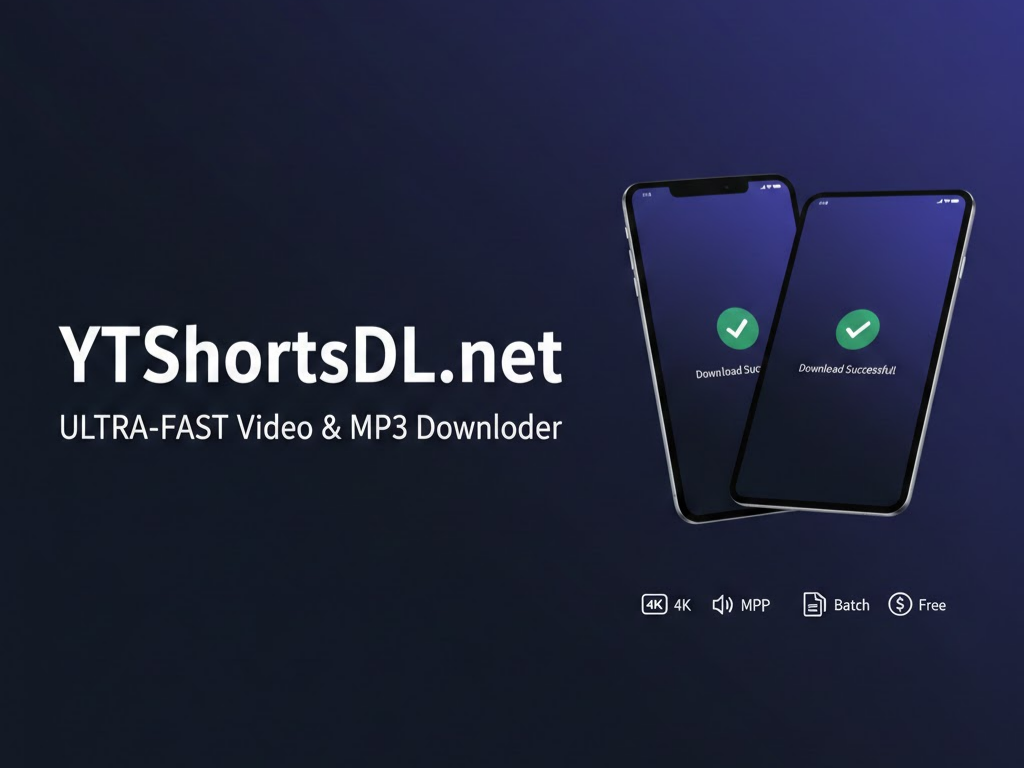
YTShortsdl is a web-based YouTube Shorts downloader that exports MP4 and MP3 files, then adds AI tools for transcripts, video-to-script conversion and script rewriting. Core downloads are free; 4K and watermark removal are paid.
YTShortsdl is a browser-based downloader for YouTube Shorts that saves a clip as an MP4 video or an MP3 audio track. The core flow is deliberately short: copy a Short's link, paste it into the box on the homepage, press Parse, and the file is saved to the device. A batch mode accepts up to three links at once, which helps when several clips need to be pulled in one sitting. What separates it from a plain downloader is the set of AI tools built around the file. A transcript panel shows the spoken text of a clip with copy, SRT and TXT options. A video-to-script converter turns a clip's audio into structured text, and a script generator rewrites that text into a tighter short-form script with a reworked opening hook. The site's own example shows a rambling how-to transcript becoming a punchy, emoji-laden script with numbered steps. These features are aimed at creators and social media managers who repurpose existing material for their own channels, as well as people who archive clips for reference. The free tier covers standard-quality downloads, and those files keep the original watermark. A paid subscription adds 4K downloads and an AI watermark remover, and the script remix feature is labeled as a pro option. Exact prices are published on a separate pricing page rather than on the homepage. Because everything runs on the web with server-side processing, nothing is installed, and the site states that it works on iOS, Android, Windows and Mac browsers. The operator also claims files are never stored and that conversions run faster than competing downloaders, though those figures are self-reported and not independently verified. Among alternatives, it sits between bare-bones Shorts downloaders and heavier repurposing platforms: lighter than a full editing suite, but with more writing assistance than most single-purpose download sites.
Core Shorts downloading is free. A paid subscription unlocks premium features such as 4K downloads and the AI watermark remover. Specific prices are not stated on the homepage.
Learn moreMP4 and MP3 downloads of YouTube Shorts, single or batch (up to 3) mode, transcript view with copy, SRT and TXT export, video-to-script converter, AI script generator and remix, plus paid 4K downloads and AI watermark removal.
 AI Angels400+ customizable AI girlfriends for NSFW chat, voice calls, and roleplay
 Candy AIExperience the future of companionship with AI friends who chat, role-play, and connect with you on a human level.
 ourdream.aiA vast AI roleplay platform with millions of characters for chat, images, video and voiceAI Angels400+ customizable AI girlfriends for NSFW chat, voice calls, and roleplayCandy AIExperience the future of companionship with AI friends who chat, role-play, and connect with you on a human level.ourdream.aiA vast AI roleplay platform with millions of characters for chat, images, video and voice


