Pricing
Each video is a one-time payment with no subscription. Exact prices are not stated on the homepage. A share reward refunds €5 to the original payment once a social post linking to yume.video is approved.
Learn more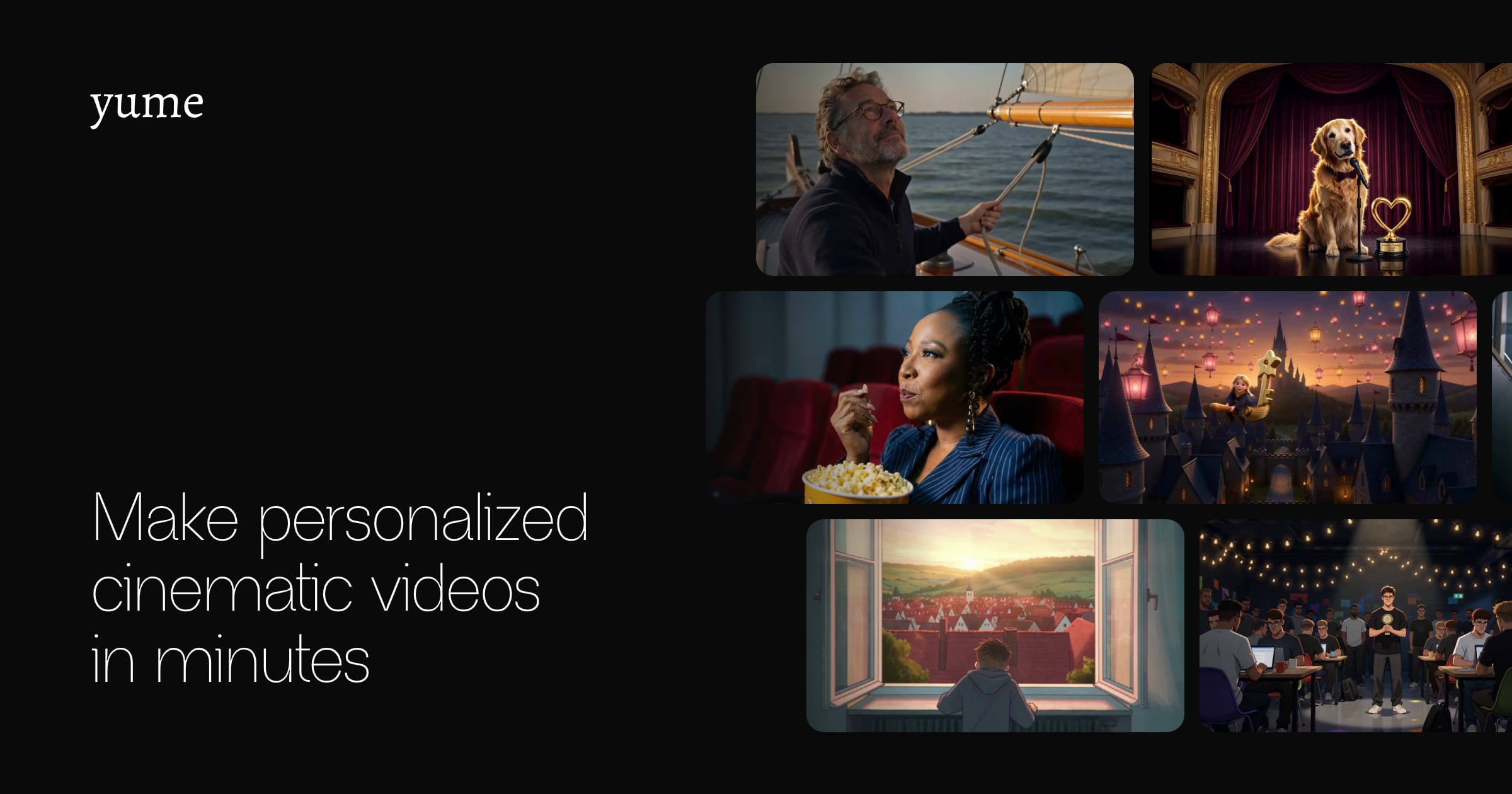
yume creates personalized cinematic videos from a chosen template, a few photos and some details, then emails the finished film in about 15 minutes. It is a one-time purchase with one included edit, aimed at career showcases and gifts.
yume turns a handful of photos and a few personal details into a finished cinematic video starring you or someone you know. The catalog is built from templates the founders write and direct themselves, covering formats such as a blockbuster-style career trailer, a career portrait, a football-style job signing announcement, a wildlife documentary take on a LinkedIn profile, an epic birthday trailer, an original song with its own music video, an animated adventure for a child, a pet speech, and a memory museum. The process has three steps. A buyer picks a template and pays once, with no subscription and no software to install. A short form then asks only for what that film needs, typically a few photos, a name and a language. For the career templates, a LinkedIn link fills in most of the answers. The service then writes, generates and edits the video and emails it, usually in about 15 minutes. Each purchase includes one edit: the buyer opens the video while signed in, describes the changes to an assistant, optionally adds new photos, confirms, and receives a revised version within minutes. A failed change does not use up the edit. The tool suits professionals who want a memorable intro or job-application piece, and people shopping for gifts such as birthdays or tributes to a partner, child or pet. Gift videos come with a shareable page that the recipient can watch and download without an account. A share reward refunds five euros when a buyer posts the video publicly and the post is approved. Within the AI video landscape, yume sits closer to a personalized-media service than to an open-ended generator or editor. Users do not write prompts, adjust timelines or choose models. The trade-off is creative range: output is limited to the templates on offer, which makes results predictable and quick but less flexible than prompt-driven video generators.
Each video is a one-time payment with no subscription. Exact prices are not stated on the homepage. A share reward refunds €5 to the original payment once a social post linking to yume.video is approved.
Learn moreContact is via hello@yume.video, which the founders say they read, and an FAQ covers how it works, timing, edits and gifting.
Learn moreDirected templates for career trailers, portraits, job announcements, birthday trailers, original songs with music videos, animated child adventures, pet speeches and memory museums. Includes a short input form, LinkedIn-based autofill for career videos, one included edit, and a shareable gift page.


