Free trial
A 7 day Pro trial is available to eligible new users in 21 listed countries, with no credit card required. VPN, proxy, and anonymous connections are not eligible.
Learn moreA proactive AI assistant that connects your work and personal life.

Zenfox is a proactive AI assistant for work and personal life. It connects the calendars, messages, files, and apps you approve, spots conflicts and opportunities, and proposes next steps before you ask. It also places voice calls and takes actions through your phone and computer.
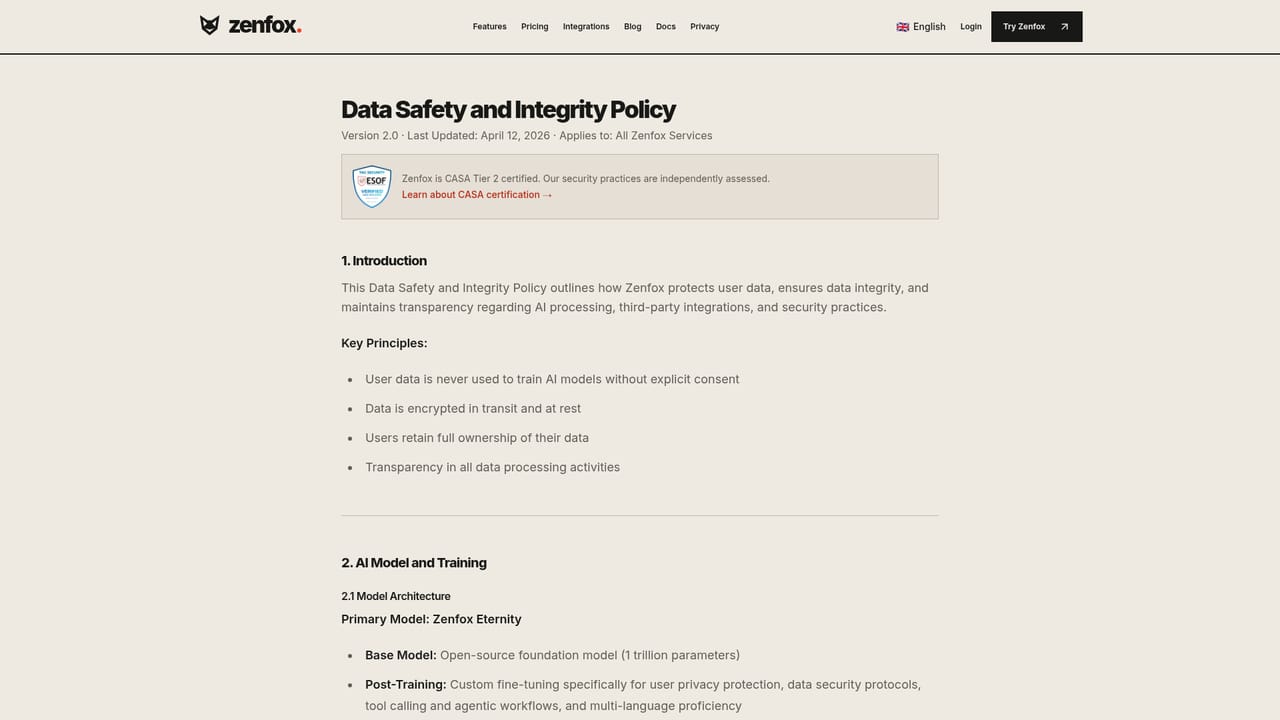
Zenfox is an AI assistant built around a single idea: it should surface the useful thing before you think to ask for it. The product spans personal and professional life, taking context from the apps and calendars you choose to connect, then looking for conflicts, loose ends, and opportunities. A typical demonstration involves a client whose priorities have shifted; Zenfox links the new request to the existing proposal and the upcoming meeting, then proposes a narrower scope and a revised brief ahead of the call. The same reasoning is applied to personal matters such as trips, appointments, and learning projects. Mechanically, the assistant follows a three part loop of understand, think, act. You grant access to calendars, messages, files, notes, and preferences. Zenfox interprets that context, generates suggestions without a prompt, and can then carry out practical steps through your phone, computer, and connected apps: arranging travel, booking a service, preparing a meeting, or drafting a follow-up. Voice is a first class channel, with calls, voice notes, and text messages flowing into a shared workspace that holds conversations, knowledge, data, AI workers, automations, and small self-built apps. It suits people who juggle demanding work alongside a full personal schedule and want one assistant rather than two disconnected tools. The pricing puts it well above general chatbots, and the Pro tier caps managed projects and AI workers, so it is aimed at users who expect to lean on it daily rather than occasionally. Compared with prompt-driven assistants, the differentiator is the proactive layer: the assistant monitors what you nominate and reports back between conversations. Privacy controls are unusually explicit for the category, with regional data storage, AES-256 encryption at rest, TLS in transit, no training on your conversations or files, and revocable app access.
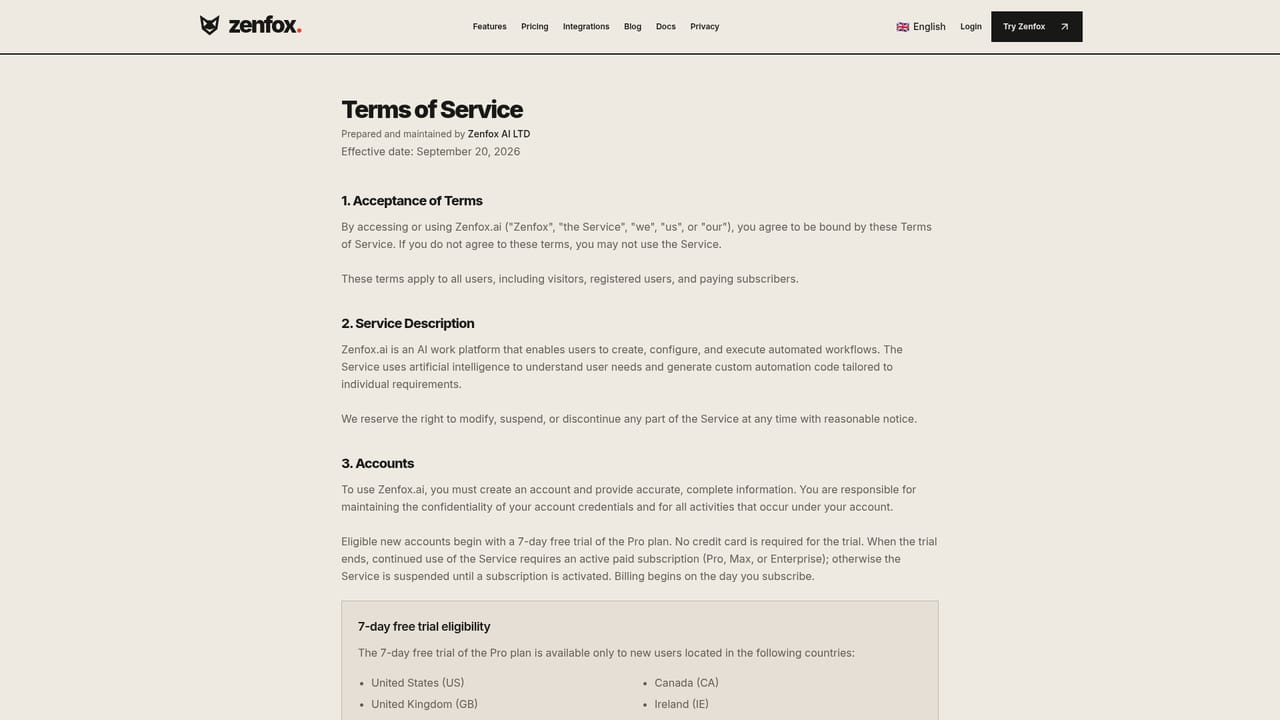
A 7 day Pro trial is available to eligible new users in 21 listed countries, with no credit card required. VPN, proxy, and anonymous connections are not eligible.
Learn morePro costs $29 per month with deep research, instant apps, connected apps, 15 managed projects, and 5 AI workers. Max costs $99 per month with 20 times the Pro usage capacity, unlimited managed projects, 20 AI workers, team collaboration, and priority support. Yearly billing gives 2 months free. Enterprise is quoted on request.
Learn moreMax includes priority support. Enterprise adds dedicated capacity, deployment options, and organizational support, scoped through the sales team.
Zenfox connects to the personal and work apps you choose (calendars, messages, files, and notes) and can act through your phone and computer. Access can be revoked per app.
Proactive suggestions based on connected context, deep research, instant apps, managed projects, AI workers for recurring tasks, automations, a shared workspace for conversations and knowledge, voice calls and voice notes, and actions carried out through your phone, computer, and apps.
 AI Angels400+ customizable AI girlfriends for NSFW chat, voice calls, and roleplay
 Candy AIExperience the future of companionship with AI friends who chat, role-play, and connect with you on a human level.
 ourdream.aiA vast AI roleplay platform with millions of characters for chat, images, video and voiceAI Angels400+ customizable AI girlfriends for NSFW chat, voice calls, and roleplayCandy AIExperience the future of companionship with AI friends who chat, role-play, and connect with you on a human level.ourdream.aiA vast AI roleplay platform with millions of characters for chat, images, video and voice


