Free trial
A free Starter plan is available permanently for one user, with 10 metrics and 1,000 AI Analyst questions per month. Access is requested through the signup form rather than granted instantly.
Learn moreAutomated BI dashboards and a conversational AI analyst for your warehouse

Zetta is an automated BI platform that turns a connected cloud data warehouse and a set of defined metrics into generated dashboards, AI written insights, and a conversational analyst that answers questions in plain language. It targets founders, data teams and business users who want reporting without manual chart building.
Zetta is an automated business intelligence platform built around the idea that most companies should not need a dedicated data team to see how the business is performing. Instead of hand building charts, users connect a cloud data warehouse and define their key metrics in a central Metrics Builder. Zetta then generates dashboards and written insights from those definitions, so every report in the workspace traces back to the same agreed numbers rather than a dozen slightly different spreadsheet versions. The product bundles three main pieces. Automated dashboards provide visualizations across company KPIs without any chart construction. An AI Analyst answers natural language questions about the data, with monthly question allowances that vary by plan. An insights layer surfaces root causes and trajectory for tracked metrics, which is aimed at founders preparing board or investor updates. The metrics you define carry documentation alongside them, which is how Zetta tries to eliminate the inconsistency problem that plagues shared reporting. The audience splits three ways on the company's own framing: founders and solo operators who want a fast analytics setup, data teams who have already modeled their warehouse and would rather stop maintaining dashboards, and business users who want to explore numbers without filing ad hoc requests. Connecting Snowflake, BigQuery or Redshift is the core path on the lower tiers, while the Enterprise plan adds 350 or more connectors, Zetta managed warehouse setup, and access to fractional data experts. Competitively, Zetta sits between traditional BI tools that require an analyst to build and maintain everything, and pure text-to-SQL assistants that answer a question but leave no governed metric layer behind. It is closest in spirit to newer automated BI startups, with the Enterprise tier adding a managed service angle that most self-serve analytics products do not offer. Teams that already have mature dashboards and a happy analytics function will find less to gain here than early stage companies starting from scratch.
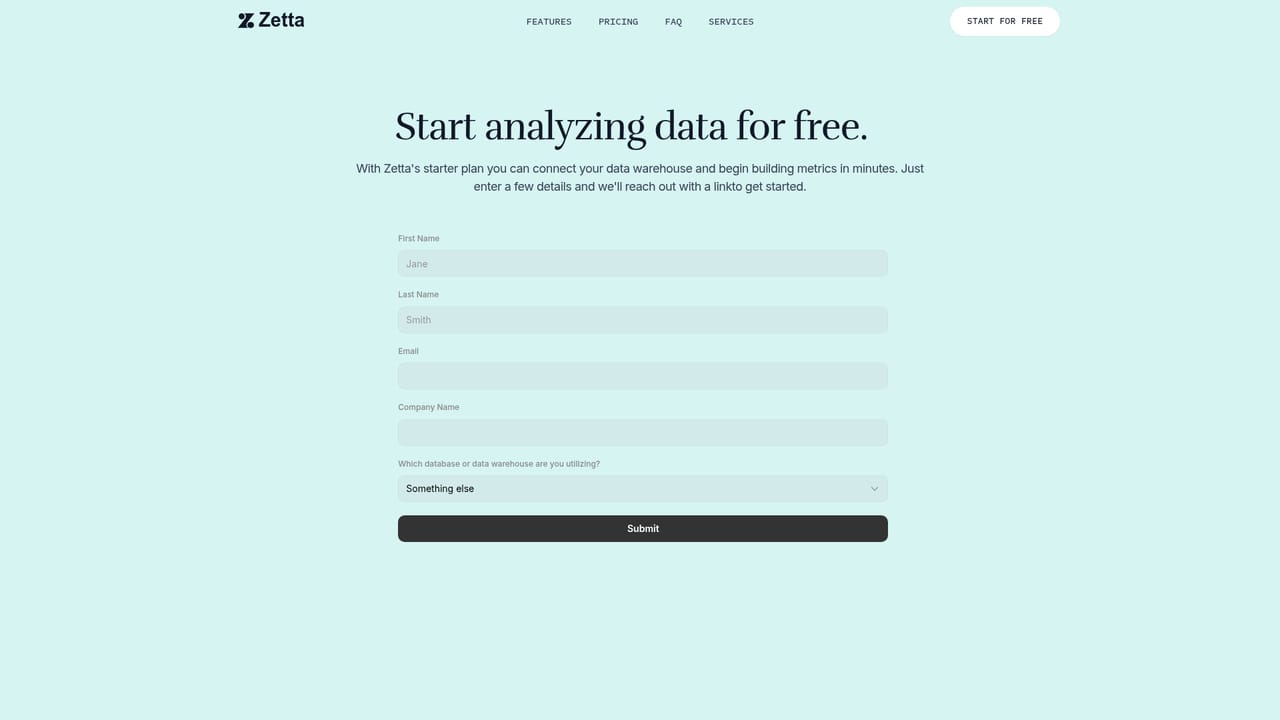
A free Starter plan is available permanently for one user, with 10 metrics and 1,000 AI Analyst questions per month. Access is requested through the signup form rather than granted instantly.
Learn moreThree tiers. Starter is free for one user, 10 metrics and 1,000 AI Analyst questions per month. Growth costs $100 per month plus $3 per user per month billed annually, with unlimited users and metrics and 10,000 questions. Enterprise is custom priced and adds 350 or more connectors, a Zetta managed warehouse and fractional data experts.
Learn moreThe company offers help with initial setup and accepts requests for feature enhancements. General questions go to the team by email, and Enterprise customers get access to fractional data experts.
Learn moreStarter and Growth connect to Snowflake, BigQuery and Redshift. The Enterprise plan expands to 350 or more connectors including Salesforce, HubSpot and advertising platforms, plus a data warehouse managed by Zetta.
Automated dashboards generated from connected warehouse data, a Metrics Builder that stores definitions and documentation in one place, AI powered insights covering root causes and KPI trajectory, a conversational AI Analyst for plain language questions, custom dashboards on paid tiers, and a prebuilt ARR dashboard library for Stripe and Chargebee on Enterprise.
 AI Angels400+ customizable AI girlfriends for NSFW chat, voice calls, and roleplay
 Candy AIExperience the future of companionship with AI friends who chat, role-play, and connect with you on a human level.
 ourdream.aiA vast AI roleplay platform with millions of characters for chat, images, video and voiceAI Angels400+ customizable AI girlfriends for NSFW chat, voice calls, and roleplayCandy AIExperience the future of companionship with AI friends who chat, role-play, and connect with you on a human level.ourdream.aiA vast AI roleplay platform with millions of characters for chat, images, video and voice


